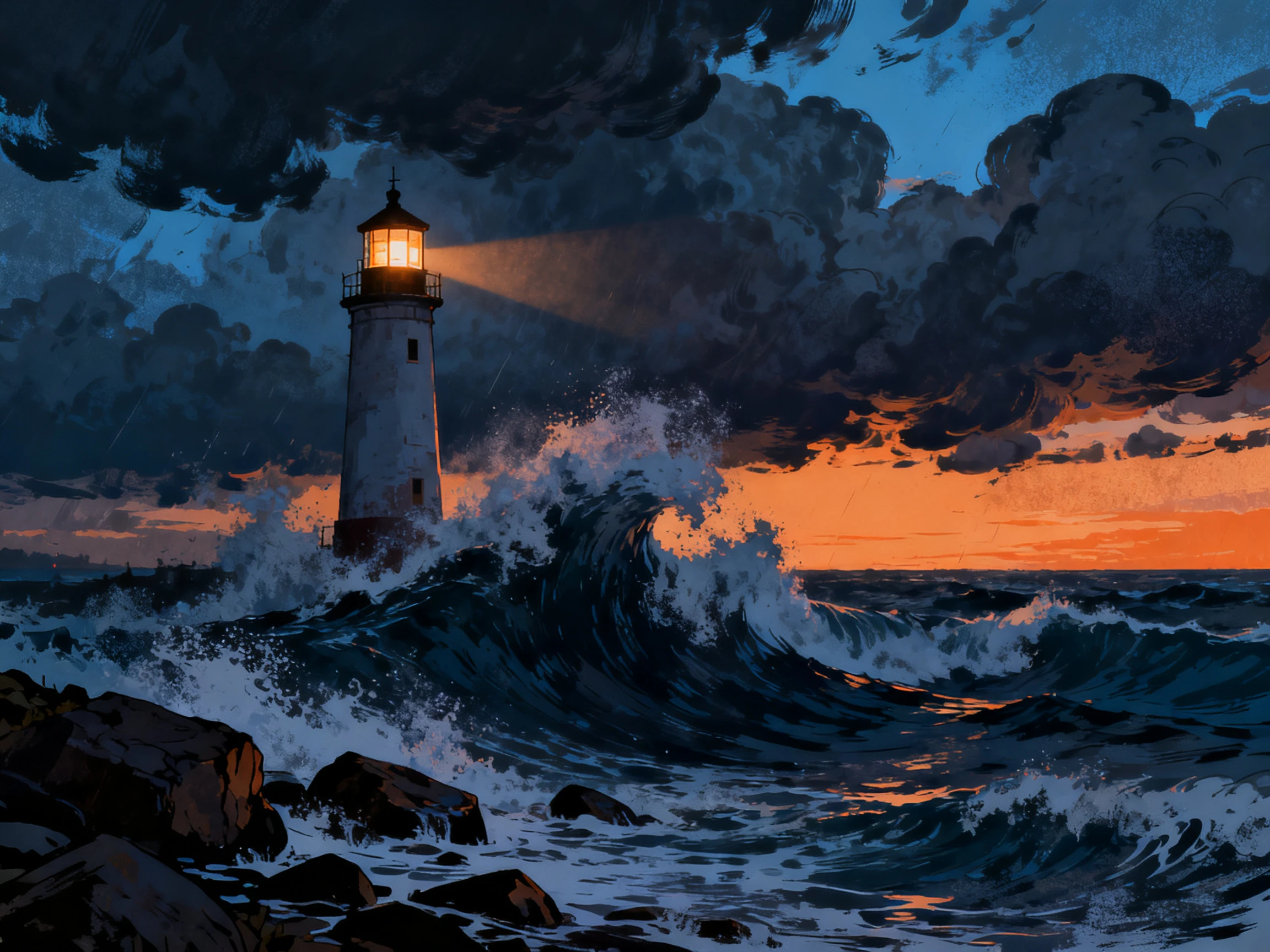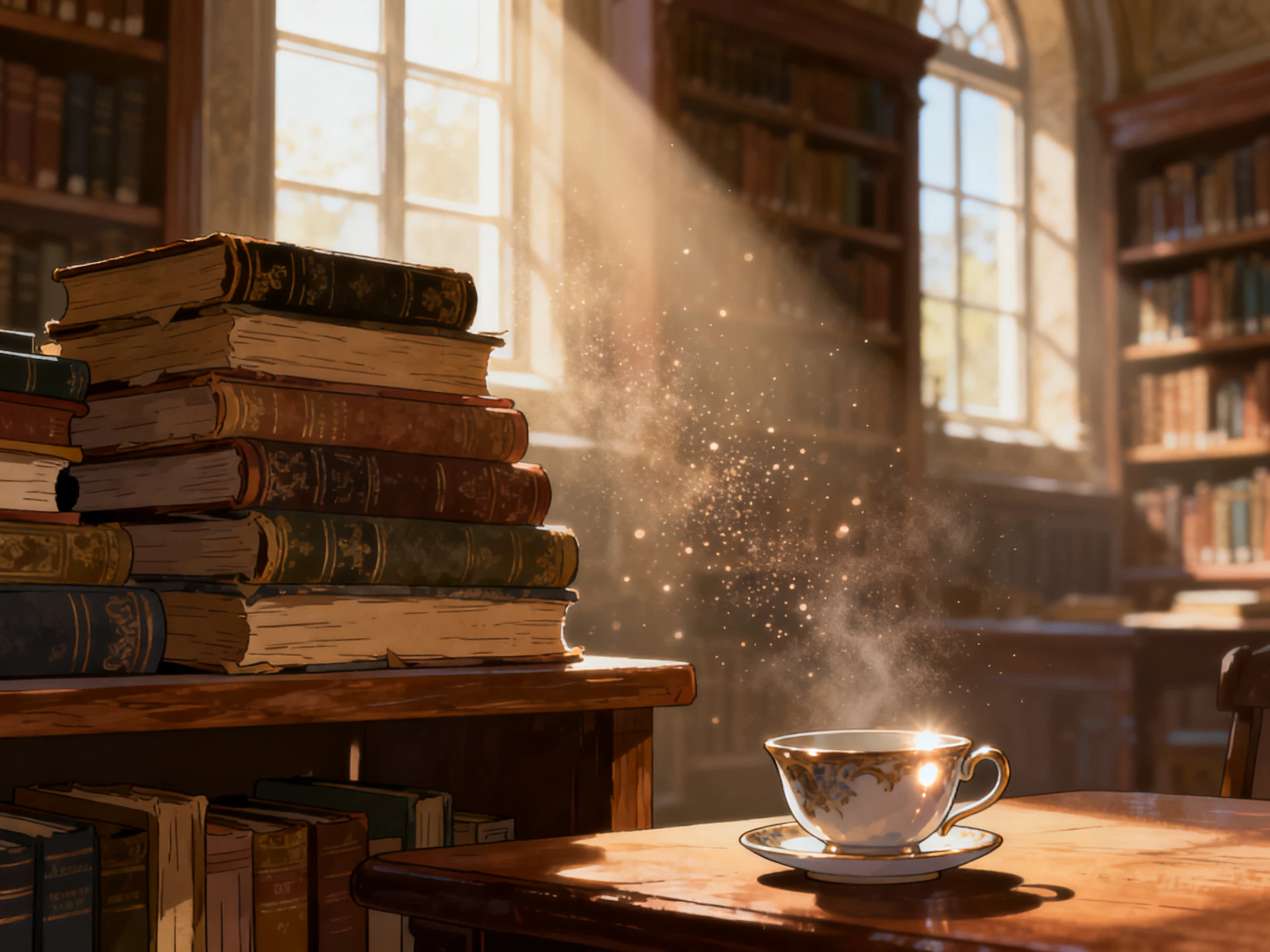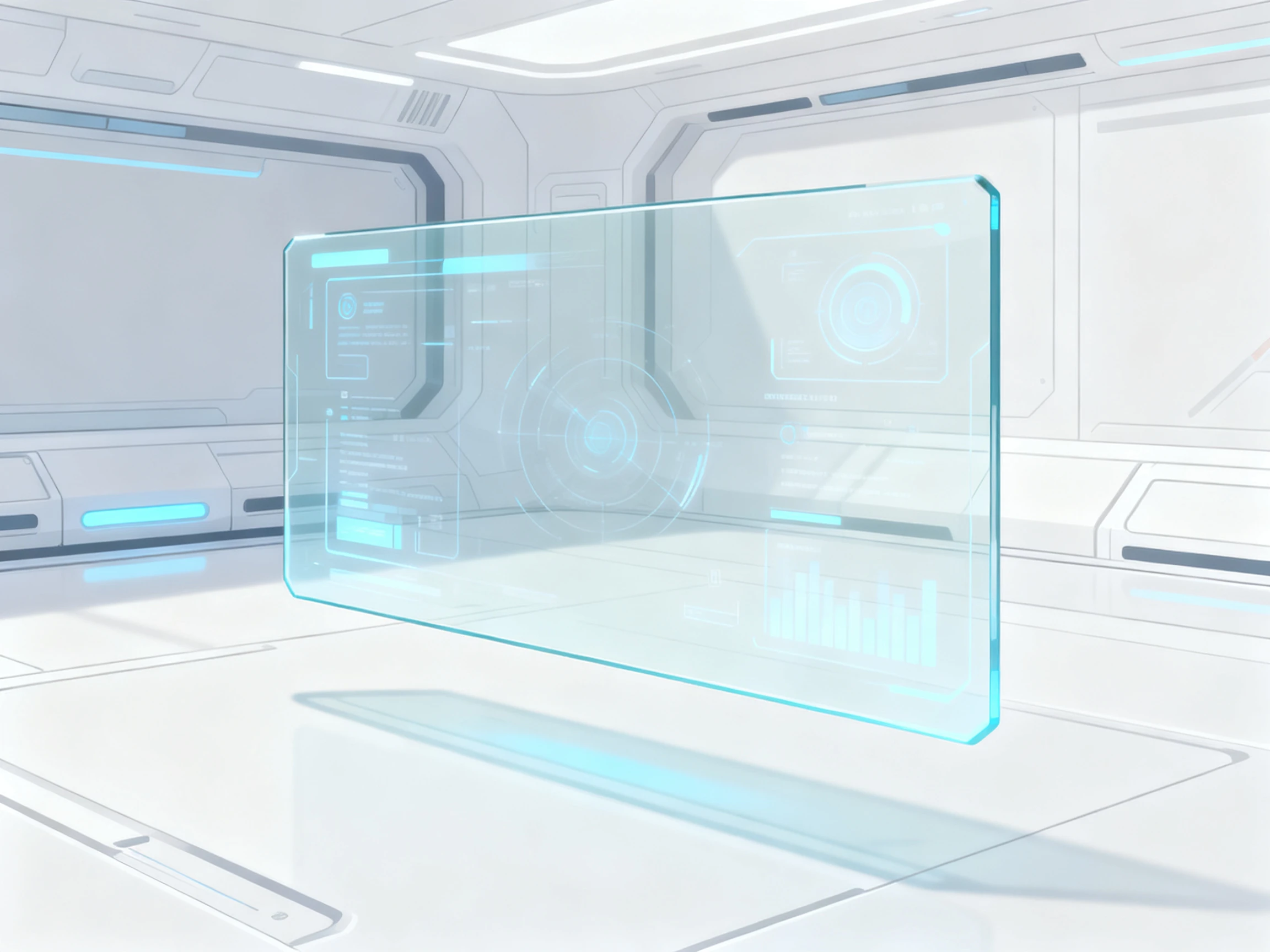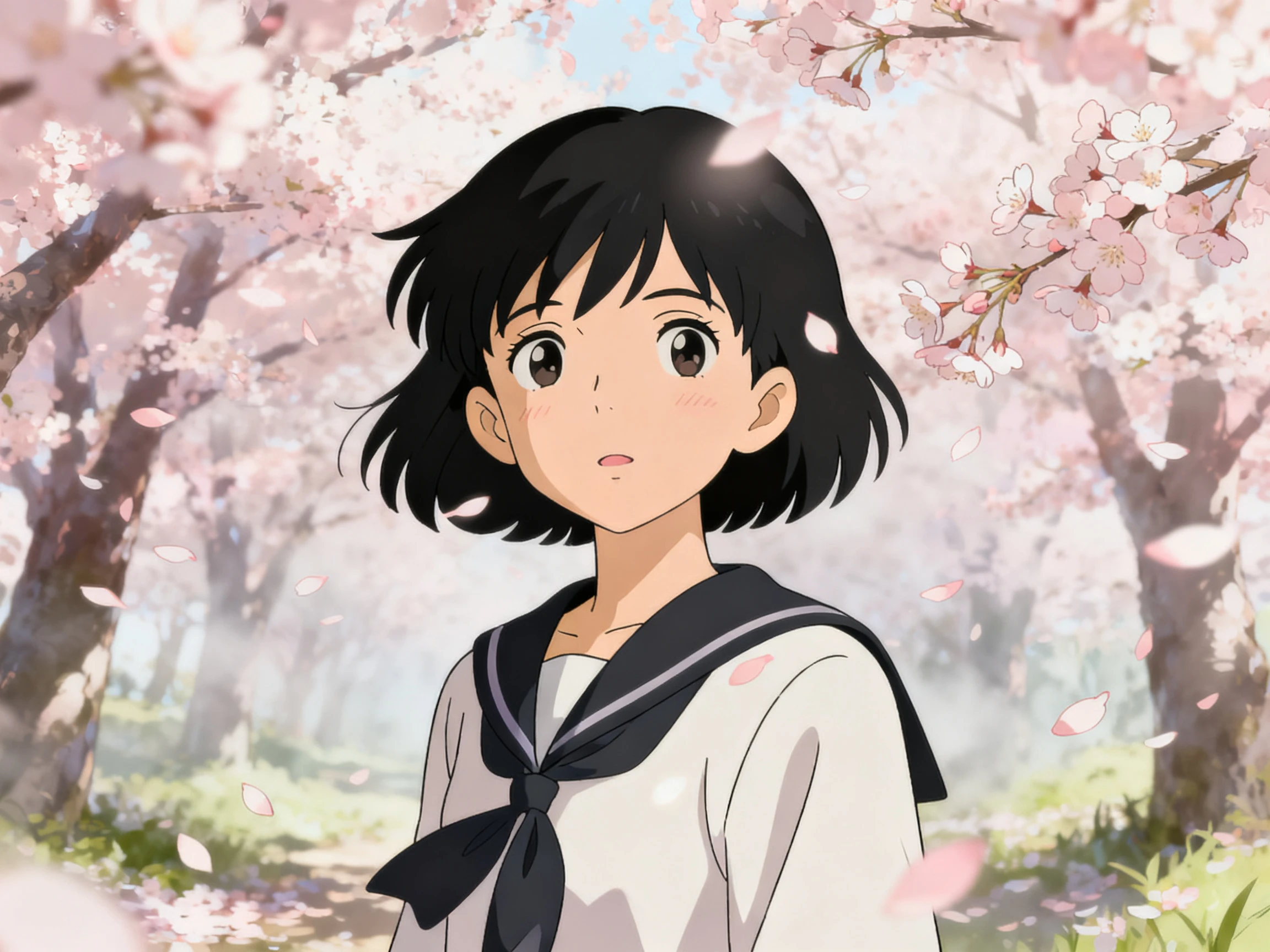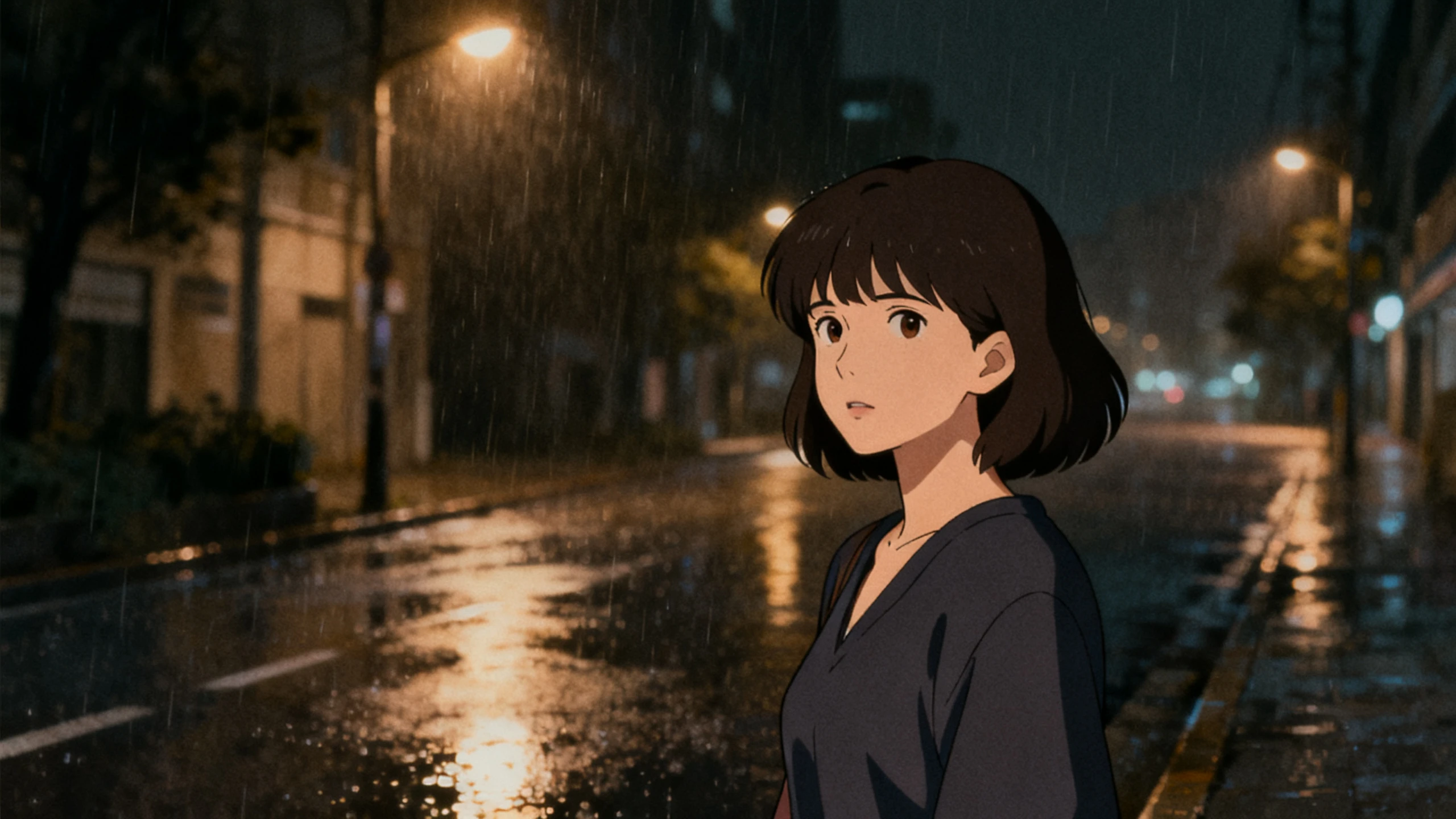









Your story can become a complete 2D animated video from one new prompt. Magiclight AI handles characters, scenes, poses, and the visual style. No drawing experience is required.
Top Features of the MagiclightAI 2D Animation Video Generator
The Magiclight AI 2D animation video generator free takes your script from an idea to a full 2D animation. Set the visual style, arrange the scenes, and control each character's pose.
50-Minute 2D Stories From One Prompt
Describe your full 2D story in up to 12,000 characters, giving Magiclight AI enough detail for the plot and scenes. One finished animated video can run for up to 50 minutes from a single story idea.
In 2D, there is no rig or lighting to hide behind at all. Give every shot its own pose and expression from the 50 presets, because on a flat drawing, that is the entire performance.
Magiclight AI includes 14 story models, including GPT-6 Astra, Claude Opus 4.7, and more. Each model can take your 2D animation in a different direction while keeping the original story in place.
Save your 2D character once and reuse the same design throughout the story. Magiclight AI keeps the face, clothing, and appearance consistent as that character moves between different scenes.
Who Can Use the Magiclight AI 2D Animation Video Generator
From explainers and campaigns to safety training and onboarding, the AI 2D animation video generator gives each idea a finished animated video.
For Product Explainers
Cover the full process with up to 12,000 characters in your script.
Show steps or screens that would be difficult to film in person.
Create proper stories with 14 different AI story models.
For Nonprofit Campaigns
Explain sensitive topics without showing disturbing real footage.
Reuse the same campaign video across all 11 supported languages.
Export in 9:16 for social media or 16:9 for widescreen platforms.
For Health Training Videos
Present accidents without putting a real person in any actual danger.
Set each shot with a new pose from the 50 available pose presets.
Use captions in 16 subtitle styles so training stays easy to follow.
For Onboarding Sequences
Reuse the same presenter character across every training module.
Pick narration from the 37 available voices inside Magiclight AI.
Export videos at 1080p for your team's chosen learning platform.
How to Use the Magiclight AI 2D Animation Video Generator
Create your 2D animated video in 4 simple steps with the 2D animation AI video generator.Add your script, select a flat style, set the poses, and finish with subtitles in Magiclight AI.
1.
Step 1. Add Your 2D Animation Script
Enter your complete story or script of up to 12,000 characters. Magiclight AI uses your text to plan the scenes and decide what happens throughout the 2D animation.
2.
Step 2. Choose Your 2D Animation Style
Select the flat 2D style you want for your video. Pick the characters and visual direction that fit your story before moving to individual scenes.
3.
Step 3. Set Each Pose in Nano Storyboard
Review every scene inside the Nano Storyboard before generation. Set character poses and expressions for individual shots so each action clearly matches what is happening in the story.
4.
Step 4. Add Subtitles and Export
Select from 16 subtitle styles for your finished animation. Review the scenes, choose the aspect ratio you need, and export your 2D animation in 720p or 1080p.
Realistic AI videos always had little details that distracted our learners. With Magiclight AI, the flat 2D style keeps the focus on what we are actually teaching.
Joel Whitaker
Campaigns Officer
Some of our campaigns cover topics that are difficult to show with real footage. We can present those stories as 2D animation in Magiclight AI without using upsetting scenes.
Priti Deshmukh
Safety Trainer
We need to show how accidents happen without putting anyone in danger. Magiclight AI gives us a clear 2D way to explain what went wrong and where.
Marco Renzi
Onboarding Lead
Our 4 offices need the same training in different languages. Instead of redrawing the animation each time, we use Magiclight AI to prepare the other language versions.
The AI 2D animation video generator keeps flat scenes visually clear. Magiclight AI avoids pushing every character toward a realistic video look.
Is the AI 2D animation video generator free?
Magiclight AI gives all new users free credits after they register. These credits can cover an initial animation before choosing a plan.
What is the best AI video generator for 2D animation?
Look for clear 2D styles and control over individual animation scenes. Magiclight AI provides scene controls while keeping your chosen style consistent.
How long can one 2D animation run?
A single animation in Magiclight AI can reach 50 minutes long. Long projects can keep complete training stories together without separate videos.
Turn Your Story Into 2D Animation With Magiclight AI
Write the story and select the 2D look you want. Magiclight AI handles the characters, scenes, poses, and subtitles while keeping everything in the same visual style.