Explore the Magiclight AI Realistic Video Generator Features
An empty warehouse after closing hours is the setting for your next video. Describe the evening light falling across the floor and leave the realistic video filming to Magiclight AI.

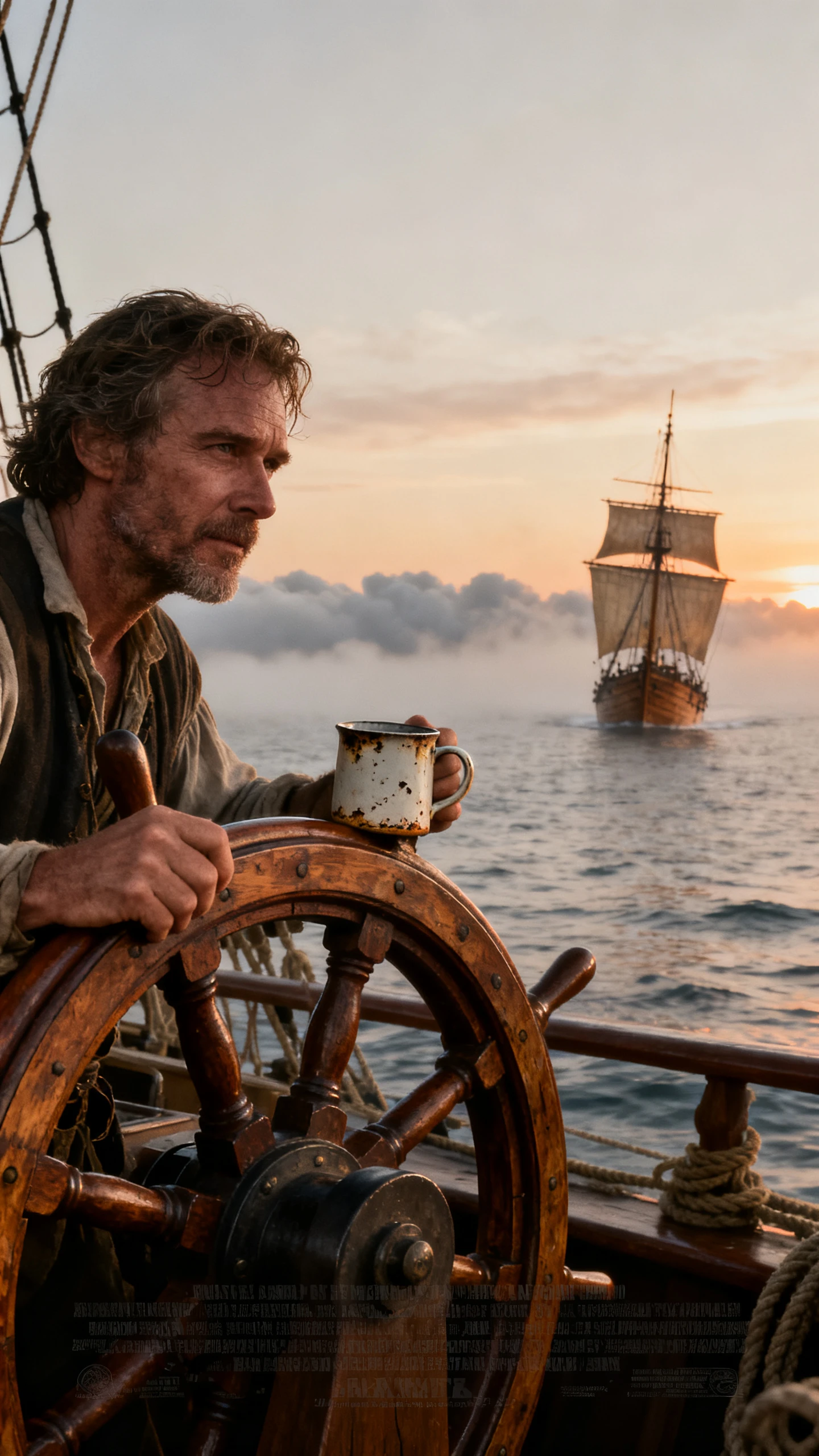
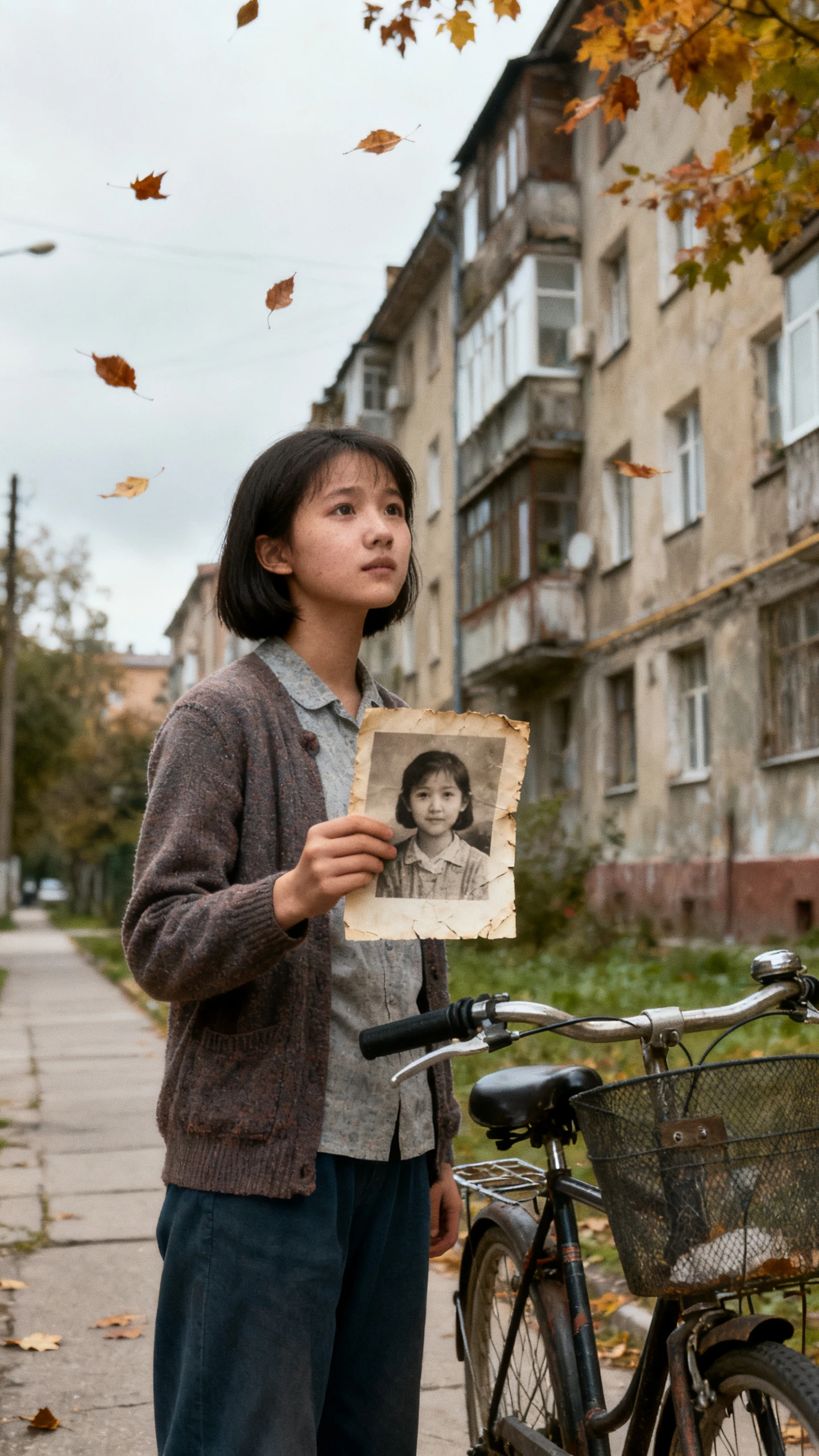
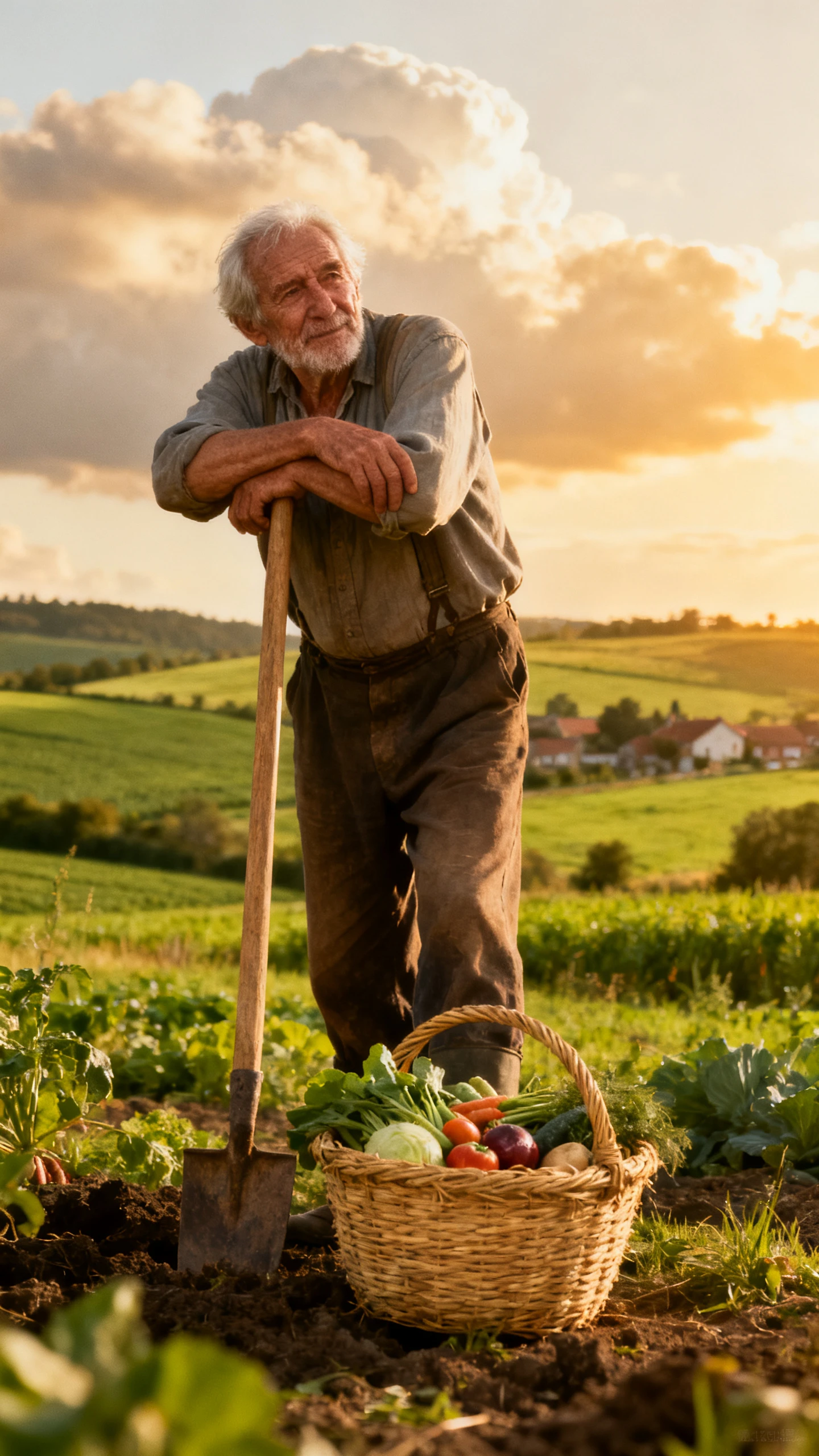
Turn your ideas into realistic videos with natural-looking people, detailed environments, and lifelike scenes. Magiclight AI brings your story to life without actors, cameras, or filming experience.
Create a Realistic Video For Free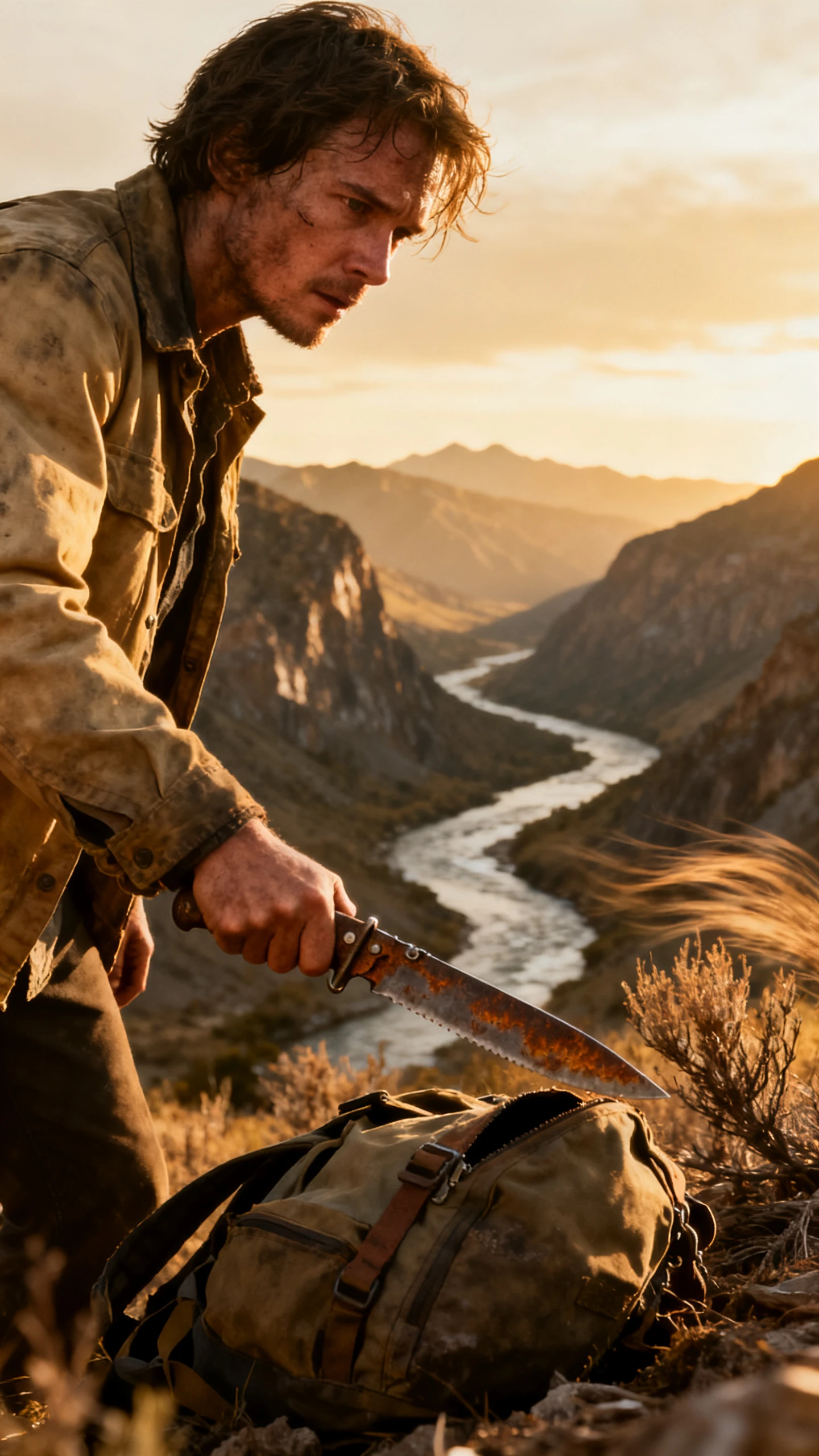
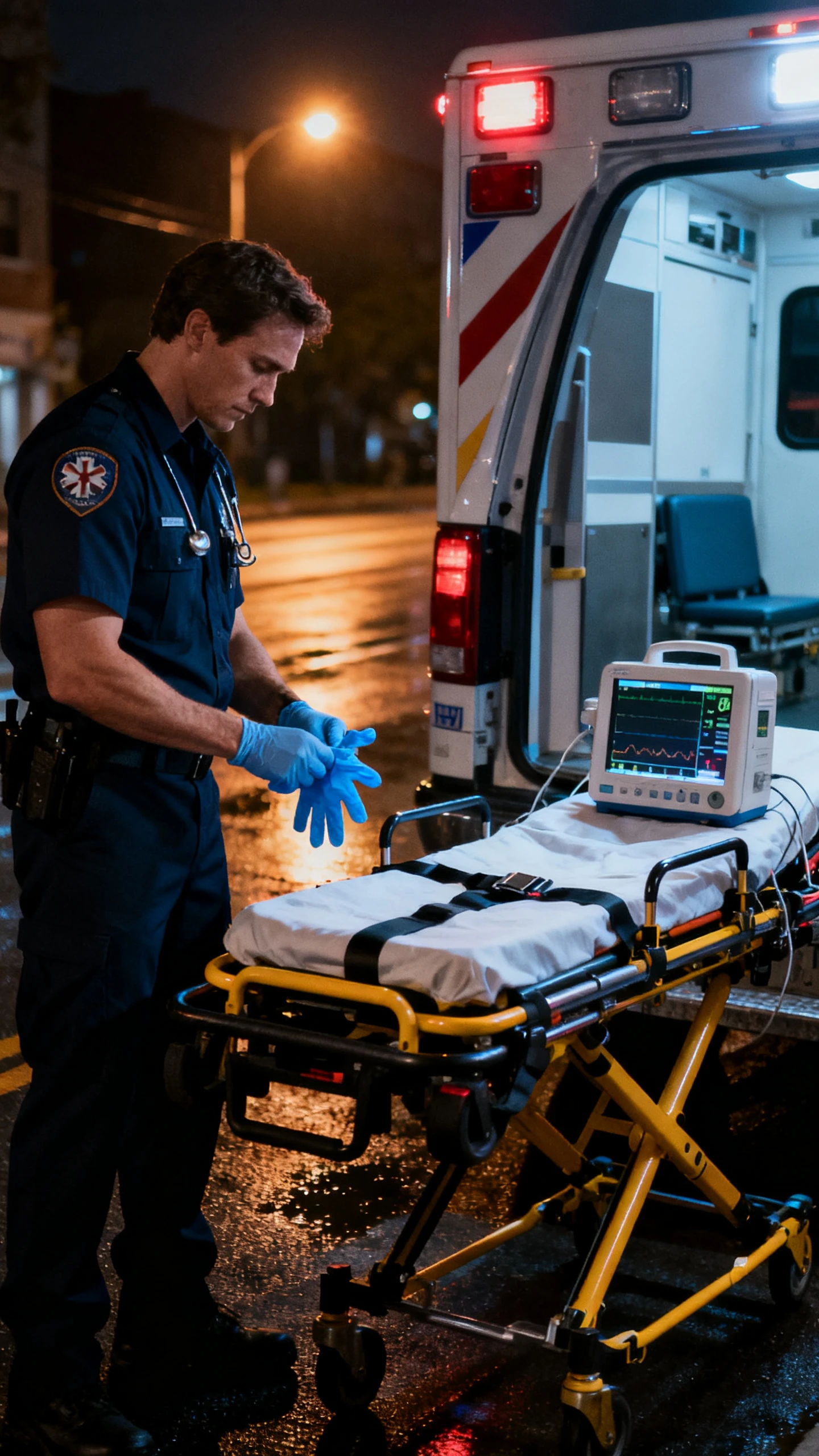
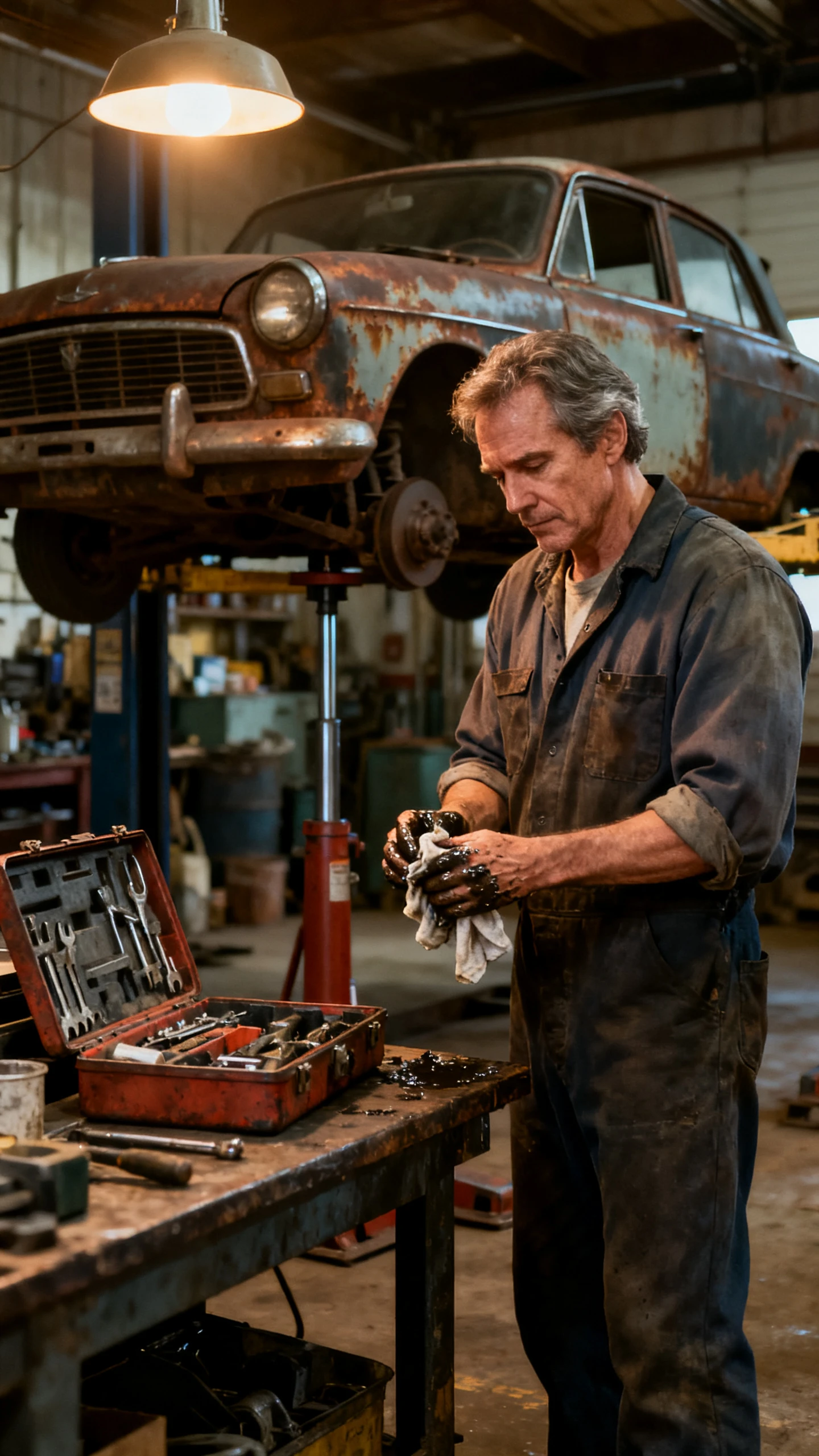
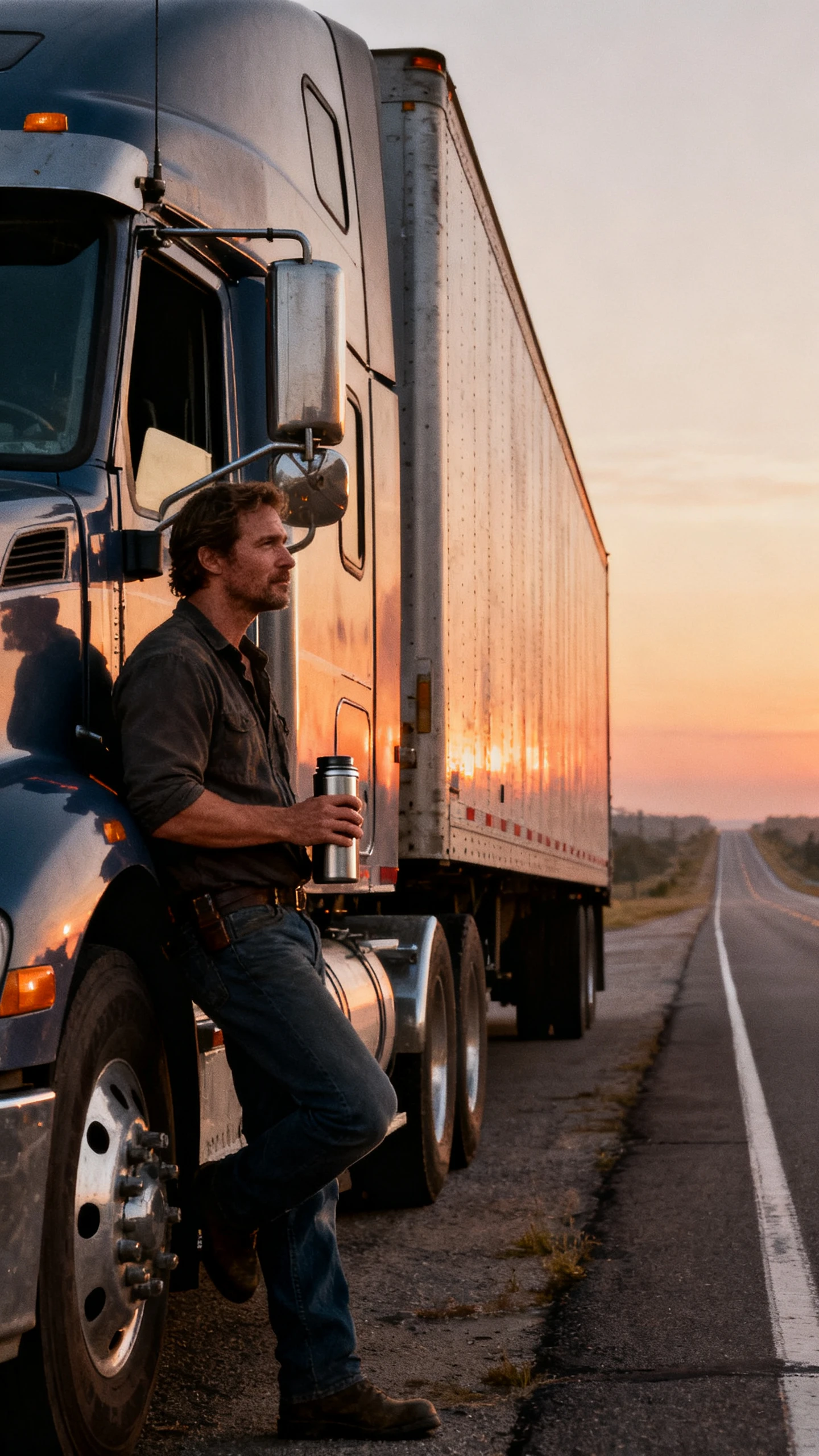
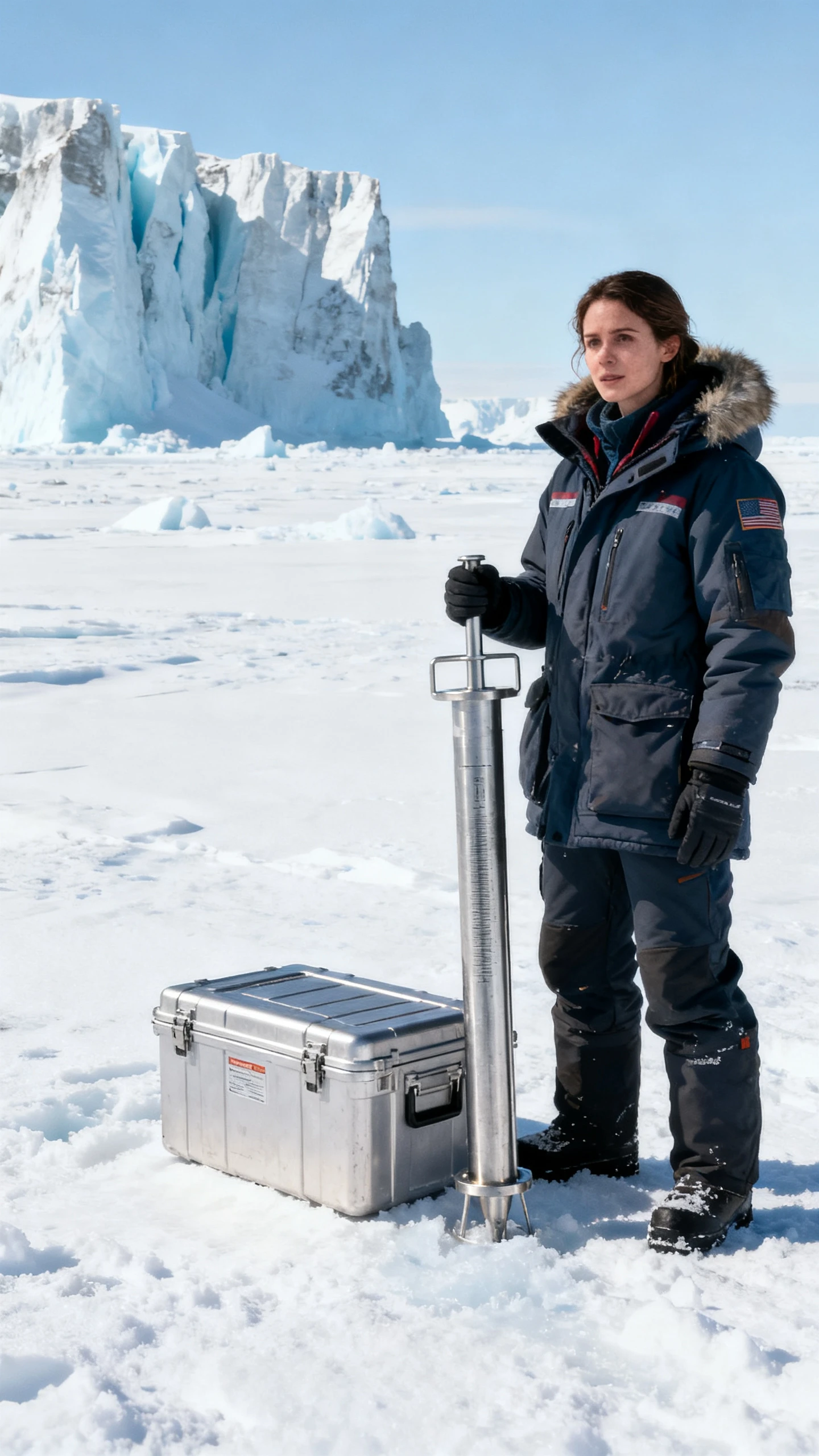
An empty warehouse after closing hours is the setting for your next video. Describe the evening light falling across the floor and leave the realistic video filming to Magiclight AI.

Starting with a brief description of a hospital night shift is enough. MagicLight Agent develops the realistic script and selects a suitable format for the video.
The same idea can read quite differently depending on the model. Magiclight AI has 14 options such as GPT-5.6 and GPT-6 Astra for comparing scripts before production.
Give a character gray hair in the 1000-characters description. You can also upload a portrait for Magiclight AI to use when creating the person.
Pick Realistic 2.0 from over 52 visual styles to give your video the look of a real place. Magiclight AI keeps the same look across the video, right down to the texture of the walls.


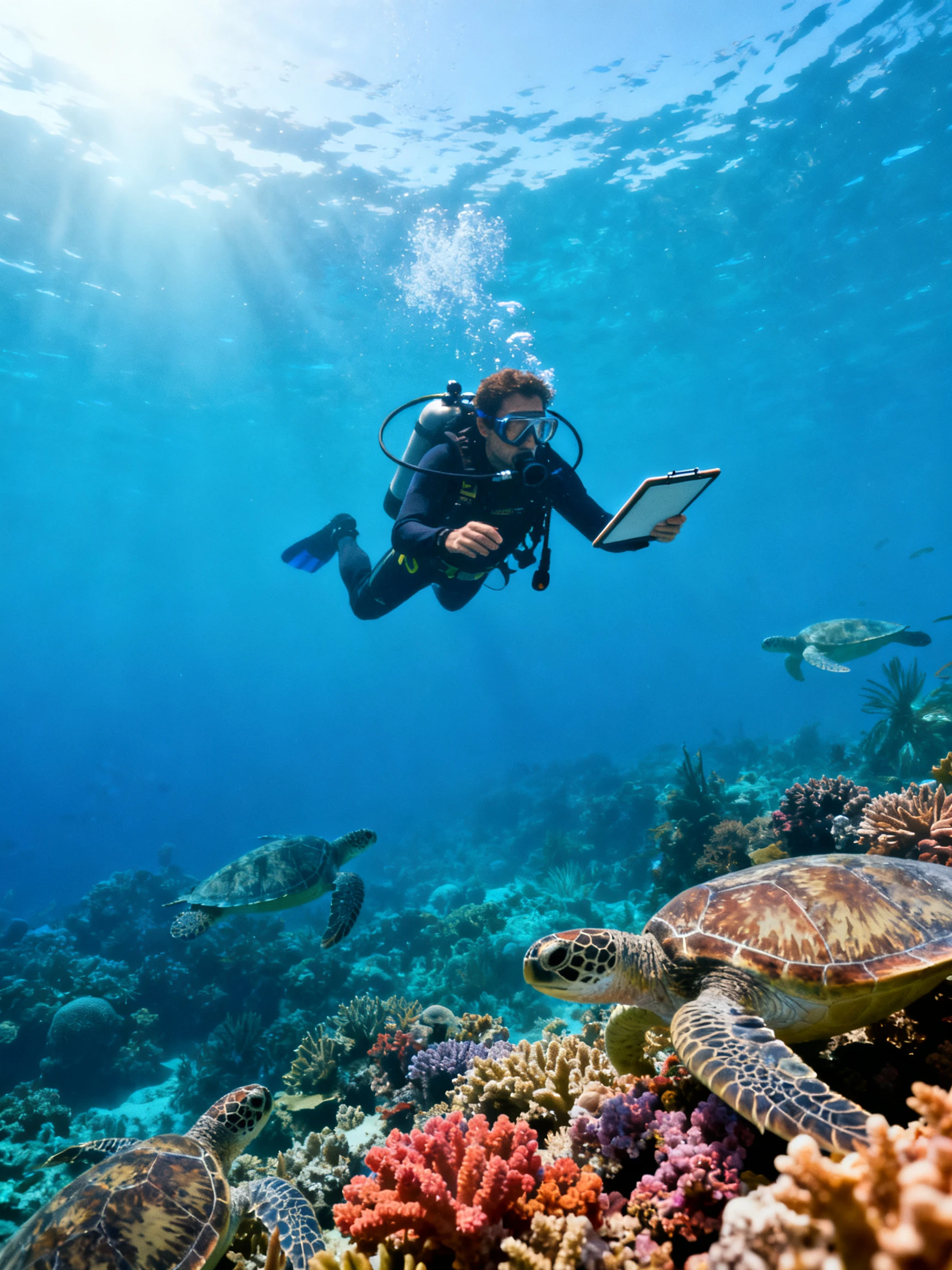
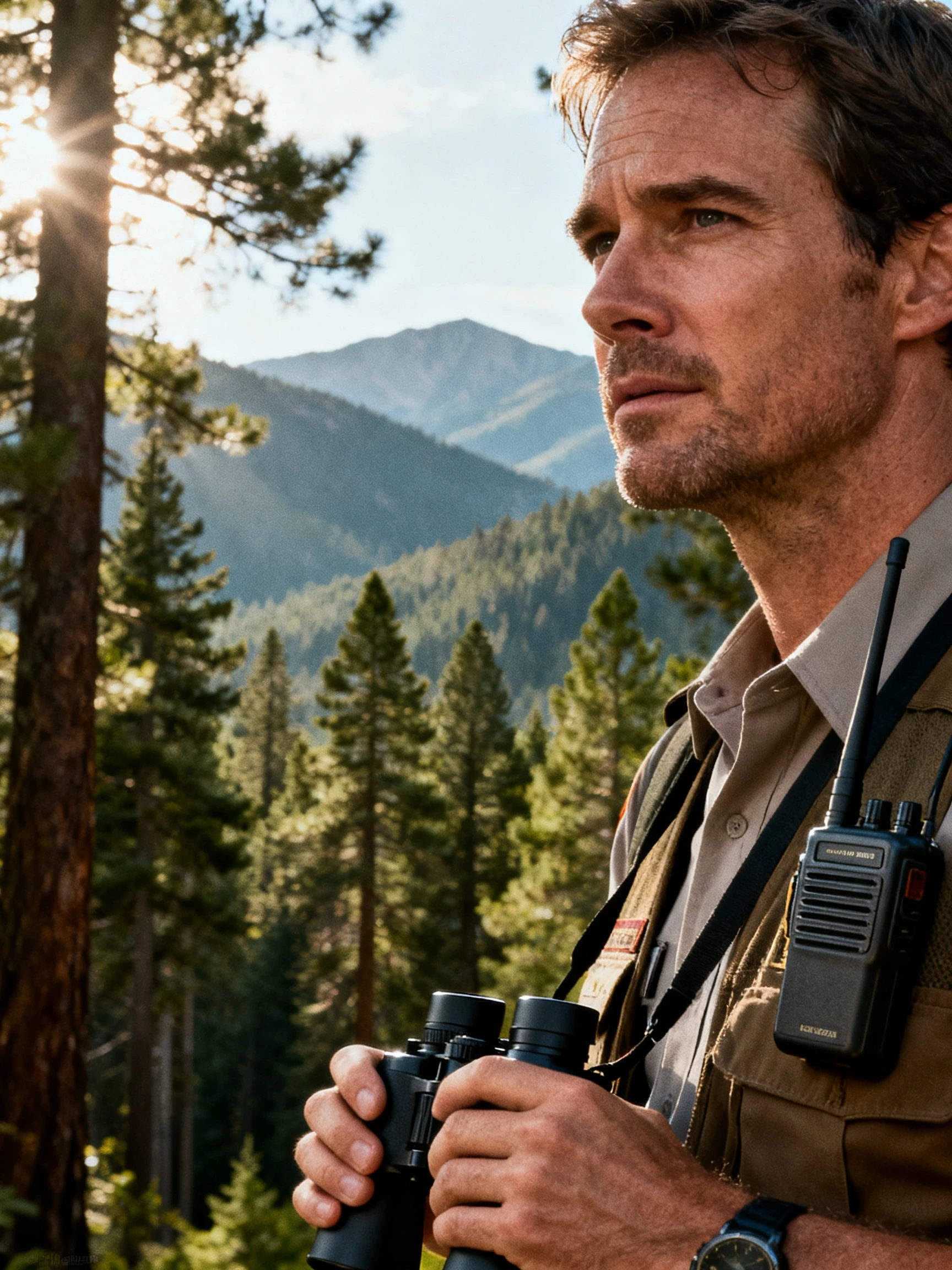
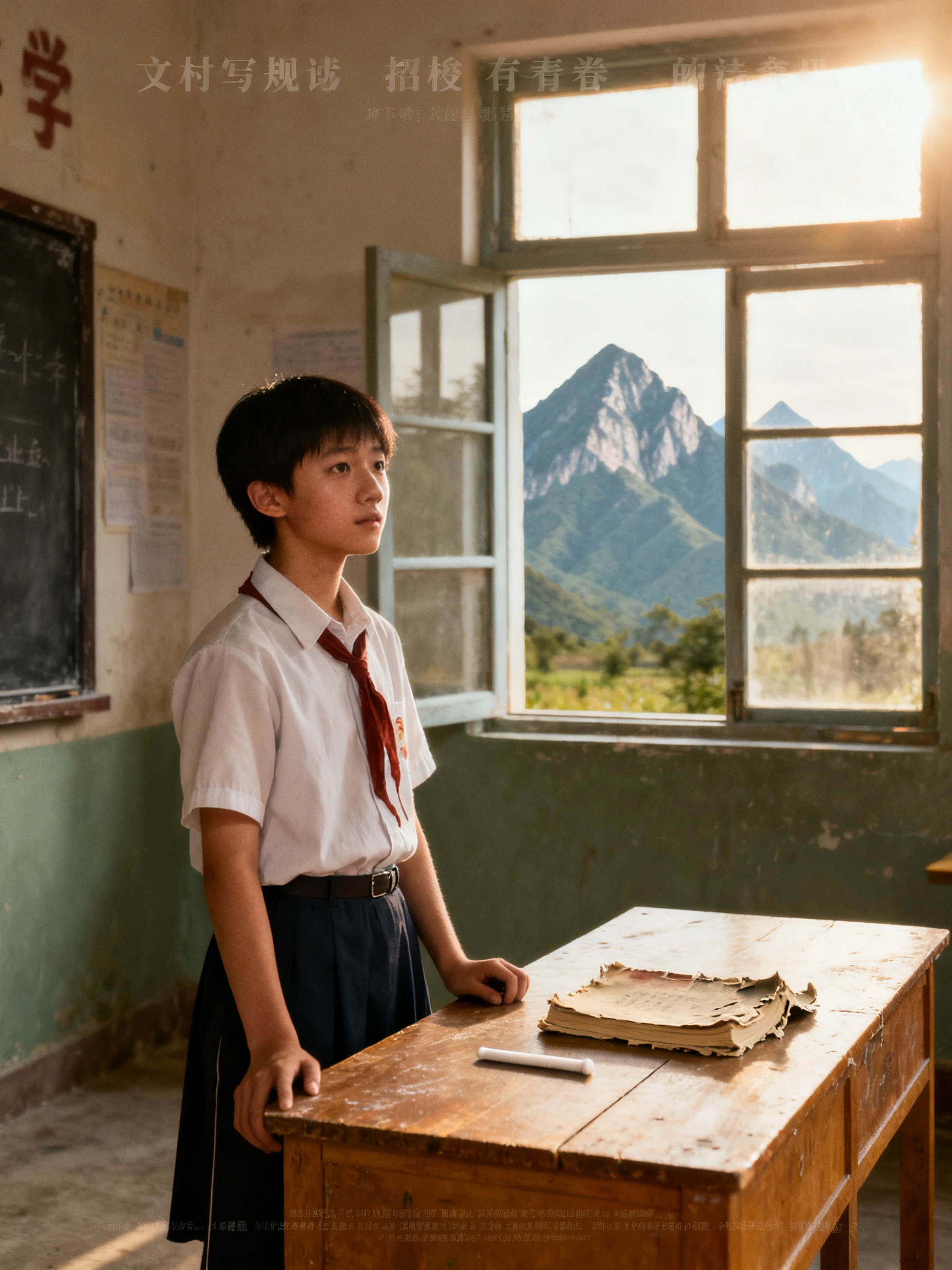
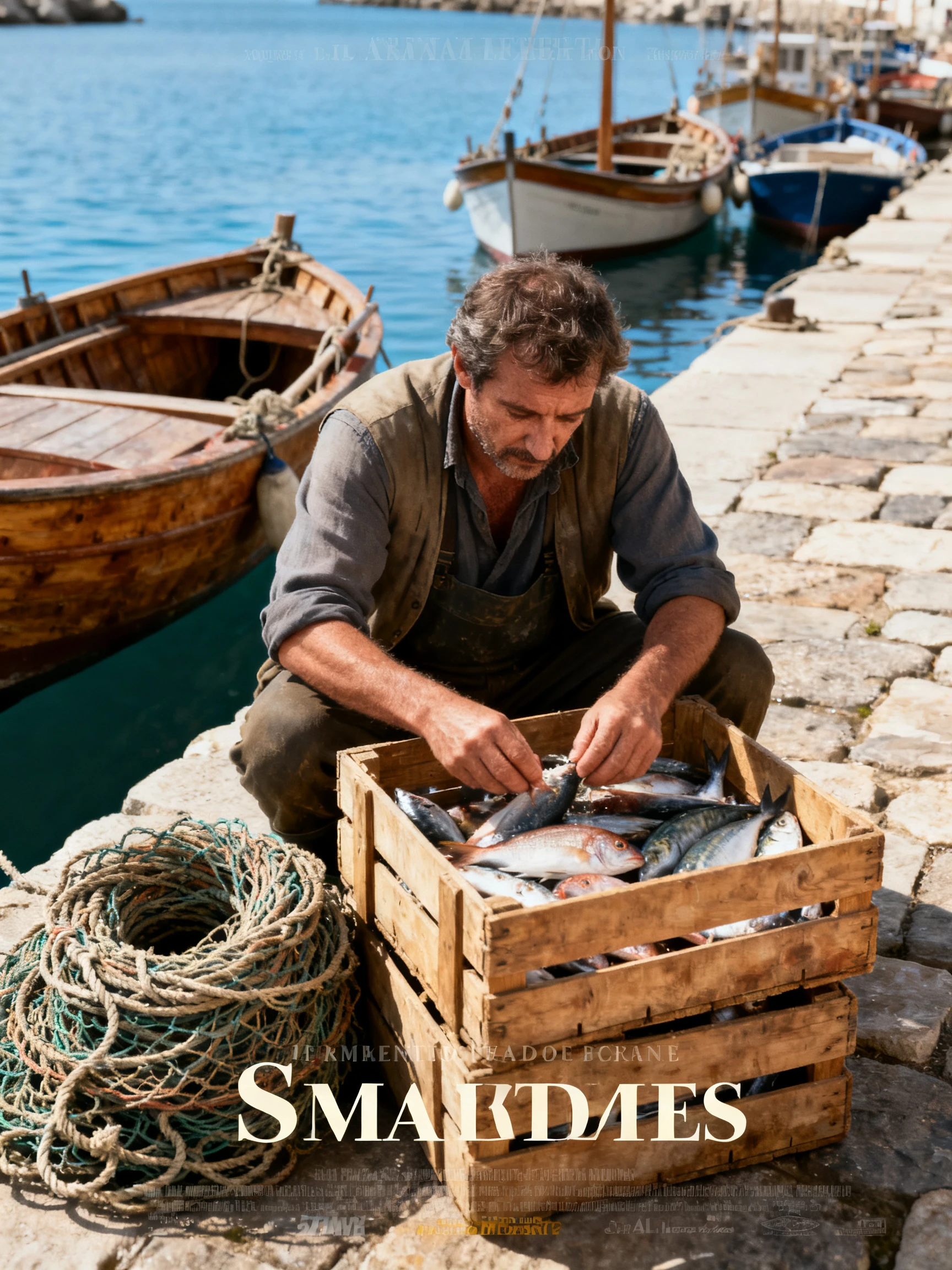
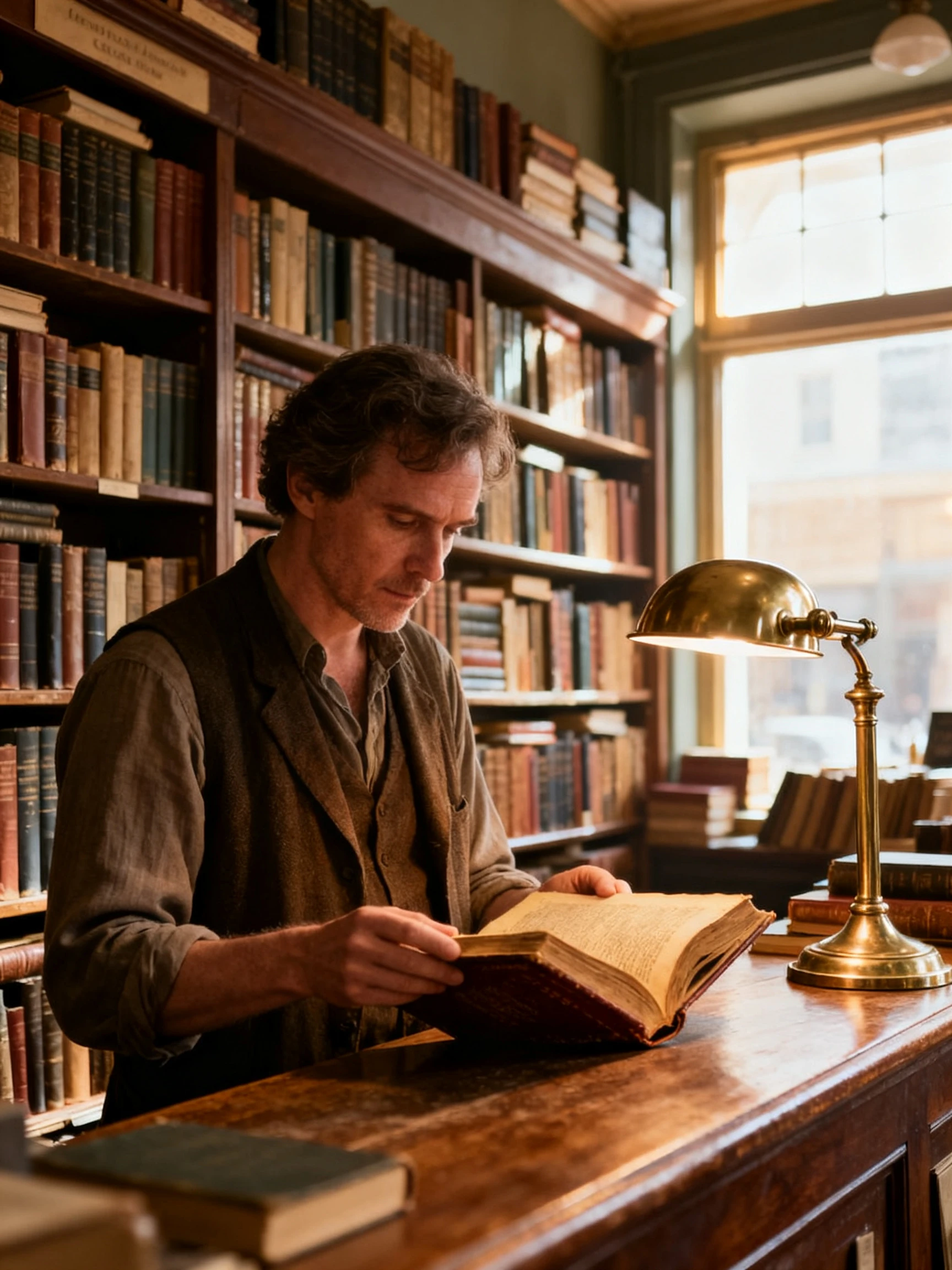
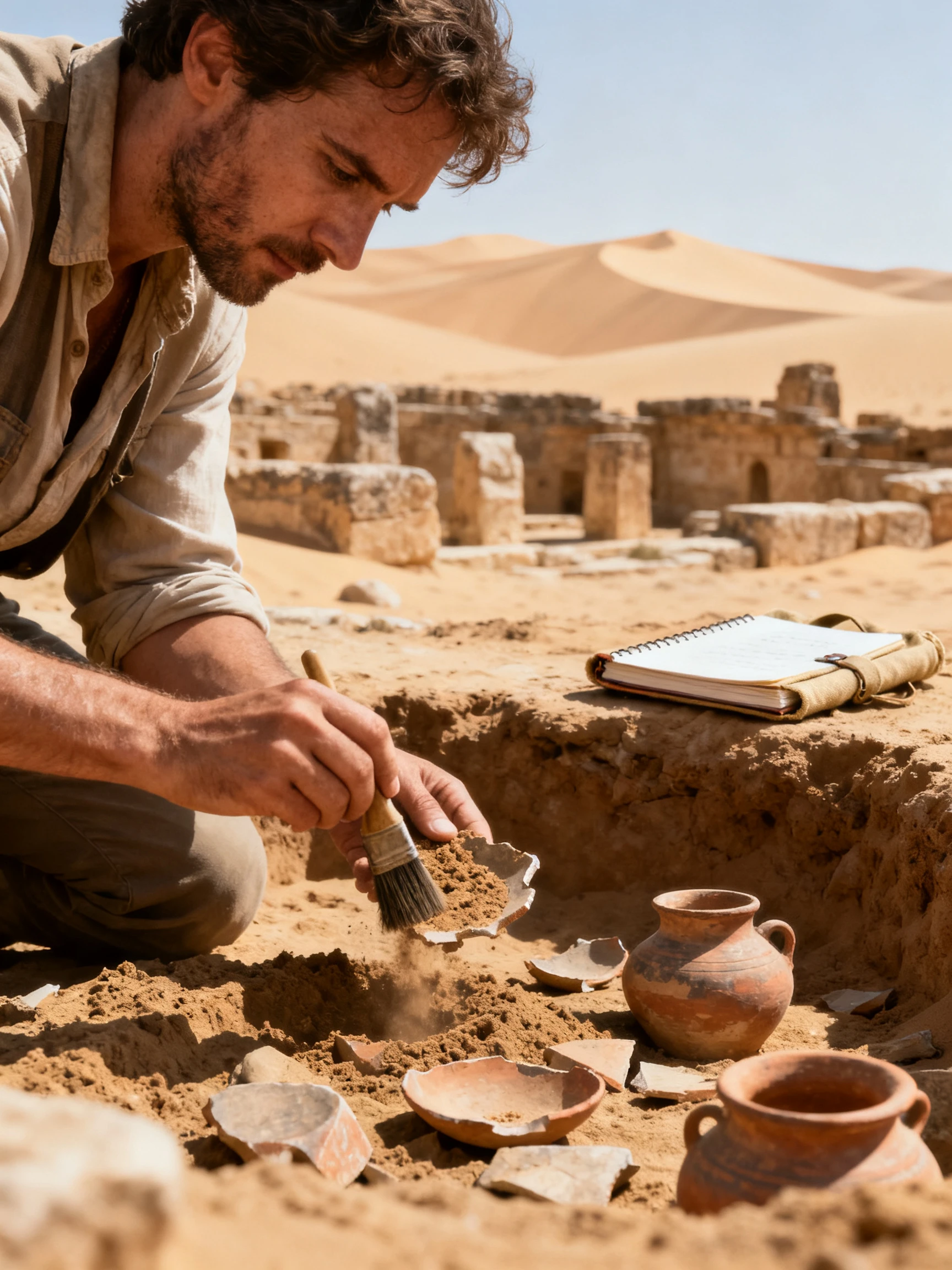
Turn an ordinary story into a video that looks closer to real footage with Magiclight AI. These steps give your characters a natural appearance and bring each scene to life.
Enter a short idea about a doctor working through the night or paste a script you have already written. MagicLight Agent prepares the story and suggests a suitable video type for your review.
Select Realistic 2.0 from the visual styles and choose the narration language. Describe a character with 1000 characters or upload a portrait to give the person a familiar face.
Open Nano Storyboard to check how each character appears in the scene. Try different poses from the 50 options and adjust the camera angle when a conversation looks staged.
Add subtitles with suitable background music and select a cover before generating your realistic video. Download the video in your selected resolution safely.
Realistic 2.0 in Magiclight AI gives scenes lifelike lighting and natural skin textures. It is still AI generated, so check close shots of hands and fast movements in the storyboard before generating the video.
Yes, with that person’s permission. Magiclight AI can create a character from an uploaded portrait, but using someone’s face without consent may violate privacy and publicity laws.
Yes, on platforms that require it. YouTube and TikTok ask creators to disclose realistic AI content. Add the label when posting your Magiclight AI video so viewers know the scenes are not real footage.
Yes. Some training situations are too dangerous or expensive to film with real workers. Magiclight AI can show those situations with lifelike characters without putting anyone at risk.
Magiclight AI exports realistic videos in 720p or 1080p. Choose 1080p for presentations on larger screens and 720p when you need a smaller file for a quick preview.
Yes. You can create your first realistic video in Magiclight AI with an account and no credit card. Commercial projects such as advertisements and paid training courses require a paid plan.



Describe a scene you cannot film and the people in it. Magiclight AI turns your idea into a video that looks like real footage.