Hero background

AI Comic Video Generator

Turn your ideas into comic-style videos with bold characters, action-packed scenes, and vibrant visuals. No drawing or animation skills needed.

Create a Comic Video for Free
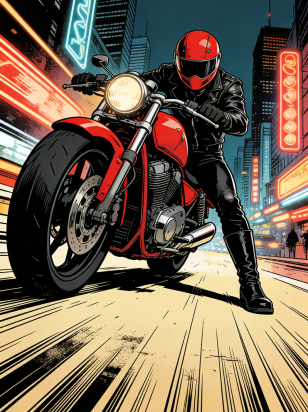
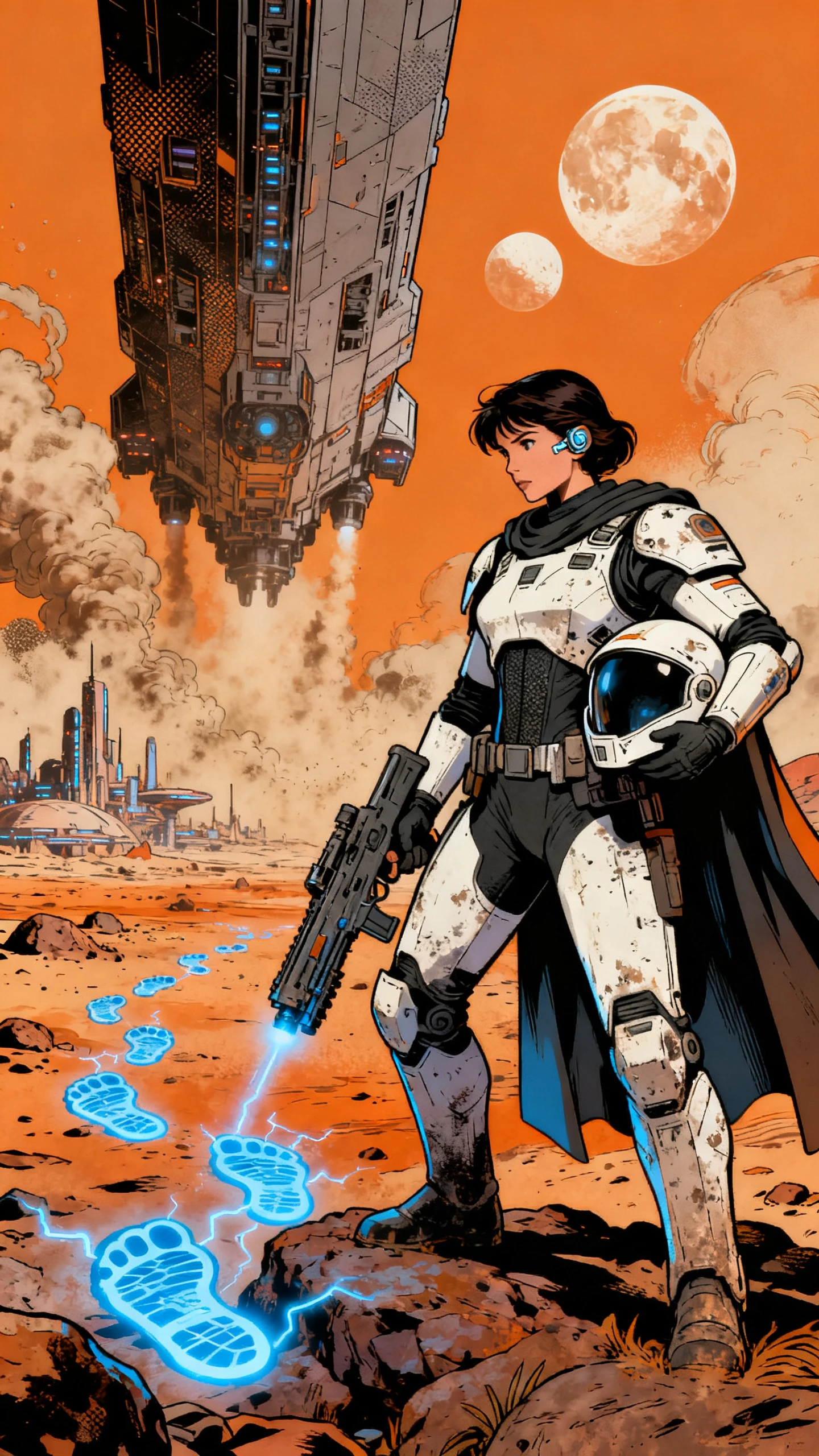
AI comic video featuring bold characters and dynamic action scenes
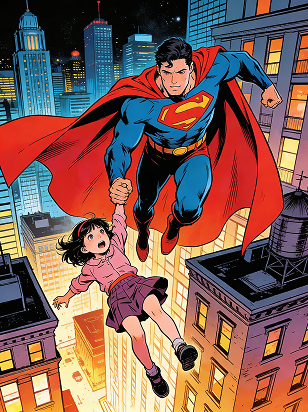
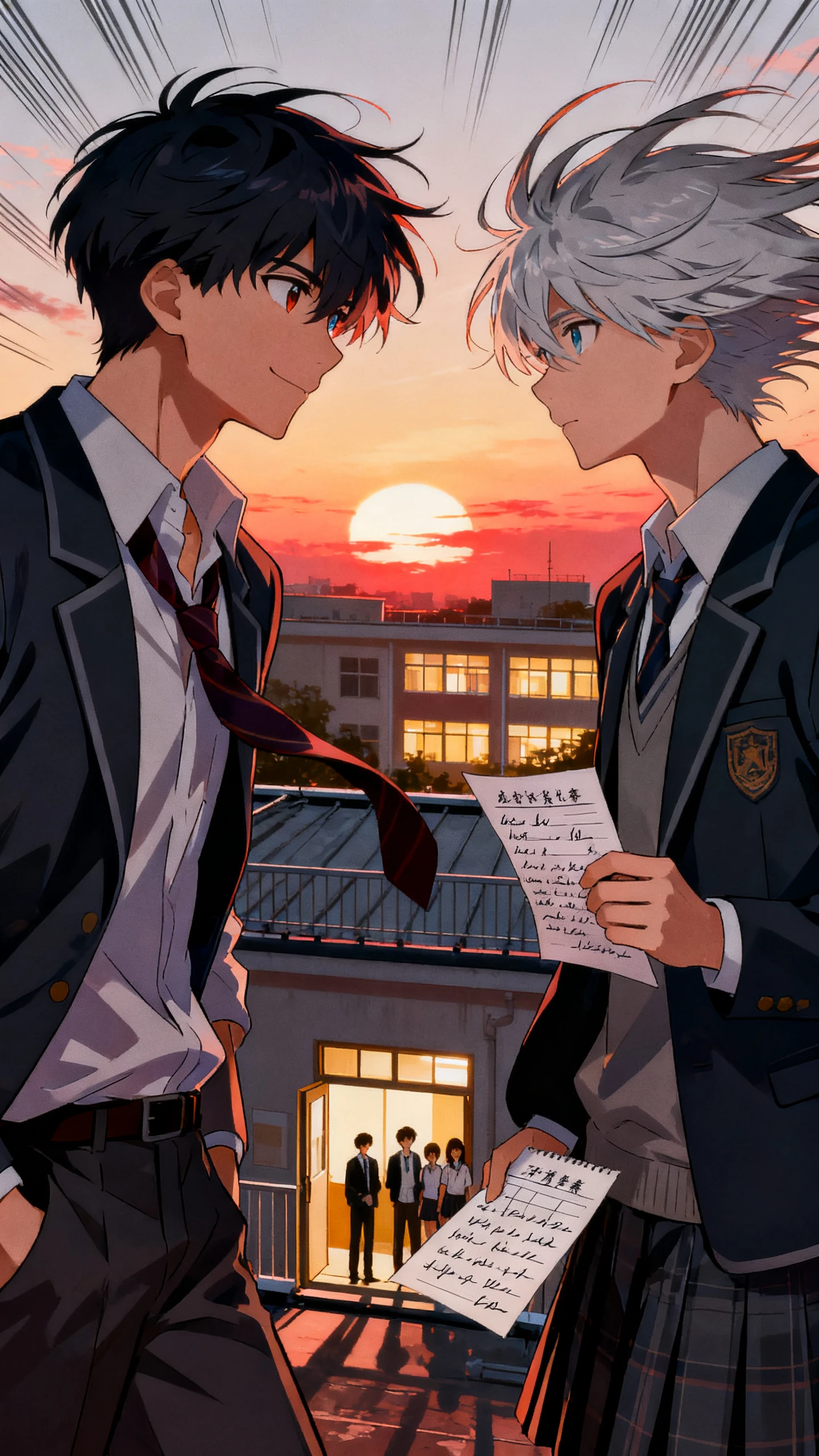
Comic-style animated characters and visual storytelling
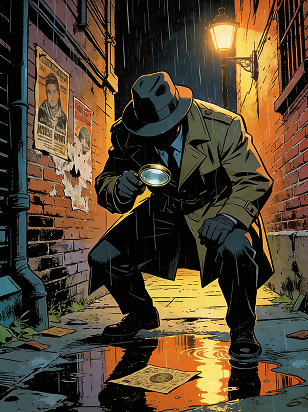
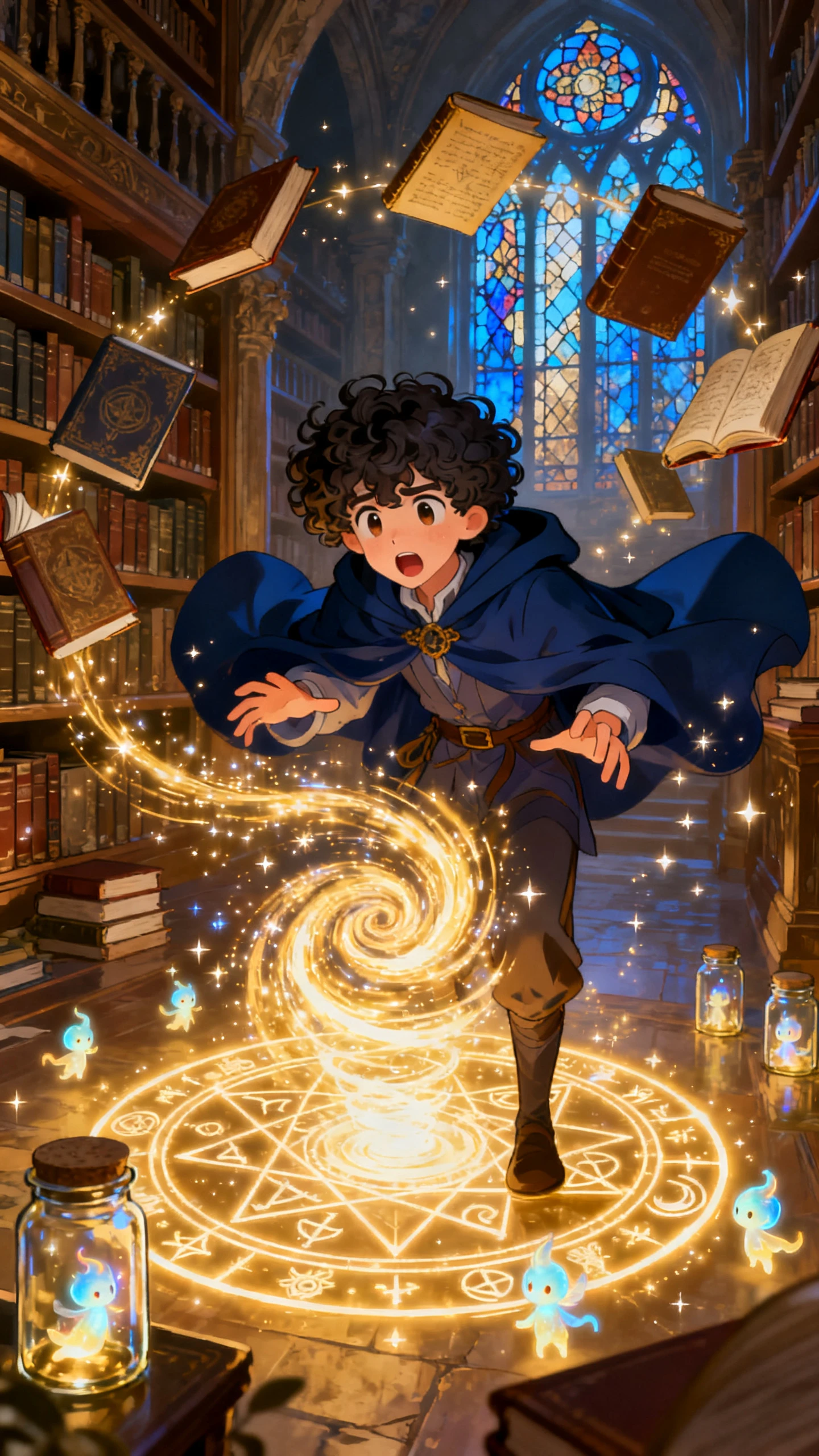
AI-generated comic video scene
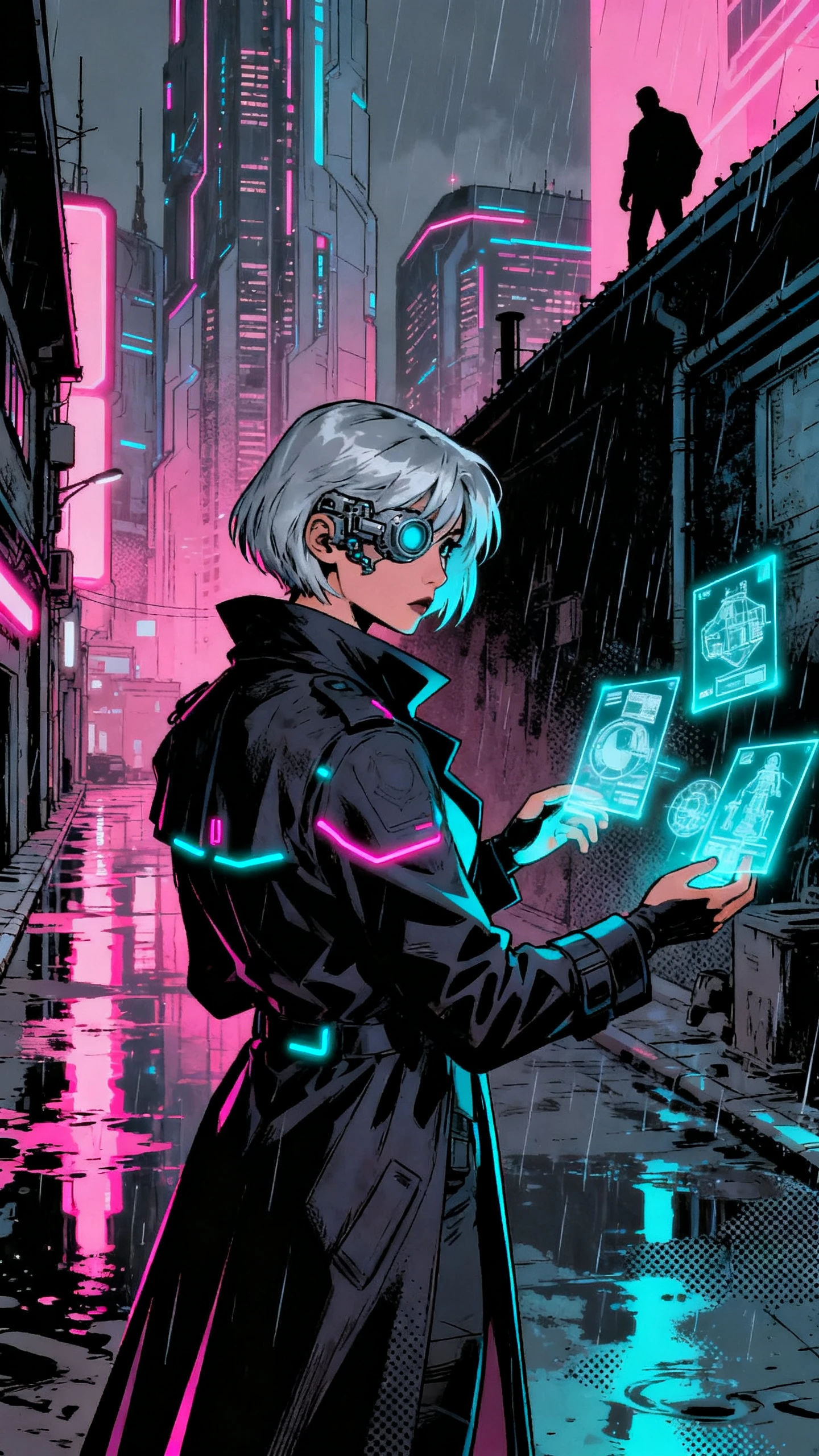
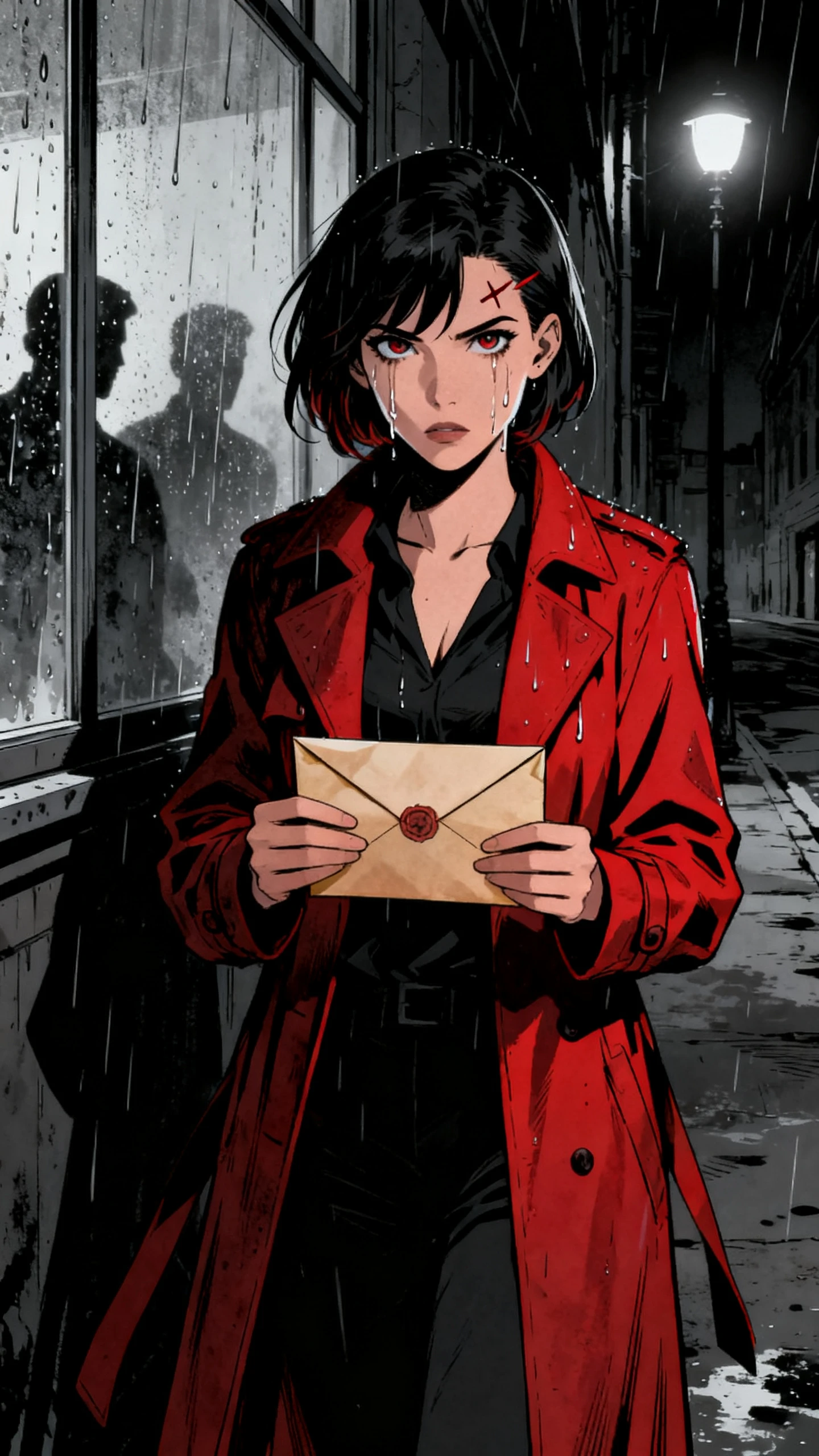
Animated comic storytelling example
comic example 2
comic example 3
comic example 4
comic example 5
AI comic video featuring bold characters and dynamic action scenes
Comic-style animated characters and visual storytelling
AI-generated comic video scene
Animated comic storytelling example
comic example 2
comic example 3
comic example 4
comic example 5

Top Features of the Magiclight AI Comic Style Video Generator

Great comics make every frame count. Magiclight AI turns that same idea into comic-style videos, shaping your story with bold characters, purposeful scenes, and cinematic action.

Create a Comic Video for Free
3D comic-style decoration

Plot Your Comic With MagicLight Agent

Drop in an idea, such as a shy librarian who becomes a hero after dark. MagicLight Agent develops it into a complete professional story you can review before moving into scene creation.

Design a Comic-Style Hero

Define your hero or villain in up to 1,000 characters, covering facial features, body type, clothing, and costume details. Use AI Expand to develop the character further before generation for comic purposes.

Lock In Your Comic Art Style

Pick from 50+ visual styles, including Comic for illustrated textures, defined outlines, and vivid color treatment. Keep that graphic-novel-inspired direction across the story for people to remember.

Direct Every Action-Packed Scene

Use Nano Storyboard to stage fights, entrances, reactions, and reveals with 50+ poses, plus expression and camera controls for each important comic piece.

Who Can Use the Magiclight AI Comic Style Video Generator
Superheroes are only one way to use comic storytelling. The Magiclight AI comic video generator gives creators, brands, and kids’ channels practical ways to bring stories to life.
For Graphic Novel Creators
Adapt complete scripts of up to 12,000 characters into video.
Direct key comic action with 50 poses in Nano Storyboard.
Animate your comic sequences using 16 animation models.
For Comic Story Channels
Give recurring heroes distinct voices from 37 AI voices.
Keep dialogue readable across the comic video with 16 subtitle settings.
Create longer comic adventures of up to 50 minutes.
For Brand Campaigns
For Brand Campaigns
Define a comic-style brand mascot in up to 1,000 characters.
Save recurring characters for future campaign episodes.
Produce comic campaign videos in 720p or 1080p for quality.
For School Projects
For School Projects
Present comic stories in any of 11 supported languages.
Change the background atmosphere of your comic with 40 tracks.
Improve the comic style script using 14 coherent story models.
Why Choose the
Magiclight AI Comic Style Video Generator
Move beyond a good-looking comic frame. Magiclight AI comic video generator adds the sound, pacing, and publishing options that turn separate scenes into a complete episode.
Give Every Role Its Own Voice
Cast heroes, villains, sidekicks, and narrators from 37 AI voices. Different voices make conversations easier to follow and give recurring characters a stronger identity across episodes.
Score Every Chase, Reveal, and Showdown
Match different comic moments with a built-in library of 40 music tracks. Give a rooftop chase more momentum, pull back for dialogue, then raise the tension before the final confrontation.
Take the Story Beyond a Short Teaser
Work with scripts up to 12,000 characters and create videos up to 50 minutes long. That leaves room for origin stories, rivalries, plot twists, and multi-scene finales.
Take One Comic to More Audiences
Produce stories across 11 supported languages instead of limiting a series to one audience. Adapt narration for different viewers while keeping the same characters and visual storyline.
Caption-Style Text on Screen
Comics rely on captions and dialogue in print. Magiclight AI puts every spoken line on screen in a bold, readable style, picked from 16 subtitle settings.
Publish for the Screen You Need
Frame full comic episodes in 16:9 or adapt shorter stories to vertical 9:16. Finish in 720p or 1080p for channels, presentations, social posts, and other digital releases.

How to Make a Comic Style Video With Magiclight AI

A hero, a conflict, and a few creative choices are enough to begin. Follow 4 steps in Magiclight AI to move from your comic idea to a fully voiced animated story.

1.

Step 1. Give MagicLight Agent Your Story

Enter a comic idea or paste a script of up to 12,000 characters. MagicLight Agent can develop it using 14 story models, giving you a script to review before moving into scene creation.

2.

Step 2. Set the Comic Look and Cast

Select Comic from 50+ visual styles, then choose your language and 16:9 or 9:16 format. Create a new hero with up to 1,000 characters of detail or bring back a saved character.

3.

Step 3. Direct the Action in Nano Storyboard

Review each scene in Nano Storyboard and stage the important beats with 50 poses, expressions, and camera controls. Try a low angle for a heroic entrance or a close-up for a major reveal.

4.

Step 4. Add the Sound and Generate

Add specific music to support the comic, and select your subtitle settings. Once everything looks right, generate the finished comic-style video in 720p or 1080p.

FAQs on AI Comic Video Generator

Can I turn my own comic script into a video?

Yes. Add your story or script to Magiclight AI, and it turns the narrative into newly generated comic-style scenes with characters, action, and dialogue.

Can I make videos with Marvel or DC heroes?

Original characters are the safer choice for publishing. Instead of copying protected heroes, use Magiclight AI to develop your own character names, costumes, powers, and visual identities.

Does the comic video add speech bubbles?

Dialogue can be spoken by character voices and displayed using 16 subtitle settings. Rather than traditional speech bubbles, Magiclight AI presents spoken lines as readable on-screen captions.

Can I keep the same hero for a comic series?

Yes. Save a finished hero or villain for later use, then bring that character back when creating another episode with Magiclight AI.

How long can an AI comic video be?

Want more room than a short comic clip? Videos created with Magiclight AI can run for up to 50 minutes, leaving space for origin stories, conflicts, and complete adventures.

Can I create my comic video in another language?

Yes. With 11 supported languages, Magiclight AI helps you adapt a comic story for different audiences while keeping its characters and visual direction consistent.


Create a Comic-Style Video With Magiclight AI

Give your hero a name, a costume, and one big problem. Magiclight AI draws the story in a bold comic style, from the first panel on.