Explore the Magiclight AI Zootopia Style Generator Features
An animal city works when every species has its own job, look, and voice. Magiclight AI creates that cast in the Zootopia style and keeps each animal steady through the story.

Create a world of animal characters and city adventures. Magiclight AI turns your ideas into Zootopia-style videos with character voices and music. No animation skills needed.
Create Zootopia Style Videos For Free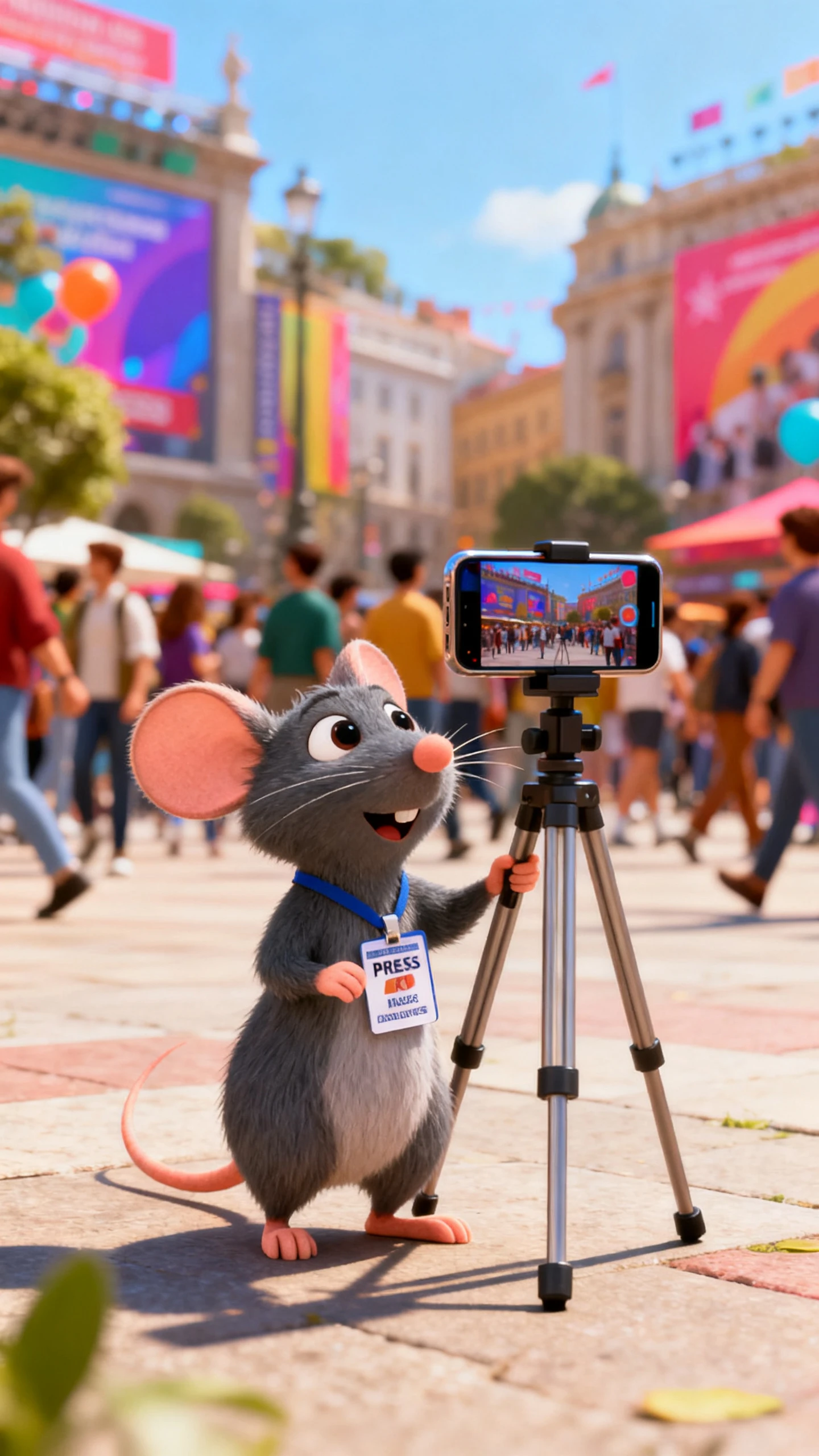
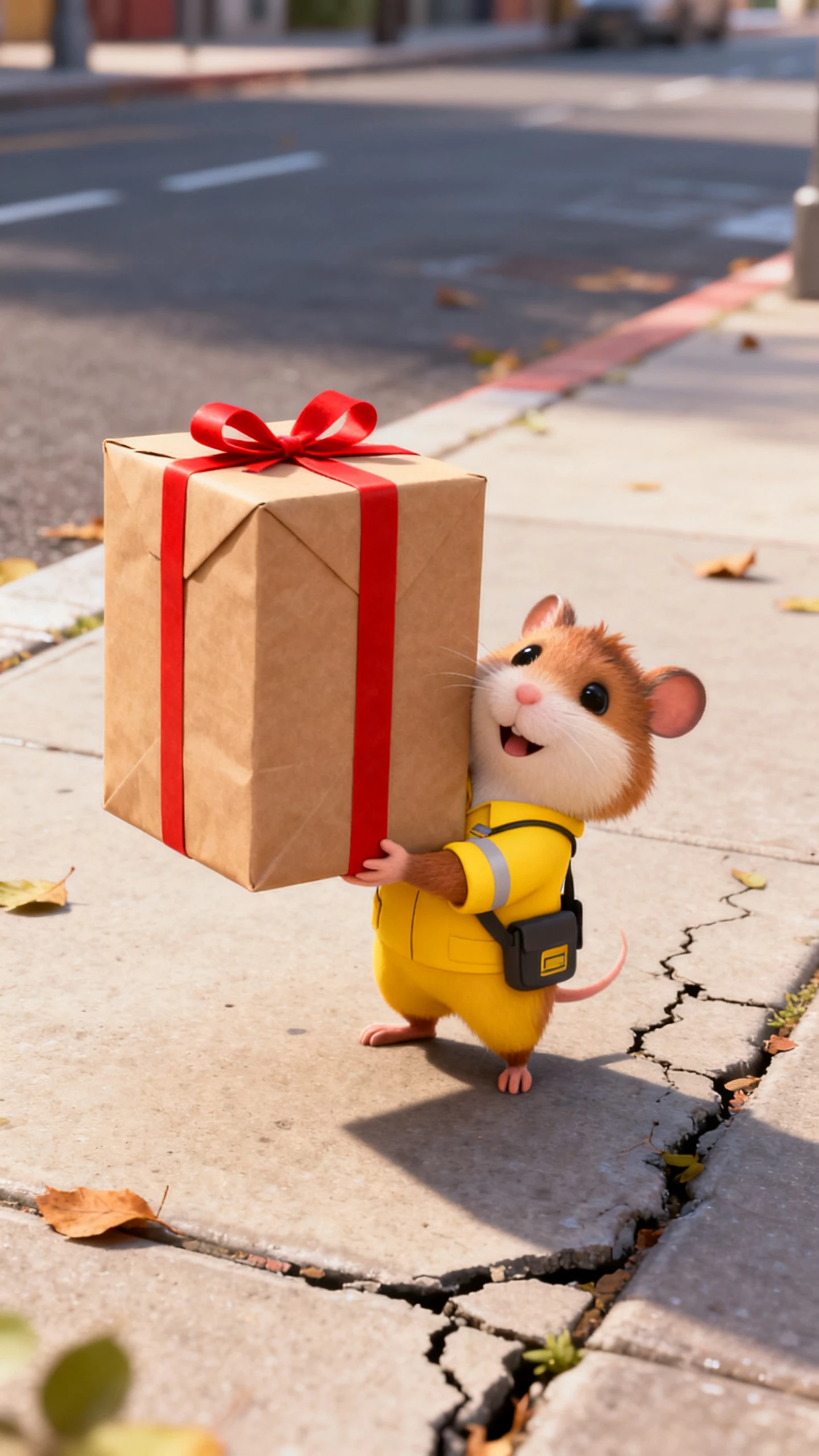
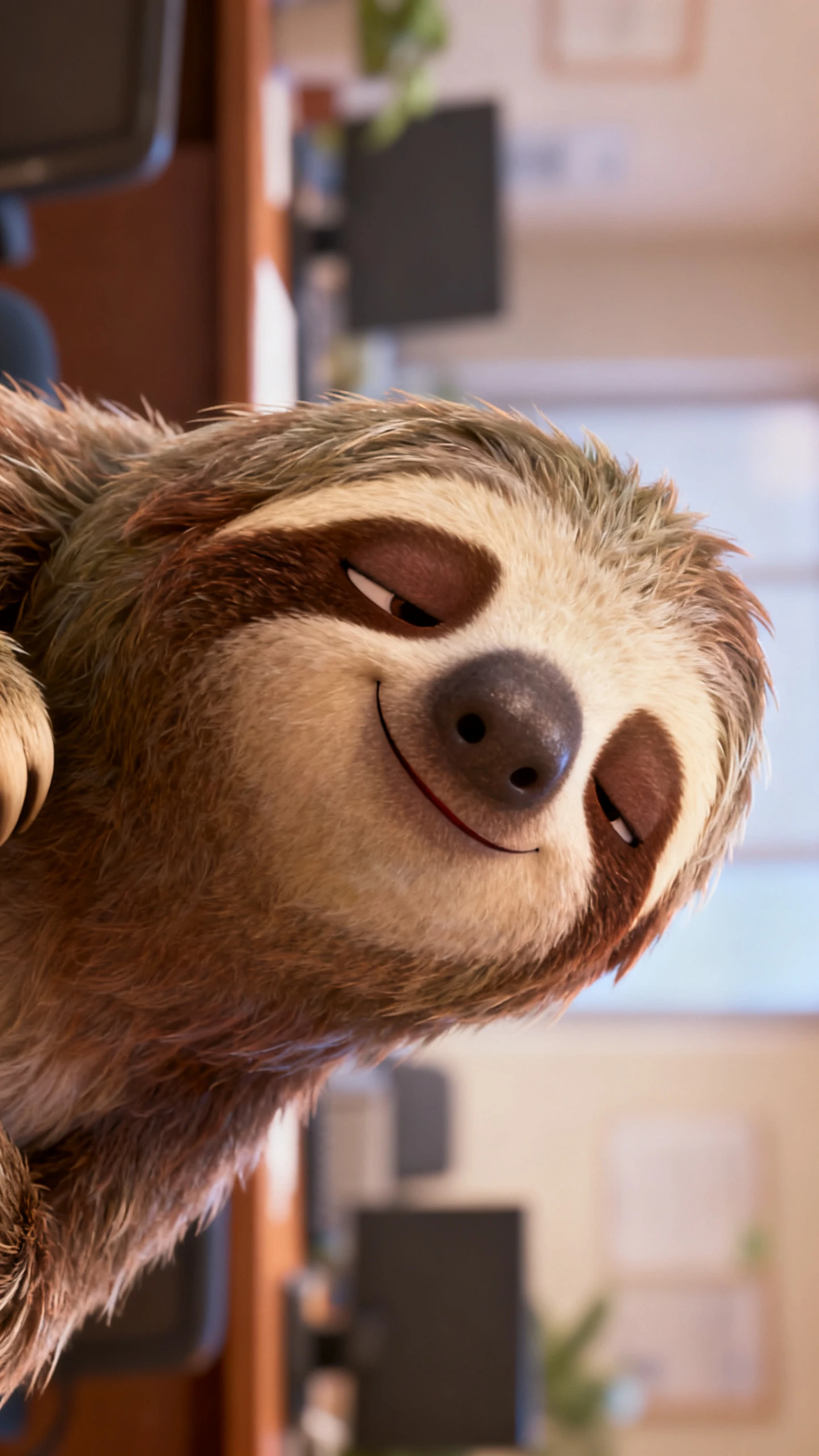
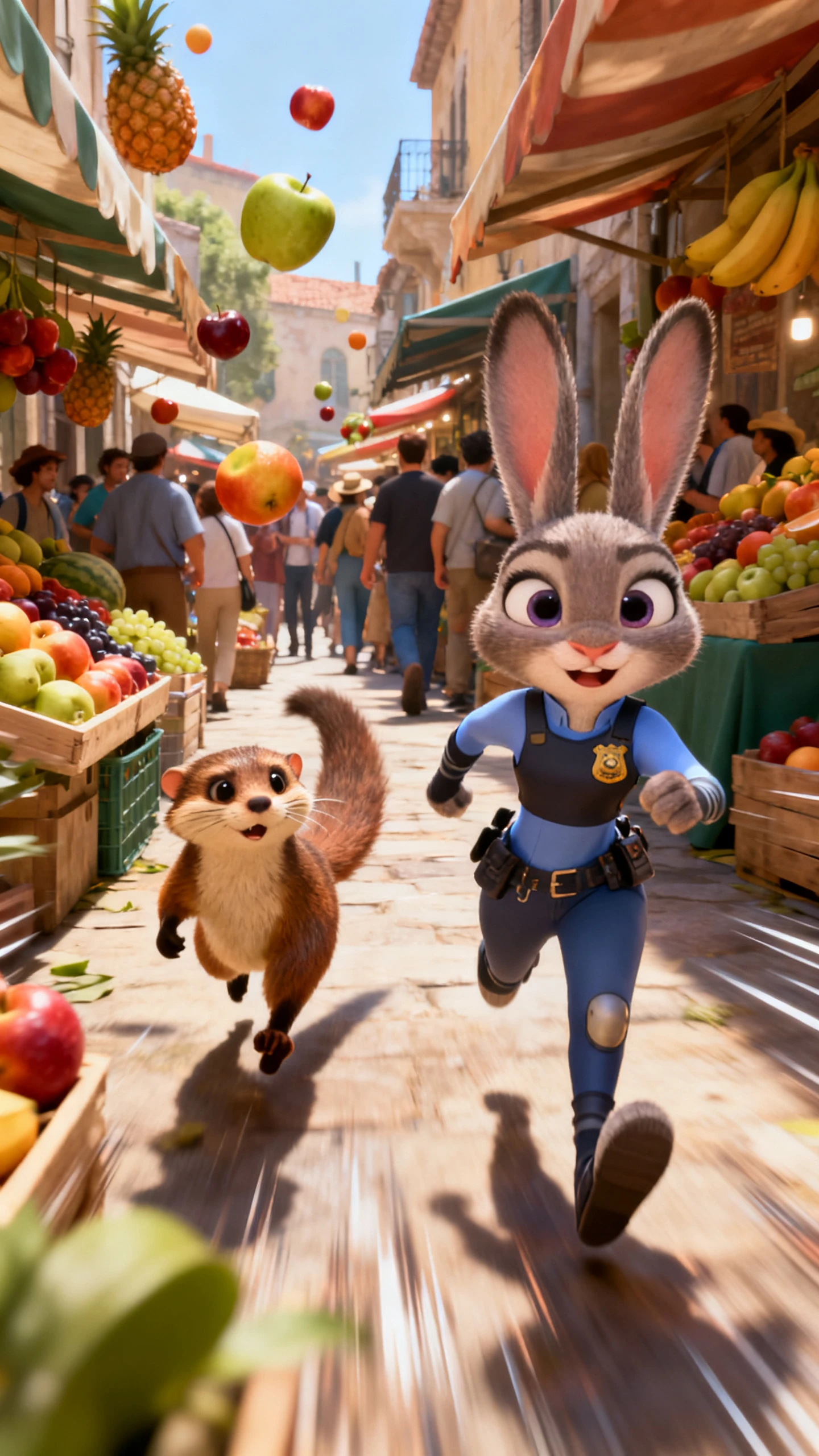
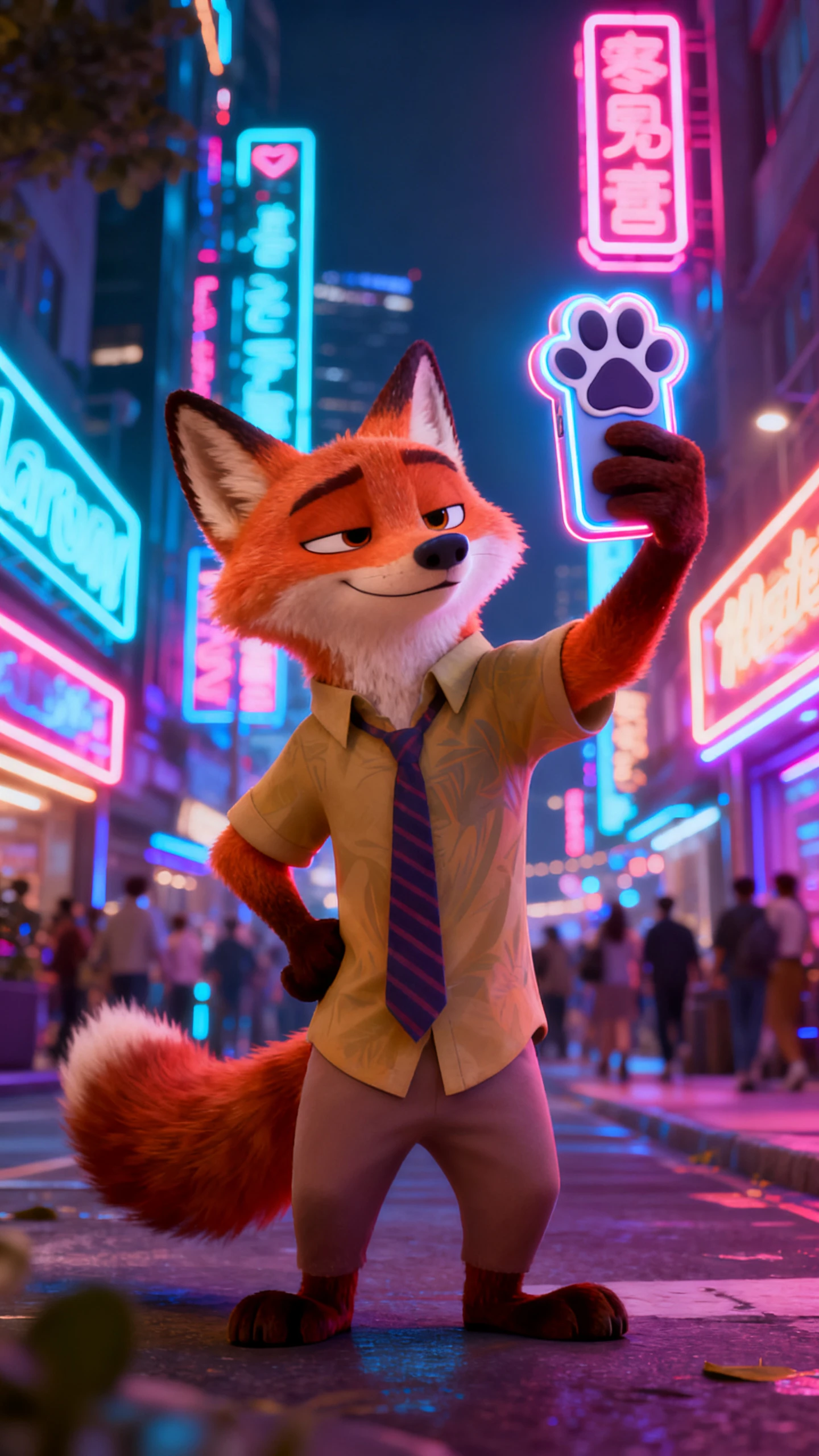
An animal city works when every species has its own job, look, and voice. Magiclight AI creates that cast in the Zootopia style and keeps each animal steady through the story.
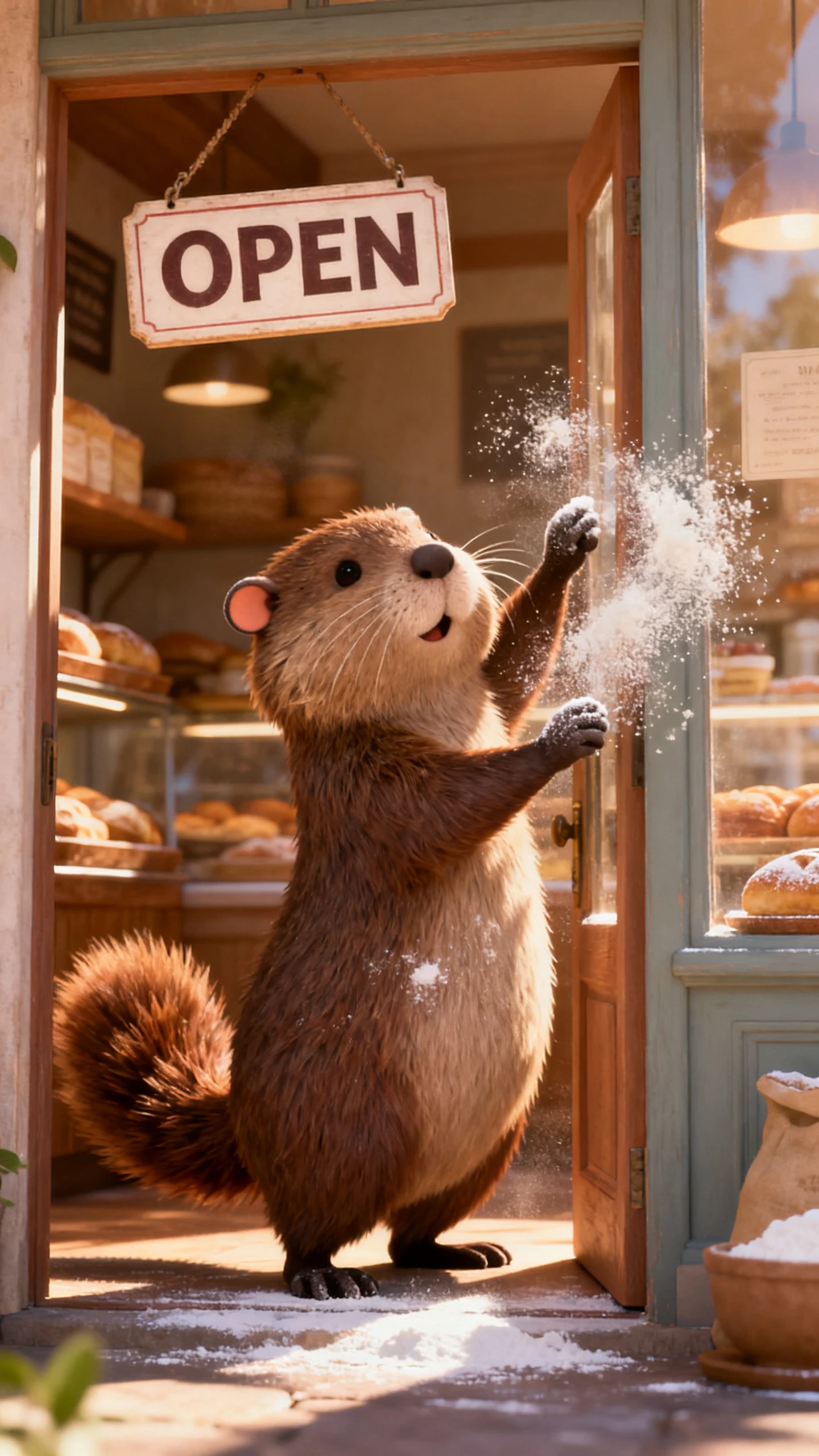
Give MagicLight Agent one line, such as a shy beaver opening a bakery downtown. It writes the full script, and 14 story models are on hand to try other takes before any scene is made.
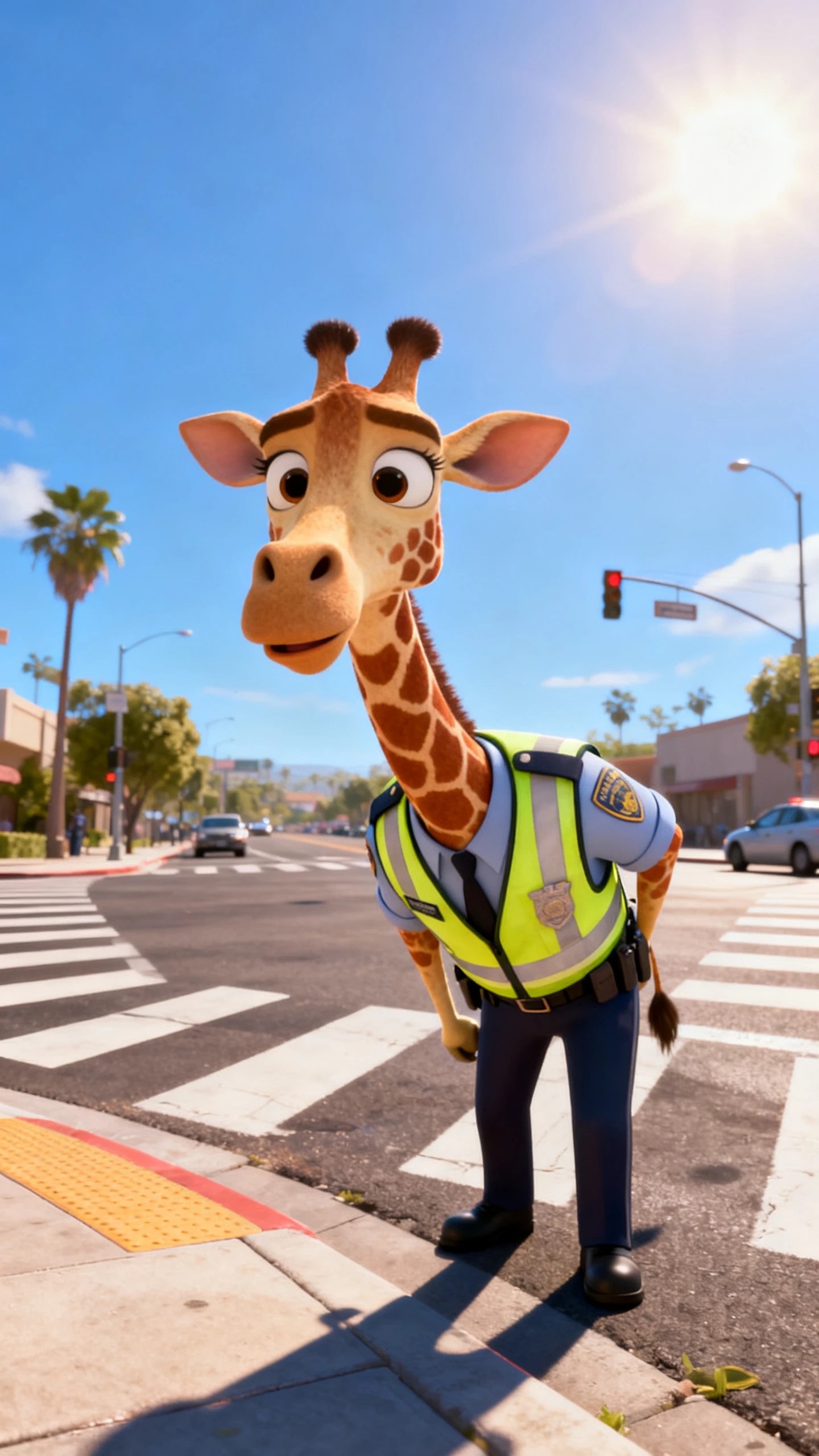
Describe the species, job, outfit, and mood of every character within 1,000 characters. A tall giraffe traffic officer and a tiny mouse reporter each keep their own size and look.
Have a longer tale in mind? Paste your own writing, as long as 12,000 characters, and Magiclight AI generates it into an animated video that can run up to 50 minutes.
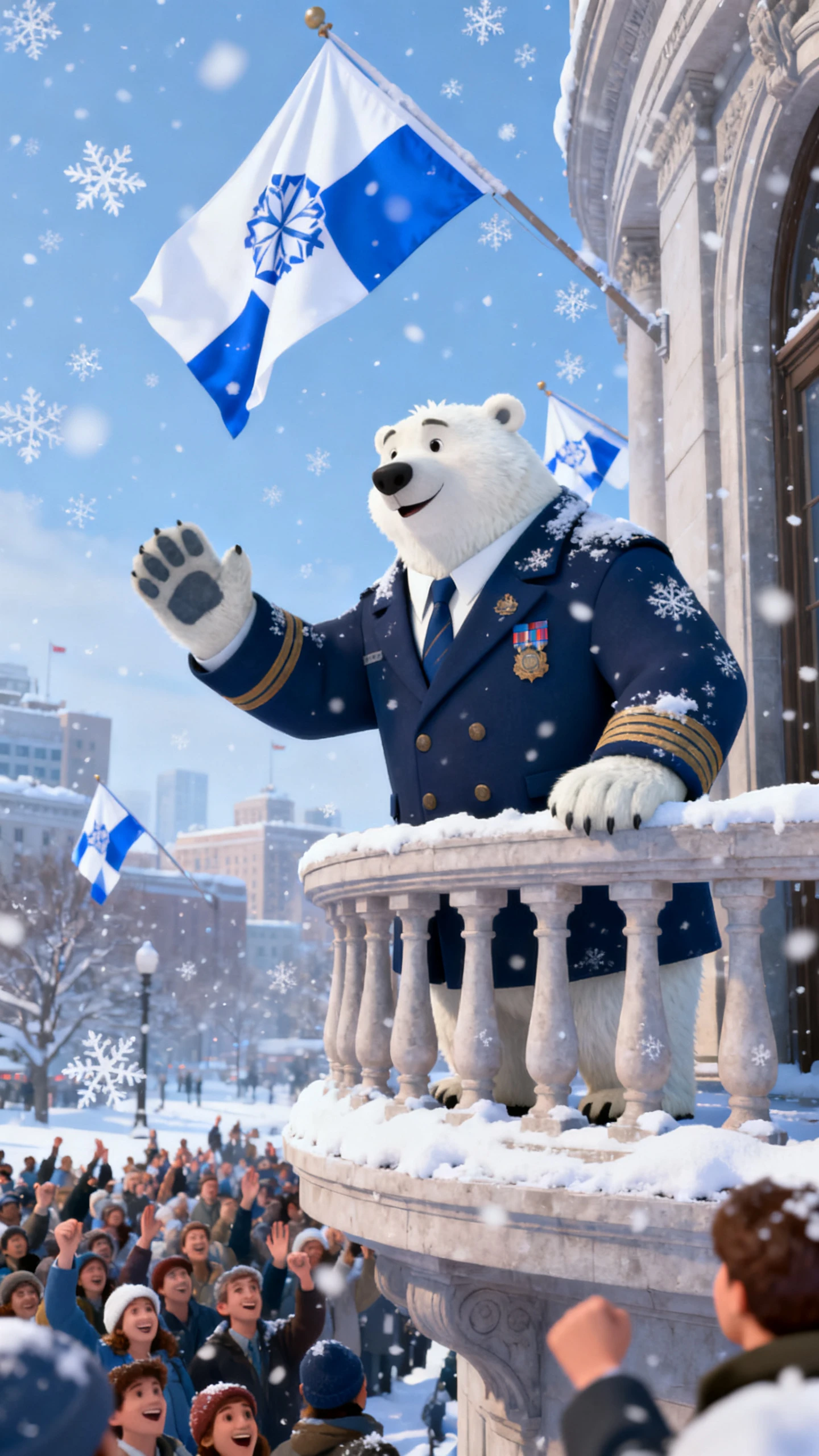
A deep, slow voice suits a polar bear mayor, while a quick, bright one fits a hamster messenger. Pick a different voice for each animal from 37 options, or clone your own.


Bring your animal city to life in 4 decisive steps. Magiclight AI’s Zootopia-style video workflow locks in the look, then carries it consistently through every scene.
Type one line, or paste a finished story as long as 12,000 characters. MagicLight Agent picks the right video type and shows you the script before anything is drawn.
Choose the Zootopia style from the visual styles list, then set 16:9 or 9:16 and a language. Add animals from your library or create new ones.
Check every scene in Nano Storyboard. Adjust poses, faces, outfits, and camera angles so each animal reacts at the right moment in the story.
Assign a voice to each character, choose a music track and subtitle style, and pick a cover. Generate the episode and export it at 720p or 1080p.
No. Zootopia is a Disney film, and Magiclight AI is not connected to Disney. The Zootopia style in Magiclight AI is a visual preset for making your own animal characters and stories.
The film's characters belong to Disney, so use Magiclight AI for a cast of your own. You can create stories around original animals with their own names and looks.
Magiclight AI provides an image generation feature, allowing you to turn your selfie into a Zootopia animal. Add a 500-character prompt and a reference image while choosing any of the 5 image models.
A Story to Video project in Magiclight AI can run up to 50 minutes from a script as long as 12,000 characters. For younger viewers, a few-minute episode is often a better fit.
TikTok, Reels, and Shorts play vertical video best, so go with 9:16 there and 16:9 for a standard YouTube video. Magiclight AI locks the size when the project starts, so set it first.
Yes. Magiclight AI gives you a first video with an account and no credit card. Commercial use of your original animal characters, such as in ads or paid content, comes with a paid plan.



Choose an animal, give it a job, and describe its day. Magiclight AI turns your idea into a complete Zootopia-style story with characters and scenes.