Explore the Magiclight AI 3D Cute Video Maker Features
Charm starts with personality. Magiclight AI’s AI 3D cute video maker shapes lovable characters, expressive moments, and scenes from a single creative idea.

Imagine a chubby dumpling who wakes up late and races for the bus. Magiclight AI brings tiny moments like this to life in soft, adorable 3D. No modeling skills required.
Create a 3D Cute Video for Free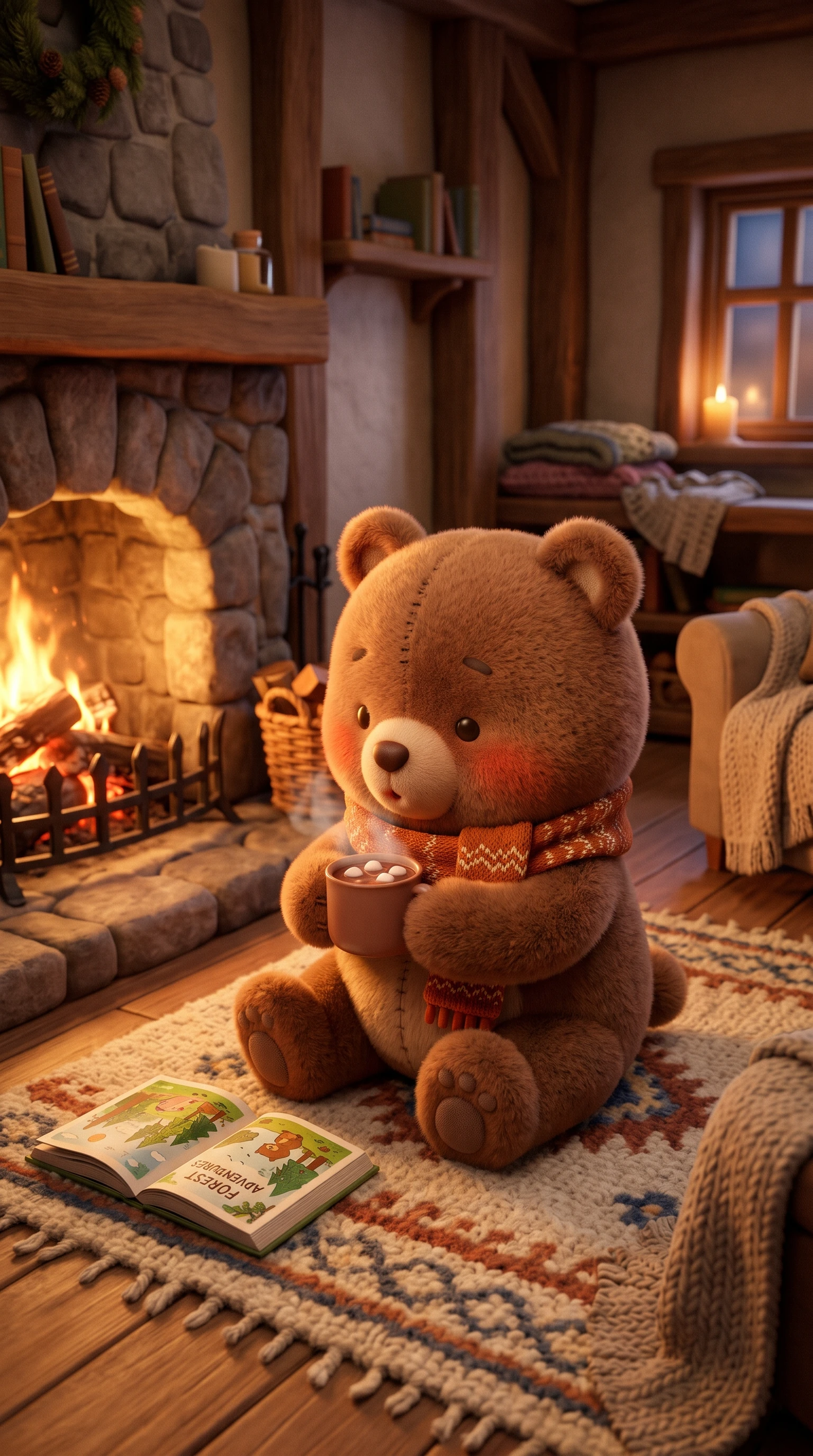
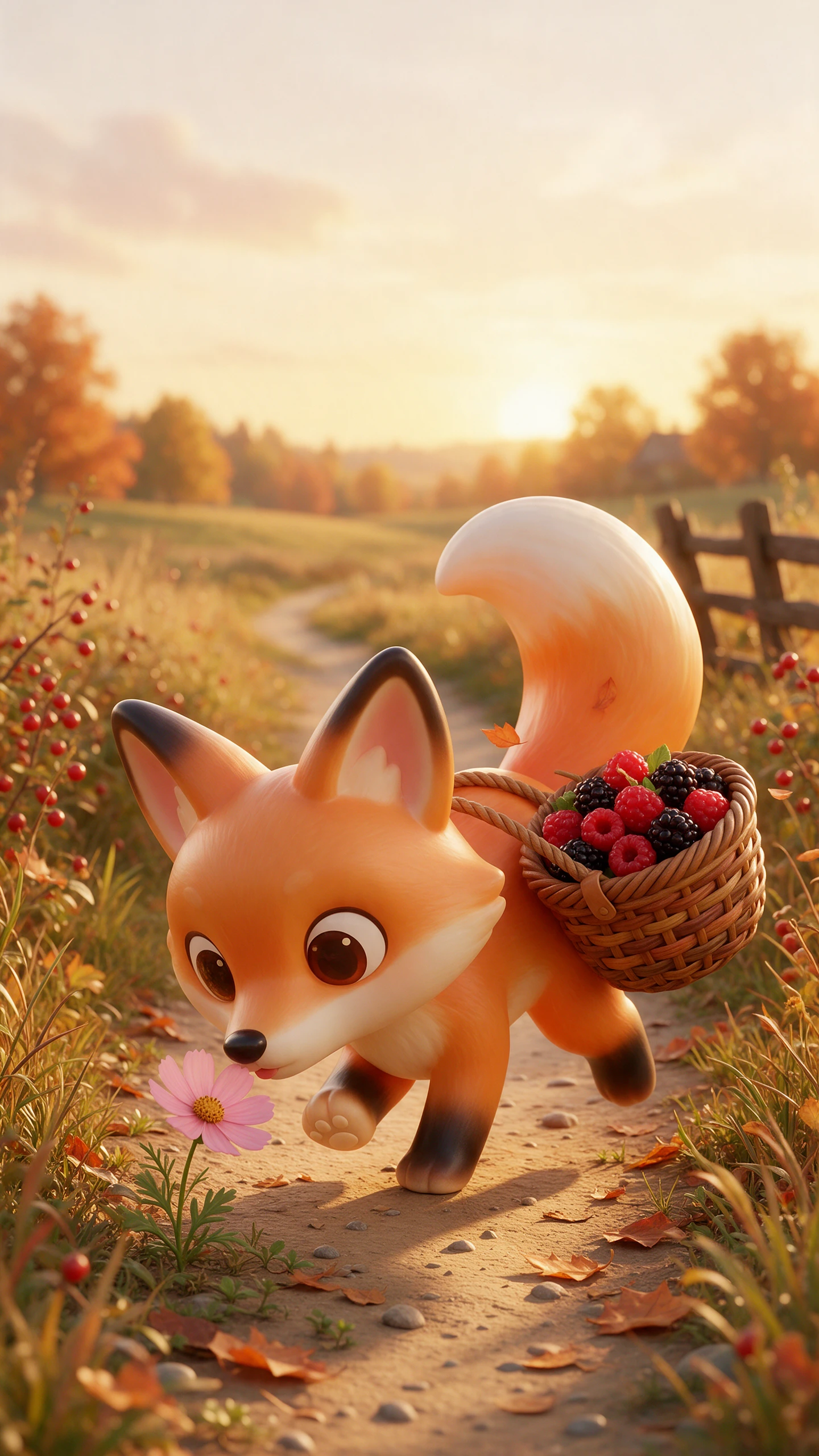
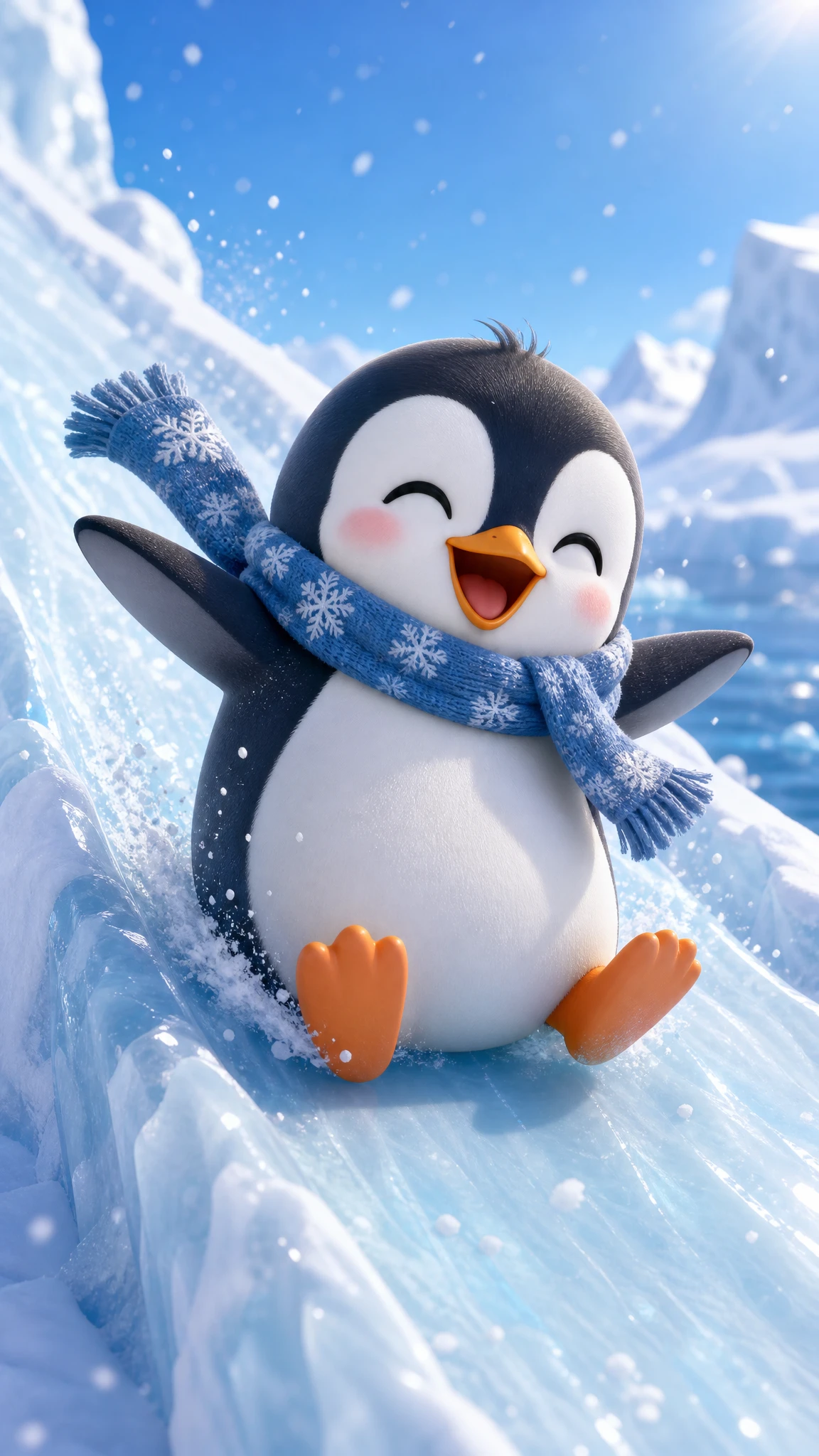
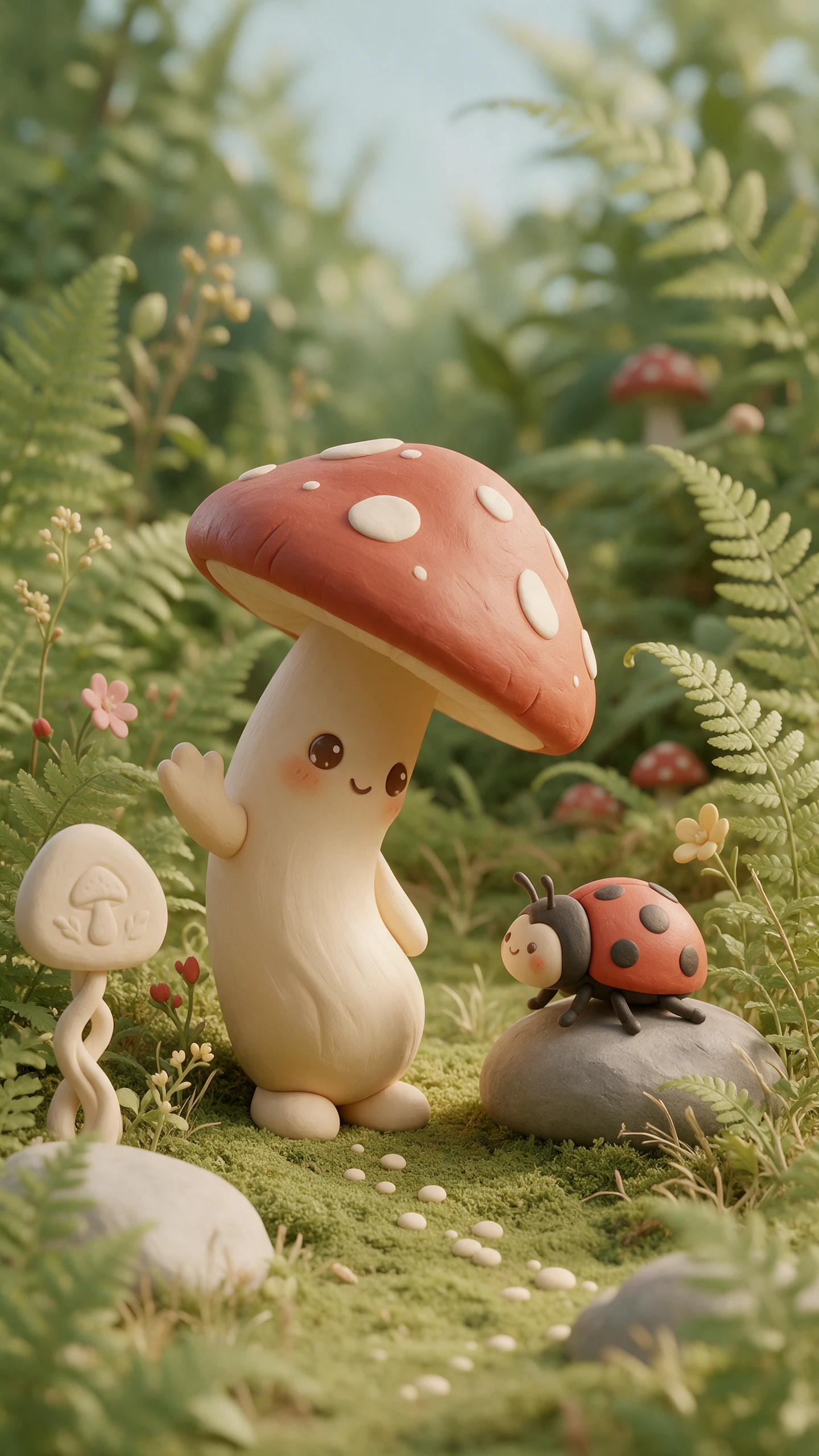
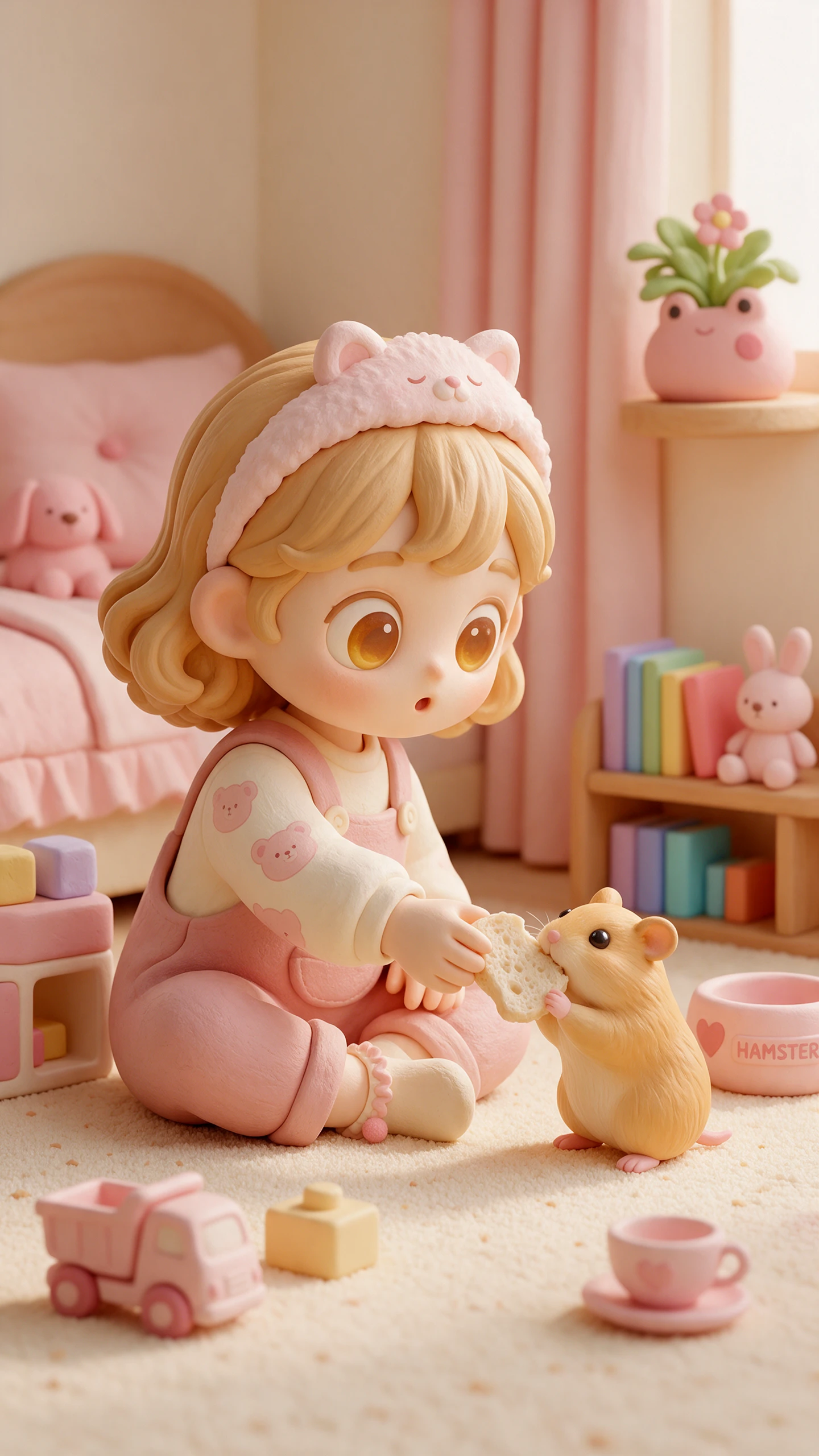
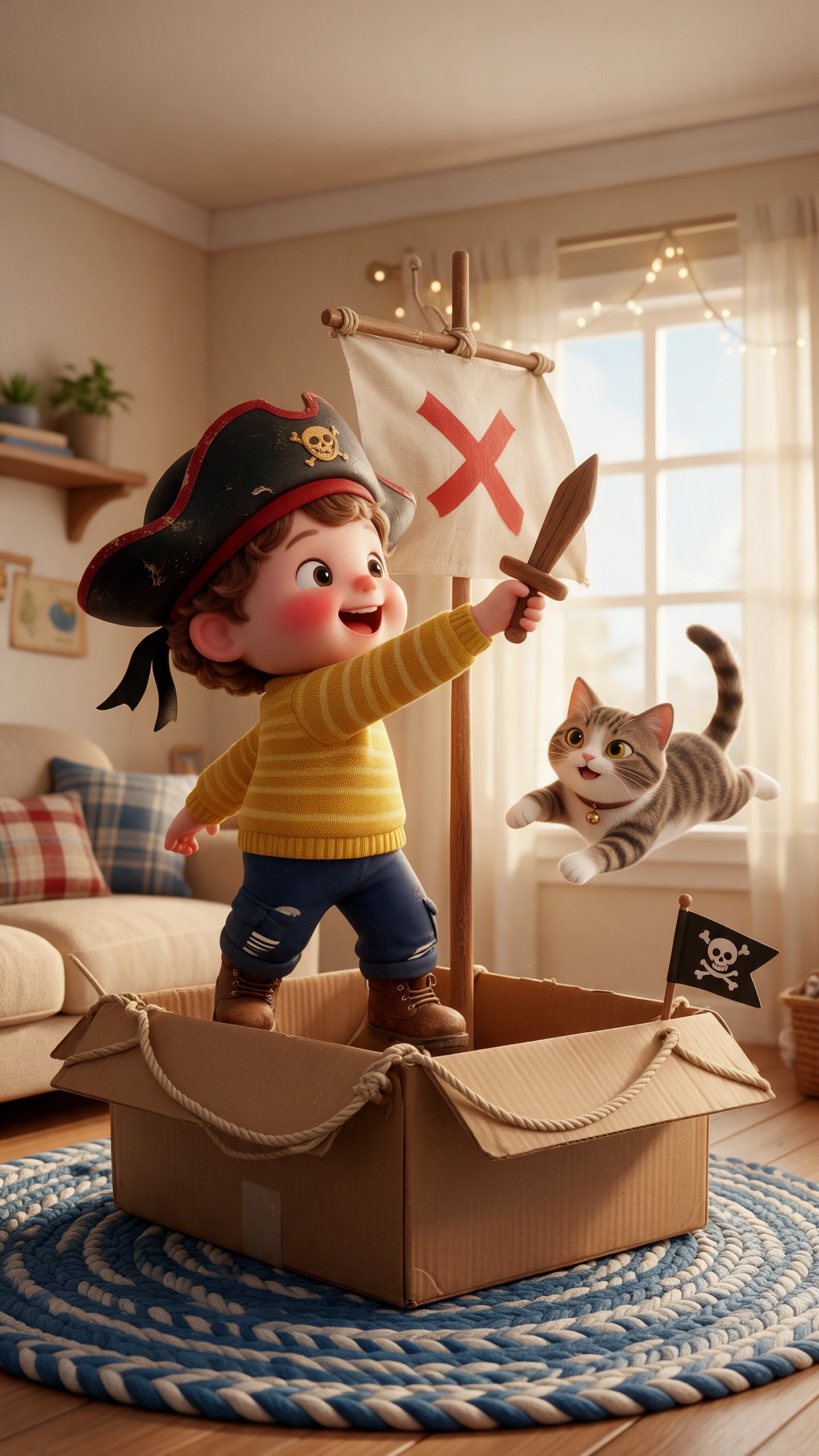
Charm starts with personality. Magiclight AI’s AI 3D cute video maker shapes lovable characters, expressive moments, and scenes from a single creative idea.

Give MagicLight Agent a simple character idea or situation. It can develop it with 14 story models, helping turn a small cute moment into a complete scene-by-scene story.
Upload a portrait or create a 3D character from a description of up to 1,000 characters. Shape the face, hair, outfit, and body for your own adorable 3D persona to make it look unique.
Choose from 52 visual styles, including 3D Cute, to set the appearance of your character and its world before moving into animation.
Match your cute cast with options from 37 AI voices, giving a tiny hero, playful sidekick, or narrator a voice that fits its role.


Magiclight AI takes your AI 3D cute video idea from character setup to finished animation in 4 clear steps, with control over every scene.
Explain your cute character’s face, hair, clothing, and body in up to 1000 characters, or upload a reference image. Select the 3D Cute visual style to set your character and scene look.
Proceed with a script of 12,000 characters, select a story model and lead to creating a proper video with Magiclight AI. Confirm the 3D cute model and choose your character from the library.
Adjust each scene in Nano Storyboard with 50 poses. Set expressions, character actions, and camera angles to give every cute moment a distinct personality and mood in each scene.
Choose from 40 music tracks, and apply one of 16 subtitle settings. Review every scene, then generate your video in 720p or 1080p to share.
It uses big heads, small bodies, round shapes, and soft pastel colors with a glossy, toy-like finish. Magiclight AI holds that adorable look steady in every scene.
Yes. Upload a clear portrait to get a chibi-style 3D version of you in Magiclight AI. Only upload photos of yourself or people who have agreed.
Short works best for cute content, often 10 to 60 seconds for social clips. Magiclight AI also supports longer stories if your character needs a full episode.
Yes, if the character is your own design. Magiclight AI saves your mascot so it looks the same in every ad, post, and product story.
Yes. Choose 9:16 when you start the project in Magiclight AI. Add short captions so the joke works even when people watch with the sound off.
Yes. Magiclight AI lets you give each character a name of up to 50 characters, helping you organize recurring heroes, mascots, and supporting characters across your stories.



Start with a cute character and a simple idea. Magiclight AI’s 3D cute video maker brings it to life as a charming 3D video you can share.