Hero background

Picture Book AI Video Generator

Paste your book story and describe how the illustrations should look. Magiclight AI creates new scenes with spoken narration and text for young readers. No illustration skills needed.

Create a Picture Book Video For Free
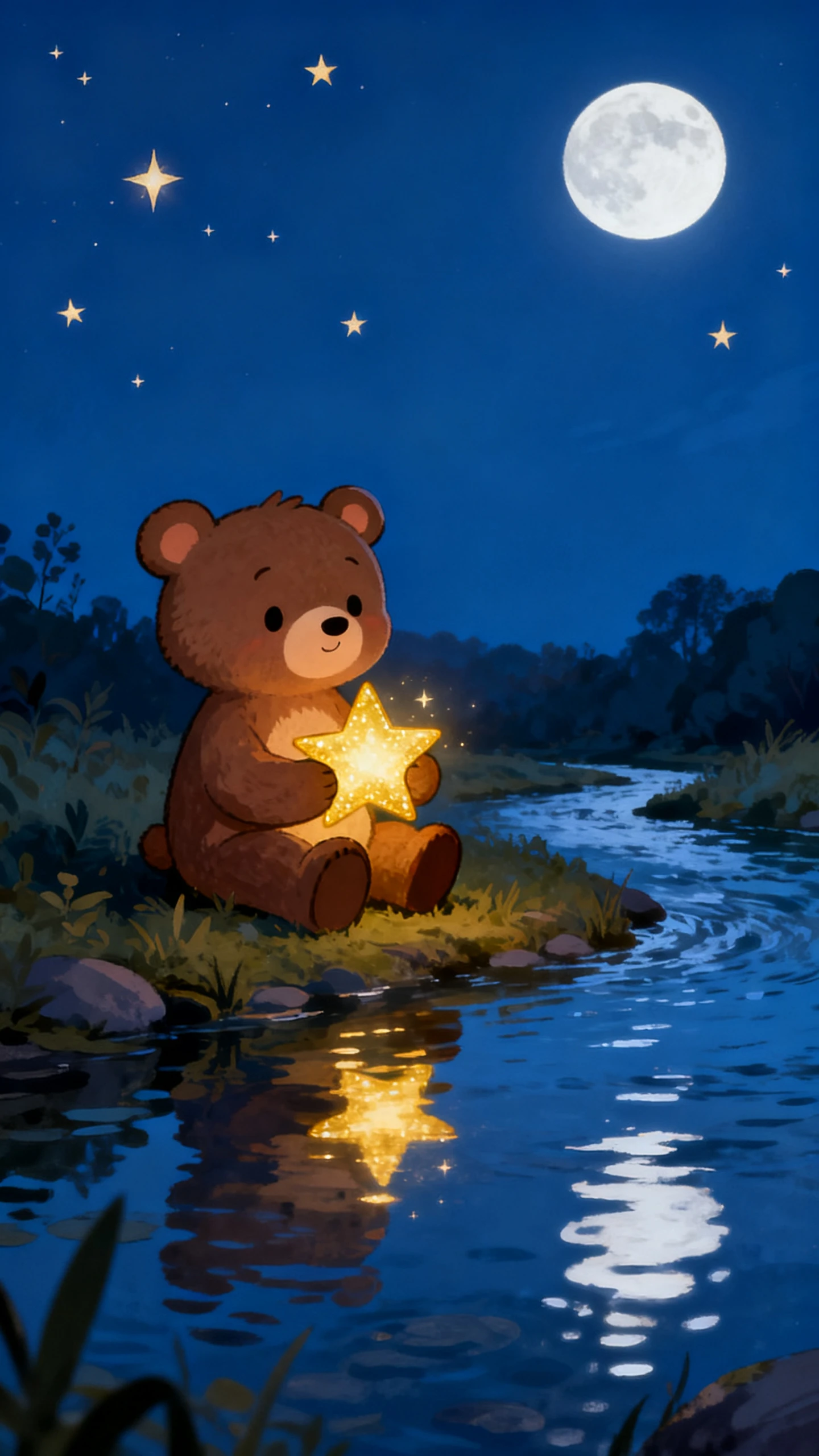
Picture Book AI Video Generator preview
Picture book scene preview
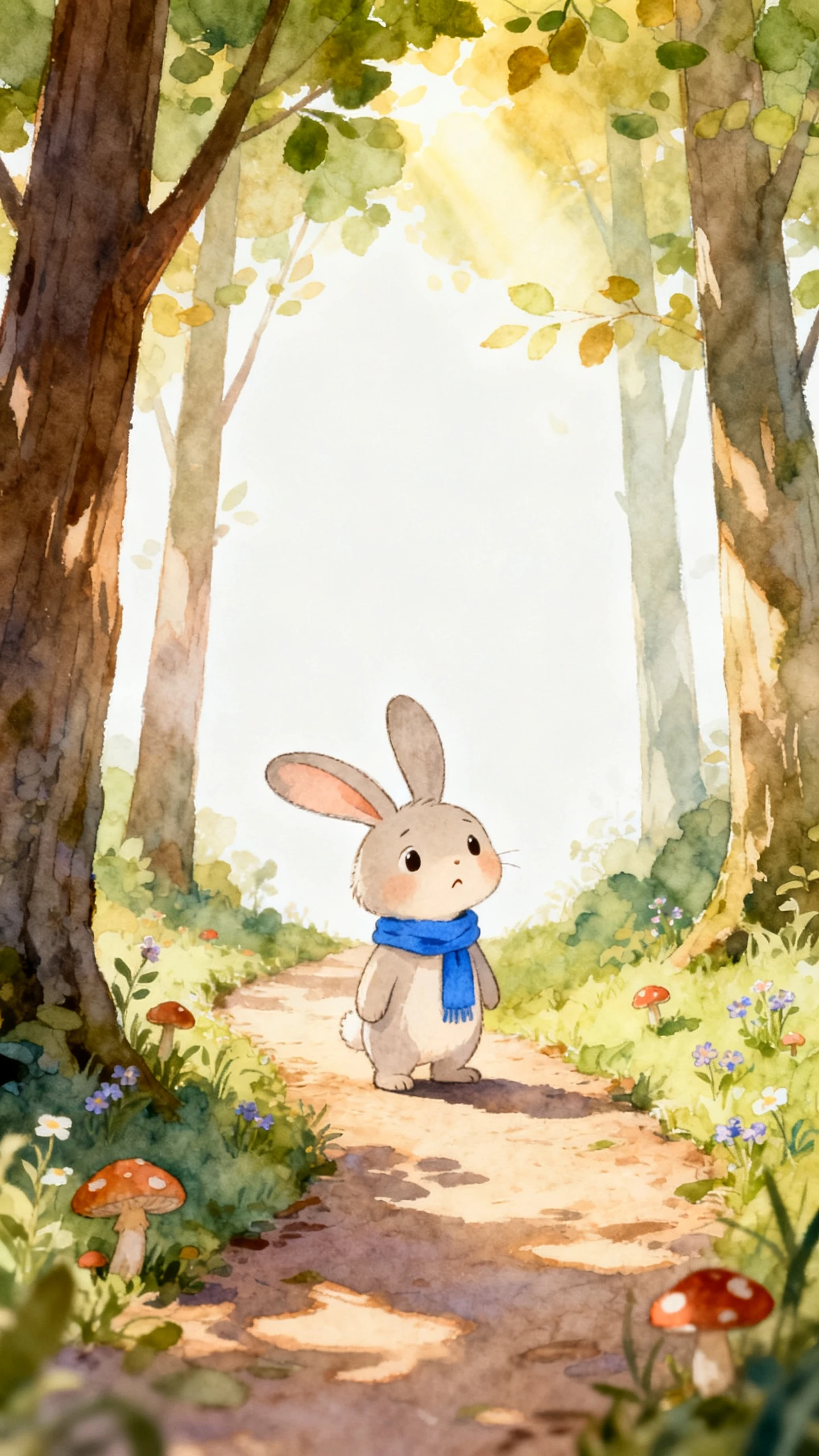
Nano Storyboard panel preview
Picture book scene preview
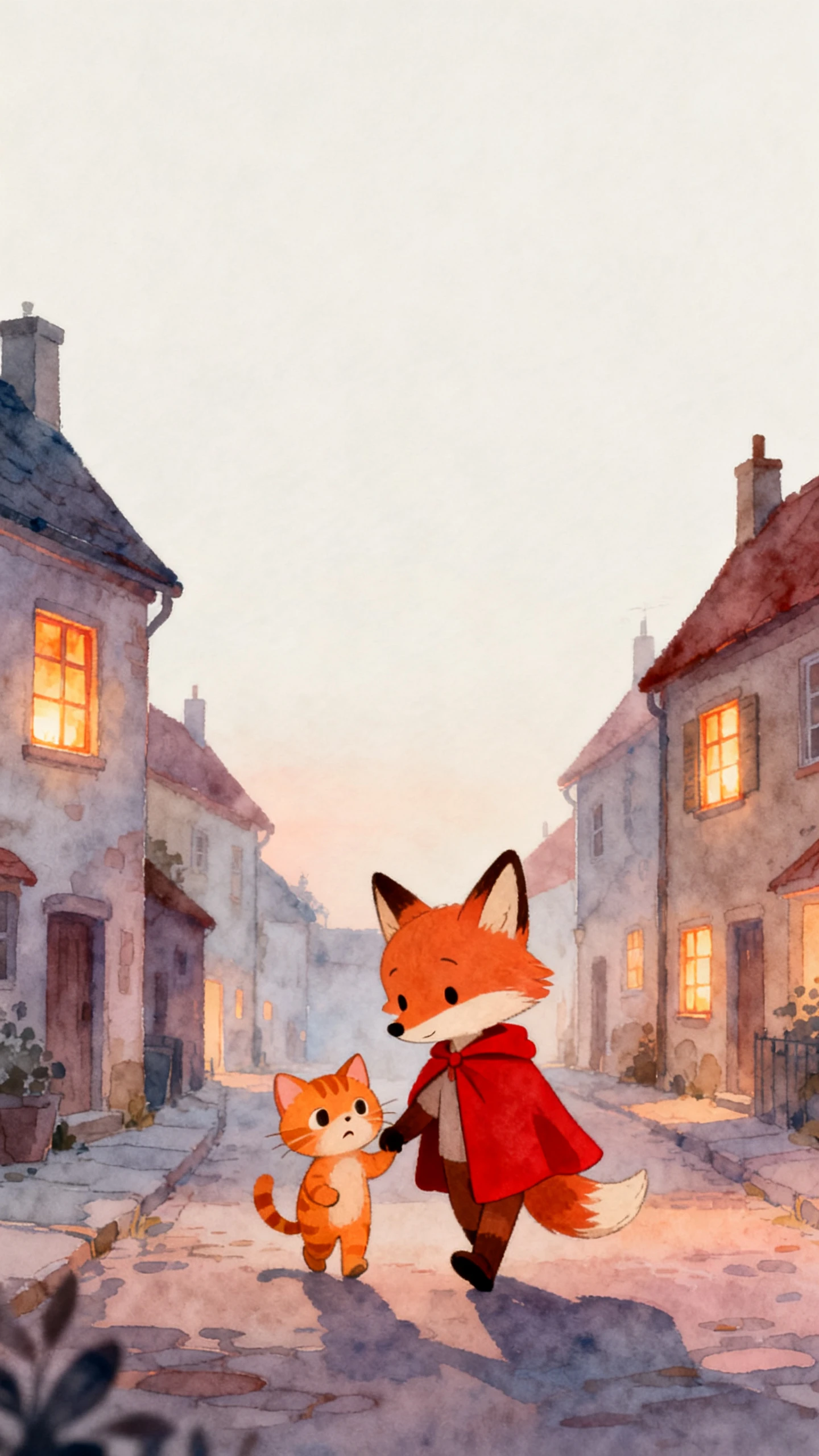
Picture Book AI Video Generator preview
Picture book scene preview
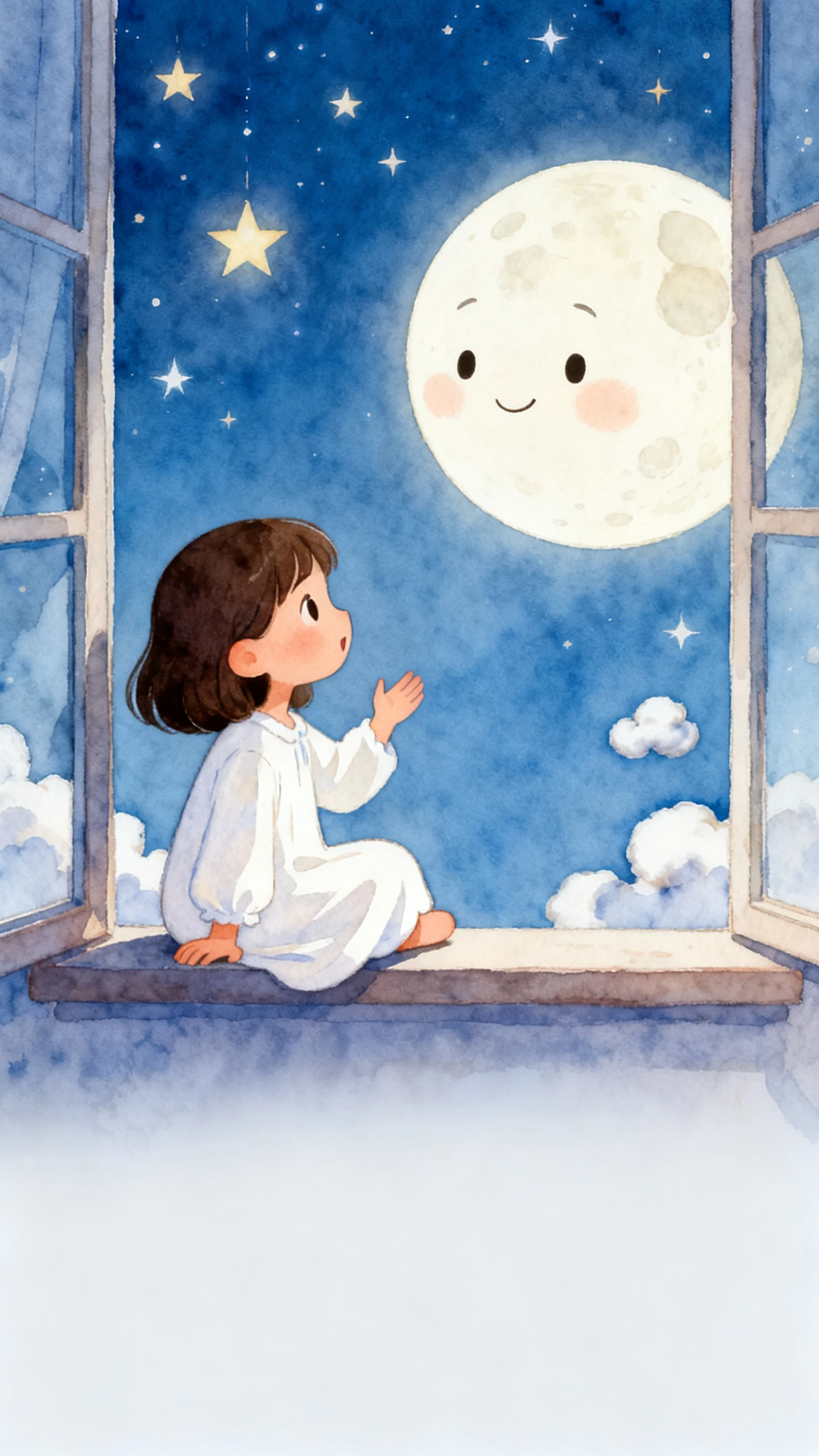
Nano Storyboard panel preview
Picture book scene preview

Explore Features of Magiclight AI Picture Book Video Maker

Set the appearance of your story characters and choose a voice that suits the reading. Magiclight AI lets you work on the scenes before putting the picture book video together.

Create a Picture Book Video For Free
3D decoration

MagicLight Agent Plans Your Story Pages

Enter a short picture book idea in MagicLight Agent and let it prepare the story script. Review how the story moves through each scene and make changes to the script before starting the illustrations.

More Than 50 Visual Styles for Picture Books

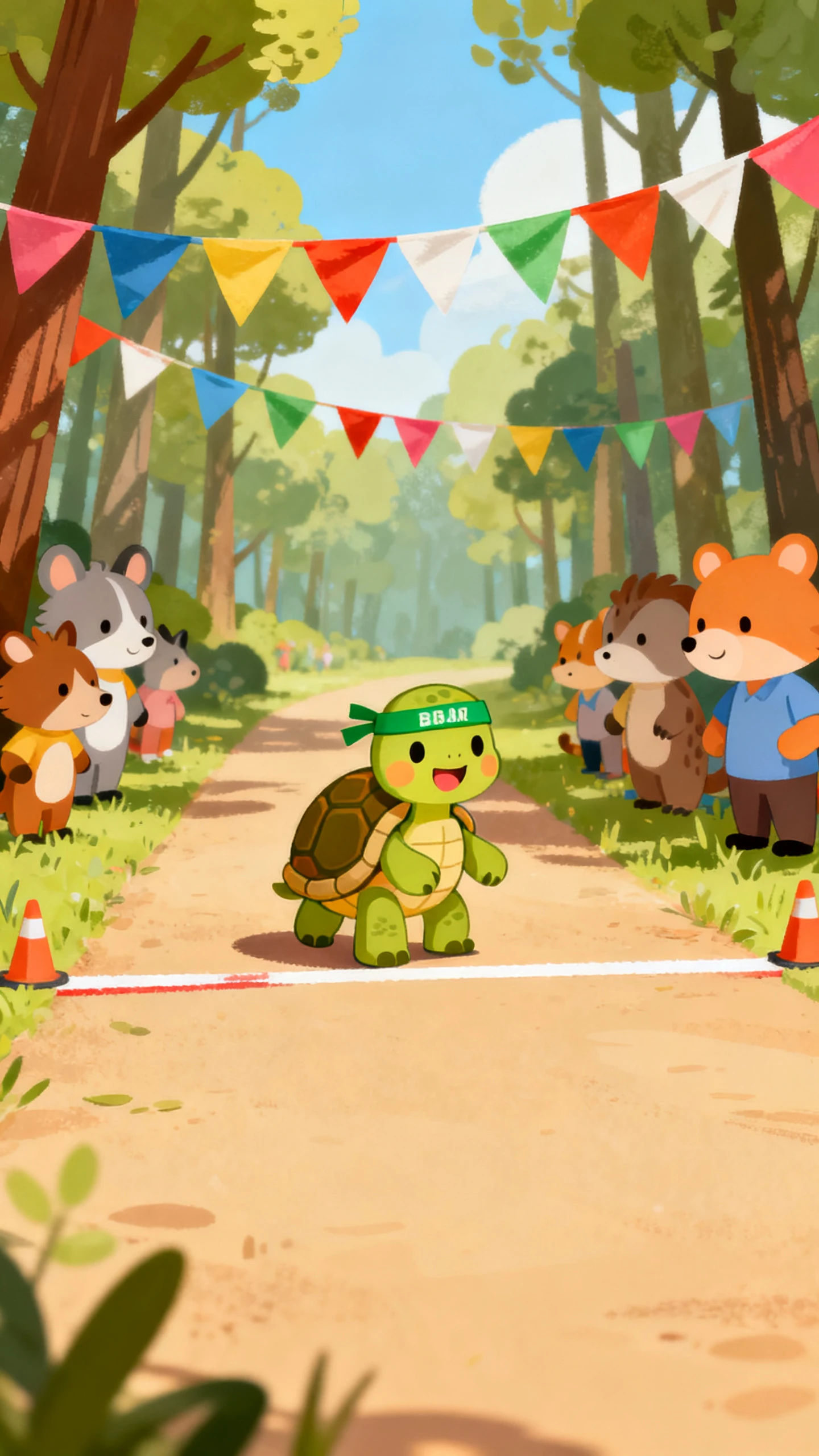
Magiclight AI offers 52 visual styles to try with your story. Select the Picture Book style for soft watercolor illustrations and give the characters a gentle look that suits a children's book.

16 Subtitle Settings for Read Along Text

Magiclight AI gives you 16 subtitle settings for the words shown during your picture book video. Choose a clear text style that children can follow while listening to the narration and watching each scene.

12000 Characters for Picture Book Scripts

A picture book can include longer conversations and several pages of storytelling. Magiclight AI accepts scripts within 12000 characters to give the story enough room before turning the written scenes into a video.

Who Can Use the Magiclight AI Picture Book Video Maker
Authors can share their books with more readers using Magiclight AI. Libraries and teachers can also make picture book videos for children to watch at home.
For Self-Published Authors
Turn your printed picture book into a short read-aloud trailer.
Clone your own voice so the video sounds like the author reading.
Share a 9:16 Instagram preview that takes parents to your book page.
For Libraries
For Libraries
Send a new story time video to families who cannot visit each week.
Display the story words in large text for children reading along at home.
Improve fable stories with 14 story models for an error-free video.
For Early Teachers
For Early Teachers
Make a short reading lesson using the latest sight words in class.
Pick a slow narrator from 37 voice options for beginning readers.
Prepare multilingual versions for bilingual classroom lessons.
For Kids Story Channels
Post a new picture book episode each week without showing your face.
Try over 52 visual styles to find a look for the next story.
Use 12000 characters for 50 minute videos with 40 music tracks.
Why Choose Magiclight AI
Picture Book Video Maker
Get the pictures and narration right in Magiclight AI before you share your picture book. After that, add music and character movement to give the story a more complete feel.
Several Books in One Video
Create a picture book video of 50 minutes in Magiclight AI. Put several stories into one video and give each book enough time from the first page to the last.
Background Music for Picture Books
Pick from 40 music tracks in Magiclight AI to suit the mood of your book. A gentle track works well for quiet pages. Try another tune as the pace of the story changes.
Same Characters Across Books
Describe your character in 1000 characters. Save the design in Magiclight AI. Use it across the entire book and bring it back for the next story.
Share Picture Books in 11 Languages
Select a narration language from the 11 options in Magiclight AI. Use the same illustrations for another version of your book and let more families enjoy the story in their own language.
Give Each Page a Different Pose
Use Nano Storyboard to select from 50 poses for your characters. Change their expressions and camera views to suit the scene. Keep the pose that looks best on the page.
Several Scripts to Compare
Enter your picture book idea in MagicLight AI and test it with 14 story models. Review the scripts before you choose the best version for your book.

How to Make a Picture Book Video With Magiclight AI

Turn your picture book idea into a video through 4 steps in Magiclight AI. Start with the story and check the final scenes before downloading.

1.

Step 1. Give MagicLight Agent Your Story

Share a manuscript of 12000 characters with MagicLight Agent. Test your idea across 14 story models and read the draft before you let Magiclight AI proceed with the artwork.

2.

Step 2. Set the Look of Your Book

Pick the Picture Book style from over 50 visual choices. Describe the characters in your story and reuse saved designs from the Magiclight AI library for a familiar look.

3.

Step 3. Check the Artwork Page by Page

Go through the scenes in Nano Storyboard before you approve the video. Try the 50 available poses and change facial expressions or camera views wherever the artwork needs work.

4.

Step 4. Set the Voice and Export

Pick a voice from 37 options for the story narration. Add music, choose how the subtitles appear, and let Magiclight AI prepare the finished video for export.

FAQs on Picture Book Video Maker

How do I turn my published picture book into a video?

Enter your manuscript in Magiclight AI to create fresh illustrations for the video. Check your artwork rights first if another artist illustrated the original book.

Can I use a famous picture book for my video?

A book still under copyright needs permission from the rights holder. Public domain tales can be used without that permission.

What is a good length for a picture book video?

Most short picture books take 3 to 7 minutes to read aloud. Magiclight AI supports videos of 50 minutes for longer stories.

Which age group suits the Picture Book style?

The Picture Book style is a good choice for kids aged 2 to 7. Older children can enjoy it too, with a longer story and more text on each page.

Are picture book videos suitable for classroom lessons?

Teachers can play Magiclight AI picture book videos during story time. Pause after each page to discuss the story with the class.

What if I notice a mistake in my story?

Open the script in Magiclight AI and correct the text before you approve the storyboard. The revised story can then move to the video stage.


Create Your Picture Book Video With Magiclight AI

Turn your story into a picture book video with Magiclight AI. Add illustrated pages and a clear voice for children to enjoy.