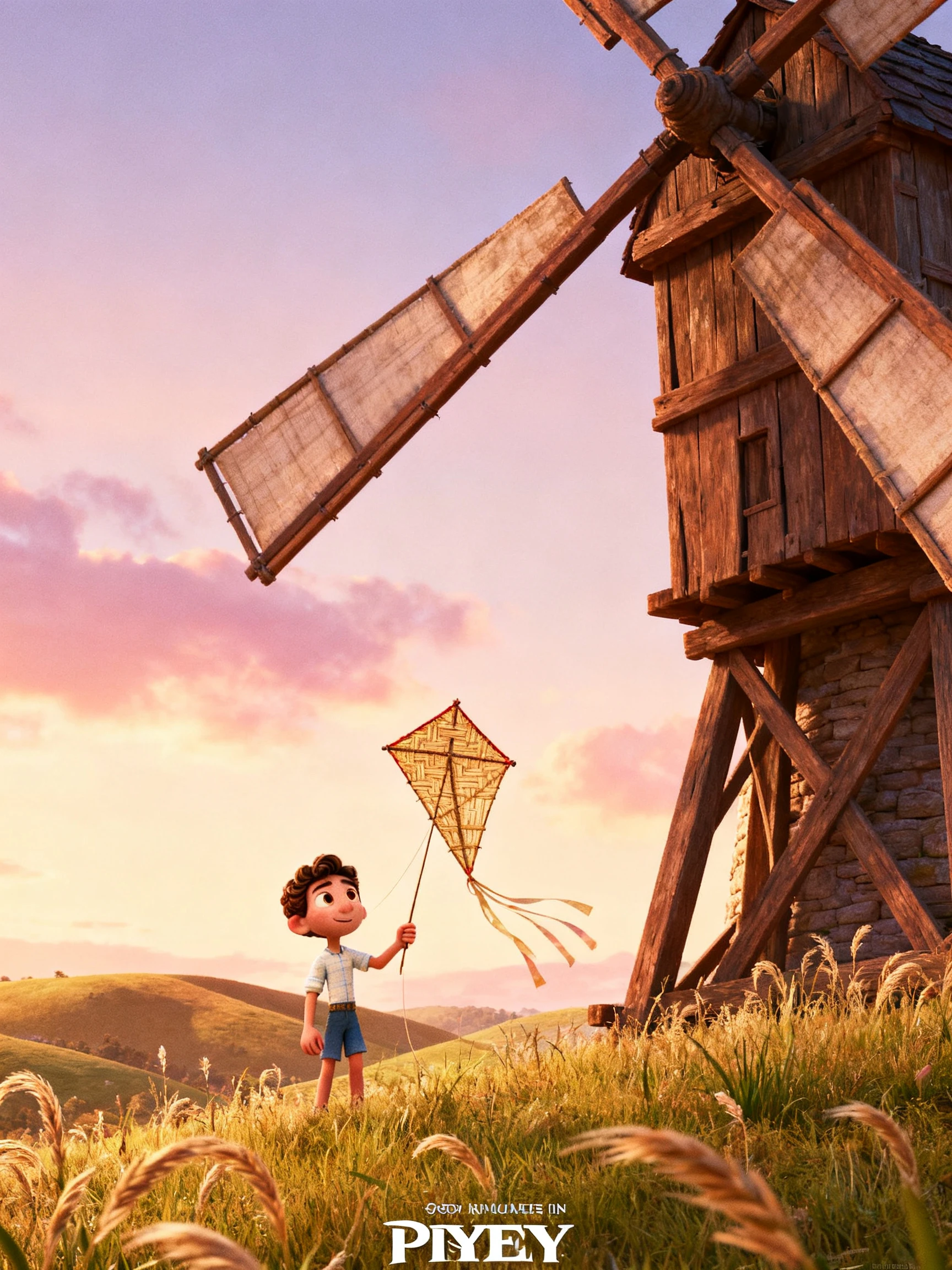
Hero background

Pixar Style AI Generator

Turn your ideas into Pixar-inspired images, animated videos, and storybooks with Magiclight AI. Create expressive characters and colorful 3D scenes from your prompts. No design or animation skills needed.

Try Pixar Style AI Generator For Free
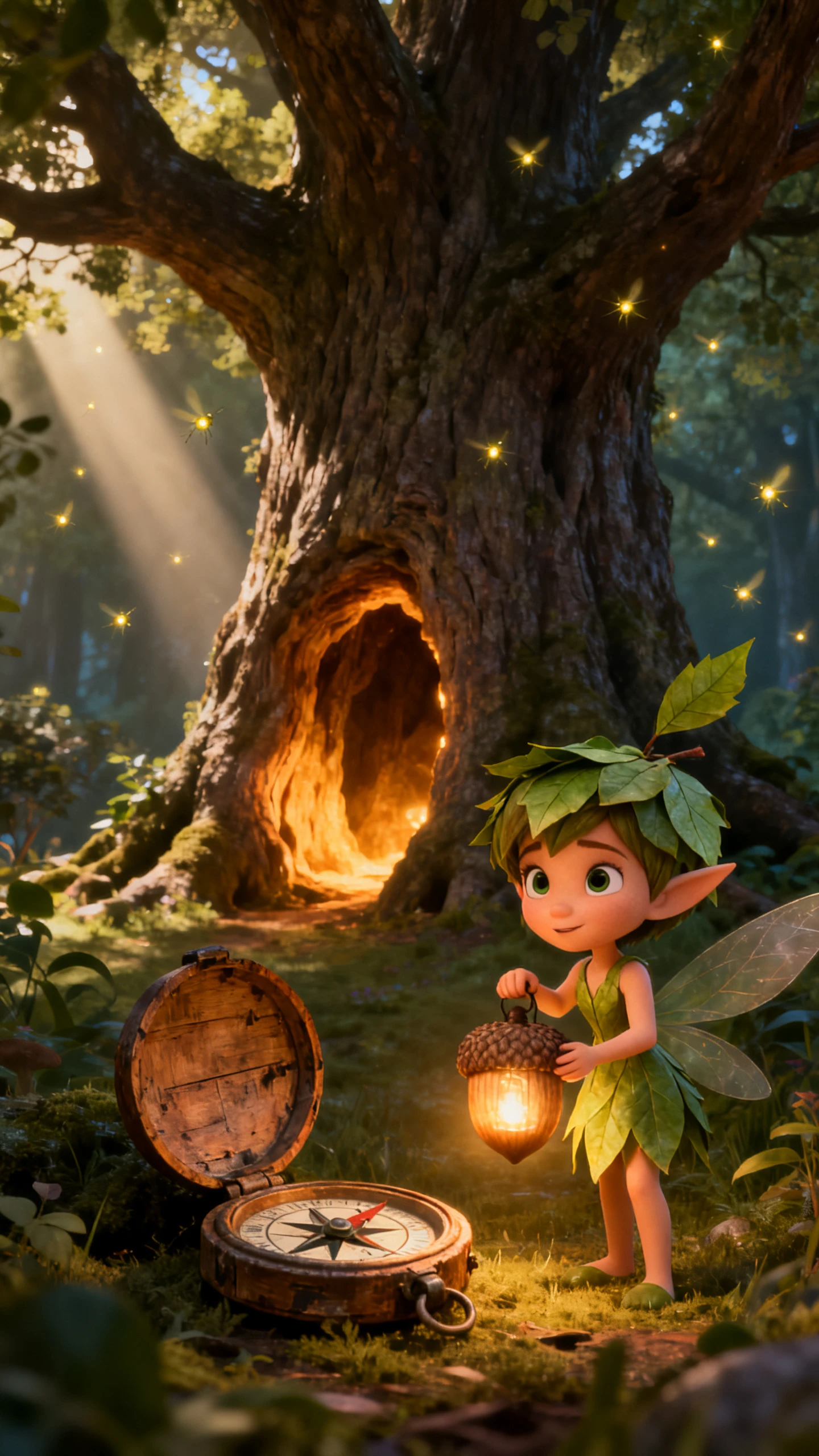
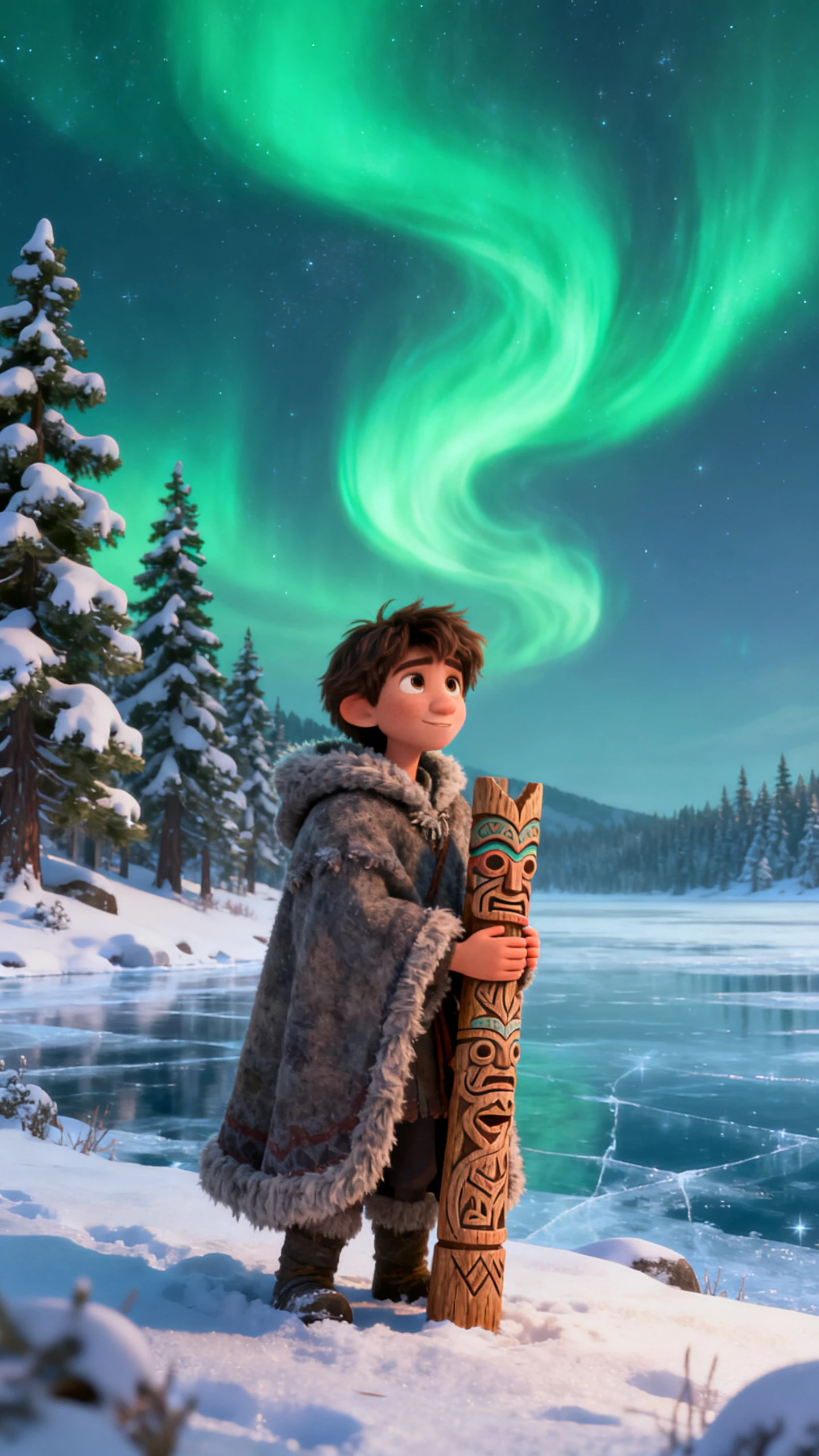
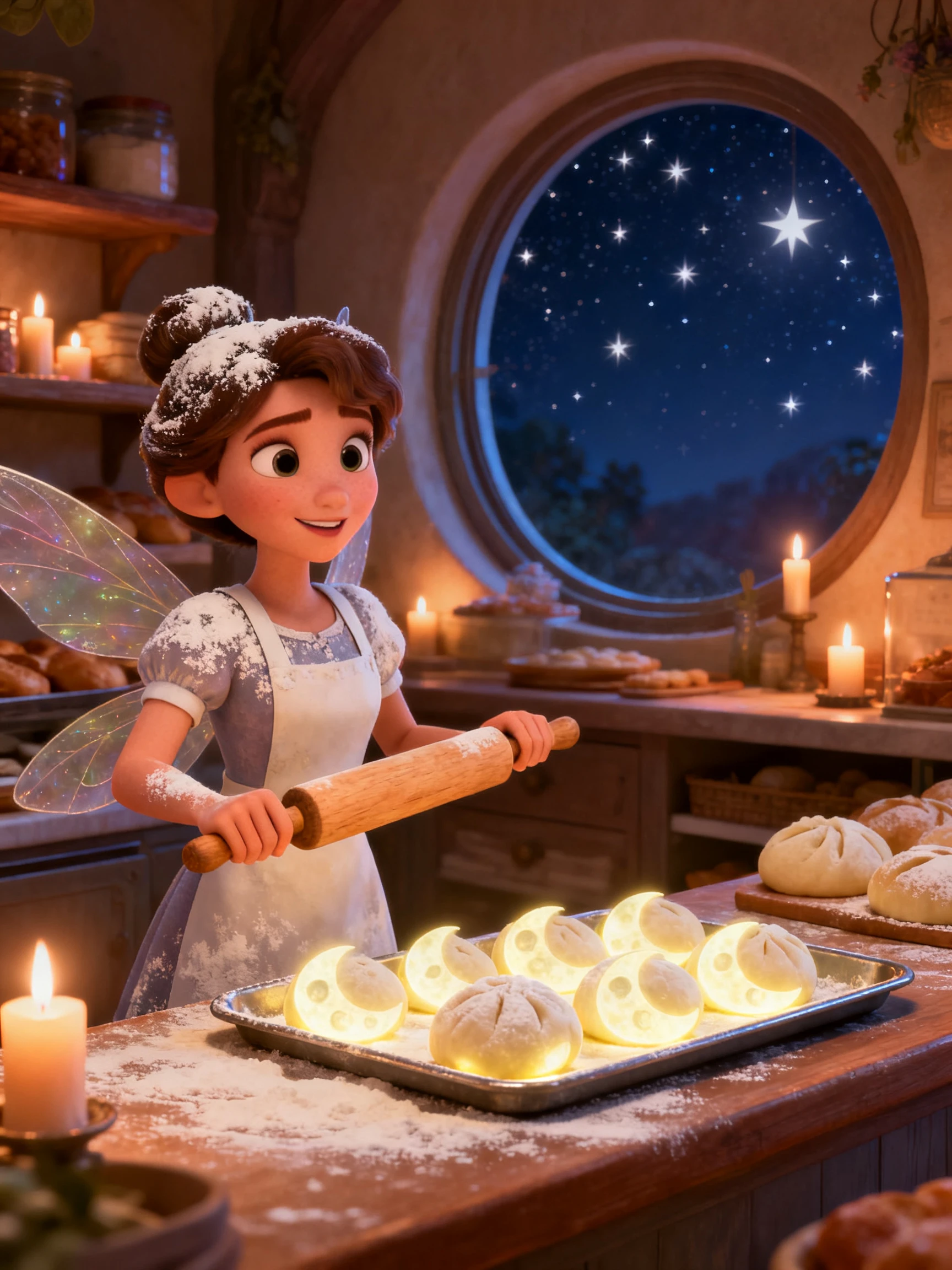
Pixar style 3D animated character and scene preview
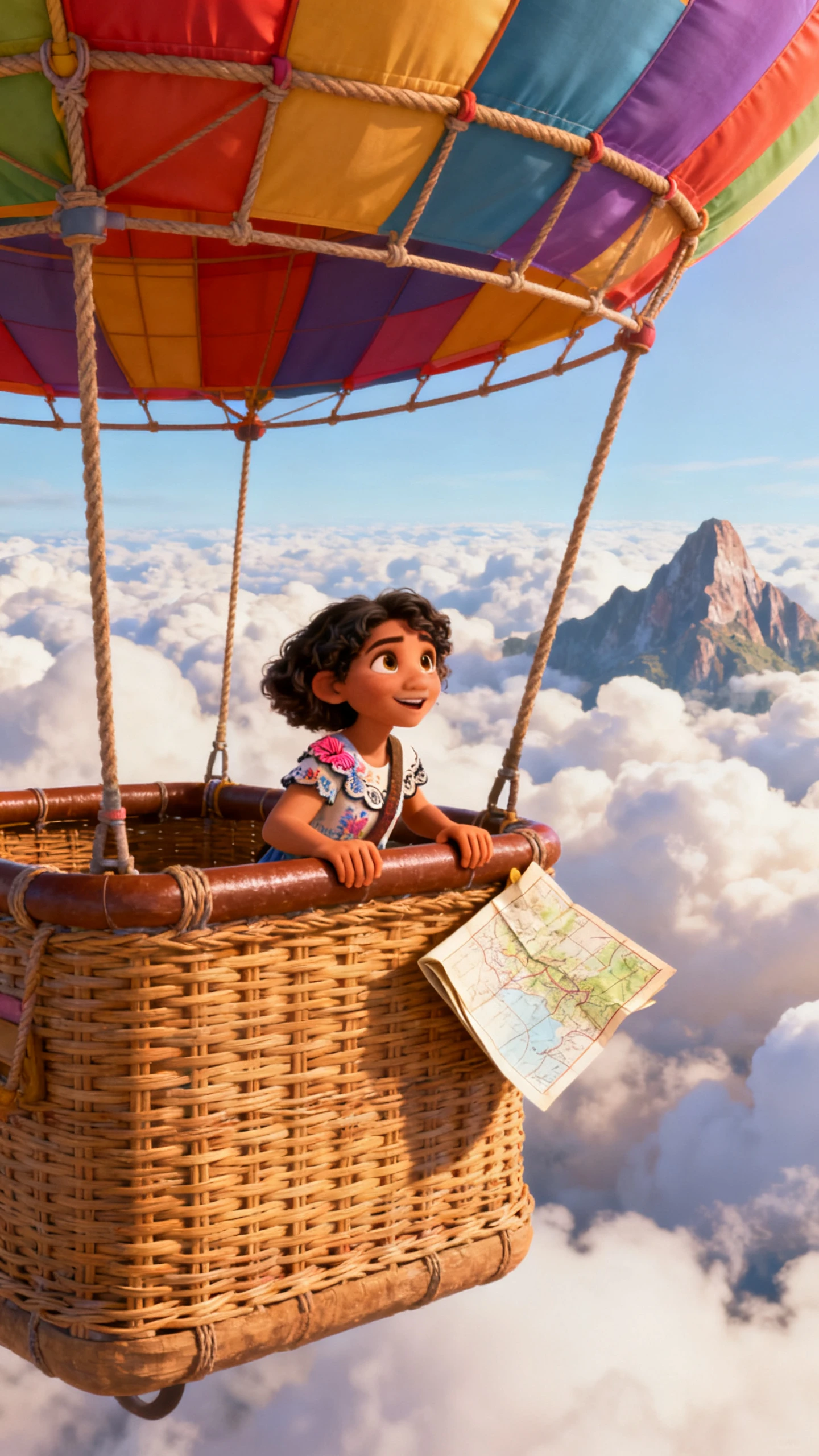
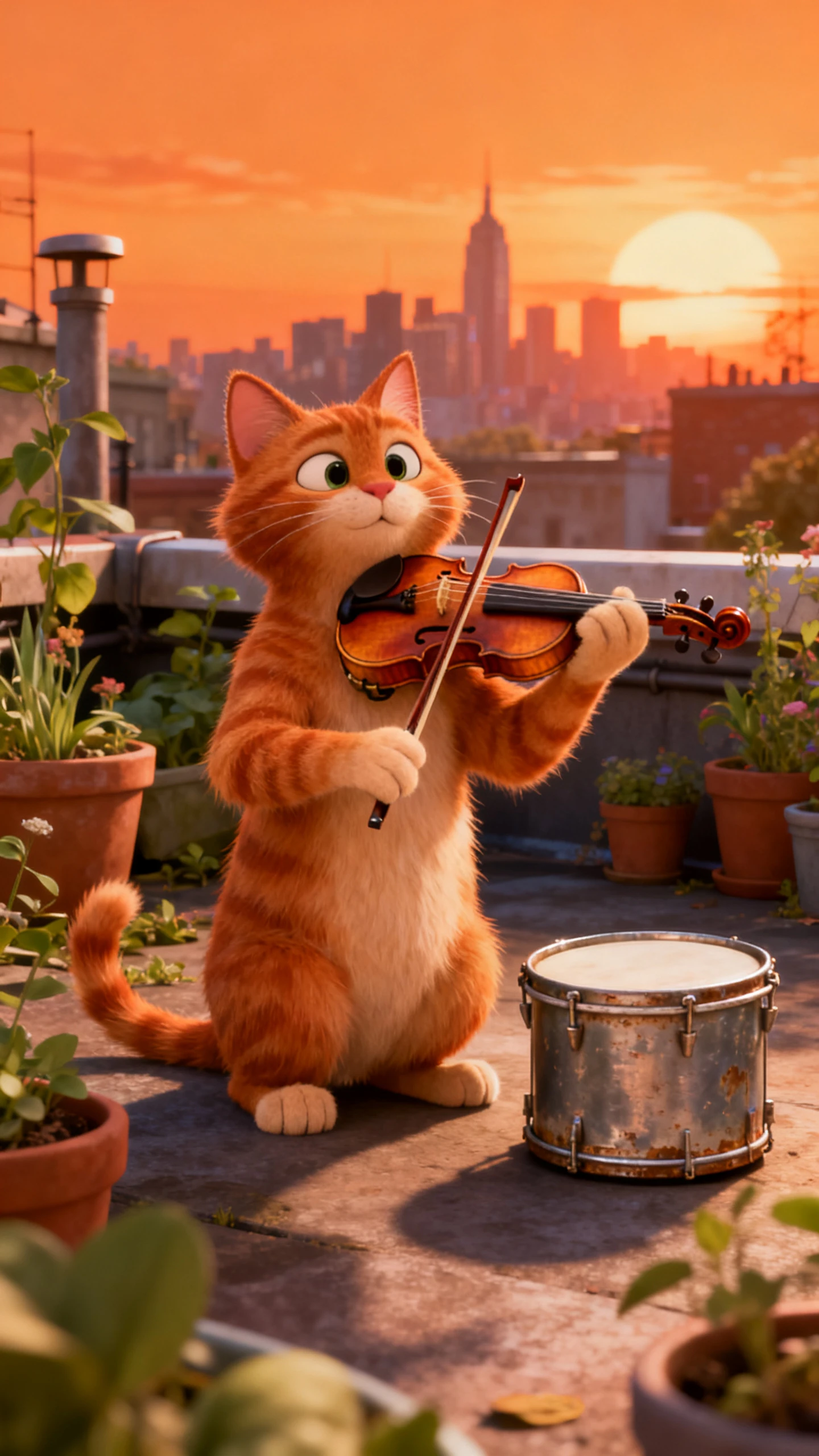
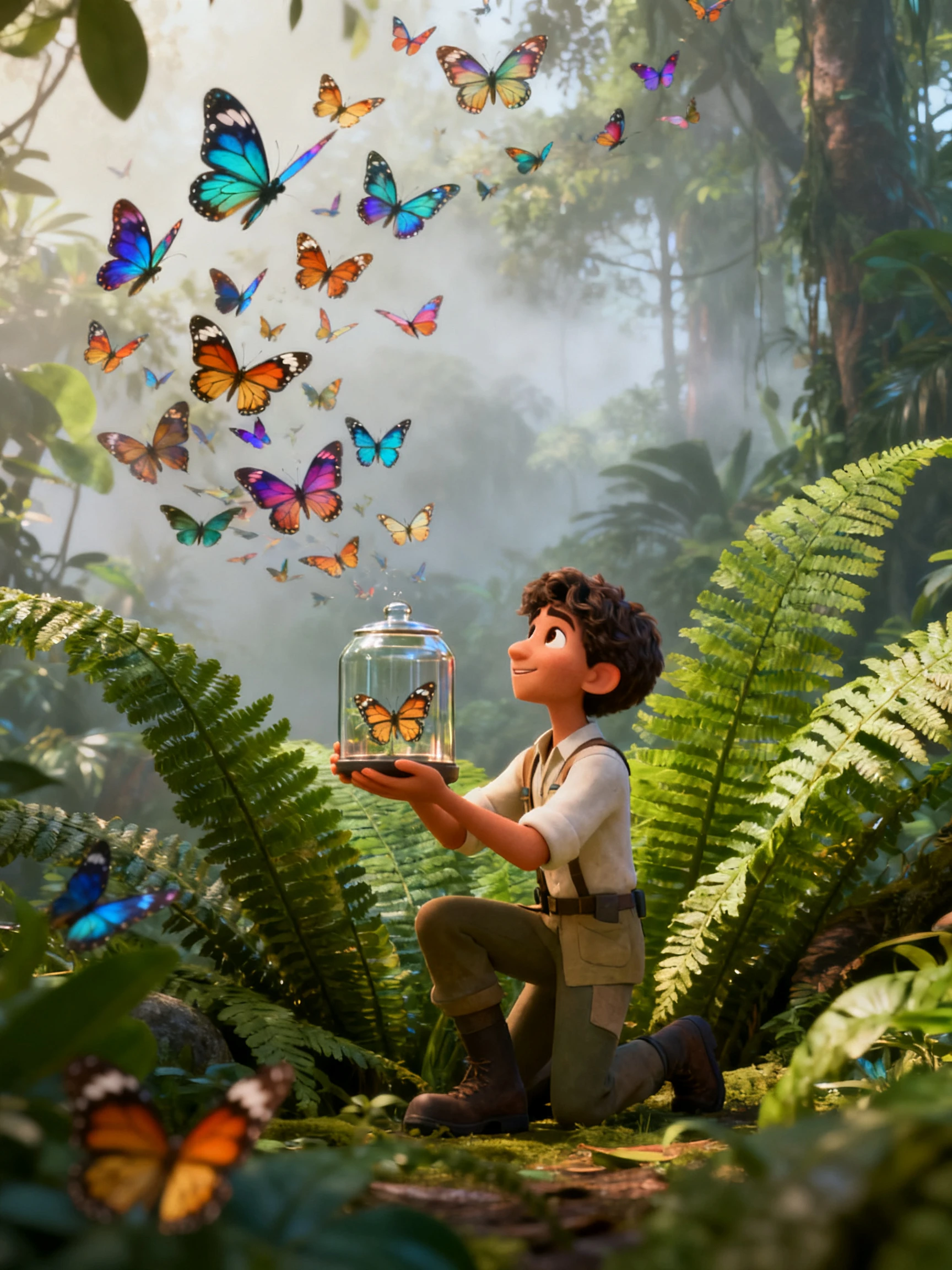
Pixar-inspired animated story preview
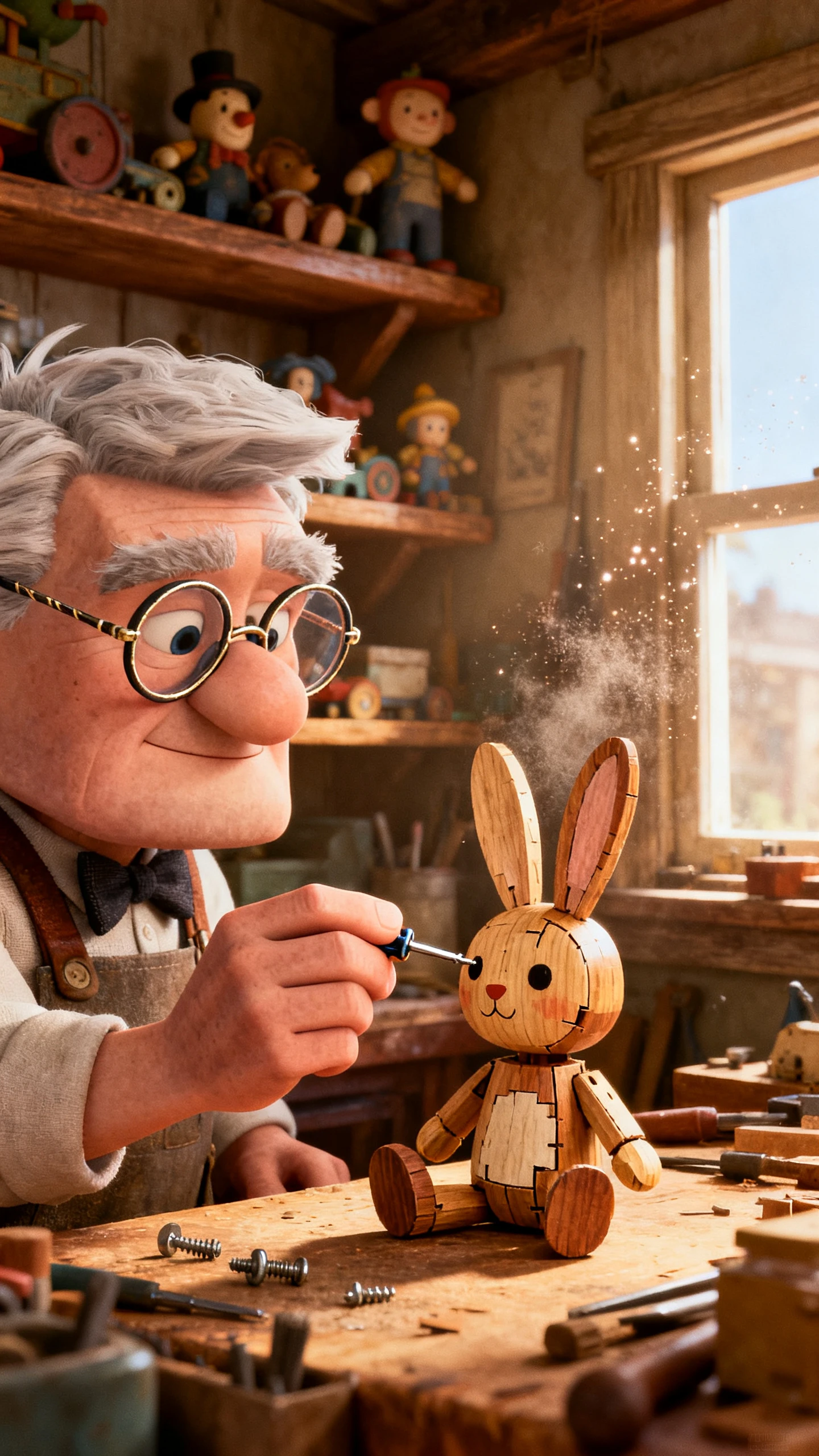
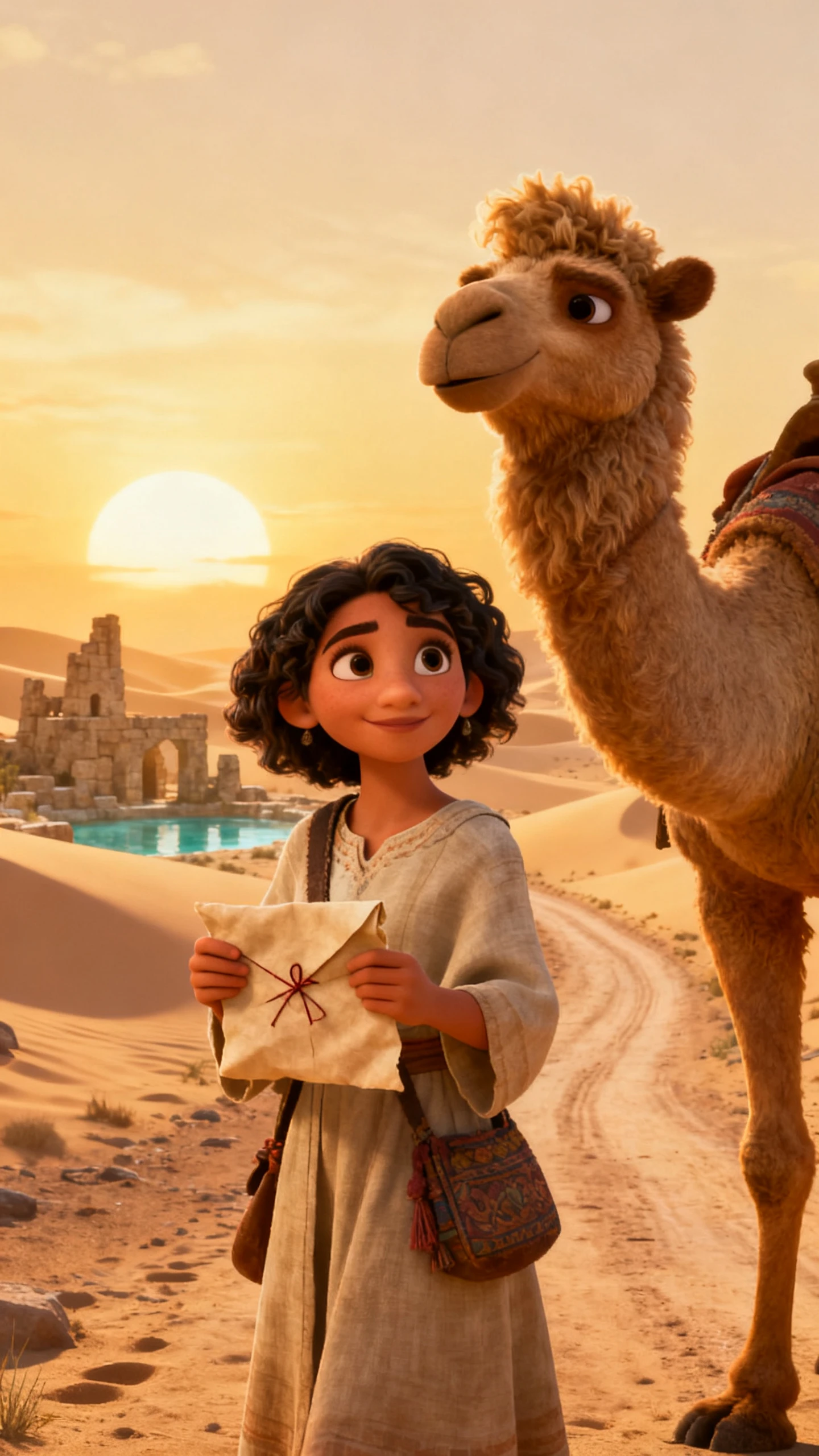
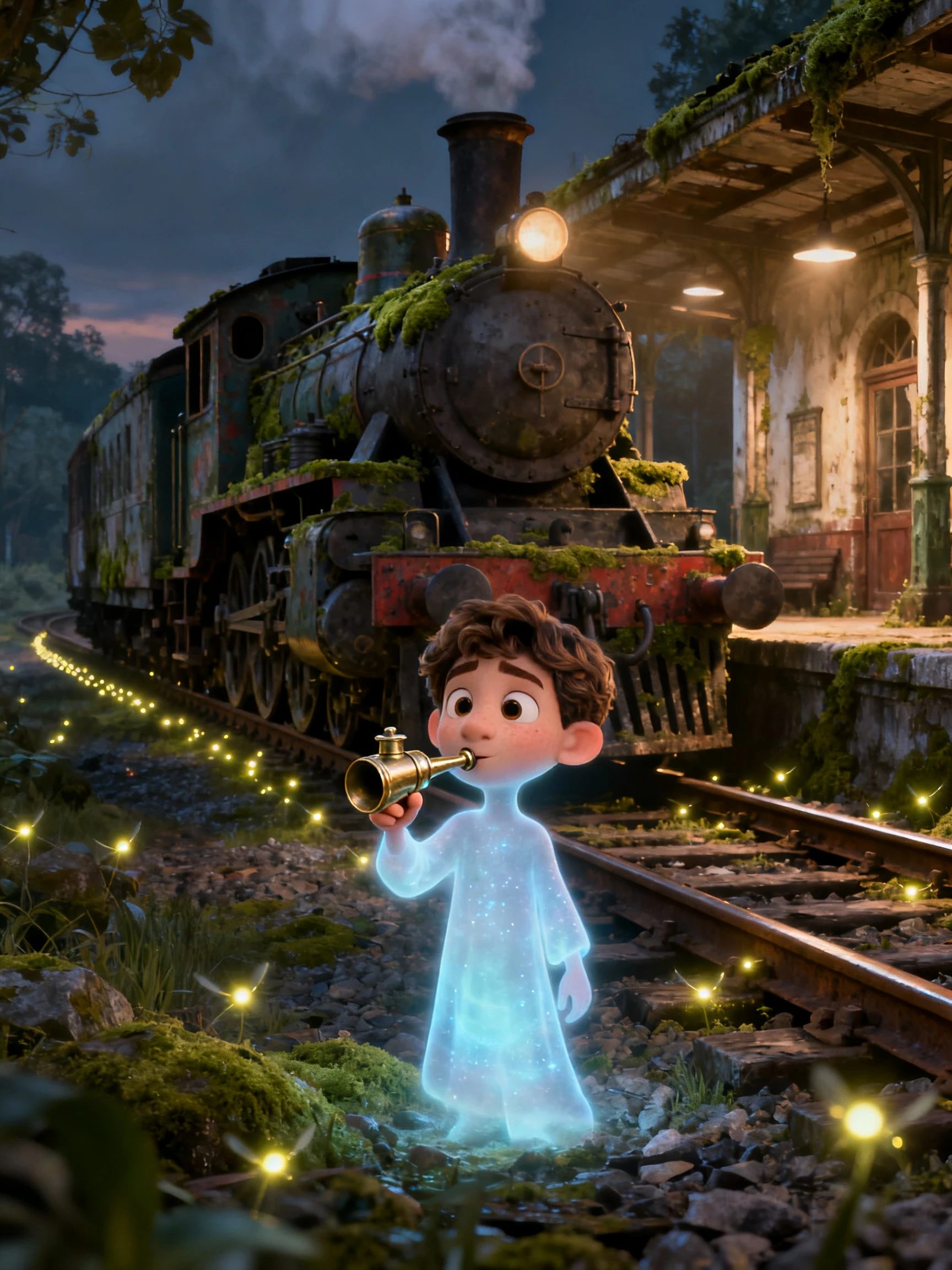
Pixar 2.0 style animation scene
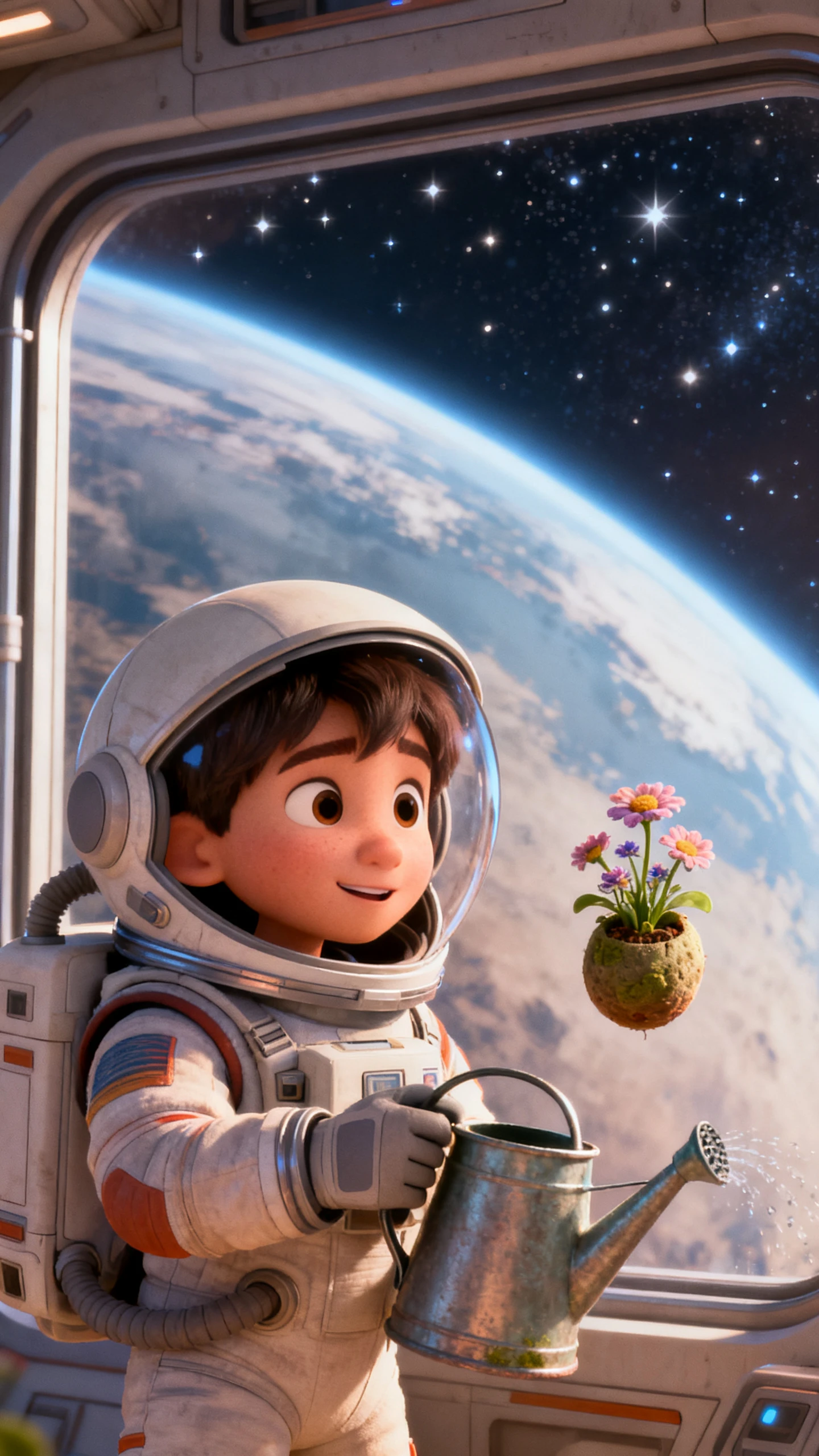
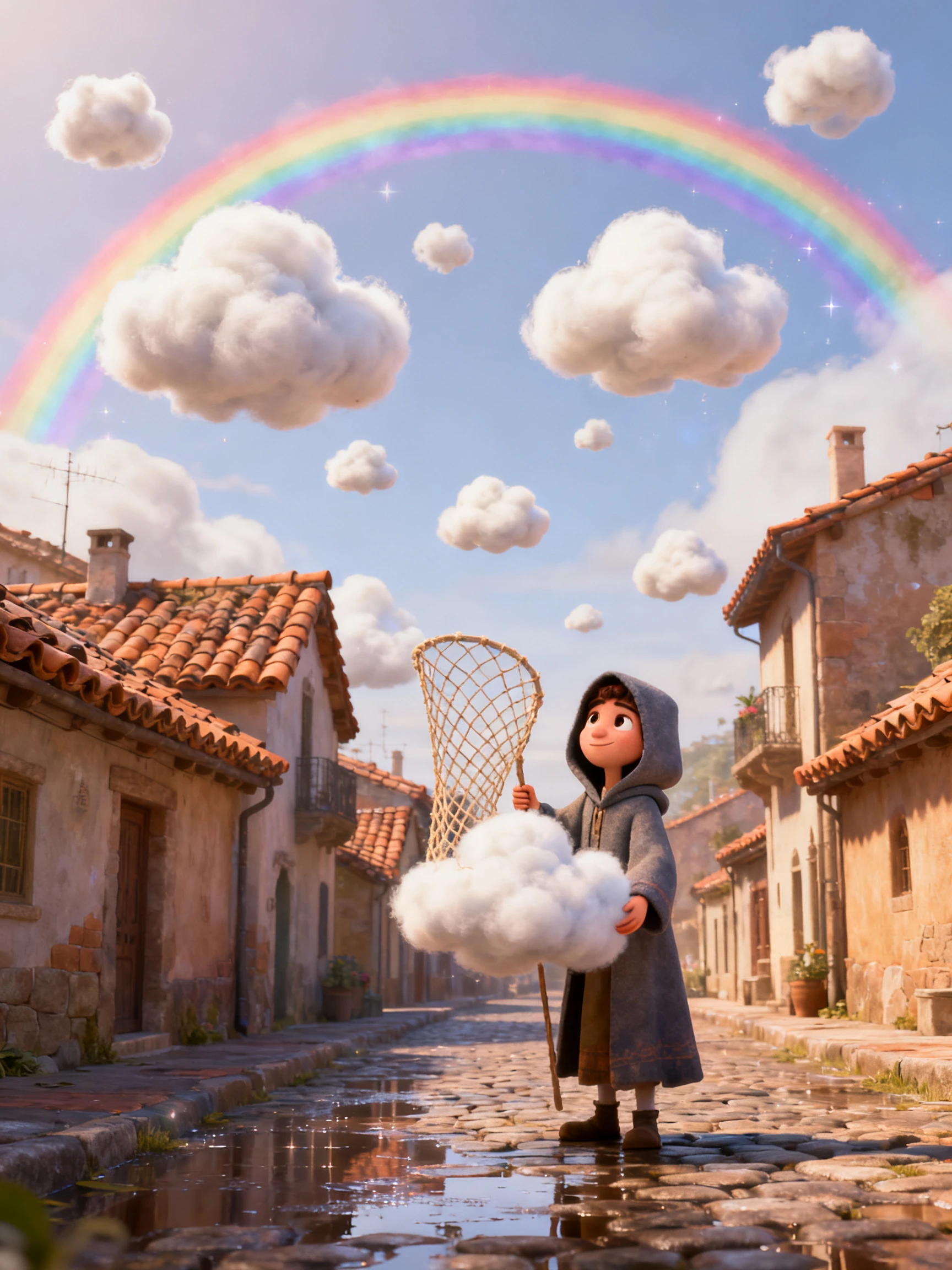
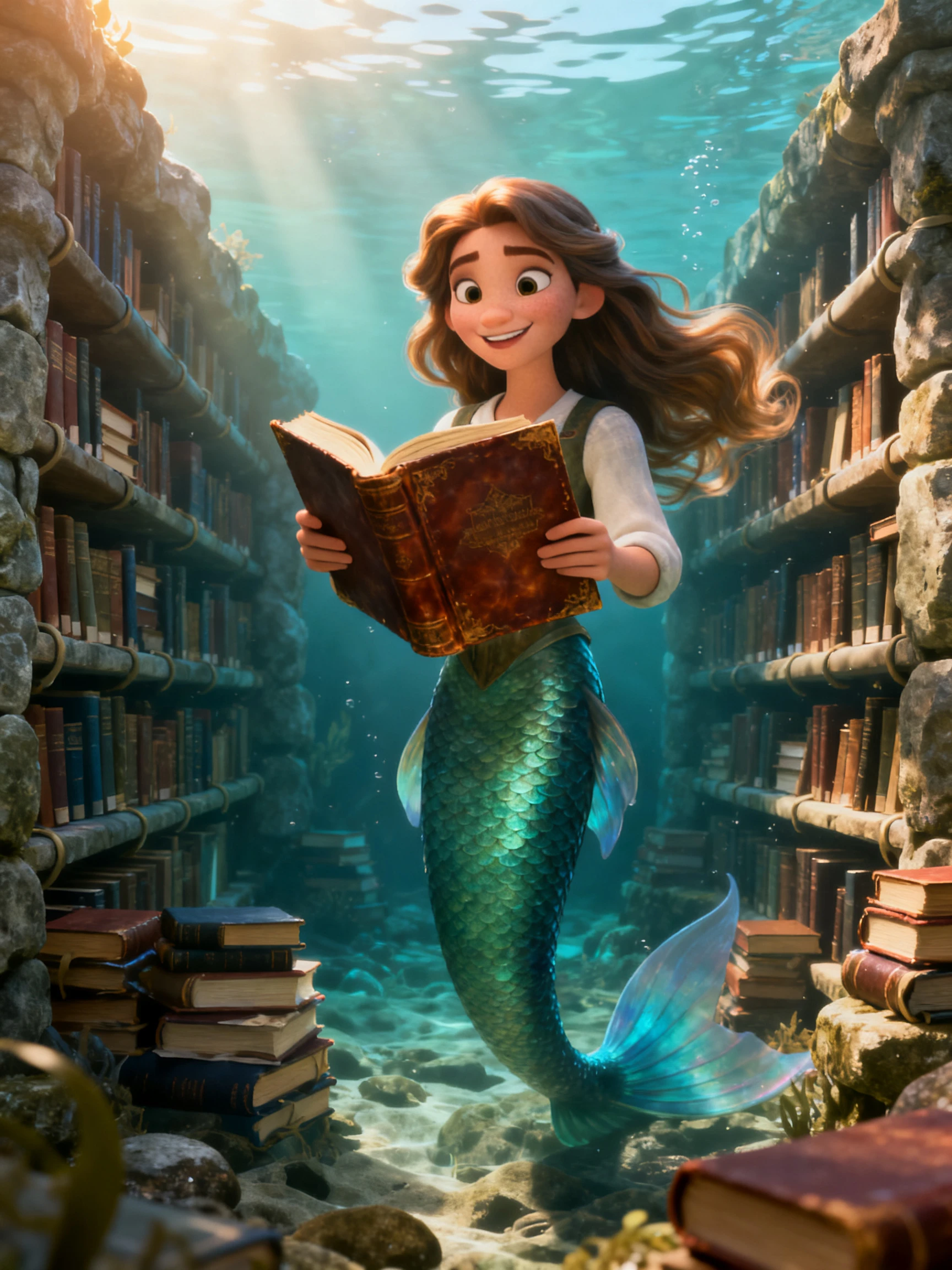
3D Pixar style storybook video example
Pixar style animation example 2
Pixar style animation example 3
Pixar style animation example 4
Pixar style animation example 5
Pixar style 3D animated character and scene preview
Pixar-inspired animated story preview
Pixar 2.0 style animation scene
3D Pixar style storybook video example
Pixar style animation example 2
Pixar style animation example 3
Pixar style animation example 4
Pixar style animation example 5

Explore the Magiclight AI Pixar Style Generator Features

Set the mood of your animated story with music that fits each scene. Magiclight AI offers background tracks and narration options for your Pixar style video.

Try Pixar Style AI Generator For Free
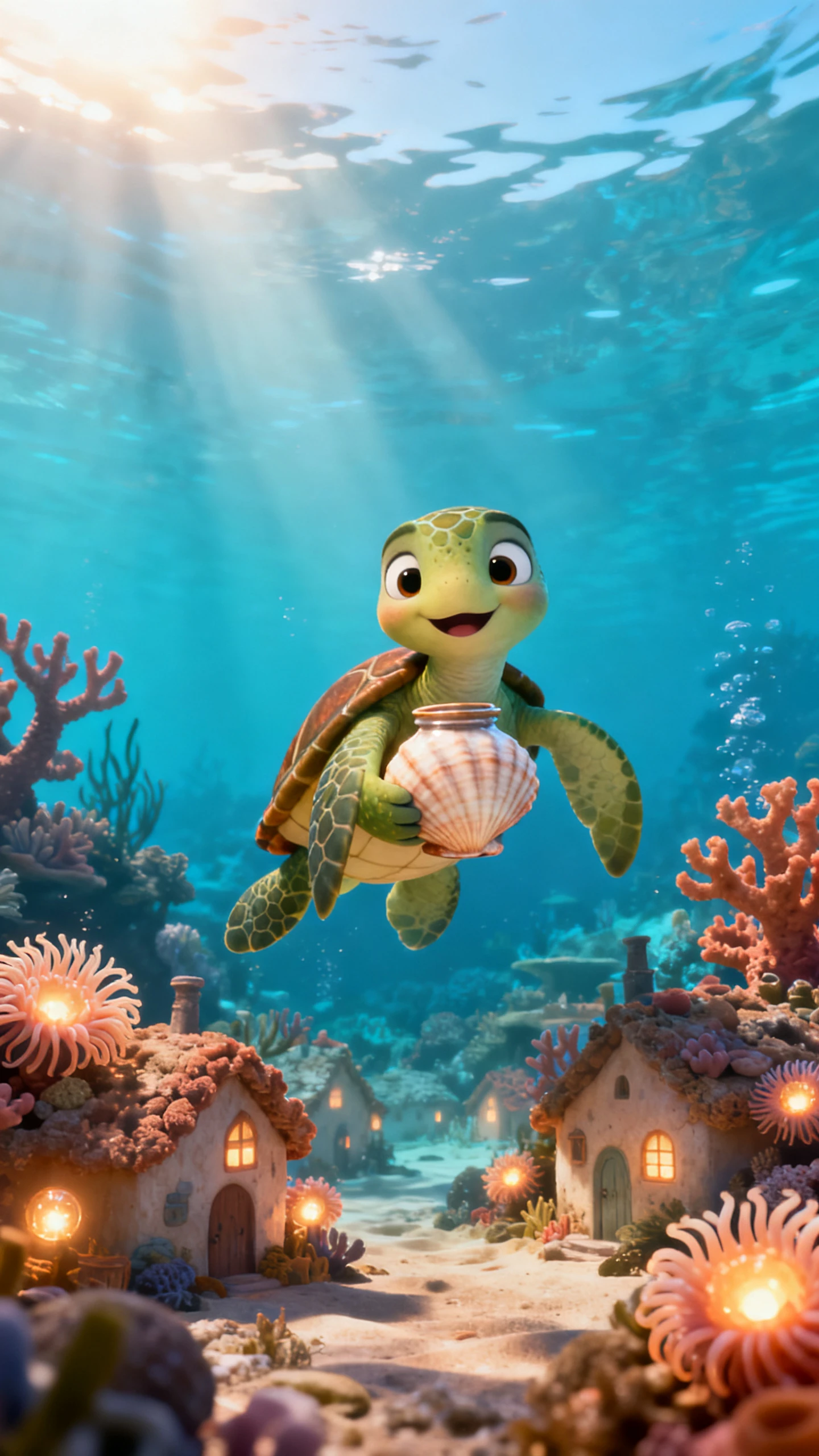
3D Pixar style decoration

50+ Visual Styles With Pixar 2.0

Magiclight AI gives you more than 50 visual styles to try with your animation idea. Choose Pixar 2.0 if you want rounded 3D characters with soft lighting that suits a family adventure.

Image to Video With 1500 Characters

Upload a regular photo of your pet to make a Pixar style animated video. Magiclight AI gives you 1500 characters to explain how the camera should move and what happens in the picture.

1000 Characters for Character Appearance

Magiclight AI gives you 1000 characters to describe how your main character should look. Mention their hairstyle and favorite clothes to give a young inventor an appearance that suits the story.

MagicLight Agent for Pixar Style Stories

Enter a short idea about a lonely robot looking for a friend into MagicLight Agent. Read the script it prepares and change the conversations before turning the story into a Pixar style video.

Who Can Use the Magiclight AI Pixar Style Generator
Whether you want a bedtime tale about your child or a short lesson for students, Magiclight AI lets you turn familiar situations into Pixar style animated stories.
For Parents and Bedtime Stories
Upload a family portrait and turn your child into a 3D story character.
Write a bedtime adventure within the 12000 character script allowance.
Keep the finished 1080p video ready for another bedtime viewing on TV.
For Social Lessons
For Social Lessons
Show a child finding the courage to apologize after hurting a friend.
Explore over 50 visual styles for a story about friendship at school.
Show students how a kind gesture can help a lonely classmate fit in.
For Brand Mascot Stories
Give your mascot a memorable first adventure in a Pixar style video.
Prepare vertical Instagram posts and wide YouTube videos of your mascot.
Use a paid plan to secure commercial rights for original brand videos.
For Family Celebrations
Celebrate an anniversary with an animation about how grandparents met.
Choose music from 40 background tracks for a family birthday story.
Narrate the family video in Spanish or Hindi for relatives to enjoy.
Why Choose the
Magiclight AI Pixar Style Generator
Work on the script and character appearance in Magiclight AI before starting your Pixar style animation. Once the scenes are ready, add voices and make changes to the movement.
Long-form Pixar style animation
Longer Videos From 12000 Characters
Enter a script of 12000 characters in Magiclight AI and create a video lasting 50 minutes. Use the extra space for conversations and scenes that need more time to finish properly.
Saved character library
Keep Characters for Another Video
Save the characters from your first Pixar style video in the Magiclight AI library. Use their saved appearances in the next episode without entering the same descriptions again.
Animation movement models
Animate With 16 Latest Models
Select an animation model for your character image and check how the scene moves. Magiclight AI offers 16 models to test before settling on the result you want in your video.
Multi-language narration
Narrate Stories in 11 Languages
Select a narration language before preparing the audio for your story. Magiclight AI supports 11 languages and lets you choose a suitable option for the people watching your video.
Character voice options
Choose From 37 Character Voices
Assign voices to your characters from the 37 options in Magiclight AI. Change the emotion settings for a scene where the main character gets angry and speaks more loudly than usual.
AI image generation
Generate Images With 5 AI Models
Enter a 500 character description of the picture you want to create in Magiclight AI. Choose from 5 image models and compare the results before using an image in your video.

How to Make a Pixar Style Video With Magiclight AI

Your idea turns into a finished 3D story in 4 steps. Pick the Pixar style early, then spend most of your time on the faces in step three.

1.

Step 1. Write Your Story Idea

Enter a Pixar style story script within 12000 characters in Magiclight AI. MagicLight Agent identifies the video type and prepares the script for review before moving to the animation settings.

2.

Step 2. Choose Your Video Style

Select the narration language and choose Pixar 2.0 from more than 52 visual styles in Magiclight AI. Add saved characters from the library and describe new ones for the story.

3.

Step 3. Review Your Story Scenes

Open Nano Storyboard to review the scenes of your Pixar style video. Adjust character poses using the 50 available options and change the camera angles before approving the scenes for animation.

4.

Step 4. Add Sound and Save Your Video

Select from 37 voice options in Magiclight AI for the characters in your story. Add background music with subtitles and generate the finished Pixar style video for downloading to your device.

FAQs on Pixar Style AI Generator

Does Pixar make this AI generator?

No. Magiclight AI is an independent platform with a Pixar 2.0 visual style. It is not affiliated with Disney and Pixar.

Can I recreate a character from a Pixar film?

Pixar film characters are protected by copyright. Magiclight AI lets you create original 3D characters using your own descriptions and reference images.

Can I turn my child into a 3D animated character?

Yes. Upload a clear photo of your child in Magiclight AI to create an animated character. Keep personal family videos private when sharing them online.

How can I add emotion to my Pixar style story?

Adjust facial expressions in Nano Storyboard to match each scene. Add a suitable character voice and background music to make emotional moments stand out.

Can I earn money from Pixar style videos?

Yes. Paid Magiclight AI plans allow commercial use of original videos. Avoid using protected Pixar characters and official branding in your content.

Can I make a series with the same characters?

Yes. Save your characters in the Magiclight AI library after creating the first video. Bring them back in later episodes without describing their appearance again.


Create 3D Characters & Scenes With Magiclight AI

Turn your ideas into colorful 3D characters, expressive images, animated videos, and engaging storybooks with Magiclight AI. No design or animation skills needed.