Hero background

Josei AI Video Generator

Turn your Josei anime ideas into videos with expressive characters, emotional storytelling, and beautiful scenes. Magiclight AI brings your story to life in Josei-inspired anime style. No animation skills needed.

Create a Josei Anime Video For Free
Josei AI Video Generator preview
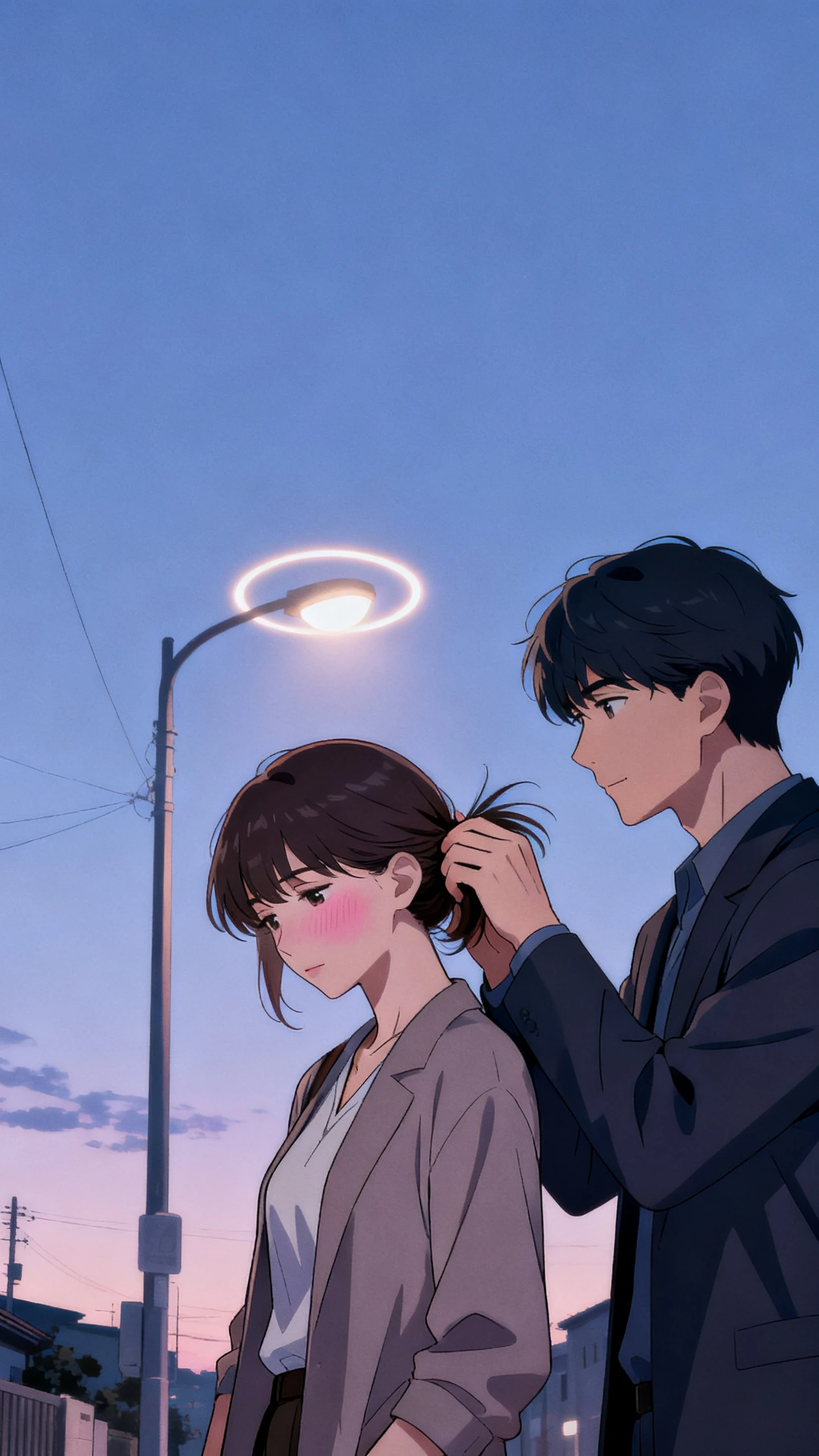
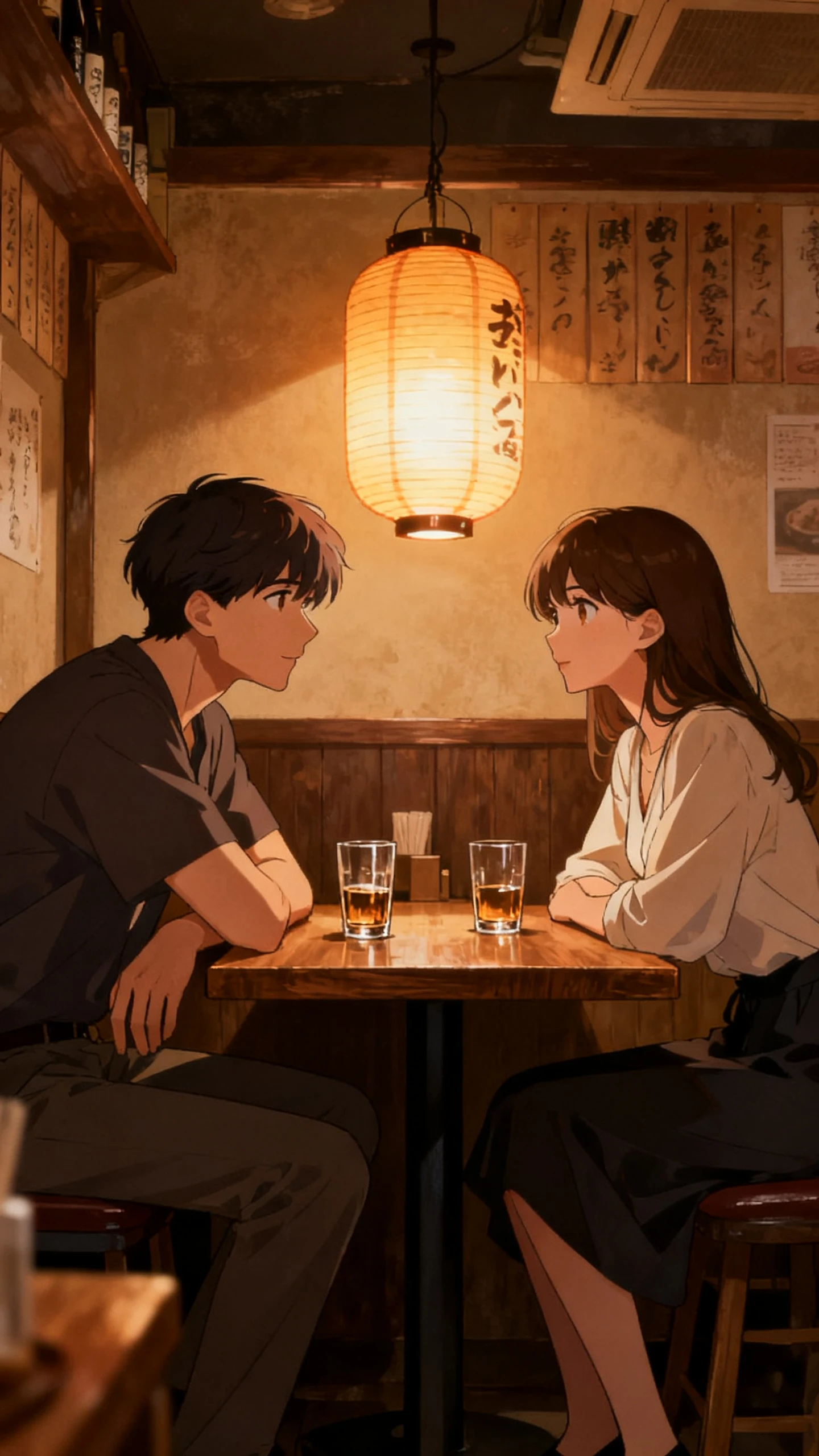
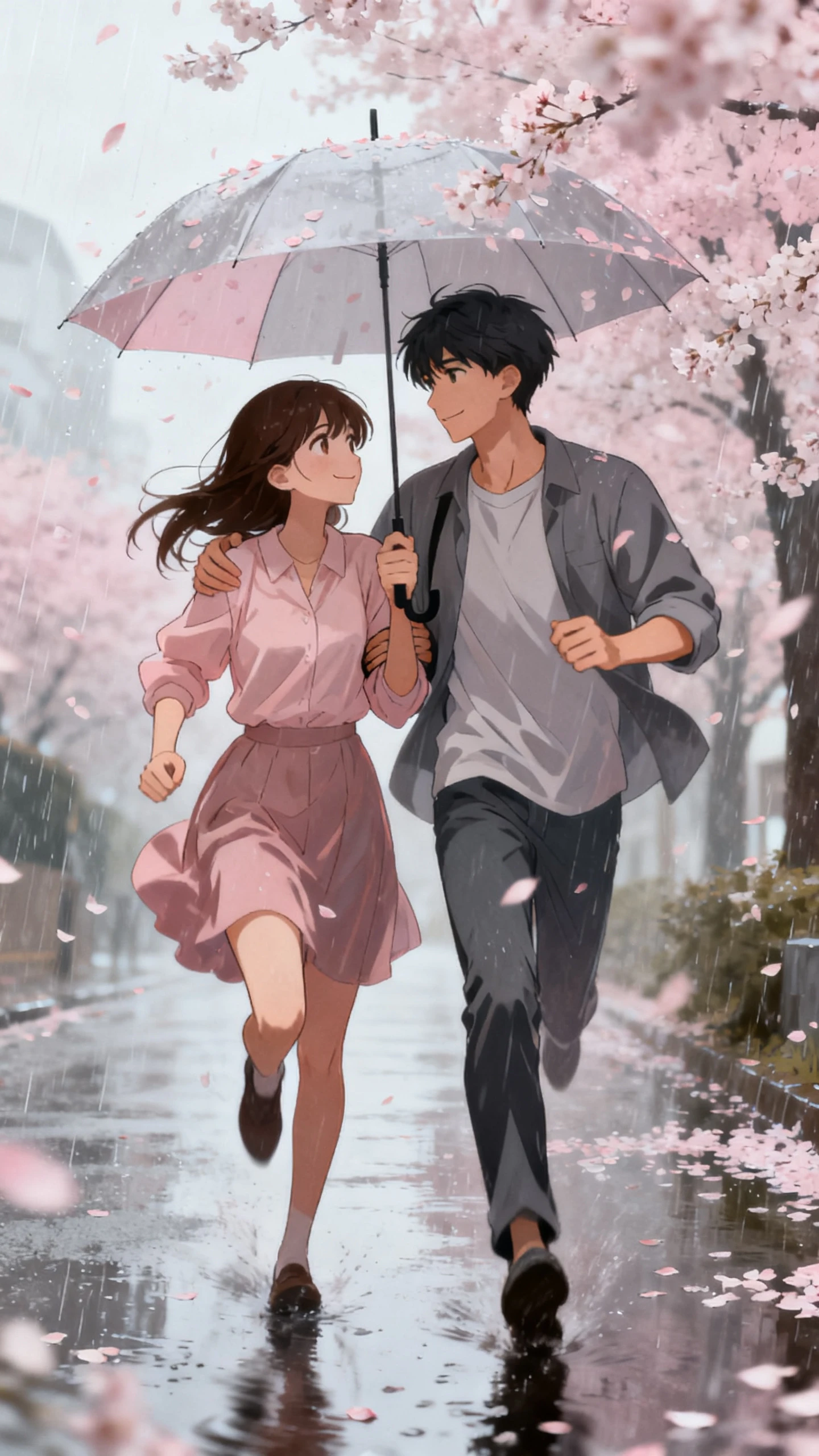
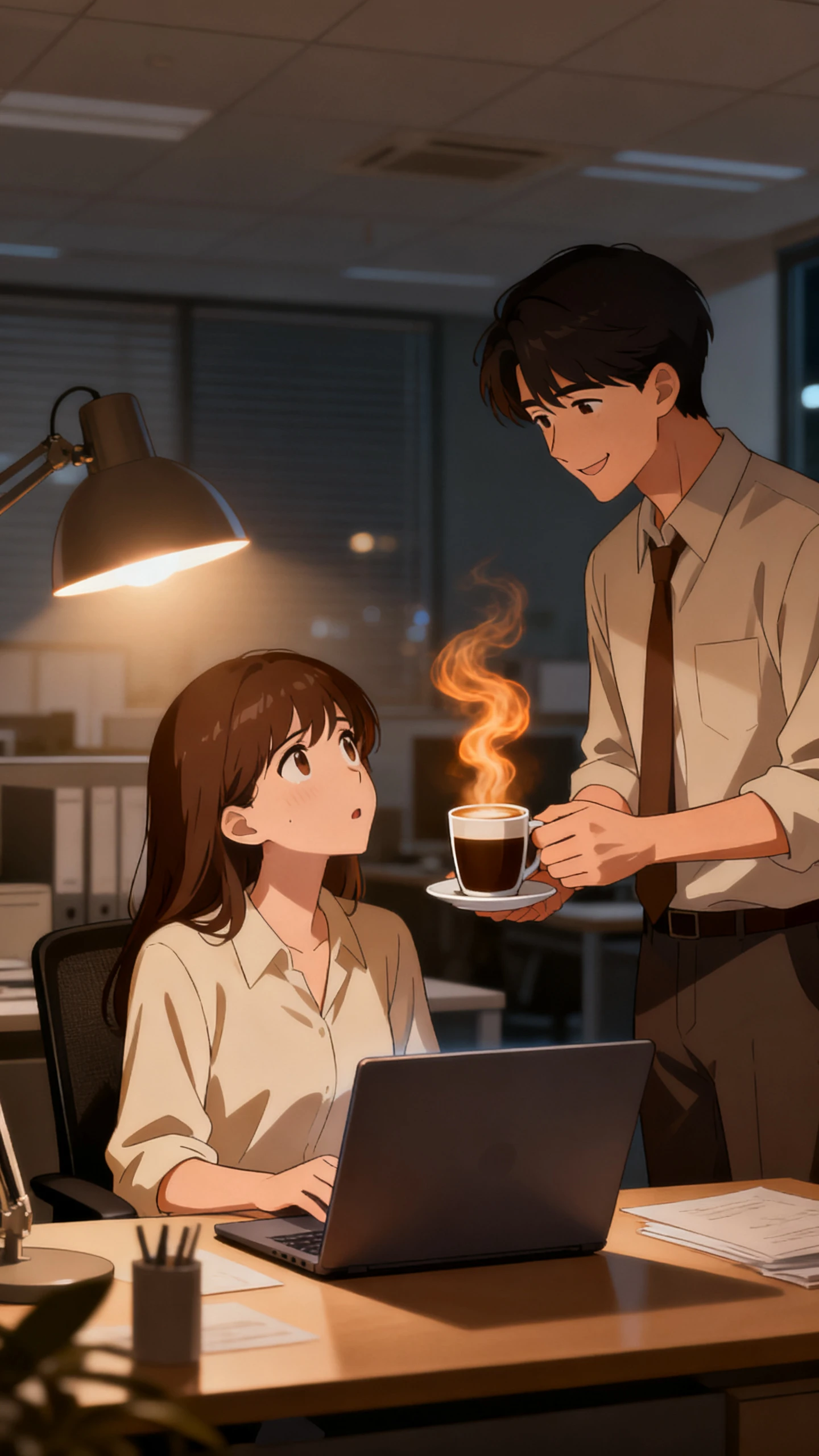
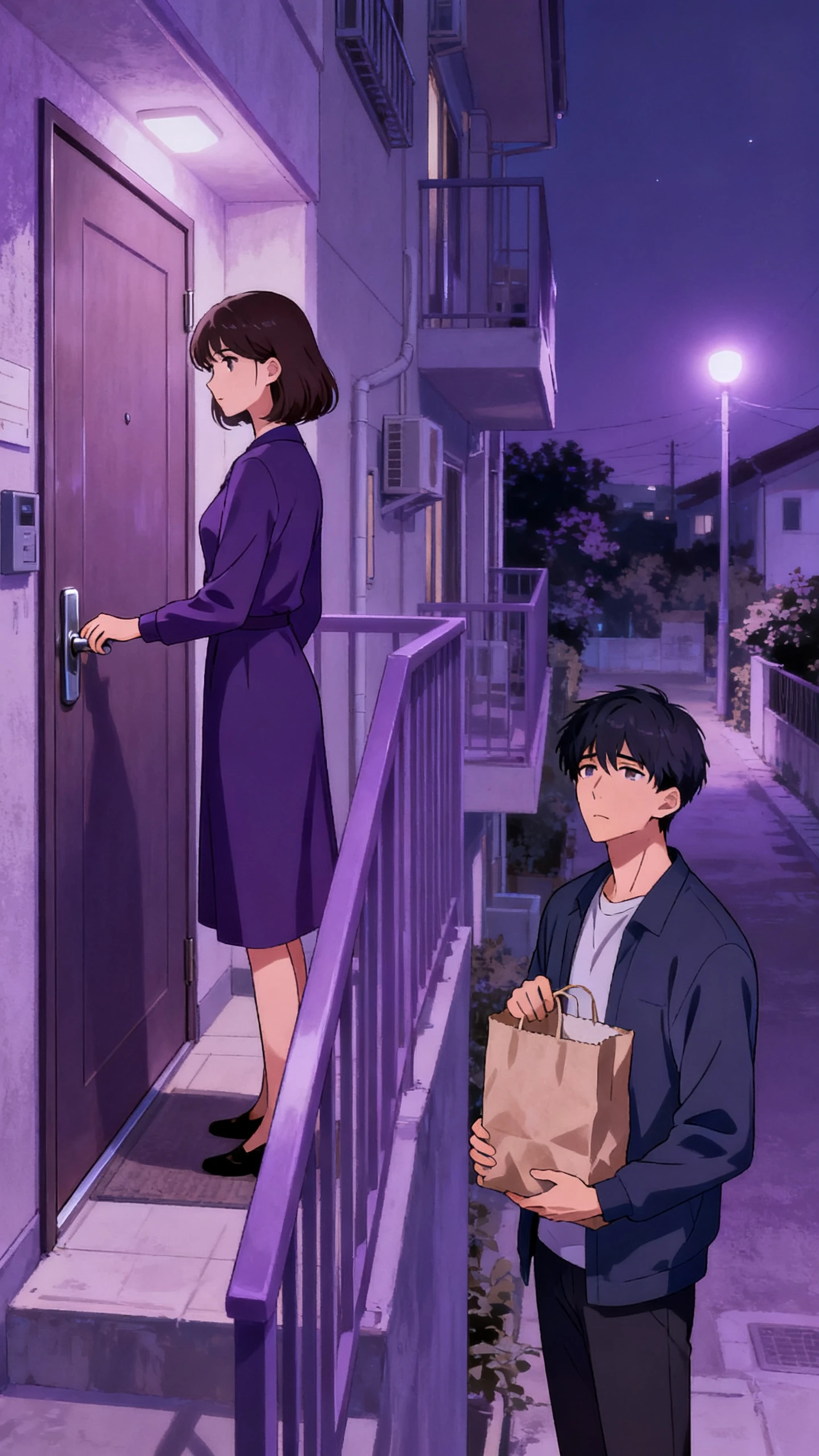
Josei anime scene preview
Josei AI Video Generator preview
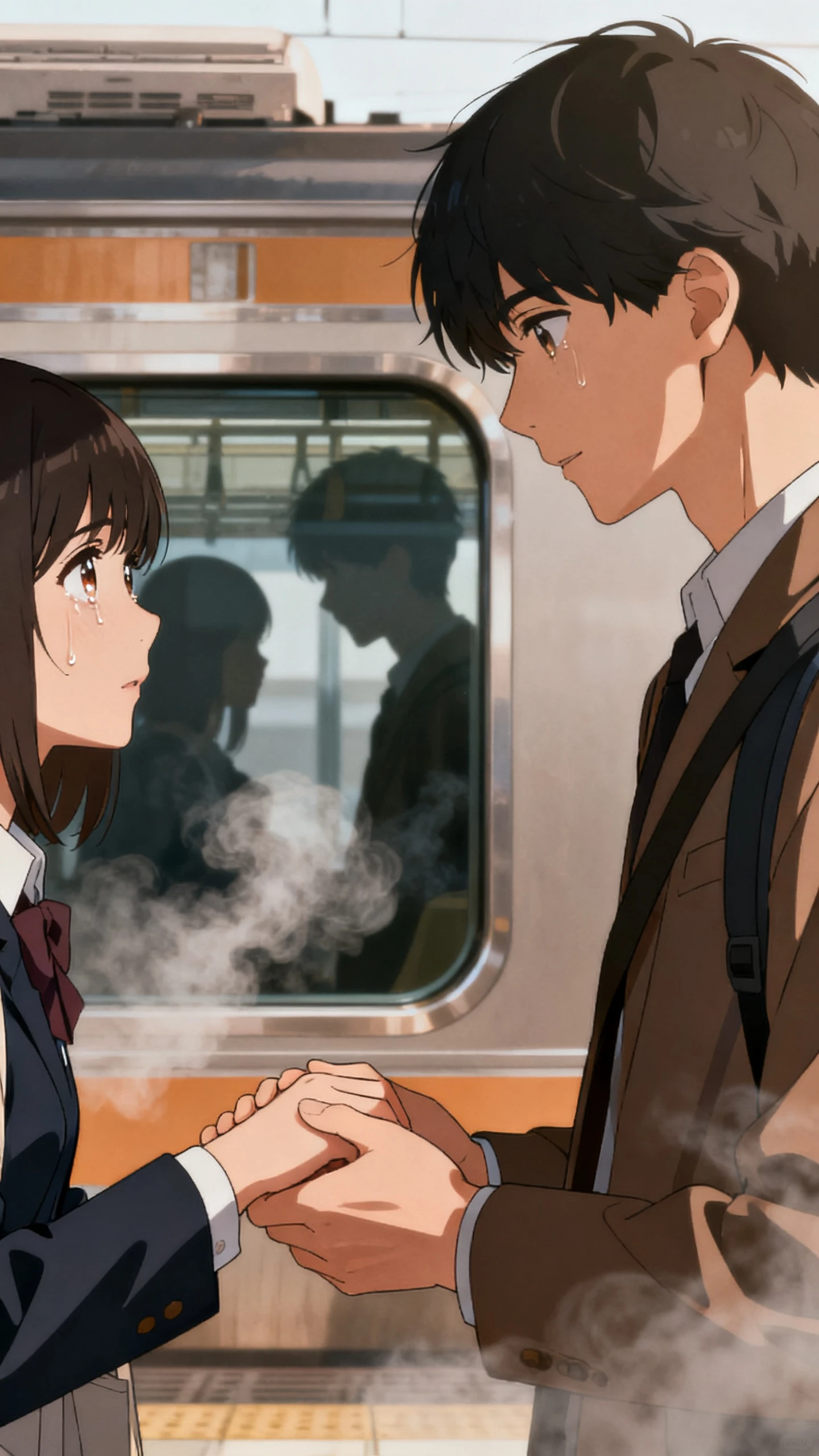
Josei anime scene preview

Top Features of the Magiclight AI Josei Anime Generator

Choose how your Josei characters should look and describe their surroundings. Magiclight AI follows your details to create scenes that feel like everyday adult life.

Create a Josei Anime Video For Free
3D decoration

37 Voice Options for Josei Characters

Magiclight AI offers 37 voice options for your Josei anime. Choose a different voice for each character and give the main character a lighter voice for the thoughts heard during the story.

1000 Characters for Adult Characters

Describe each character in 1000 characters to give them a suitable appearance. Add details about clothing and facial expressions to make an office worker look more mature.

14 Story Models for Josei Anime

Magiclight AI offers 14 story models for your Josei anime scripts, including GPT-6 Astra. Try different models with your story idea and compare the scripts before choosing one for your video.

MagicLight Agent for Josei Stories

Enter a short idea about an office romance into MagicLight Agent to get a script for your Josei anime. Review the character conversations and make changes to the story before creating the video.

Who Should Use the Magiclight AI Josei Anime Generator
Manga artists can turn their Josei stories into anime with Magiclight AI. Add your characters and bring familiar moments from adult life onto the screen.
For Manga and Webtoon Creators
Turn the first chapter of your Josei manga into an animated pilot episode.
Show editors an anime preview before pitching your manga series.
Keep your lead consistent with a 1000 character description in the library.
For Romance Story Channels
Post a weekly office romance in Josei anime style without showing your face.
Give the two leads different voices from the 37 available voice options.
Share vertical TikTok clips between longer YouTube episodes in 50+ styles.
For Fiction Authors
For Fiction Authors
Show readers a Josei anime preview of the woman at the center of your novel.
A chapter of 12000 characters can become part of a 50 minute anime video.
Your cloned voice can narrate the story with 40 background music choices.
For Japanese Language Learners
Hear how two coworkers speak Japanese during an ordinary lunch break.
Compare a Japanese conversation with the English version of the same scene.
Japanese subtitles help learners catch words they missed during playback.
Why Choose Magiclight AI
Josei Anime Generator
Give your Josei anime the small details that make a story feel real, from quiet conversations to emotional moments. Magiclight AI offers more ways to shape how each scene looks.
50+ Visual Styles for Josei Anime
An office romance may suit soft colors and simple backgrounds. Magiclight AI offers 50+ visual styles to try until the characters and surroundings look right for your story.
Create Josei Anime in 11 Languages
Magiclight AI supports 11 narration languages for your Josei anime videos. Write a conversation in Japanese for a story set in Tokyo and prepare an English version for viewers in other countries.
More Control Over Character Expressions
Use the 50 poses in Nano Storyboard to position your Josei characters during a scene. Change their expressions and camera angles to get the reaction you want before moving to the next shot.
Movements With 16 Animation Models
Try 16 animation models in Magiclight AI to see how your Josei characters move on screen. Pick the animation you prefer for a scene where two coworkers meet outside their office.
40 Background Music Tracks
A quiet walk home might need gentle music to match the mood. Magiclight AI provides 40 background music tracks for different scenes in your Josei anime.
Same Character Appearance in Every Scene
Your Josei characters keep their familiar appearance throughout the video with Magiclight AI character consistency. Their faces and hairstyles remain recognizable as the story moves to new locations.

How to Make a Josei Anime Video With Magiclight AI in 4 Steps

A Josei anime needs more than a finished script. Magiclight AI takes you from the first story idea to the final video, with room to shape each character and quiet moment.

1.

Step 1. Write Your Story With MagicLight Agent

Enter your Josei story idea or a script within 12000 characters. Read the MagicLight Agent draft and revise conversations that feel out of place before moving ahead.

2.

Step 2. Set the Anime Style and Characters

Choose a visual style that suits the mood in your Josei story. Use the 1000 character description field to define the clothing and facial details of each new character.

3.

Step 3. Adjust Scenes in Nano Storyboard

Open Nano Storyboard and look at how each conversation plays out on screen. Adjust the character poses and camera angles when a glance or a pause needs more attention.

4.

Step 4. Add Voices and Finish the Video

Listen to the available voices before assigning one to each character. Add narration for private thoughts and finish the video with background music and final subtitles.

FAQs on Josei Anime Generator

What is Josei, and how is it different from shojo?

Josei focuses on adult women and their experiences with careers and relationships. Shojo targets younger girls. Magiclight AI supports the mature visual style of Josei stories.

Does Josei mean explicit content?

No. Josei deals with adult life without necessarily showing explicit scenes. Magiclight AI works well for stories about marriage and personal struggles with non-explicit scenes.

Can I animate a Josei manga I wrote myself?

Yes. Enter your manga script into Magiclight AI and describe the main characters. It creates fresh anime scenes based on your writing rather than reproducing existing panels.

Which Josei stories work best as videos?

Workplace romances and everyday dramas suit Josei anime videos. Magiclight AI lets you focus on character expressions and conversations that carry the story forward.

How long can a Josei anime video be?

Magiclight AI supports Josei anime videos lasting 50 minutes. You can divide a longer story into shorter episodes and reuse saved characters throughout the series.

Can I reuse characters in another Josei episode?

Yes. Save your characters in the Magiclight AI character library and bring them into another episode without writing their appearance descriptions from the beginning.


Bring Your Josei Story to Life With Magiclight AI

Turn a story about love and life into Josei anime with Magiclight AI. Give your characters a voice and let their emotions unfold on screen.