Hero background

3D Cartoon Style Video Generator

Turn your cartoon ideas into fun 3D videos with expressive characters, playful action, and lively scenes. No 3D animation skills needed.

Create a 3D Cartoon Video for Free
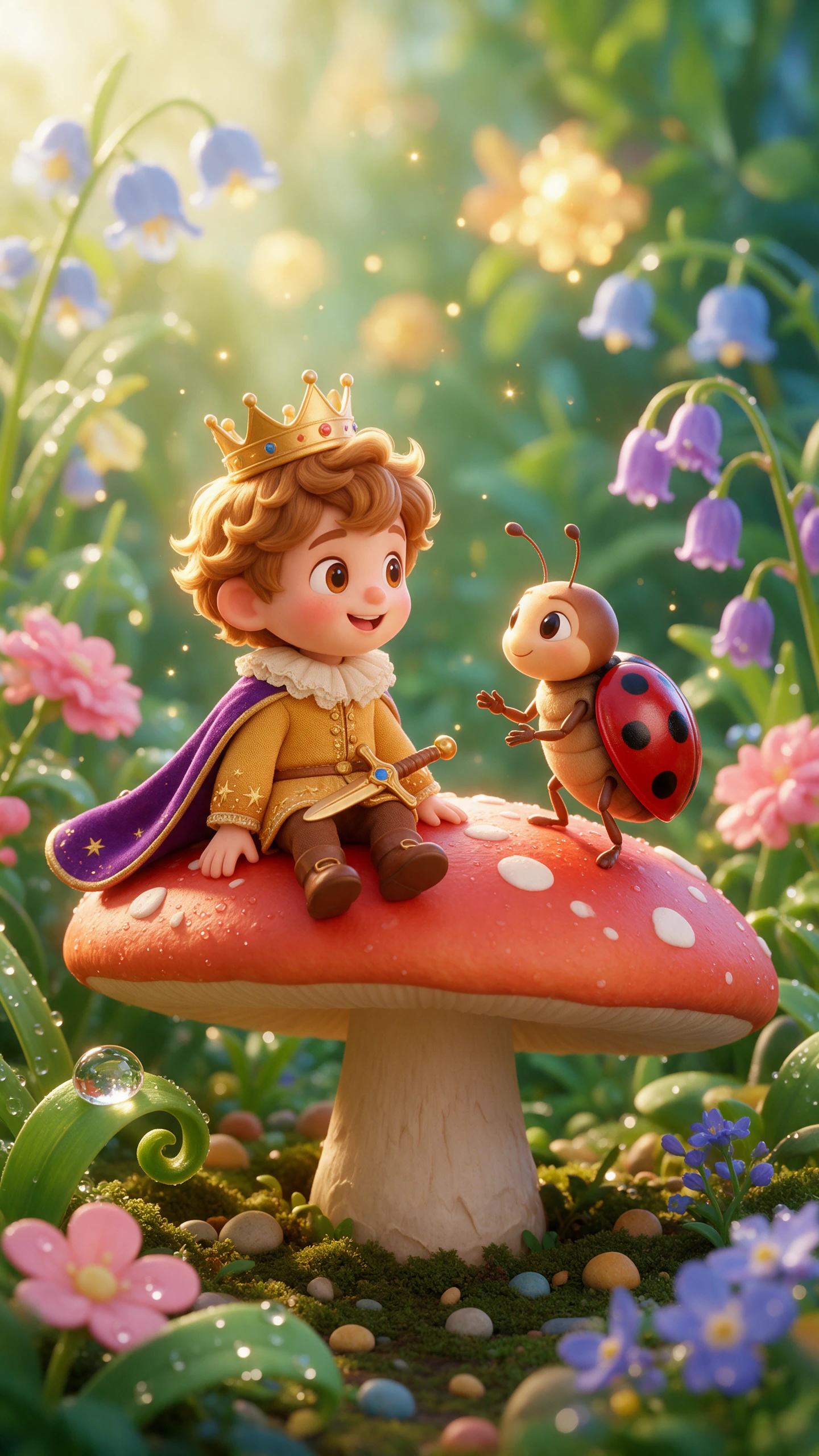
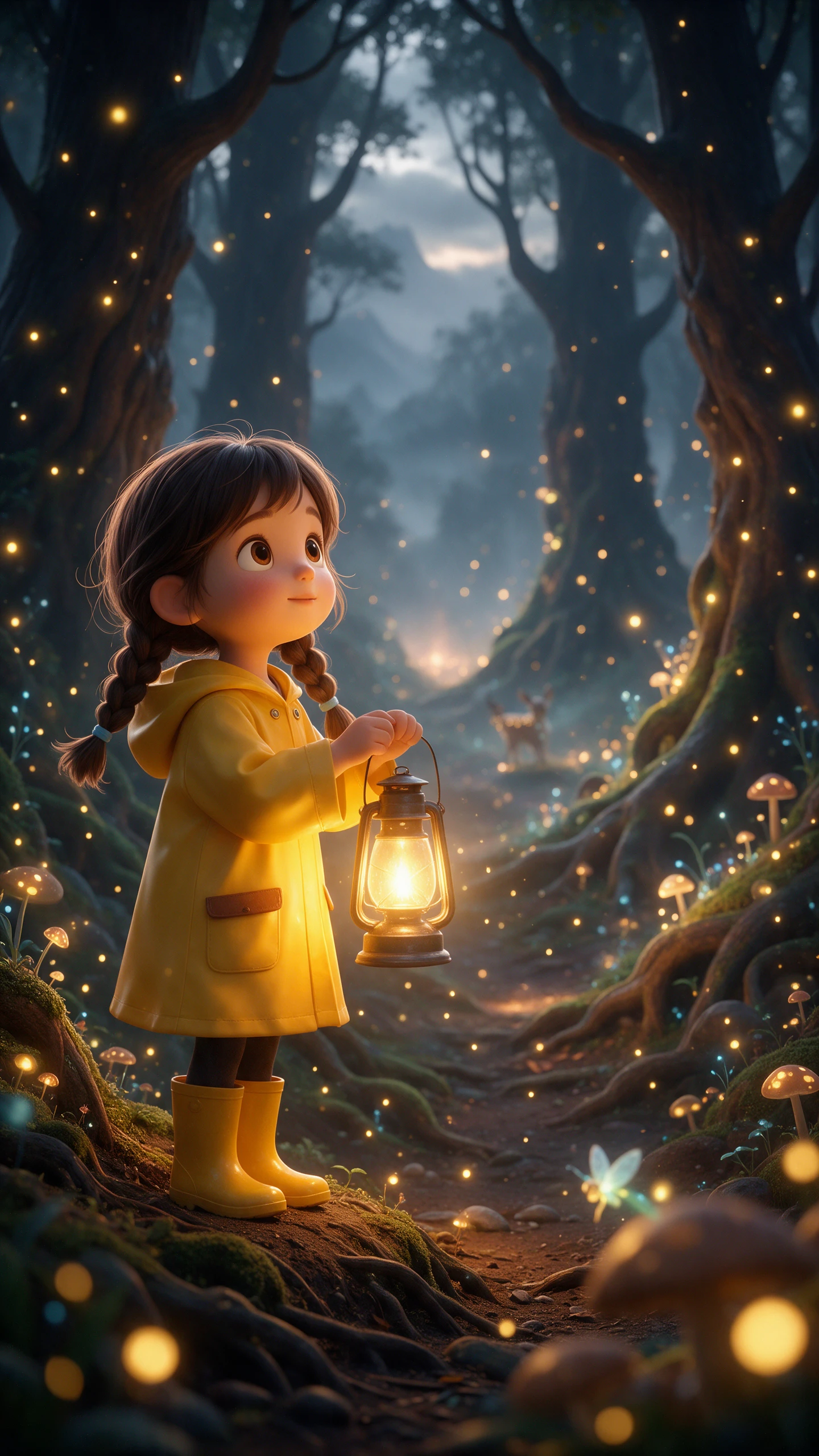
AI 3D Cartoon Video Maker preview
3D cartoon video scene preview
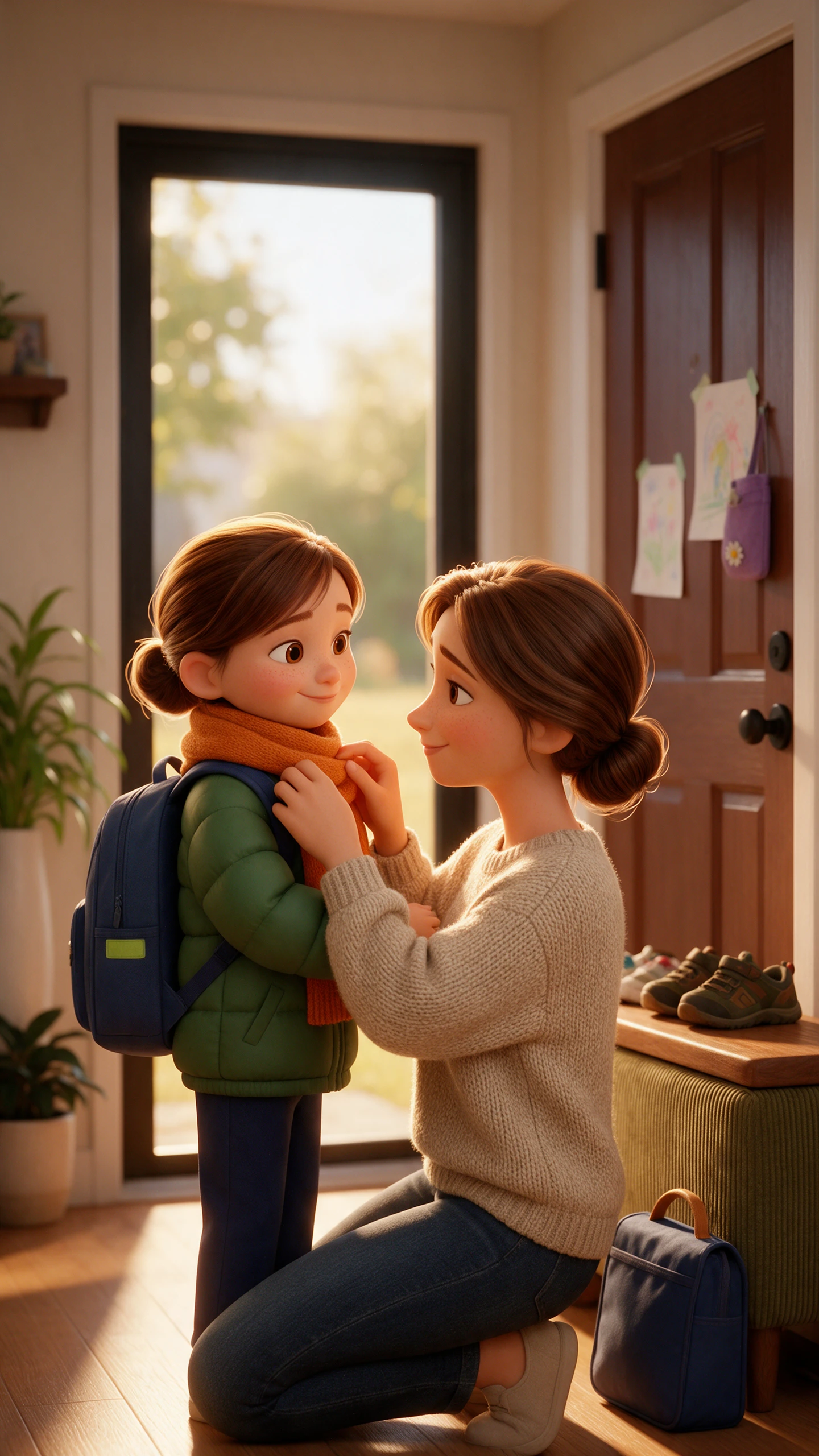
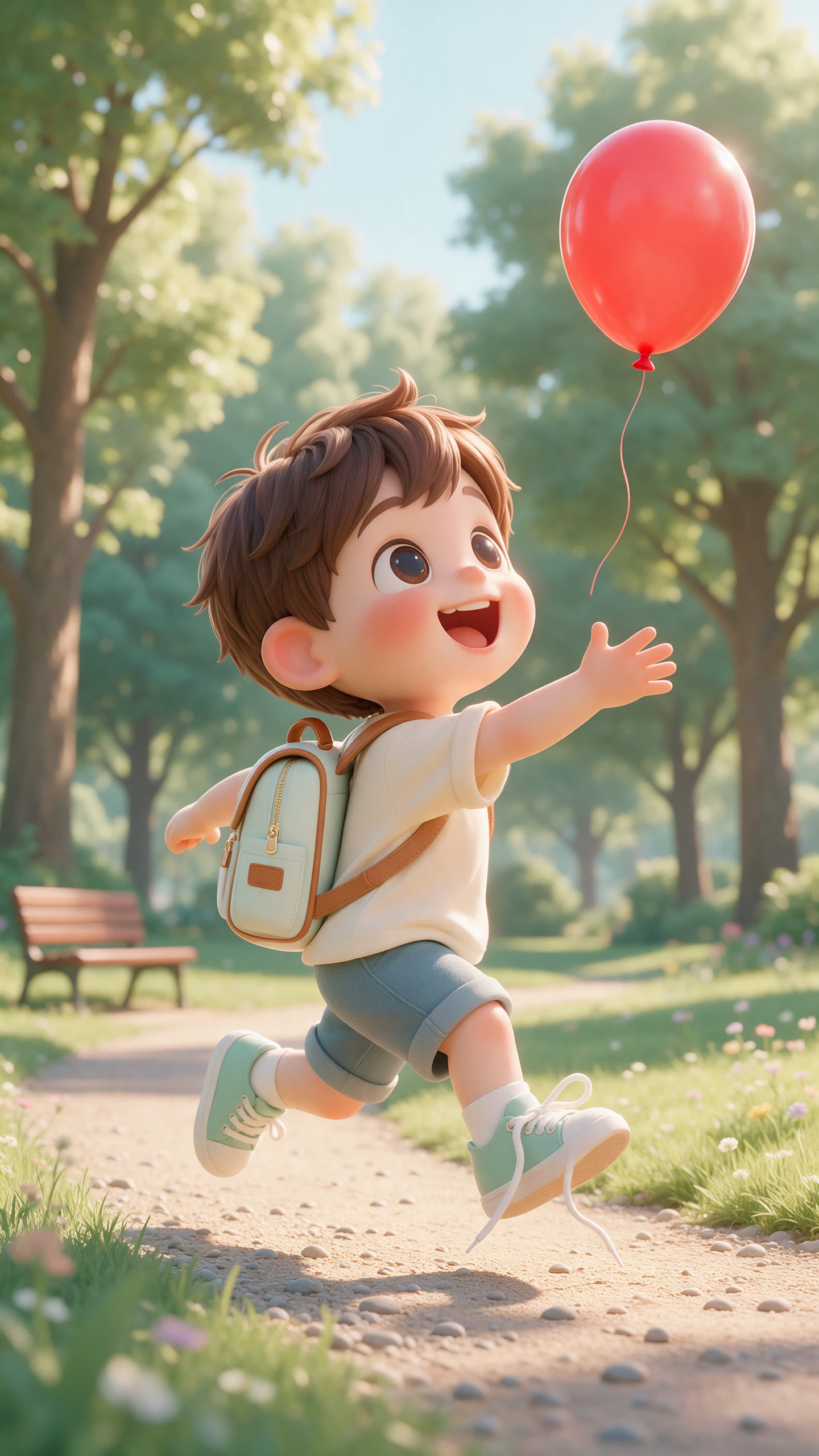
AI 3D Cartoon Video Maker preview
3D cartoon video scene preview

Top Features of the Magiclight AI 3D Cartoon Video Generator

Cartoon lives on timing, stretchy motion, and faces that react too much. Magiclight AI creates 3D cartoon videos with that energy, so the idea land on screen.

Generate Your 3D Cartoon Video Now
3D decoration

Create Your Own 3D Cartoon Characters

Describe a character in up to 1,000 characters or upload a reference image. Set details like face, hair, outfit, and body type, then save the finished character for reuse.

Test Motion With 16 Animation Models

Compare 16 animation models to find the right movement for each scene. Try different options for jumps, chases, falls, and other fast cartoon action to give a unique look to your cartoons.

Give Every 3D Character a Voice

Cast your 3D cartoon with 37 AI voices for narrators, heroes, sidekicks, and villains. Different deliveries help dialogue, and punchlines feel distinct across the cast, with no similarities between characters.

Pick From 50+ Visual Styles

Set the overall 3D cartoon look with 52 visual styles. Match the characters, props, and environments to the playful or exaggerated direction your 3D cartoon story.

Who Can Use the Magiclight AI 3D Cartoon Video Maker?
Big laughs need the right stage. With the Magiclight AI 3D cartoon video generator, creators have 37 voices, 50 poses, and flexible formats to make comedy fit any audience.
For Comedy Writers
For Comedy Writers
Give every comic role its own sound with a choice of 37 different voices.
Time funny reactions and exaggerated expressions with 50 character poses.
Take bigger 3D cartoon ideas further with scripts reaching 12,000 characters.
For Indie Studios
For Indie Studios
Keep lead 3D characters ready for new episodes by saving them.
Check expressions, camera angles, and scene layouts inside Nano Storyboard.
Test different directions for 3D cartoons with 14 story models.
For Local Businesses
Create a memorable 3D mascot with descriptions of up to 1,000 characters.
Put funny brand stories into motion using 16 available animation models.
Keep prices, offers, and punchlines visible with 16 subtitle settings.
For Gaming Channels
For Gaming Channels
Give gaming recaps a different cartoon look with more than 50 visual styles.
Stretch memorable stream moments into animated stories lasting up to 50 minutes.
Match wins, fails, and funny reactions with choices from 40 background tracks.
Why Choose Magiclight AI
3D Cartoon Video Generator
One 3D scene is easy; however, a full episode takes more. Magiclight AI 3D cartoon video generator keeps your cast consistent, develops the story, and gets every cartoon ready to share.
Take a Joke Beyond the First Idea
Give MagicLight Agent a funny setup and let it develop the situation into connected scenes. A simple mishap can grow into escalating problems and a final payoff.
Pair the Action With Music and Captions
Use 40 music tracks to support the mood and 16 subtitle settings to keep fast dialogue readable. Both help jokes land whether viewers listen with sound or watch on mute.
Keep Your Cast From Episode to Episode
Save finished characters to your library and bring them back in later stories. Recurring heroes, rivals, pets, and sidekicks make running jokes easier to continue.
Prepare 3D Cartoons for Different Screens
Create videos in 16:9 or 9:16 depending on where they will appear. Finish in 720p or 1080p for longer episodes, vertical cartoon clips, or social posts.
Give Longer Room to Develop
Work with scripts up to 12,000 characters and videos up to 50 minutes. Short sketches can stay quick, while pilots and longer episodes have room for several comic beats.
Give Each Episode a Strong Finish
Pick from 21 cover templates and 16 title styles to package the finished cartoon. Highlight a funny reaction, character, or chaotic moment that hints at the episode inside.

How to Make a 3D Cartoon Video With Magiclight AI

Magiclight AI makes every idea easier to stage. Follow 4 clear steps with the AI 3D cartoon video generator to shape your cast, add voices, and finish your videos.

1.

Step 1. Add the 3D Cartoon Script

Start with a comprehensive 12,000-character script about the 3D cartoon with all necessary directions. Use any of the 14 story models for refinement and set the other settings.

2.

Step 2. Pick a Visual Style

With the script confirmed, choose from 50+ visual styles to set your cartoon appearance. Select from the offered characters or create your own 3D cartoon with an image and 1000-character prompt.

3.

Step 3. Adjust Poses in Nano Storyboard

Open Nano Storyboard and choose from 50 poses. Fine-tune expressions, poses, and camera angles to stage funny reactions, action, and comic moments scene by scene.

4.

Step 4. Generate Your 3D Cartoon

Add subtitles for better comprehension of your 3D cartoon and finalize it in 720p or 1080p resolution.

FAQs on 3D Cartoon Video Generator

How is 3D Cartoon different from realistic 3D?

3D Cartoon 2.0 pushes shapes, colors, and motion past real life for a playful look. Magiclight AI uses rounded forms and bouncy movement that suit comedy and kids' content.

Can I make a funny cartoon about my business?

Yes. Describe your product as a character with a silly problem. Magiclight AI creates a short comedy scene that works well as an ad or social post.

How do I make the jokes land better?

Keep each scene to one beat and give the reaction a clear pose. In Magiclight AI, a short pause before the punchline usually earns a bigger laugh.

Can I turn a stream highlight into a cartoon?

Yes, by writing what happened as a short script. Magiclight AI makes new 3D cartoon scenes out of what you wrote, not out of the stream footage.

How long can a 3D cartoon video be?

Cartoons in Magiclight AI reach as far as 50 minutes. Comedy clips for social media often work best under one minute, while pilots can run five to ten.

Can Magiclight AI keep my 3D cartoon characters consistent?

Yes. Create and save your character in Magiclight AI, then reuse it across future scenes and videos to maintain a more consistent cast throughout a series.


Create the Next Viral 3D Cartoon With Magiclight AI

Write the setup, the twist, and the punchline. Magiclight AI animates the whole bit in bright, bouncy 3D.