Features of the Magiclight AI Animals Video Creator
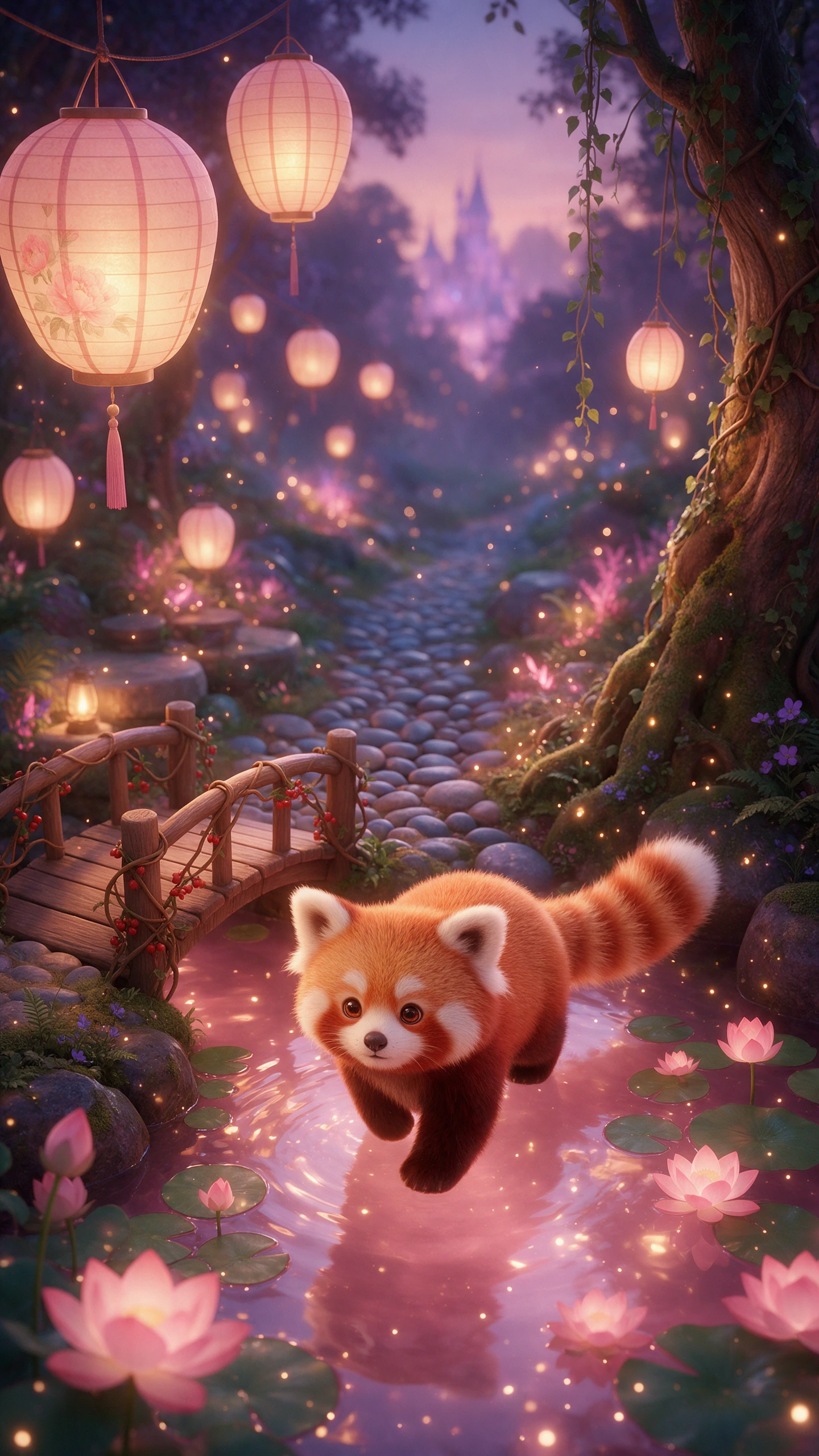
Animal stories feel stronger when every creature looks at home in its world. Magiclight AI brings species details, expressive behavior, natural settings, and cinematic movement into each scene.

Turn your ideas about wild animals or pets into videos with Magiclight AI. Create realistic animal scenes with lifelike fur and natural movement. No camera needed.
Create an Animal Video for Free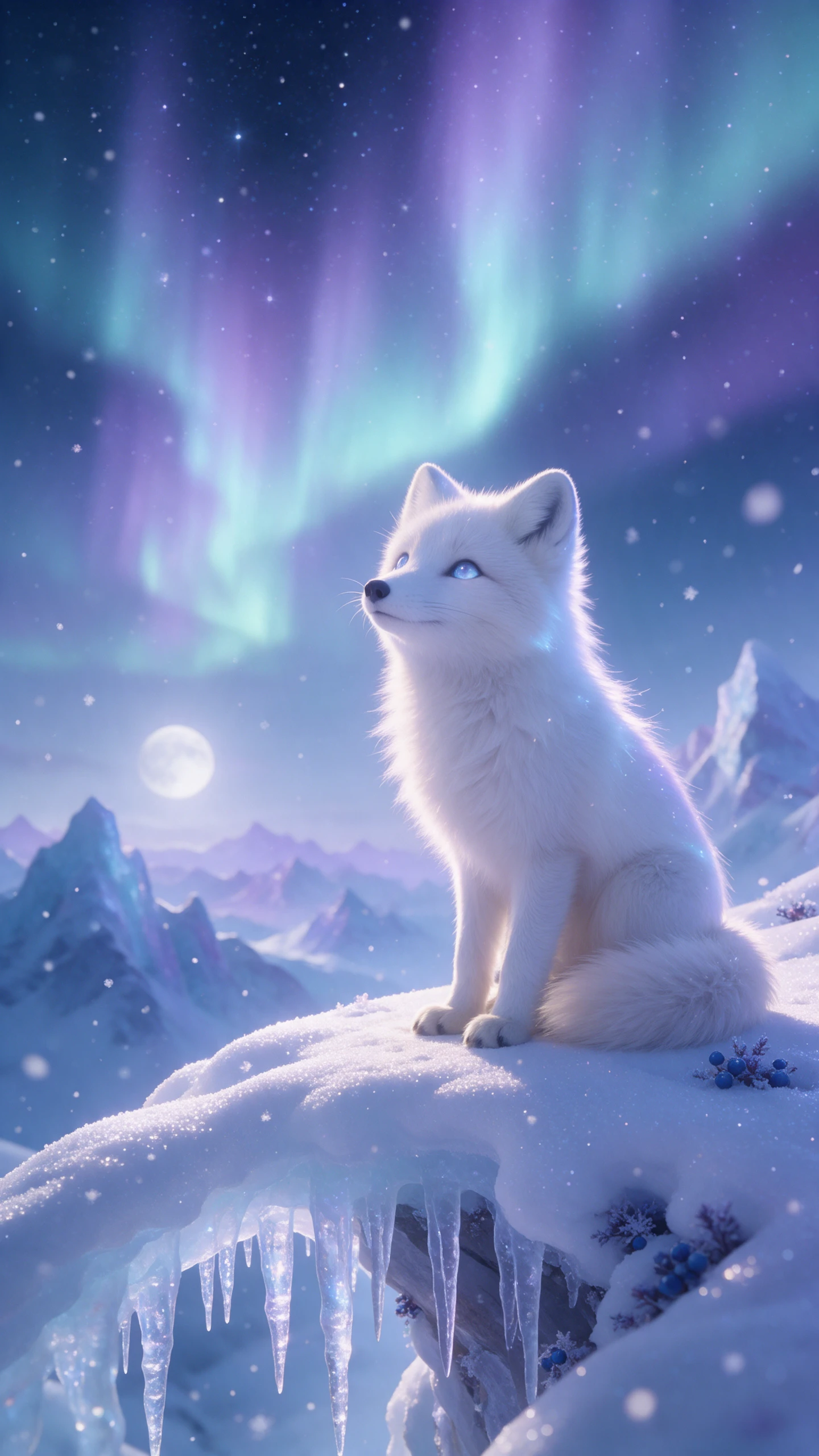
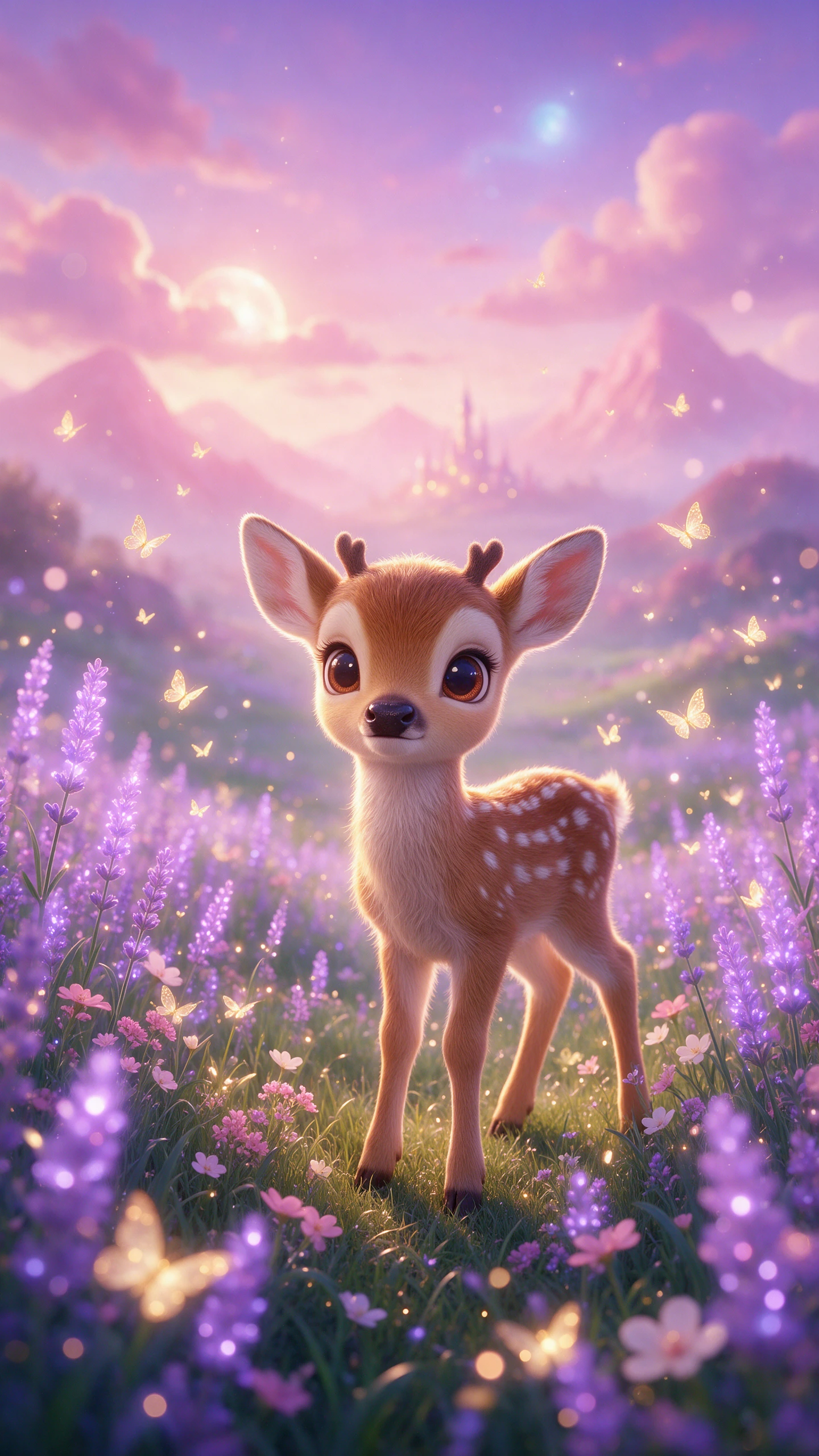
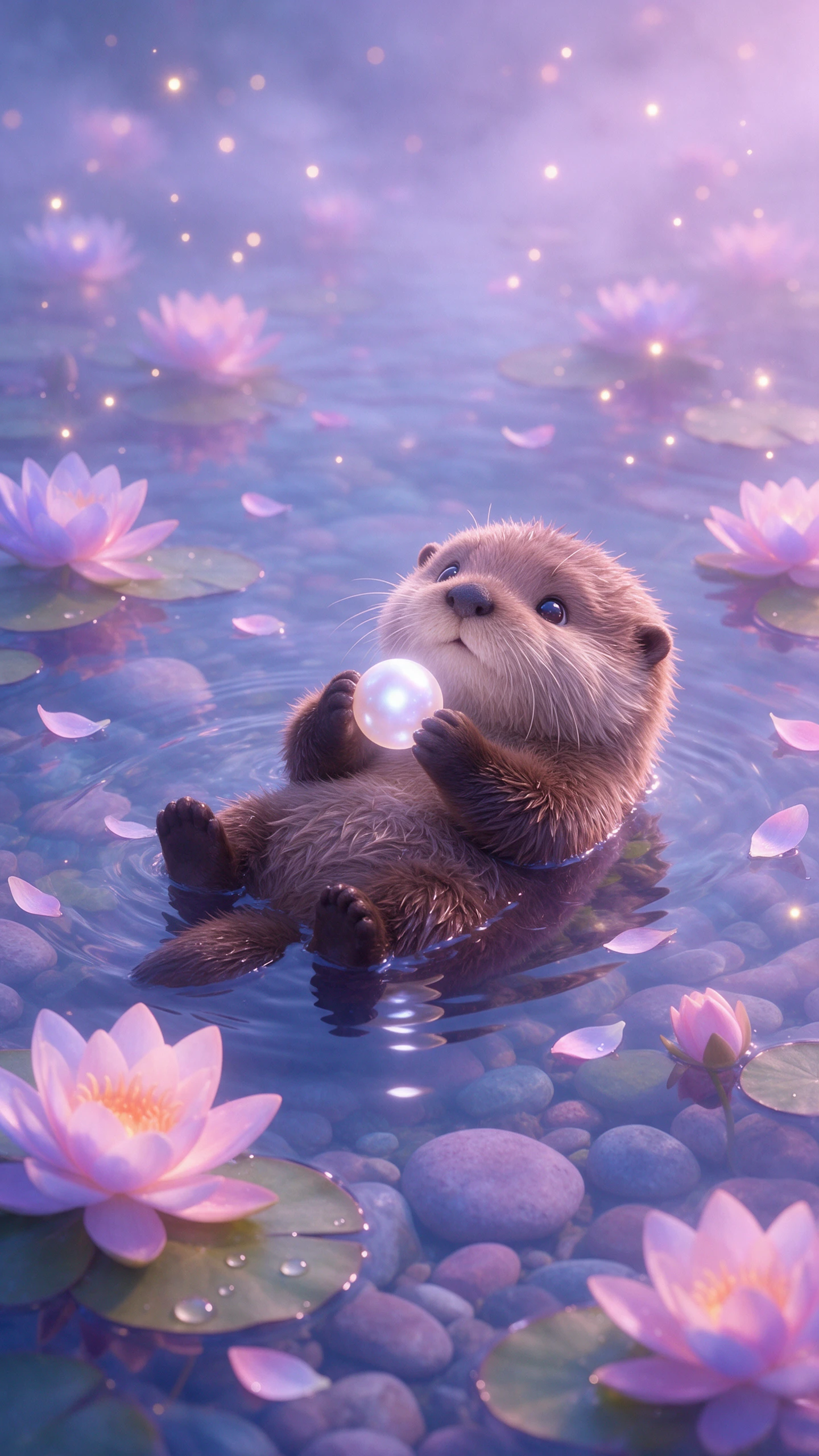
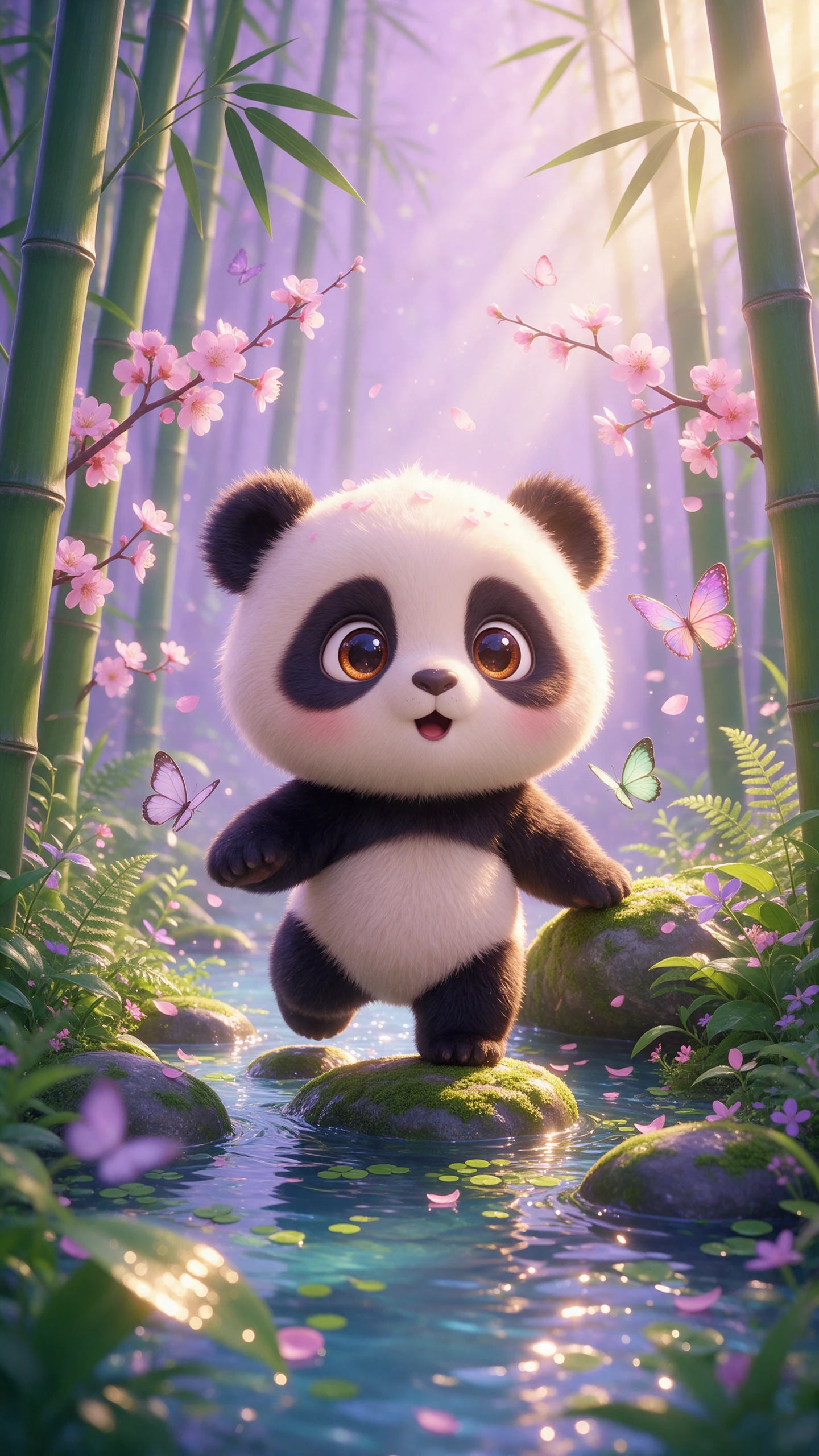
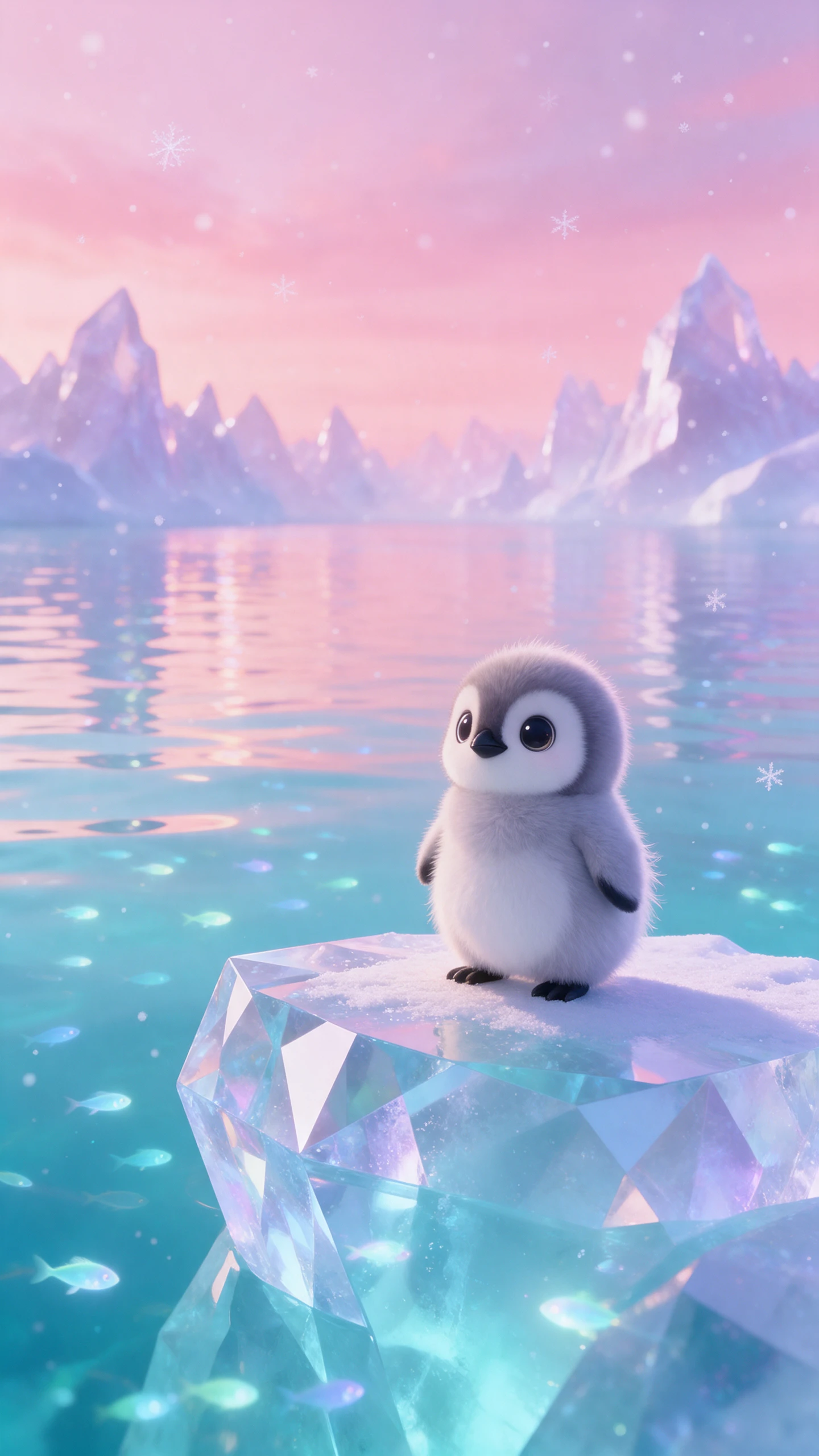
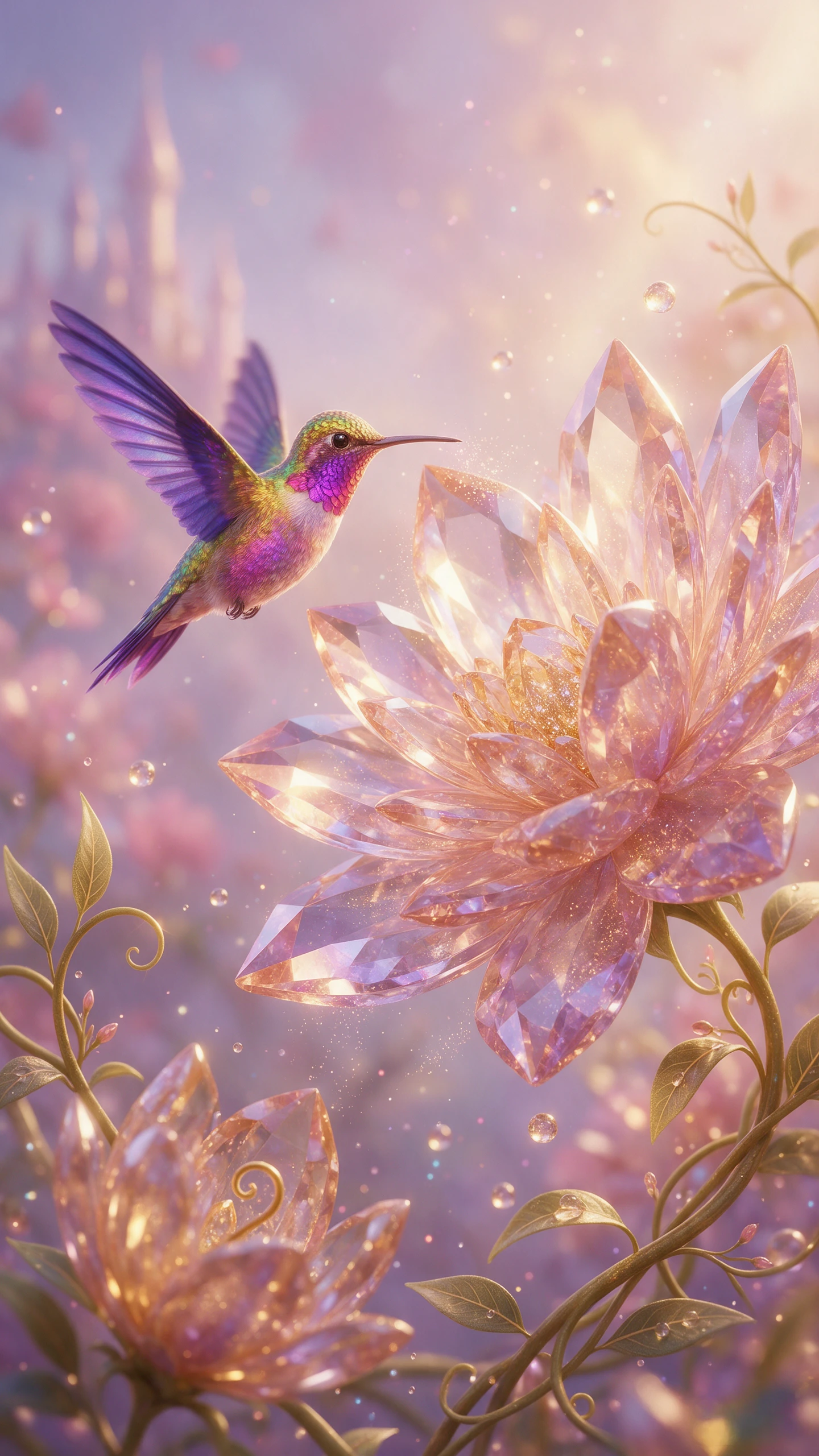
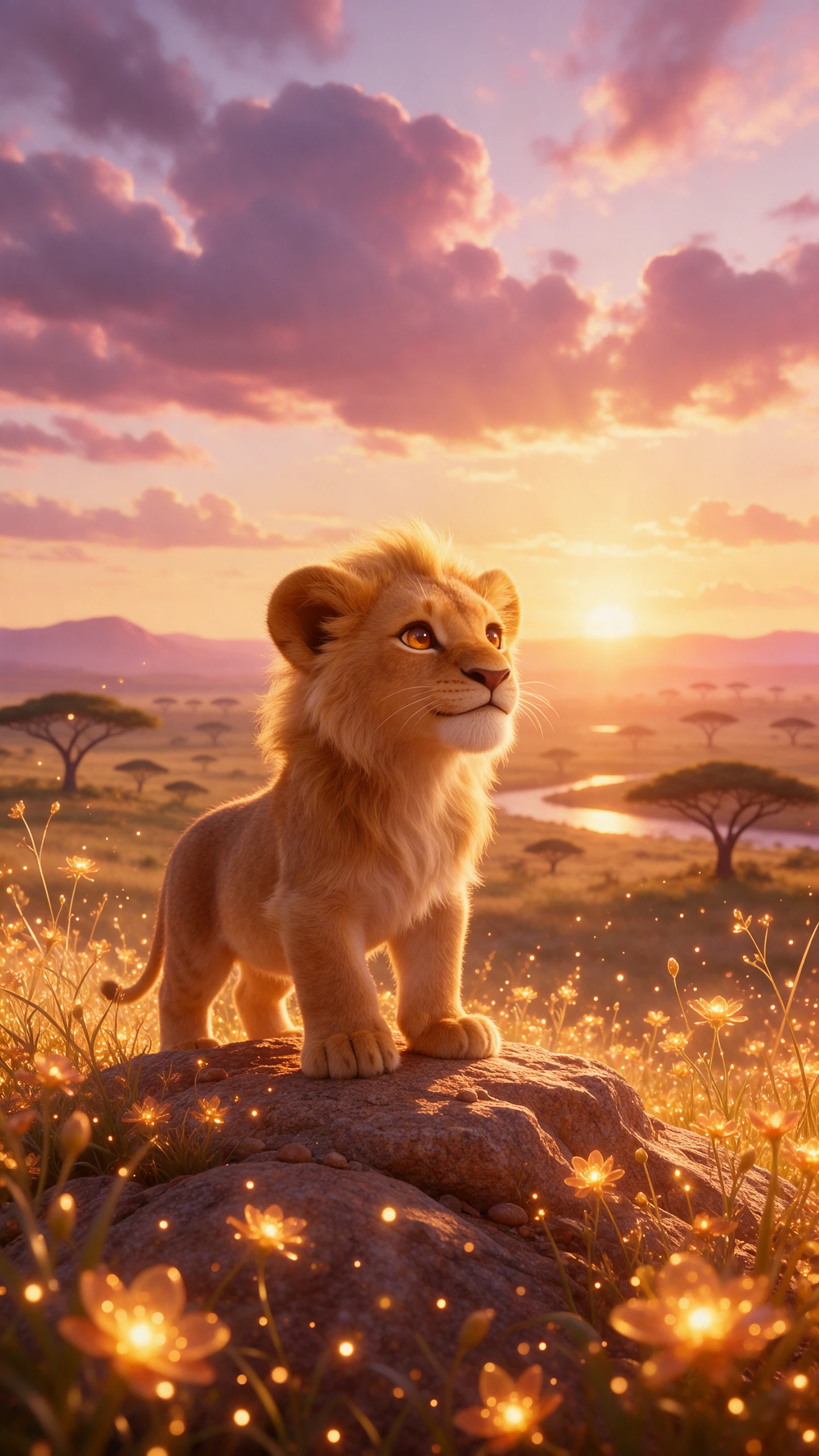
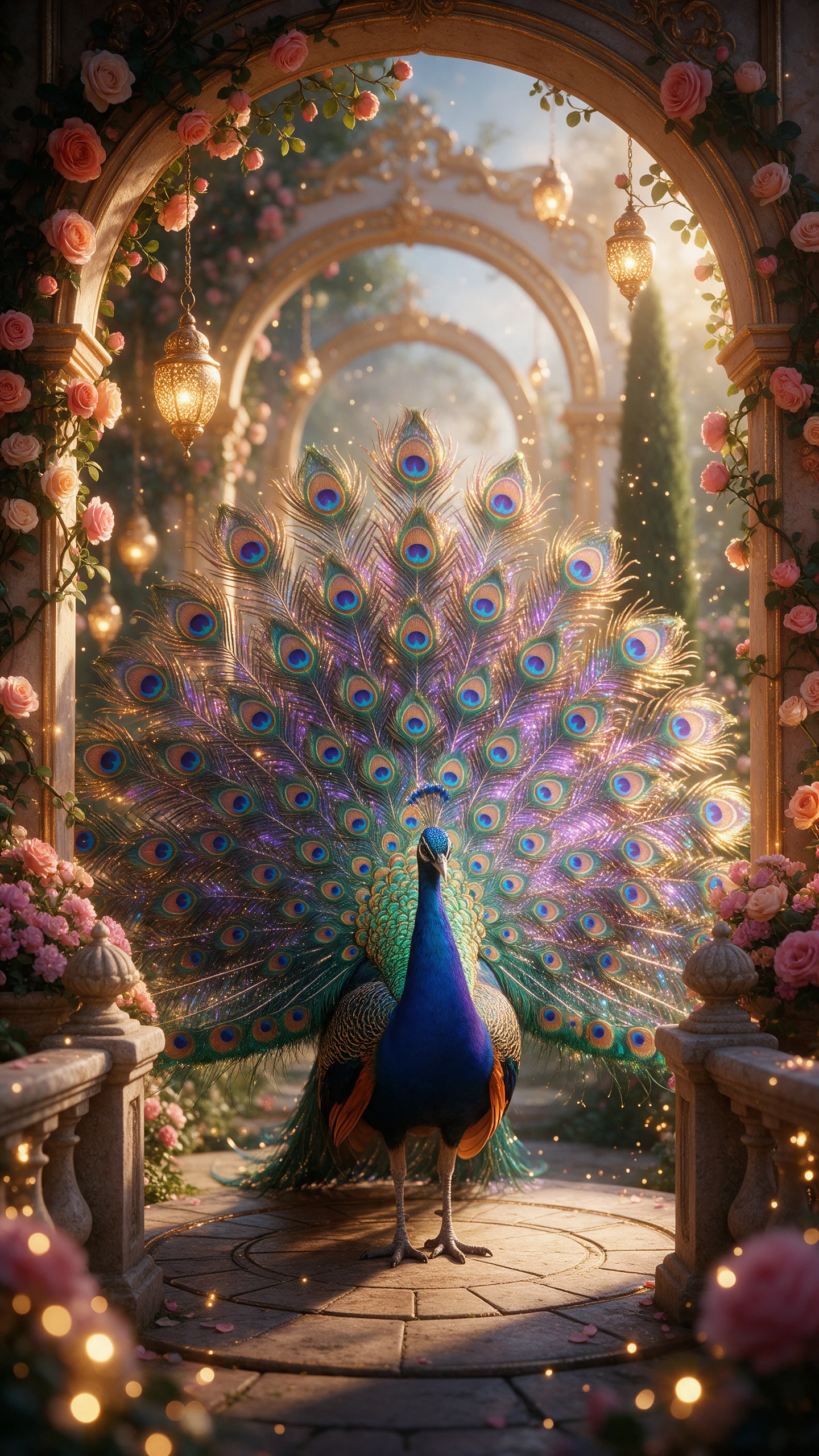
Animal stories feel stronger when every creature looks at home in its world. Magiclight AI brings species details, expressive behavior, natural settings, and cinematic movement into each scene.

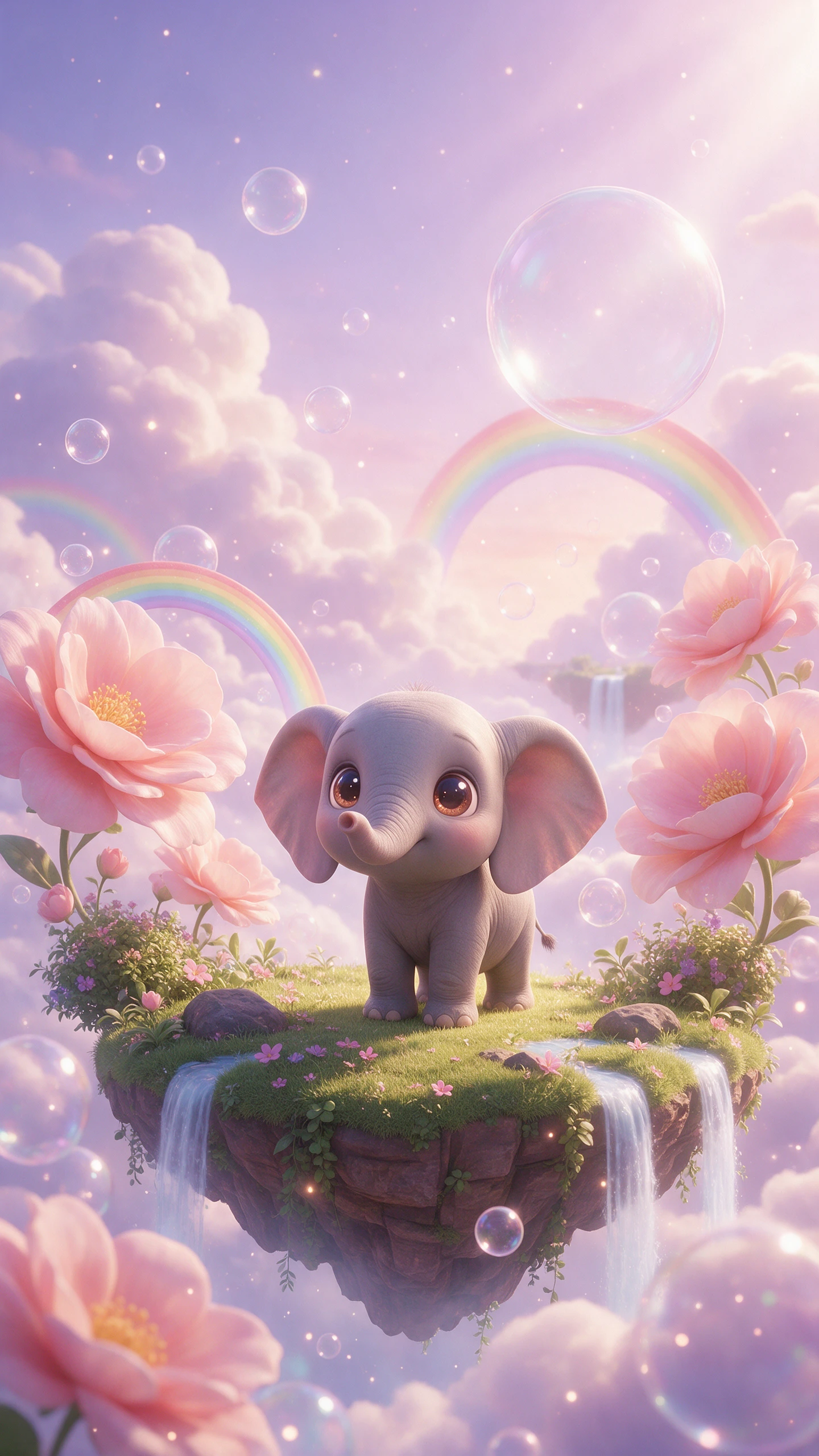
Start with a young elephant searching for water or a mischievous cat narrating its day. MagicLight Agent develops the idea into a complete story you can review before creating scenes.
Choose from 52 visual styles for pets, wildlife, and their habitats. Match each animal story with a playful, cinematic, or realistic-looking direction for a unique audience.
Upload a reference image of your pet or animal. Use up to 1,000 characters to describe its breed, fur, markings, age, and other defining traits for the character, and expand further with AI.
A calm documentary voice suits a whale's long journey. A cheeky, fast voice fits a dog explaining why the sofa is his. Magiclight AI offers 37 options for a dedicated voice in videos.


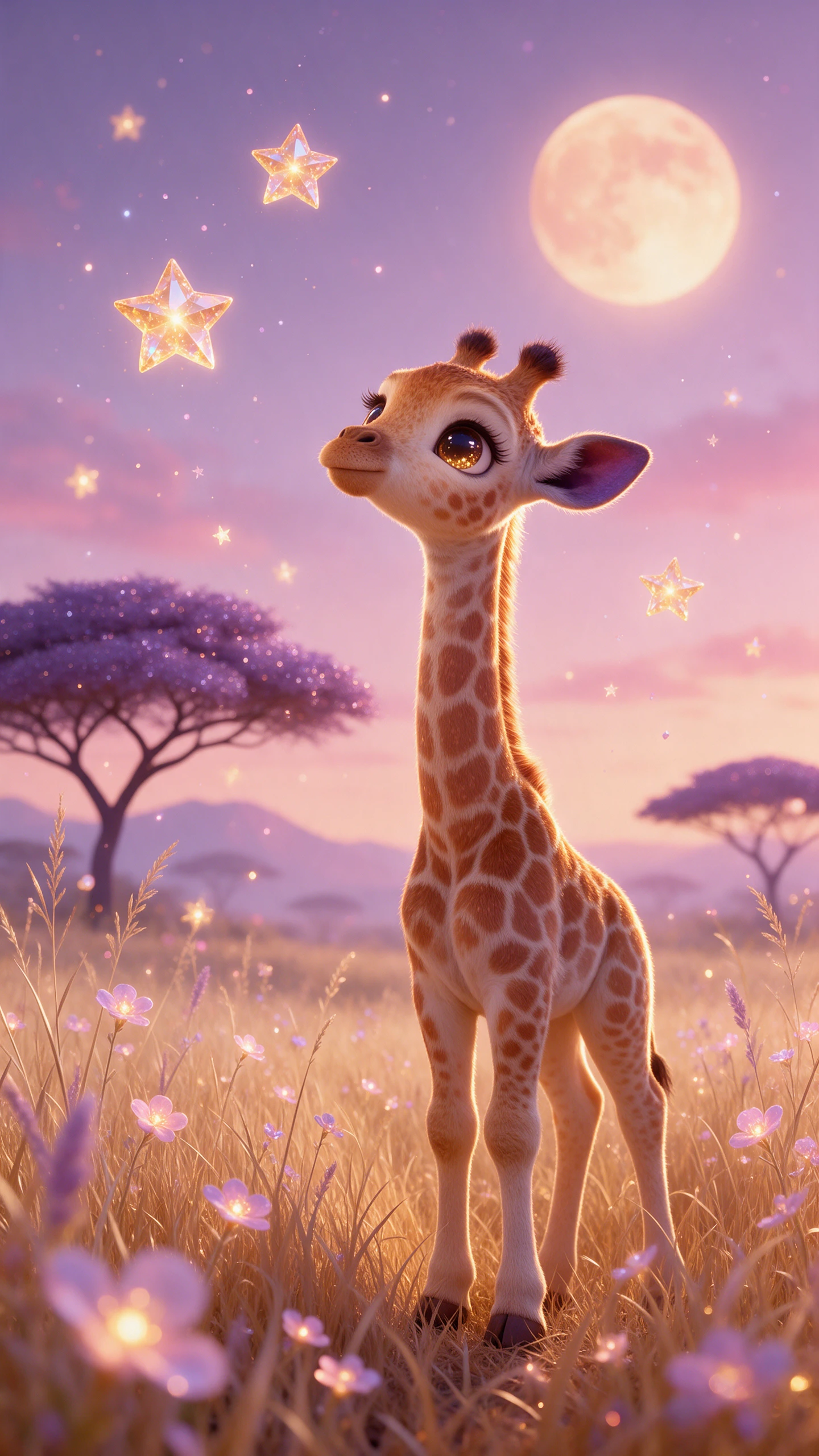
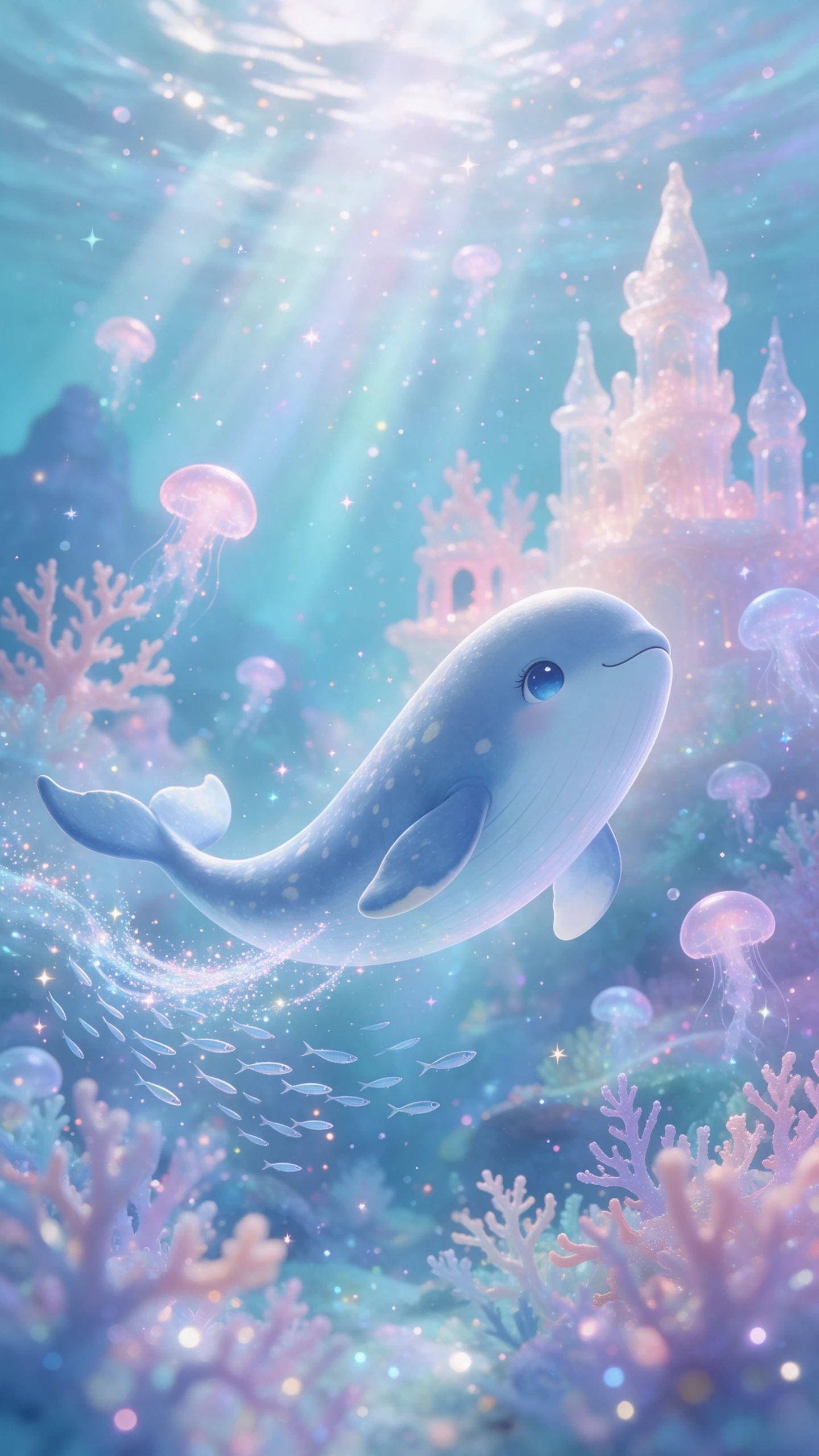
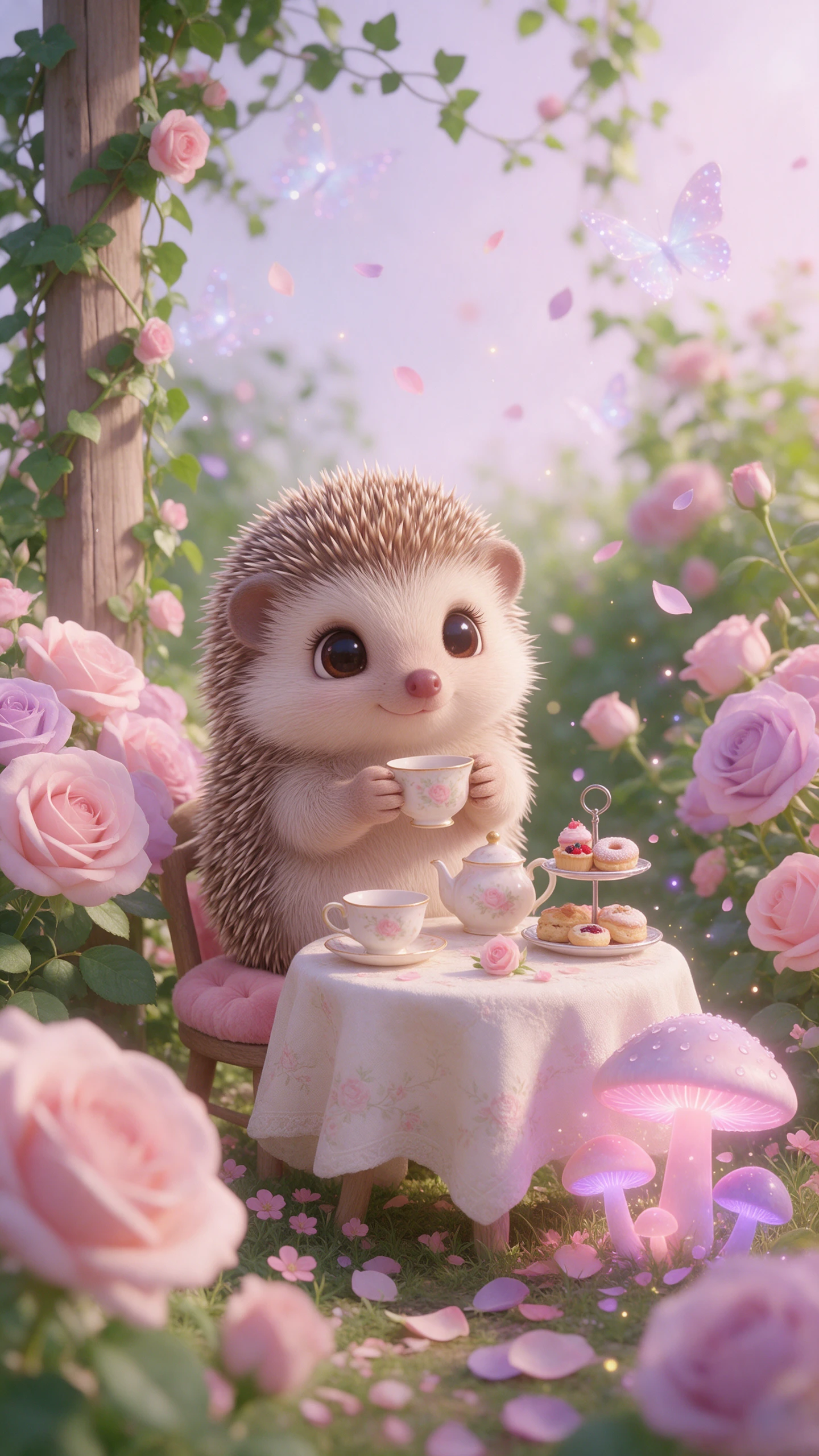
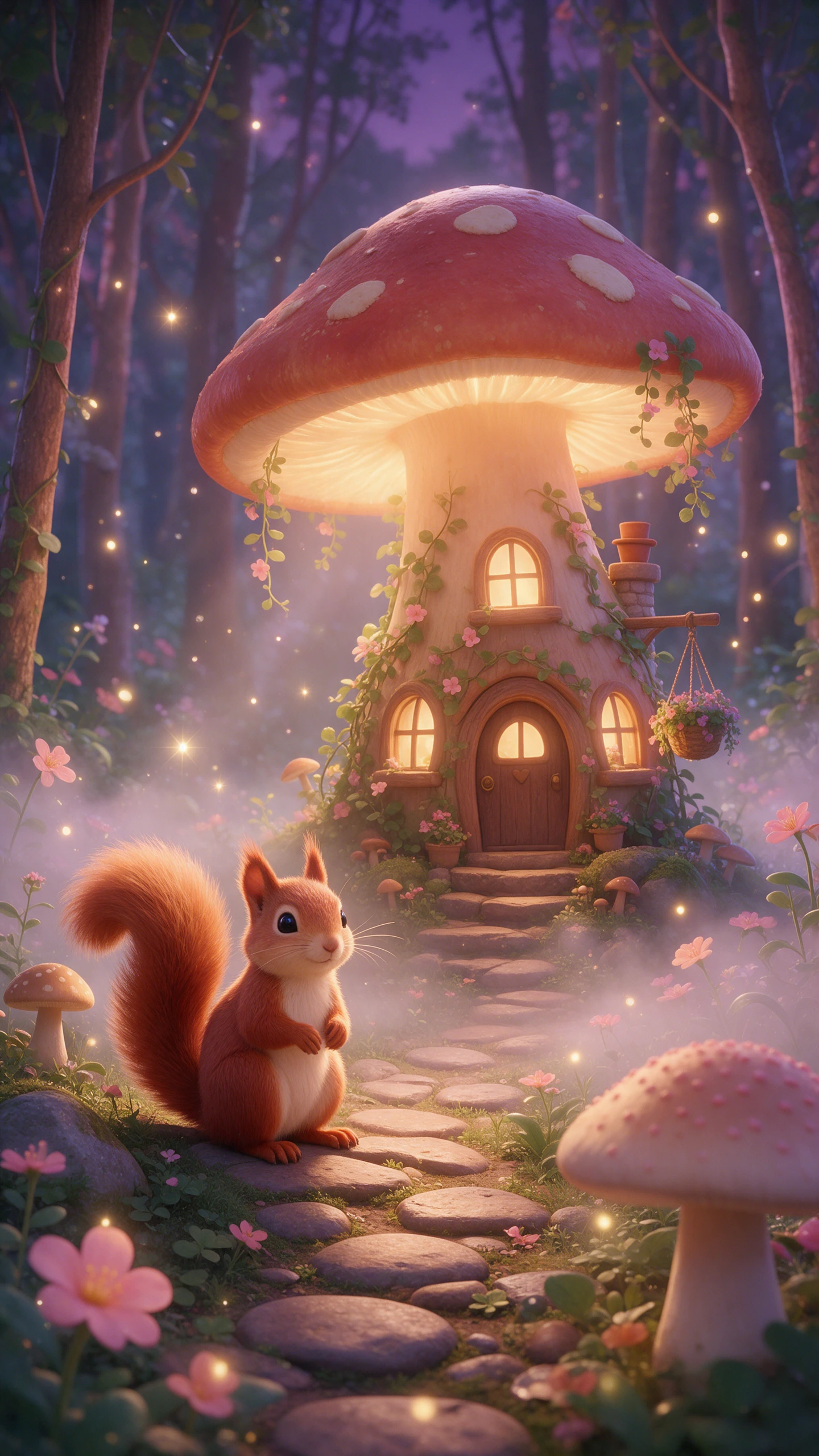
Bring a pet diary, wildlife journey, or animal adventure to the screen in 4 steps. Magiclight AI takes you from the first story idea to directed scenes, narration, and final video.
Enter an animal idea or add a script of up to 12,000 characters. MagicLight Agent uses 14 story models to shape it into a clear story you can review.
Confirm the final script style and choose any of the available 50+ visual styles. Upload a reference image or describe in up to 1,000 characters to create your own animal.
Open Nano Storyboard to check the story scene by scene. Choose from 37 AI voices, pick from 50 poses and adjust expressions and camera angles to show each moment clearly.
Continue to add background music, and set your subtitles. Check the complete video, make any final changes, and generate it in 720p or 1080p.
Yes. Upload a reference image of your pet to Magiclight AI, then add details such as breed, coat, markings, and age. This gives the generator clearer visual guidance.
Yes. Magiclight AI works for pet adventures, wildlife stories, educational animal videos, and fictional animal tales. Pick from 50+ visual styles to match your idea.
Yes, especially when realistic scenes could be mistaken for genuine wildlife footage. Clearly identify Magiclight AI videos as AI-generated rather than presenting them as real sightings.
Yes. Review scenes with Nano Storyboard and use 50 poses, expressions, and camera controls. With Magiclight AI, you can adjust important moments before final generation.
Animal videos in Magiclight AI can run for up to 50 minutes, giving you room for anything from a short pet story to a longer wildlife or educational episode.
Yes. Choose from 37 AI voices in Magiclight AI for a narrator or character voice. You can also add background music and subtitles to complete the story.



Pick an animal and the moment you want to see. Magiclight AI shows it with real fur, real movement, and a story worth watching.