Explore the Features of Magiclight AI Suspense Video Generator
Write what happens in your suspense story and describe the main characters. The Magiclight AI video generator creates a video where the clues appear throughout your story.

Turn your mystery idea into a suspenseful video with hidden clues, tense scenes, and unexpected twists. Magiclight AI brings your story to life with AI. No filming experience needed.
Create a Suspense Video For Free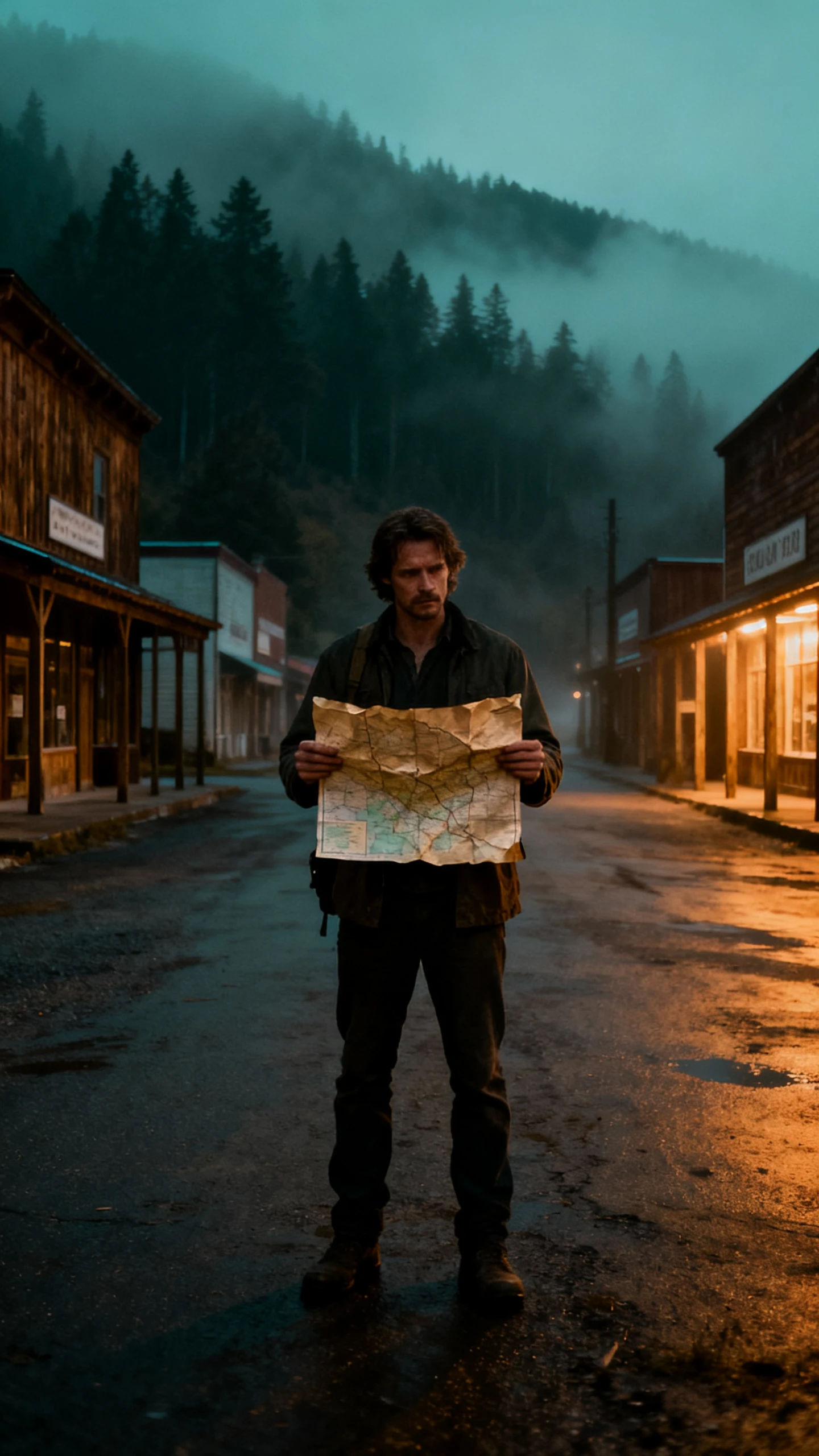
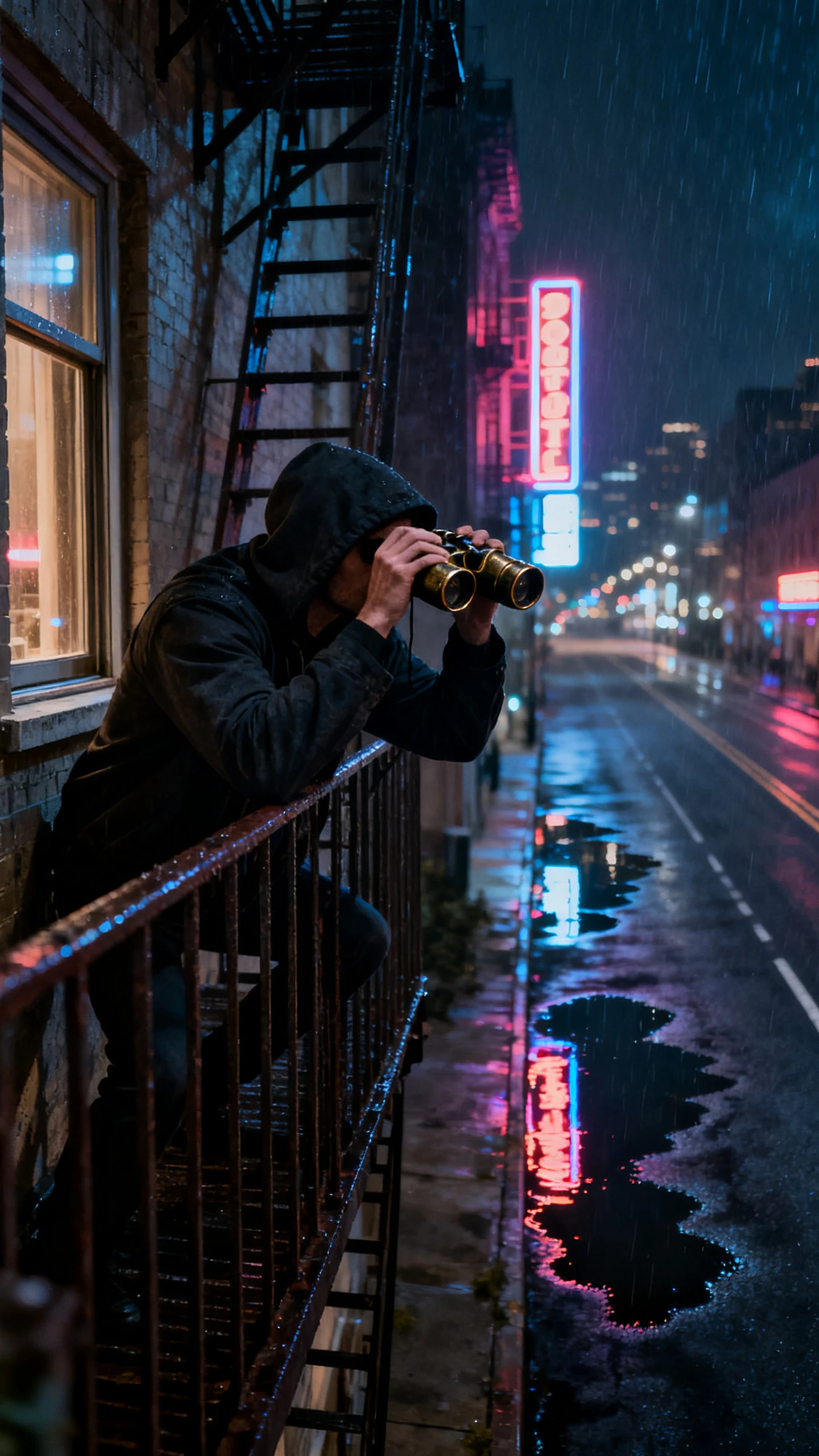
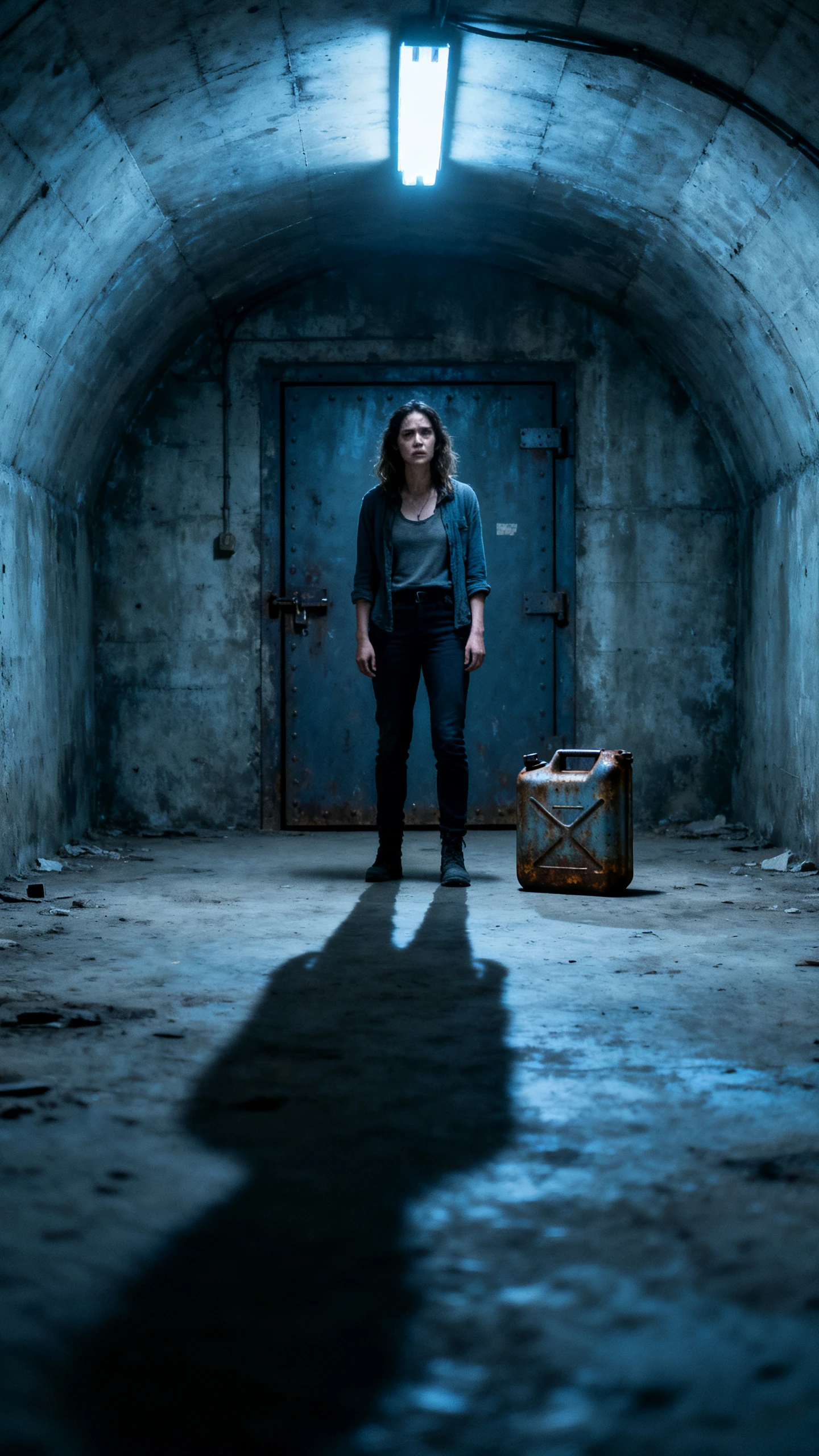
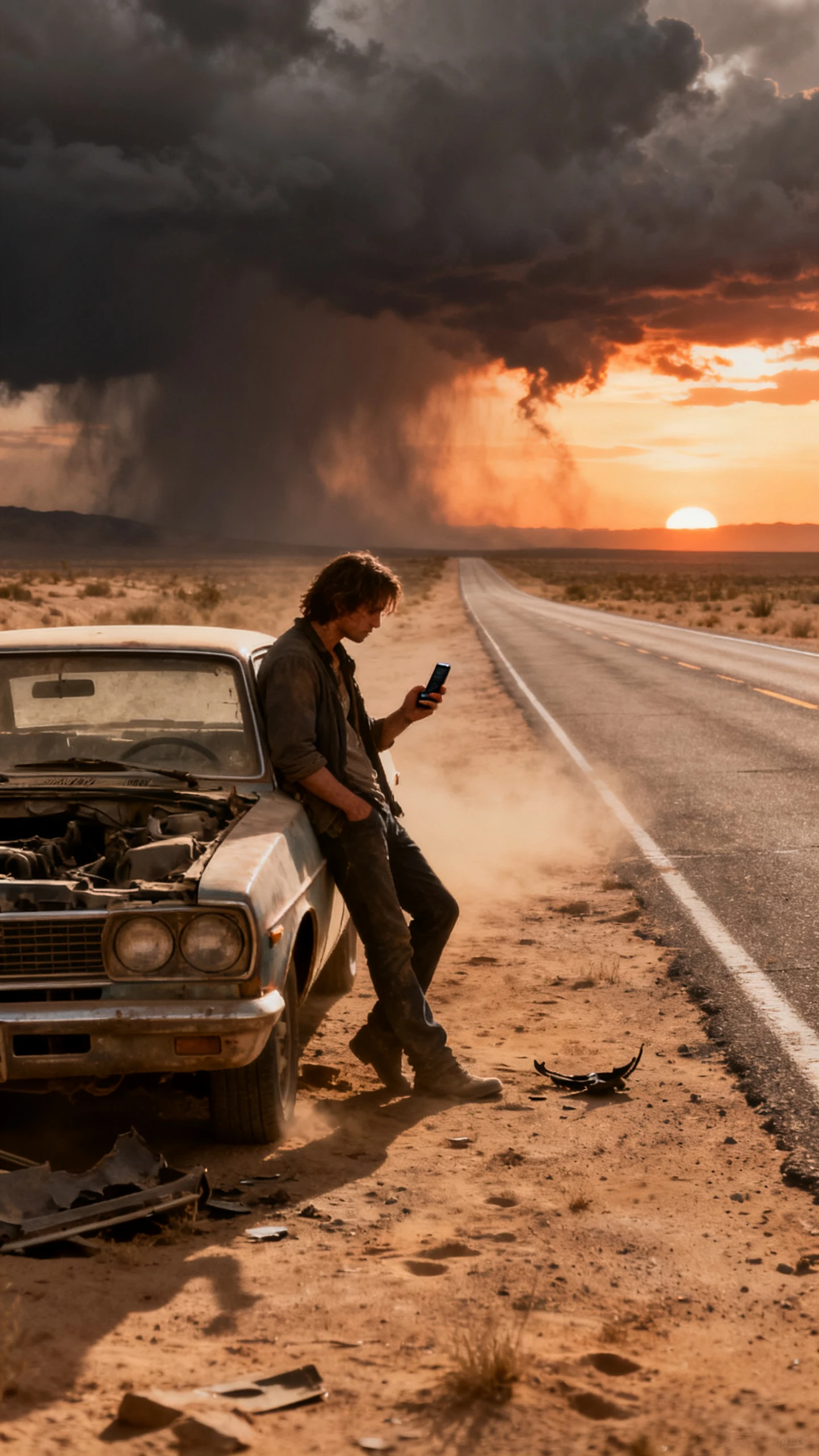
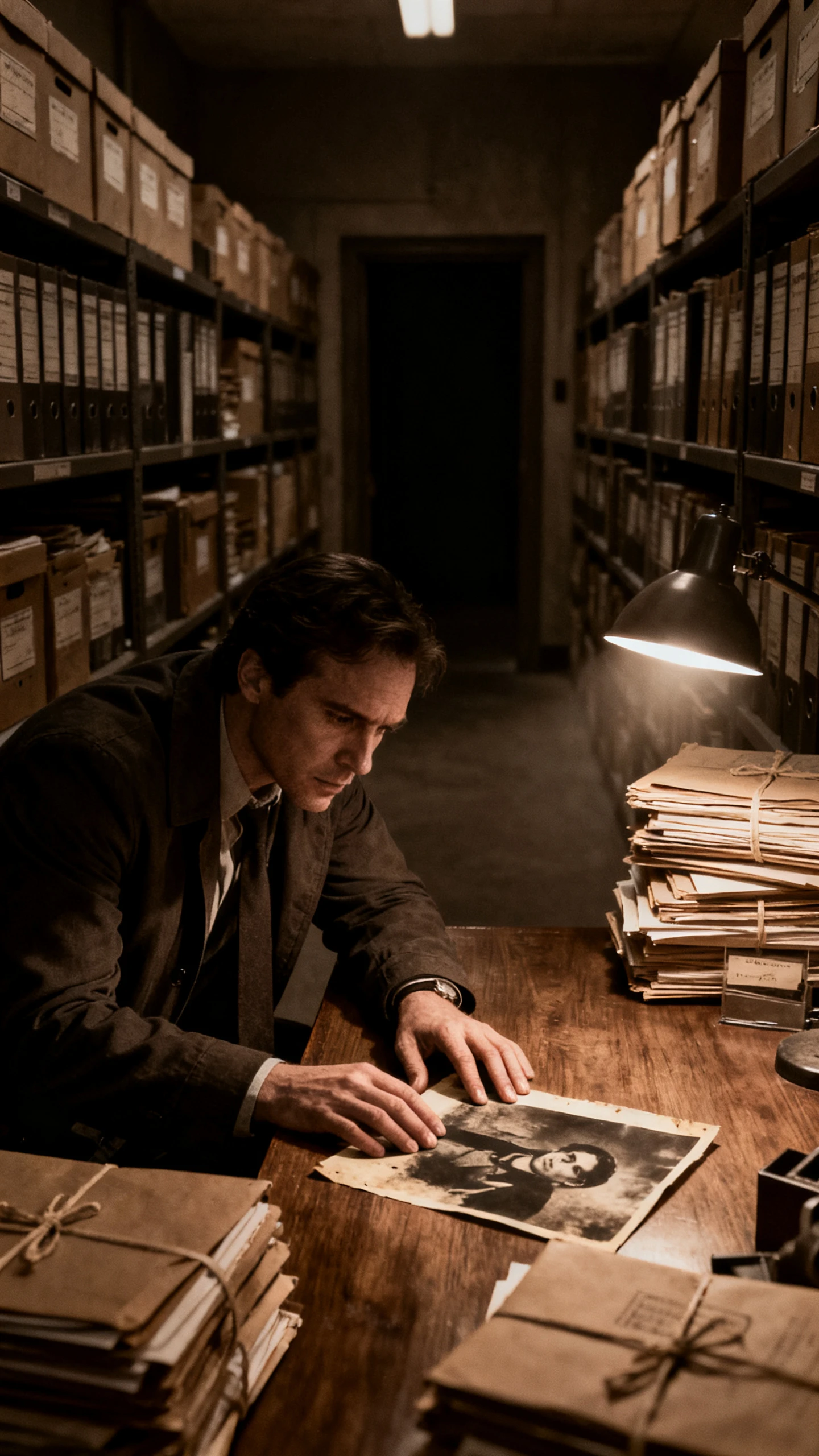
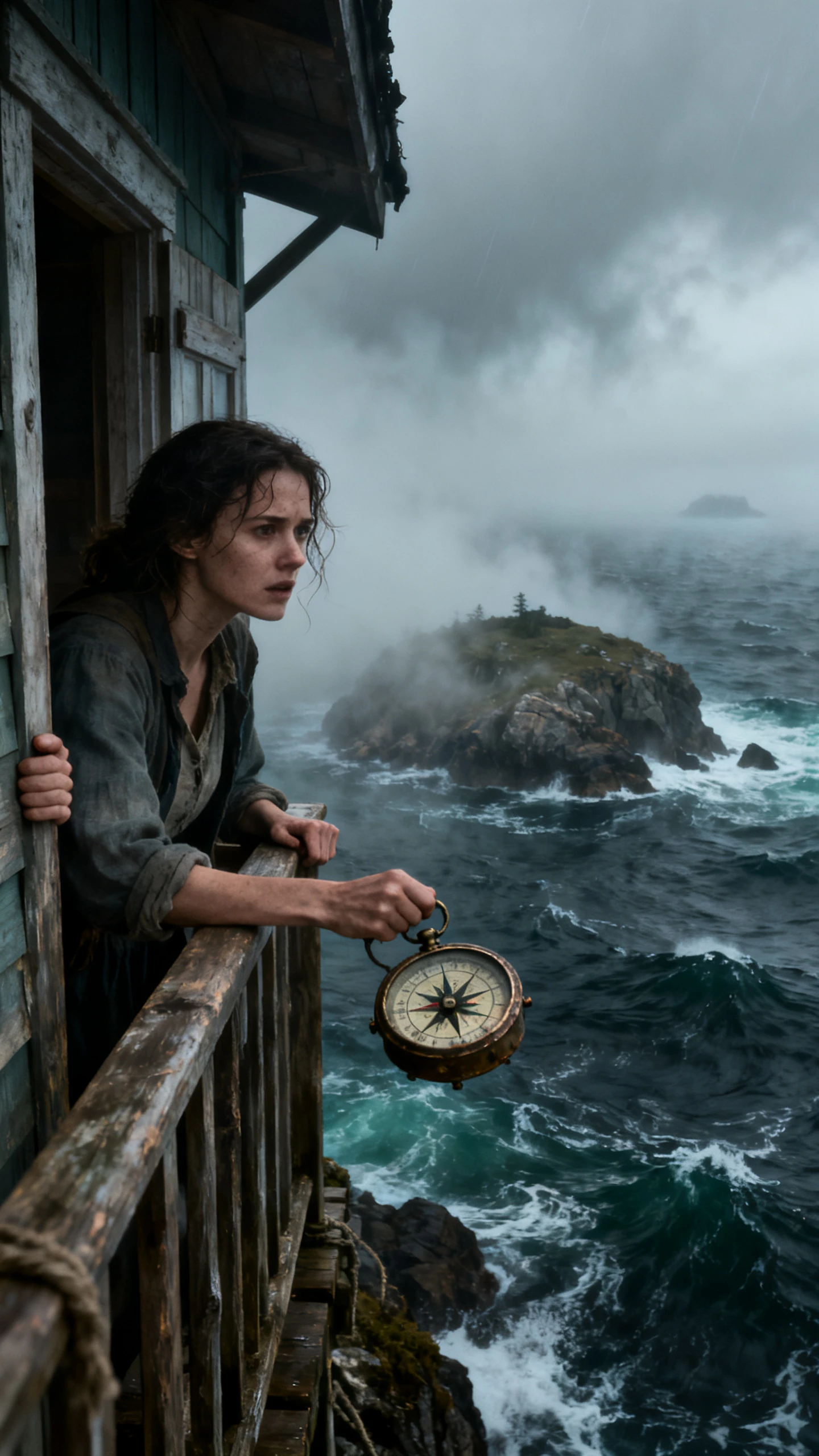
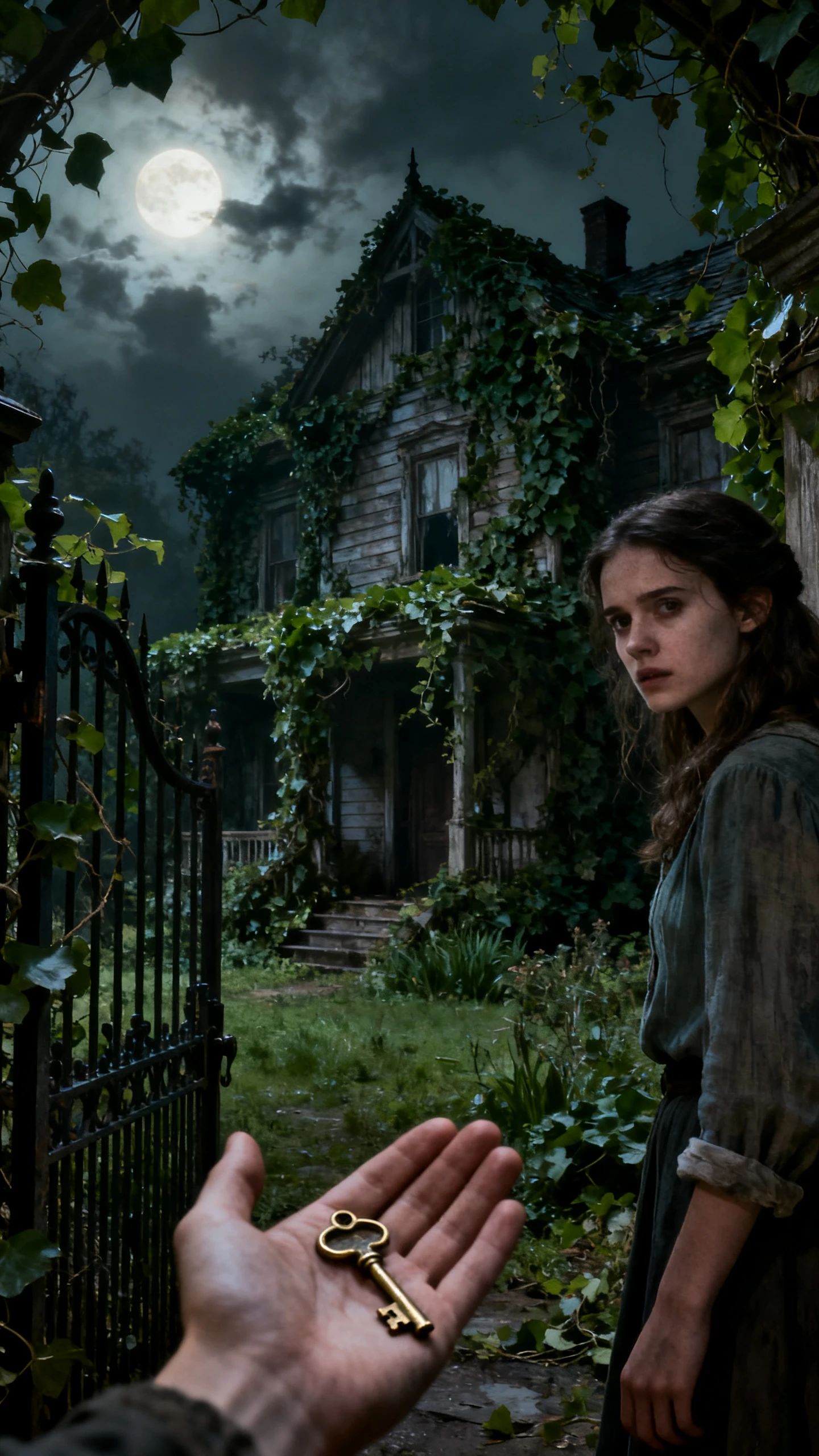
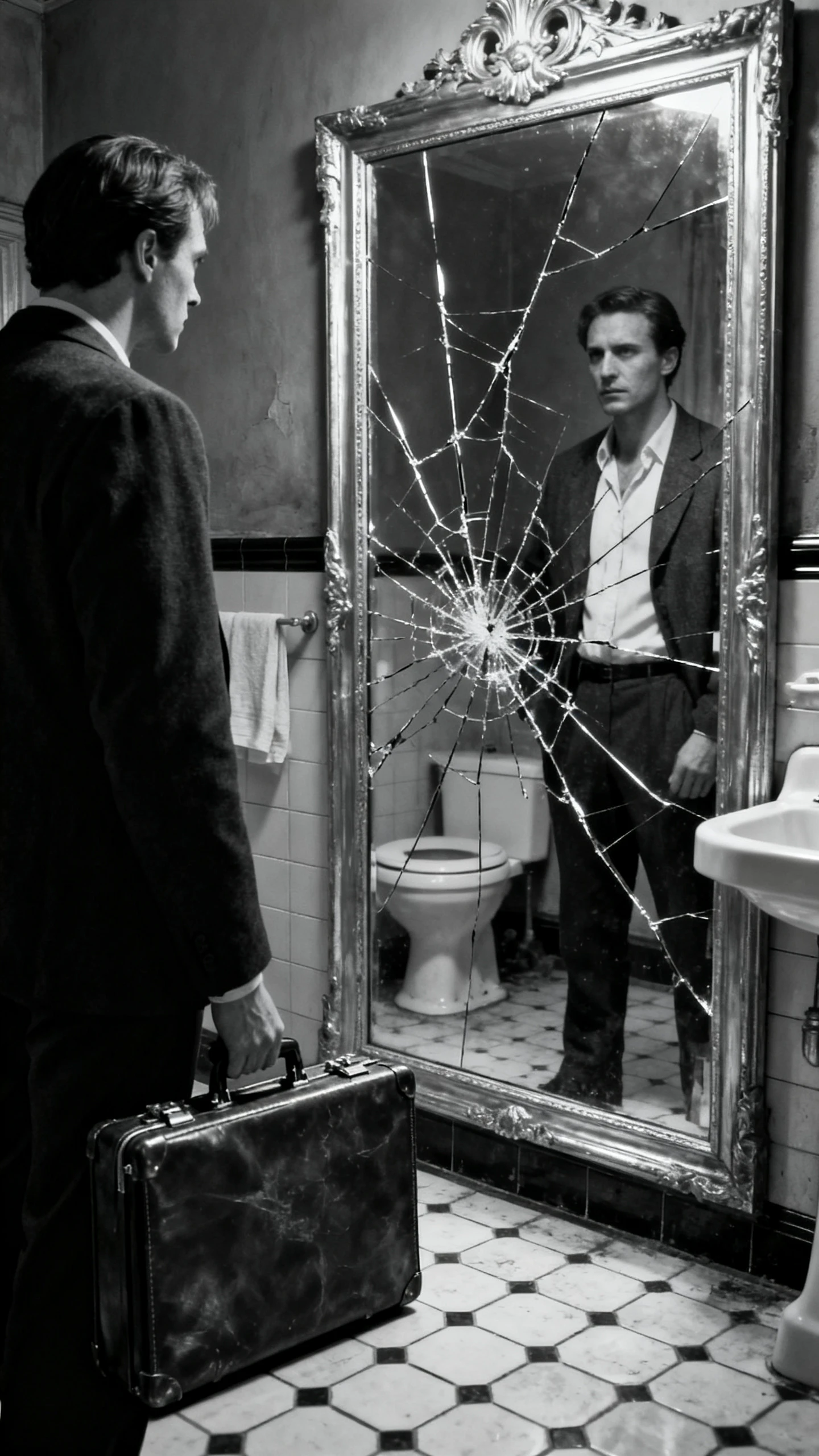
Write what happens in your suspense story and describe the main characters. The Magiclight AI video generator creates a video where the clues appear throughout your story.

Your mystery can have several suspects with different secrets to hide. Magiclight AI gives you 12,000 characters to write the story and create a suspense video lasting 50 minutes.
Magiclight AI has 14 story models to try with your suspense idea. GPT-5.6 and GPT-6 Astra are 2 options you can use to write different scripts and choose the one you prefer.
Magiclight AI offers over 50 visual styles for your suspense video. Select the Suspense style for a dark hallway or a deserted house where someone might be hiding behind the door.
Your suspense video can have a quiet narrator or a frightened character speaking in the dark. Magiclight AI gives you 37 voiceover options to find a suitable voice for each role in your story.


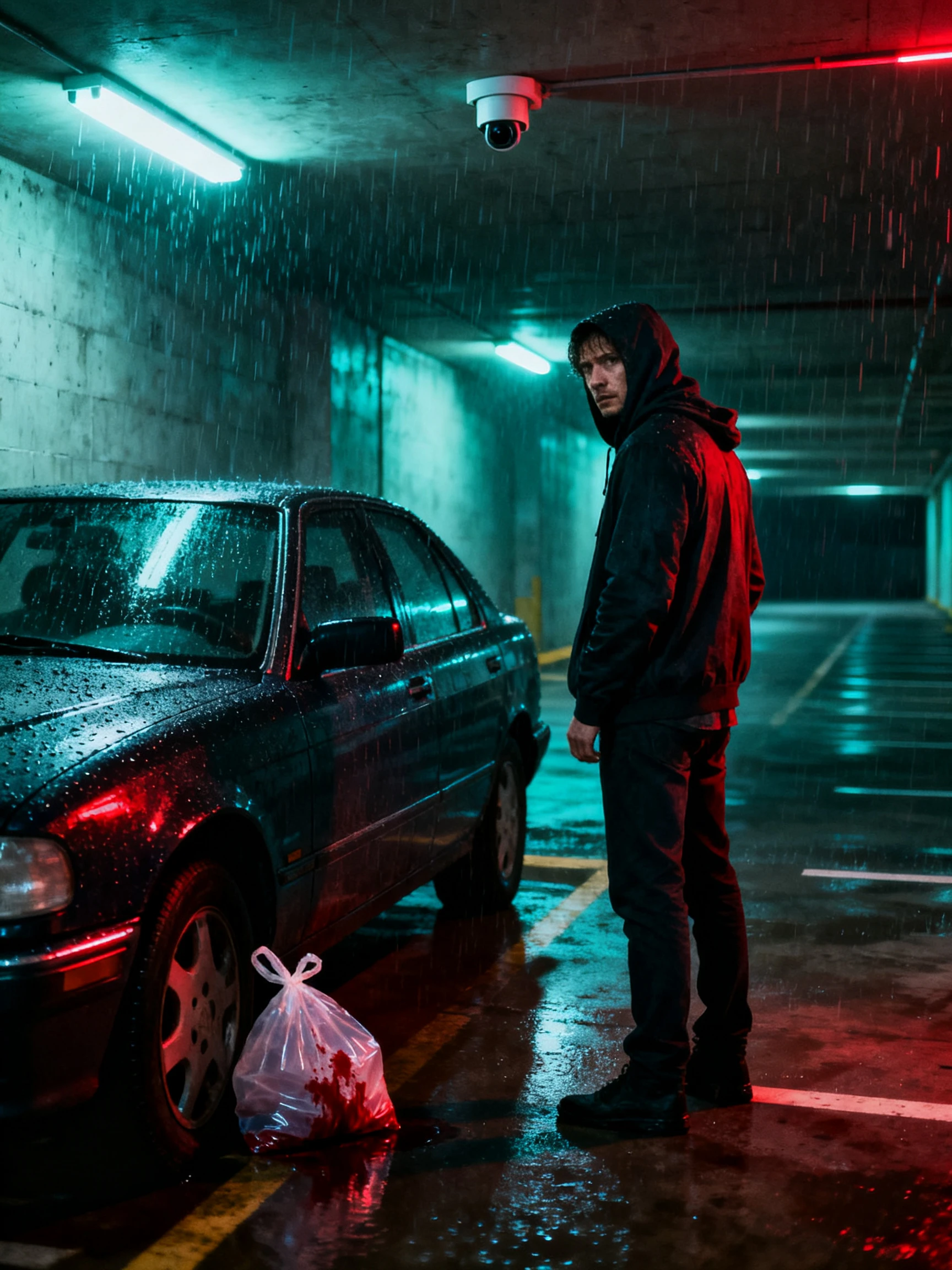
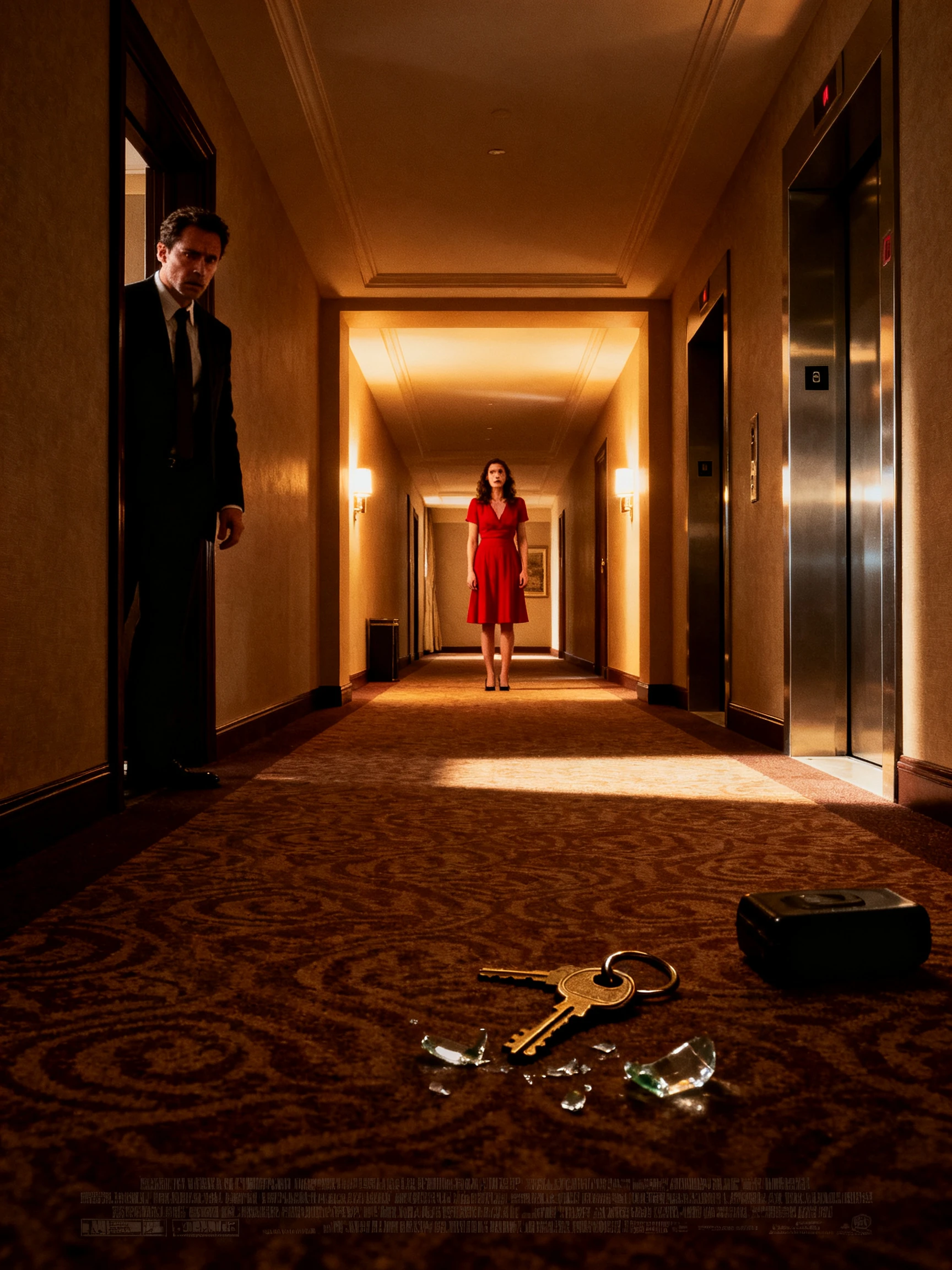
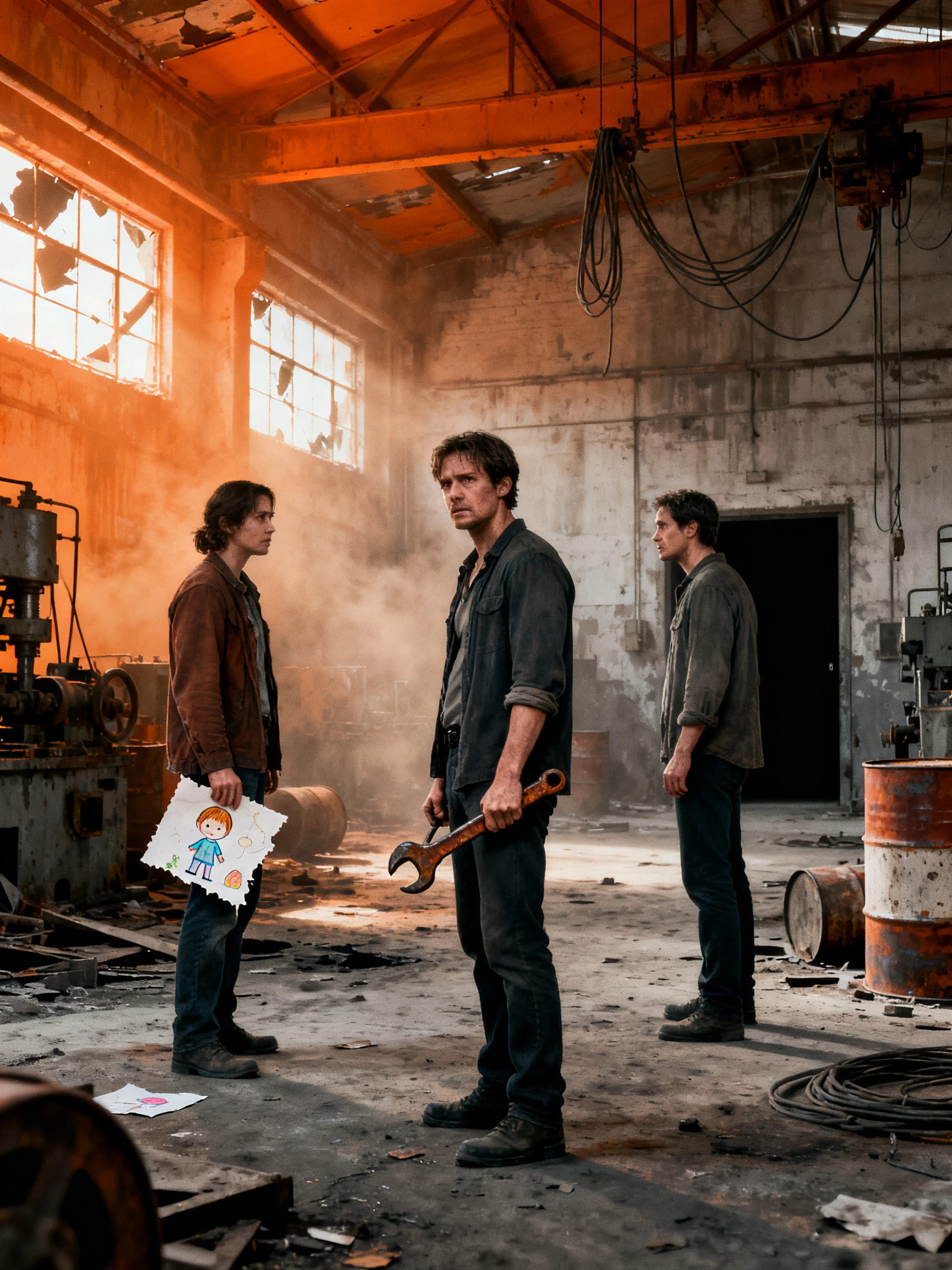
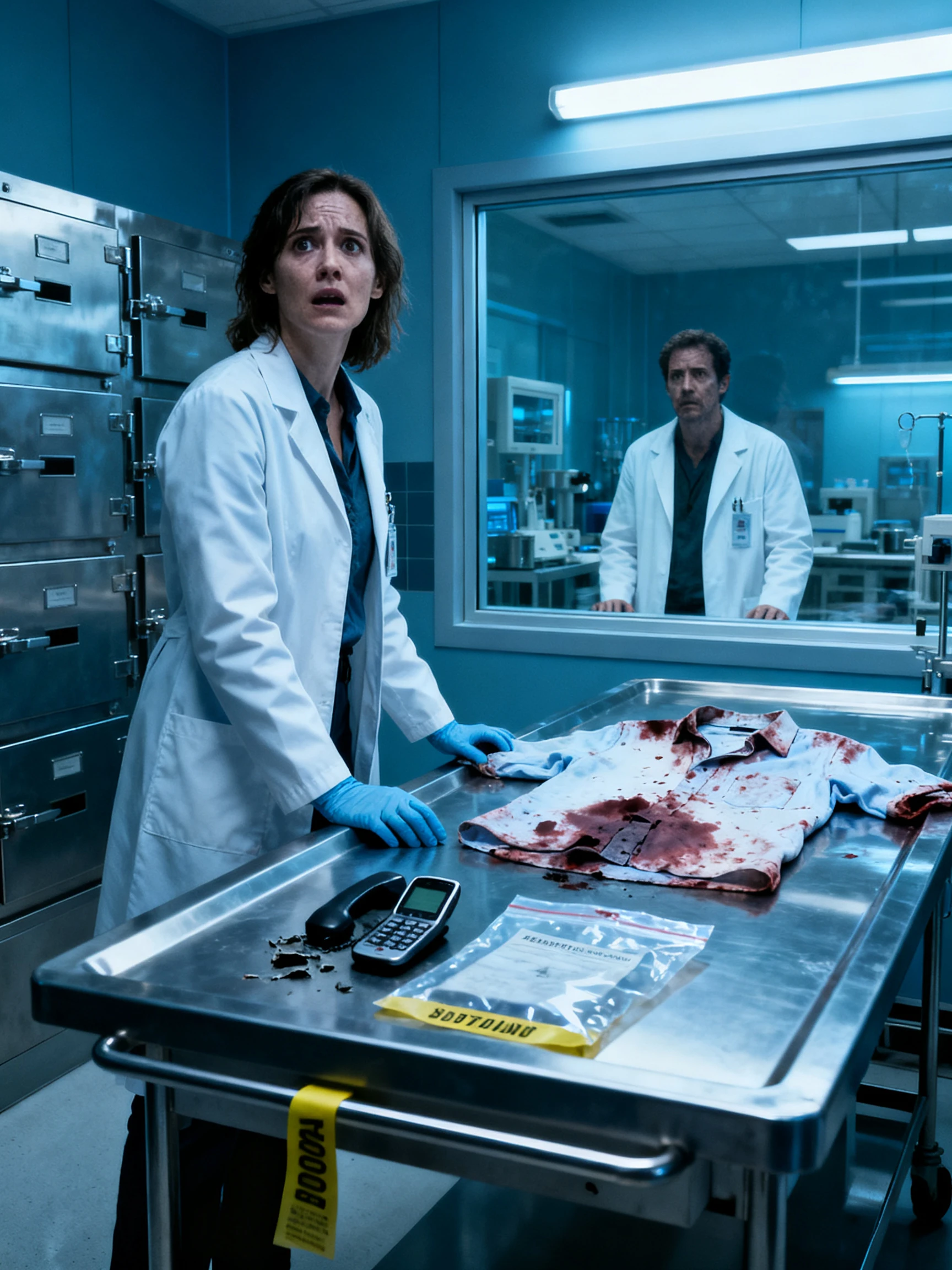
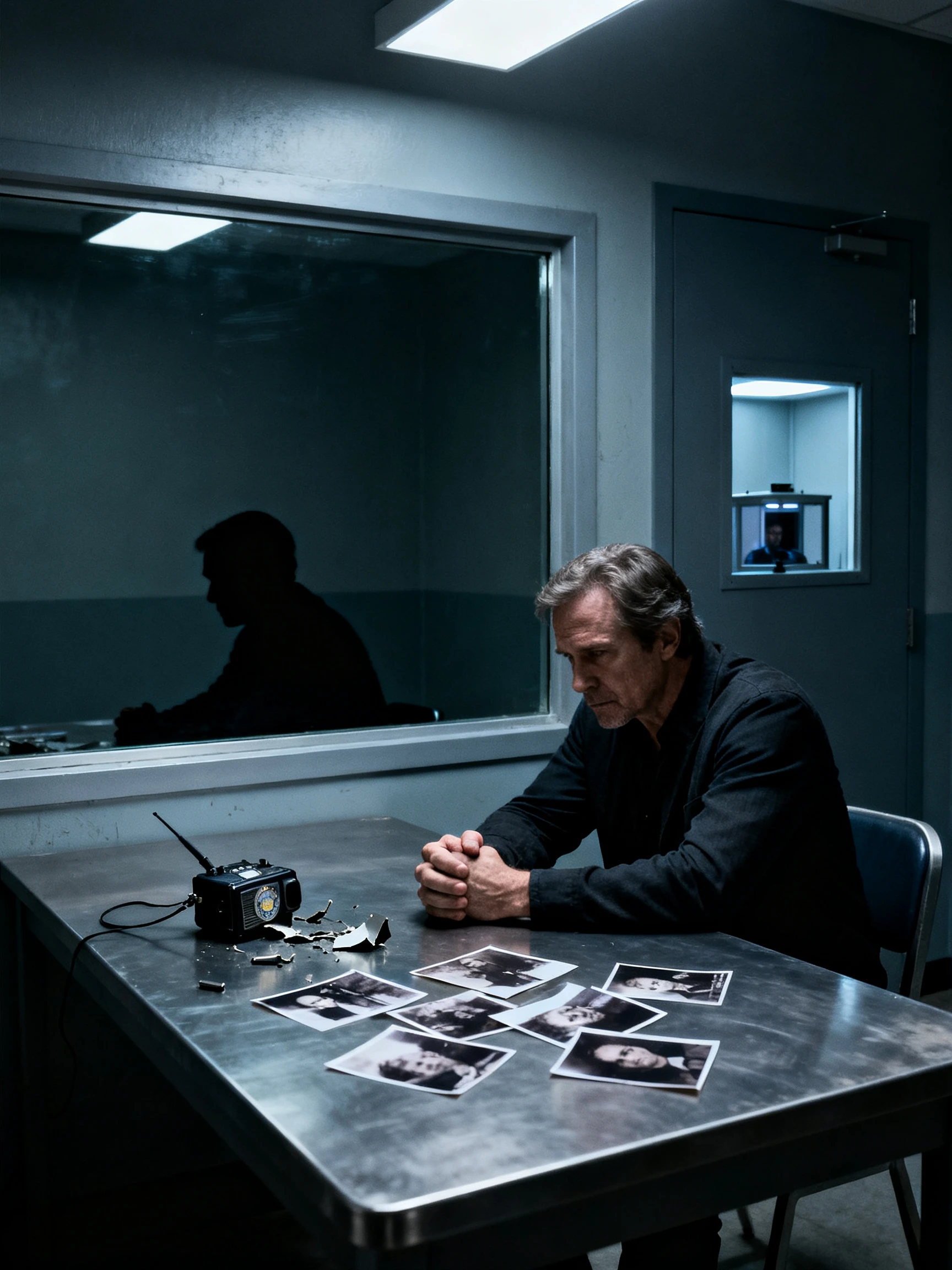
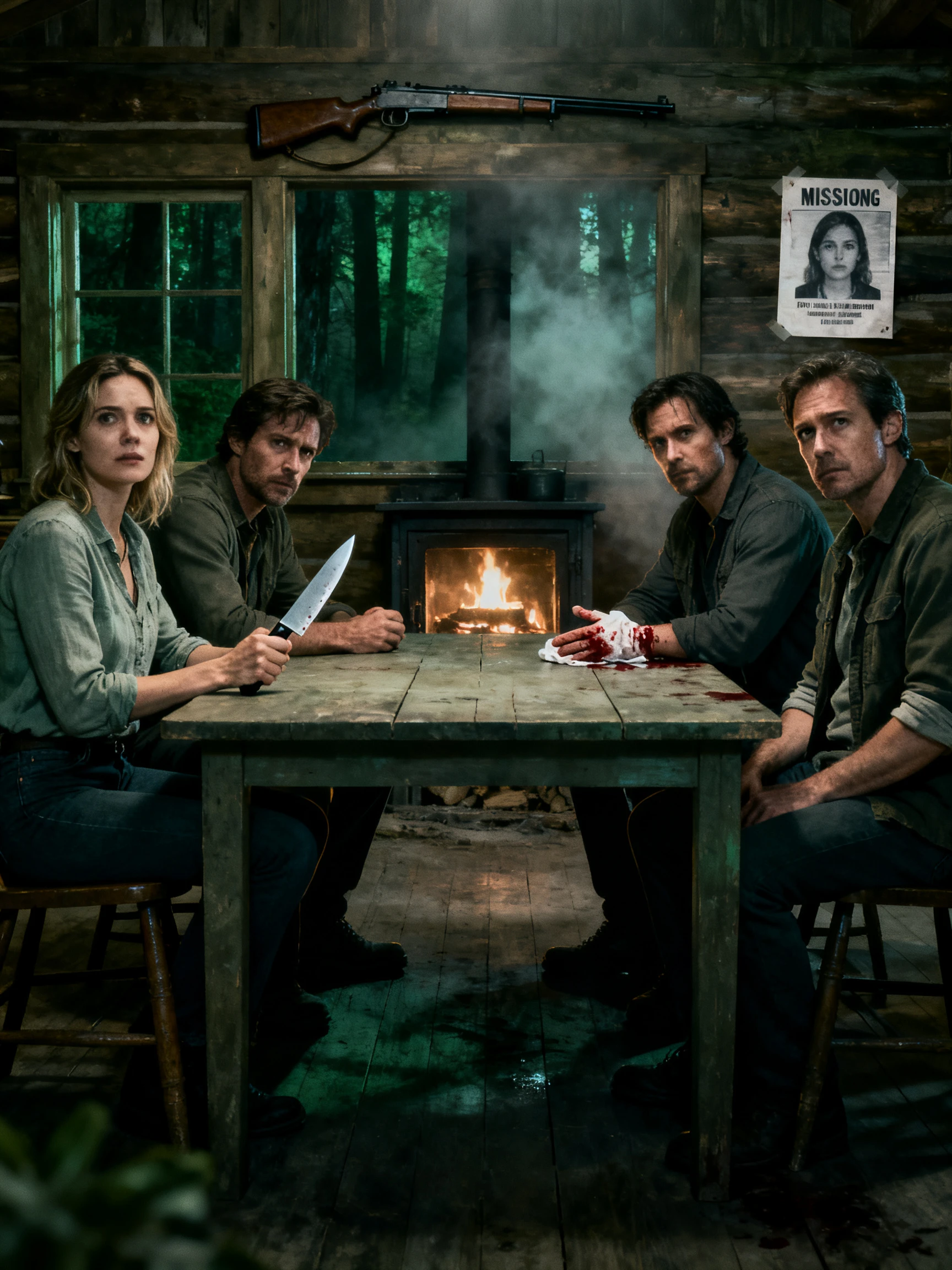
Create your suspense video in 4 simple steps with the Magiclight AI suspense video generator. Add your story idea and check the scenes before saving the final video.
Enter up to 12,000 characters about your suspense story in Magiclight AI. MagicLight Agent identifies the video niche, and you can try 14 story models before reviewing the script.
Select from 50+ visual styles in Magiclight AI to give your suspense video a dark appearance. Add characters from your library and describe new suspects to match the mystery.
Open Nano Storyboard to review the scenes of your suspense story. Adjust the character poses using the available 50 options and change the camera angles before approving the scenes for animation.
Select from 37 voice options in Magiclight AI to narrate your suspense story. Add background music with subtitles and generate the final video for downloading to your device.
Horror videos focus on frightening scenes. Suspense videos create tension by keeping the mystery hidden. Magiclight AI offers a Suspense visual style to create dark scenes that fit this type of story.
Review your script in Magiclight AI to check when the mystery is revealed. You can also adjust camera angles in Nano Storyboard to hide important details until the final scene.
Yes. You can use a real crime as inspiration for your suspense story. Change the names and identifying details to protect the privacy of real people before generating the video.
Magiclight AI supports suspense videos up to 50 minutes long. You can create a short mystery clip for social media and make a longer video with more scenes.
Yes. You can create a mystery video in Magiclight AI with clues for guests to solve. Add subtitles to show important details that everyone can read during the game.
Yes. Magiclight AI saves your created characters in its character library. You can use them in another suspense story without creating their appearance again.



Start with a mystery that will make viewers curious about the answer. Use Magiclight AI to develop the story and reveal the truth in the final scenes.