Explore the Magiclight AI Illustration Video Generator Features
Some ideas need more than words to make sense. Magiclight AI uses illustration videos to show how things work through simple drawings that viewers can easily follow.

Turn your ideas into engaging illustration videos with animated scenes and AI narration. Magiclight AI helps you explain concepts and tell stories through visuals. No design skills needed.
Create an Illustration Video For Free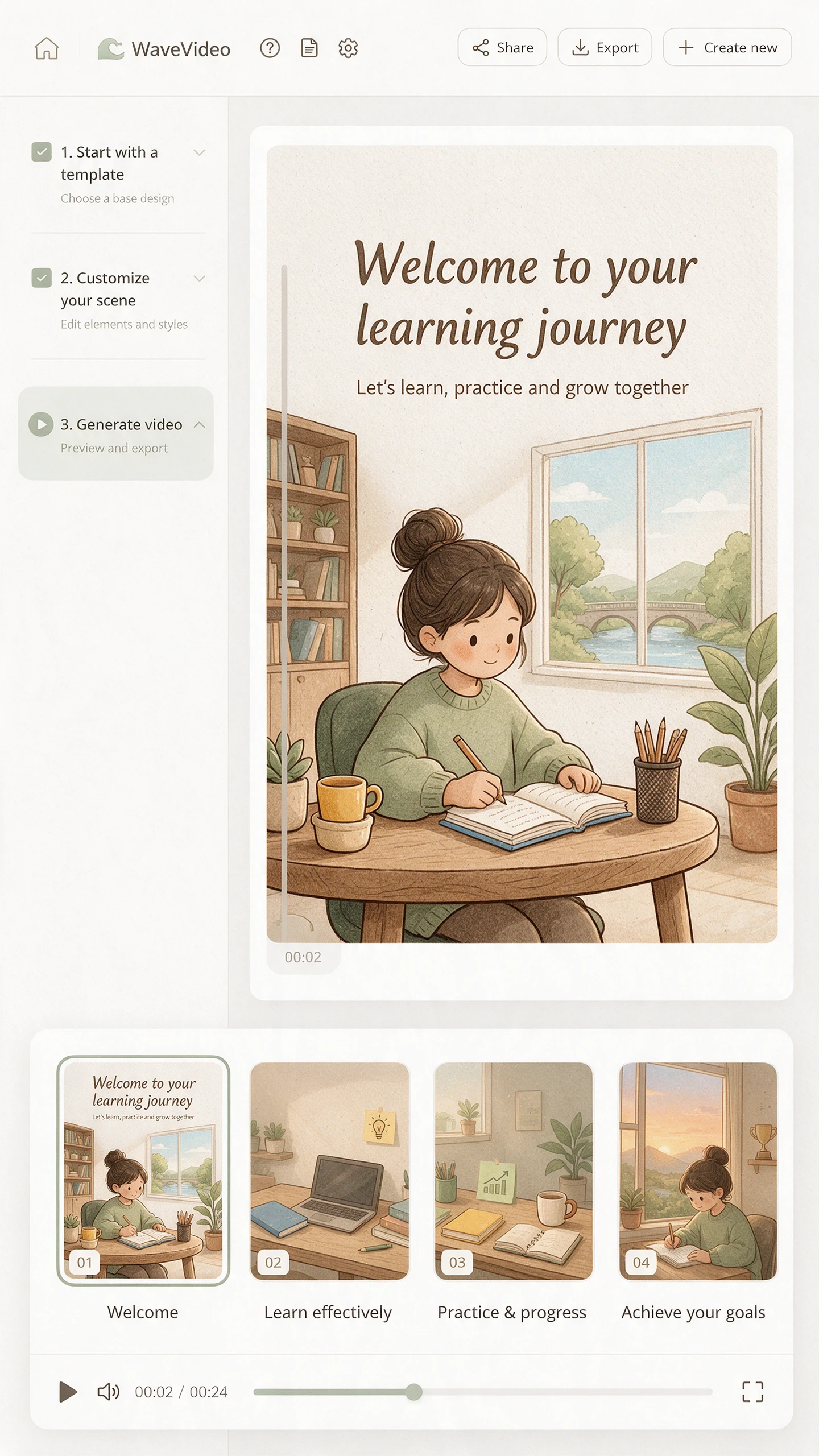
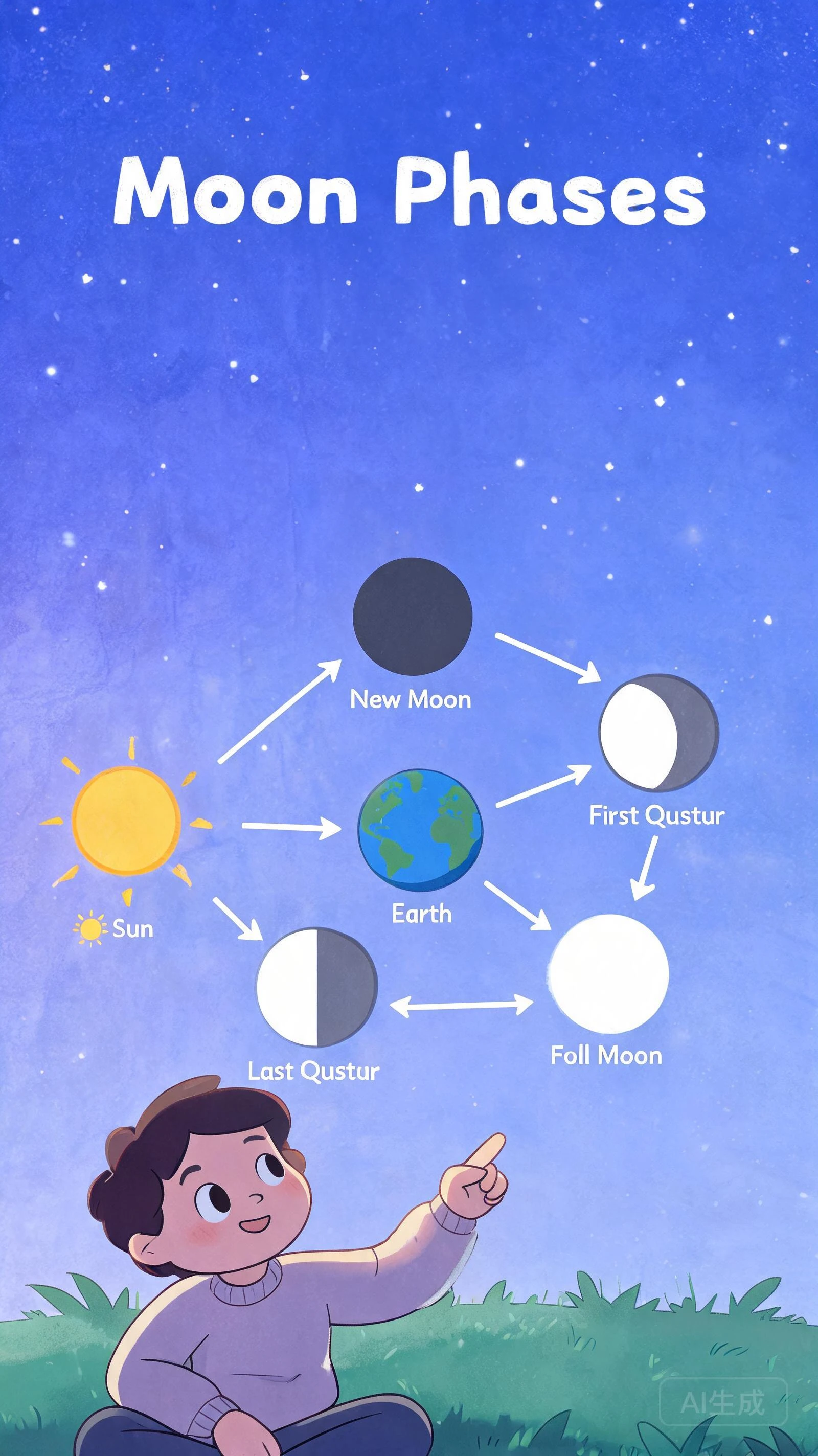


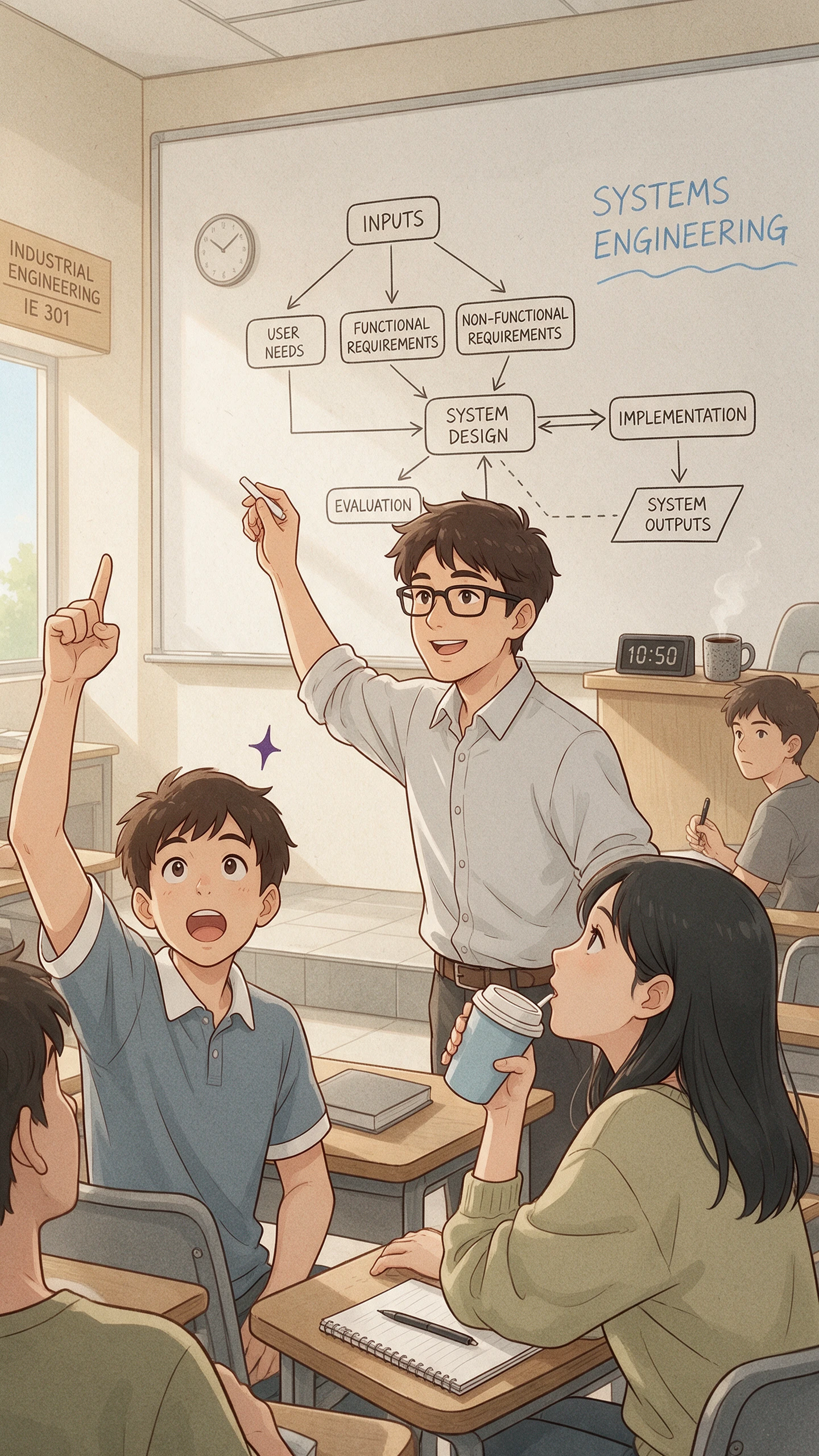
Some ideas need more than words to make sense. Magiclight AI uses illustration videos to show how things work through simple drawings that viewers can easily follow.

Magiclight AI has 52 visual styles to try with your video. Choose the Illustration style for simple drawings with a paper texture. You can keep the same look throughout your animated scenes.
It gives you 16 animation models to try with your illustrations. Test how each model animates your drawings and choose the one that gives your scenes the movement you aim for.
Give your illustration video a character that helps explain the topic. Magiclight AI lets you use 1000 characters to describe how your guide should look and keep that appearance throughout the video.
Magiclight AI accepts scripts of up to 12000 characters for your illustration videos. Add more detail to your lesson and turn the script into an animated explanation that can last up to 50 minutes.


Create an illustration video with Magiclight AI in just 4 steps. Describe what you want to explain and review the final scenes before saving your video.
Enter up to 12000 characters about your topic in Magiclight AI. MagicLight Agent identifies the video niche and offers 14 story models to choose from before reviewing the script.
Select from 50+ visual styles in Magiclight AI to give your video the preferred appearance. Add characters from your library and describe new ones to suit the illustration.
Open Nano Storyboard to review each scene of your illustration video. Adjust character poses using the 50 available options and change camera angles before approving the scenes.
Choose from 37 voice options in Magiclight AI to narrate your illustration video. Add background music with subtitles and generate the finished video for downloading.
The Illustration style uses simple shapes with clean outlines and light paper textures. Magiclight AI keeps the drawings consistent across scenes for lessons and explainers.
Yes. Magiclight AI has a separate Image Generator under the Image tab. Enter a written prompt to create a single illustration without making a video.
Yes. Add your brand colors to the script and character descriptions in Magiclight AI. Review the generated scenes carefully since exact color matching is not guaranteed.
A short product explainer may need only one minute. Detailed lessons often need more time. Magiclight AI supports illustration videos up to 50 minutes.
Yes. An illustration video can explain abstract ideas through simple drawings. Magiclight AI turns your script into scenes to help viewers understand difficult topics.
Yes. Magiclight AI offers free credits for new users to try the illustration video generator. A paid plan is required for commercial use.



Enter your topic in Magiclight AI and turn it into a clear illustration video with animated scenes.