Image Uploads for Lip Sync Video
It does not have to be a photograph. Magiclight AI reads illustrations, cartoon faces, and stylized artwork as readily as portraits, from any JPG or PNG file under 10 MB.
Create Now

Keep every scene consistent with AI lip sync in Magiclight AI, even across long videos. Match voice and mouth movement with no editing software needed.
Create AI Lip Sync For Free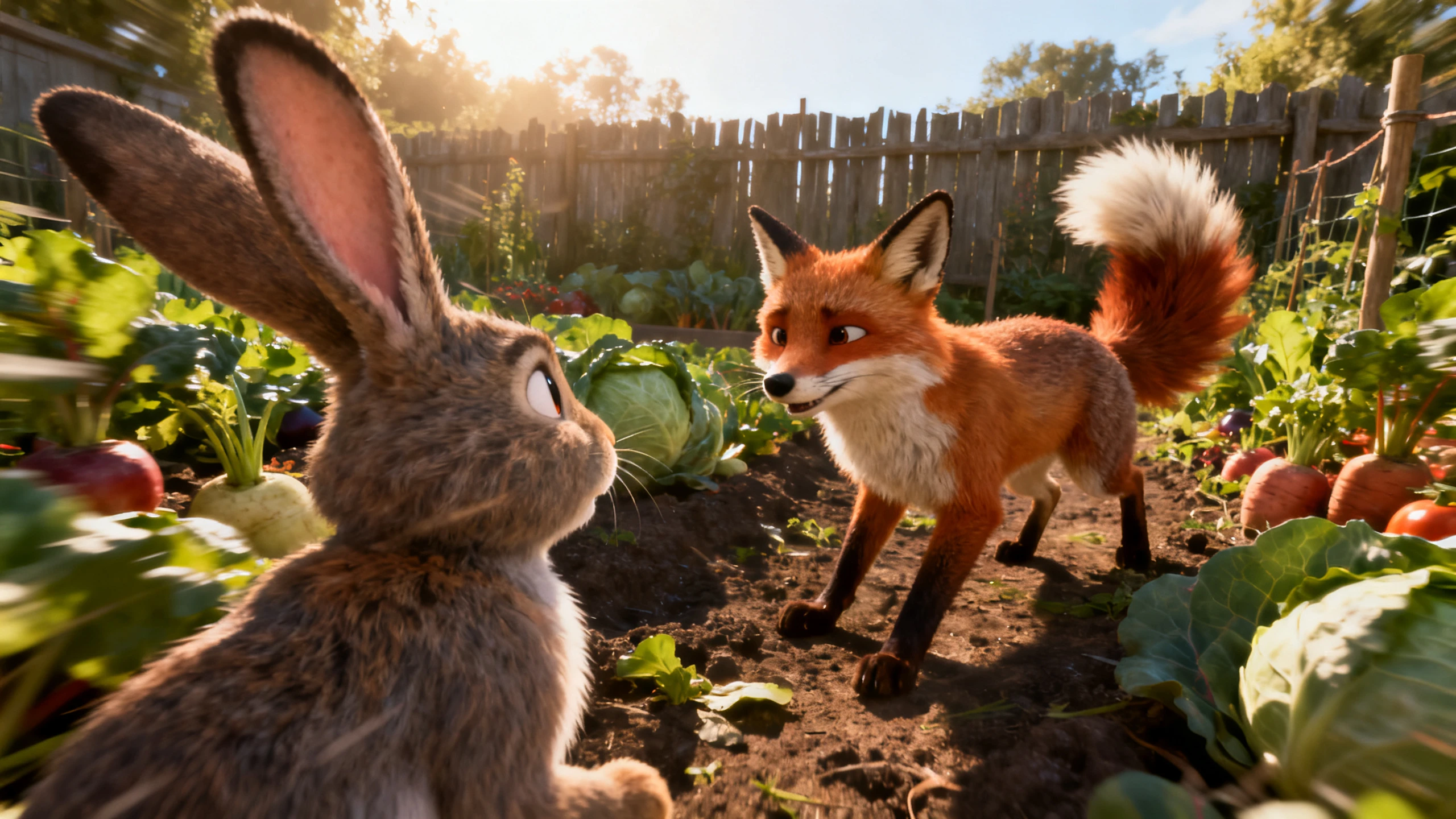










Take Magiclight lip sync AI beyond a single talking clip. Start with your character, add the audio your way, and keep the speech and visuals connected across longer stories.
It does not have to be a photograph. Magiclight AI reads illustrations, cartoon faces, and stylized artwork as readily as portraits, from any JPG or PNG file under 10 MB.
Create NowSome scripts arrive as text, and some arrive as a recording. Upload an audio file, record straight into the browser, or have Magiclight AI generate the voice, and the mouth is timed against whichever one you use.
Create Voices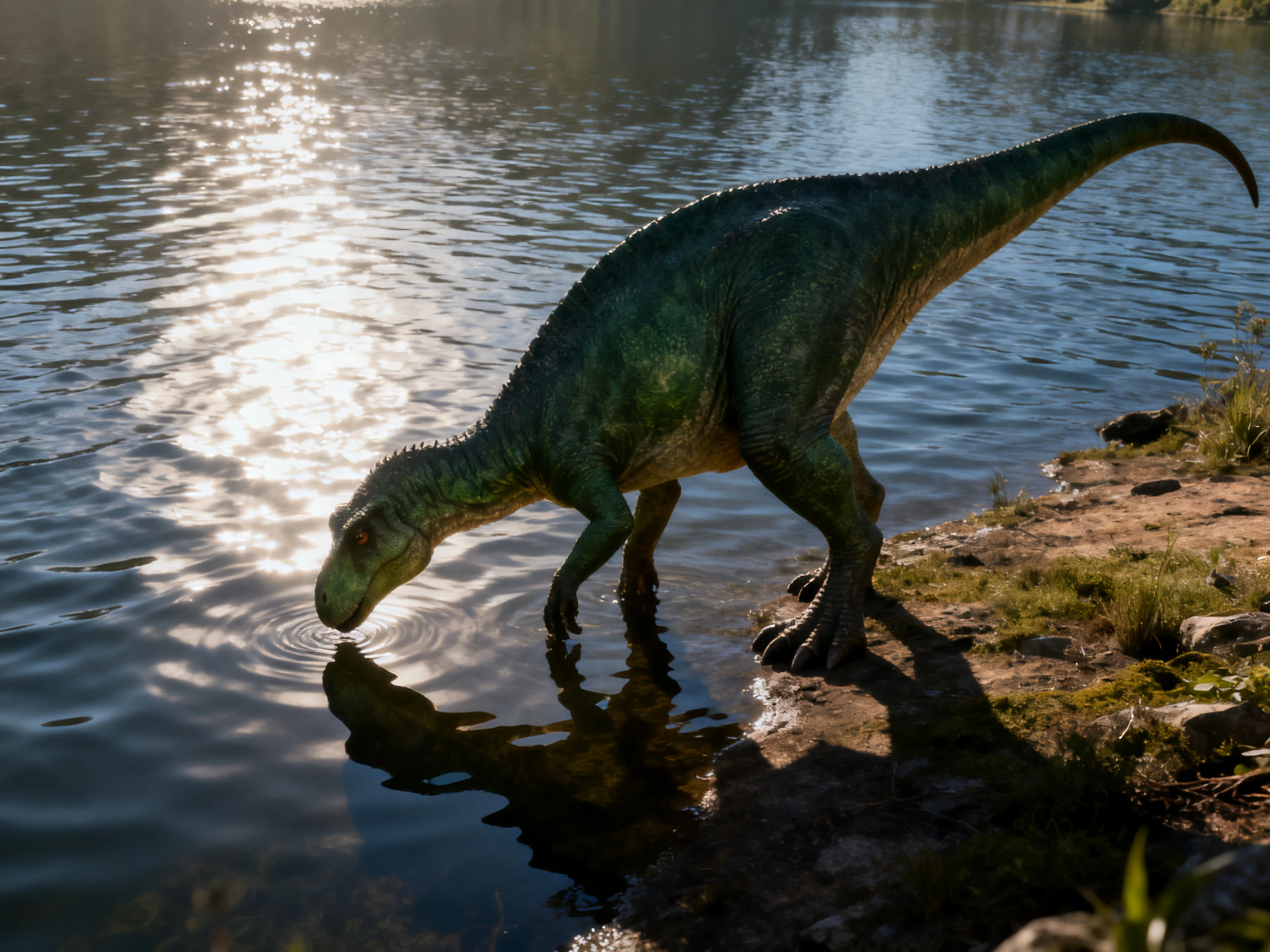
Most demos are 8 seconds long for a reason. Magiclight AI carries the same character and the same timing across projects running up to 50 minutes, which is where sync usually falls apart.
Generate a Video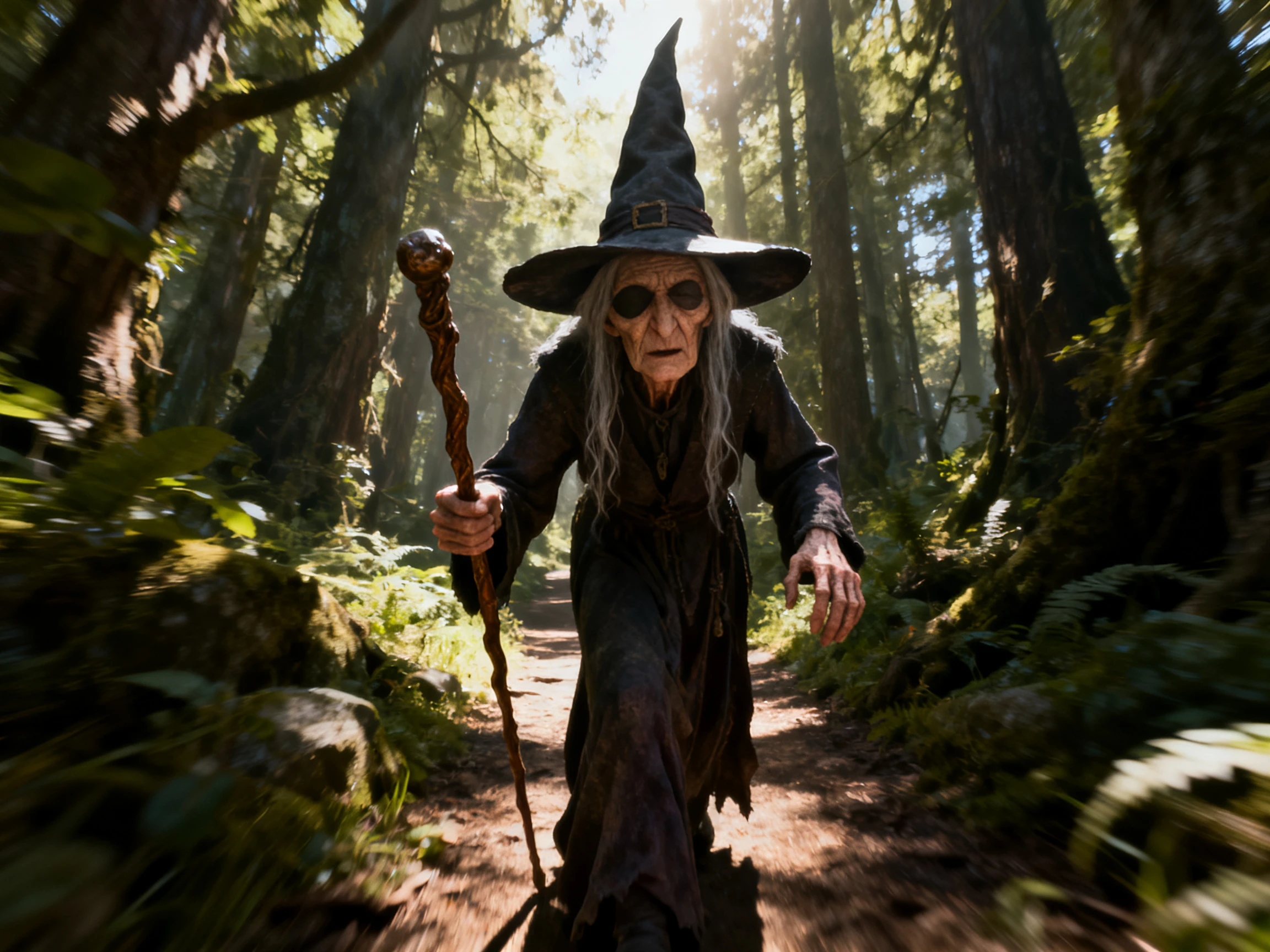
Use AI story models such as GPT-5.6 to interpret the script, organize it into scenes, and carry the narrative from one part to the next. These scripts refine the dialogues, which make your videos look professional.
Start Creating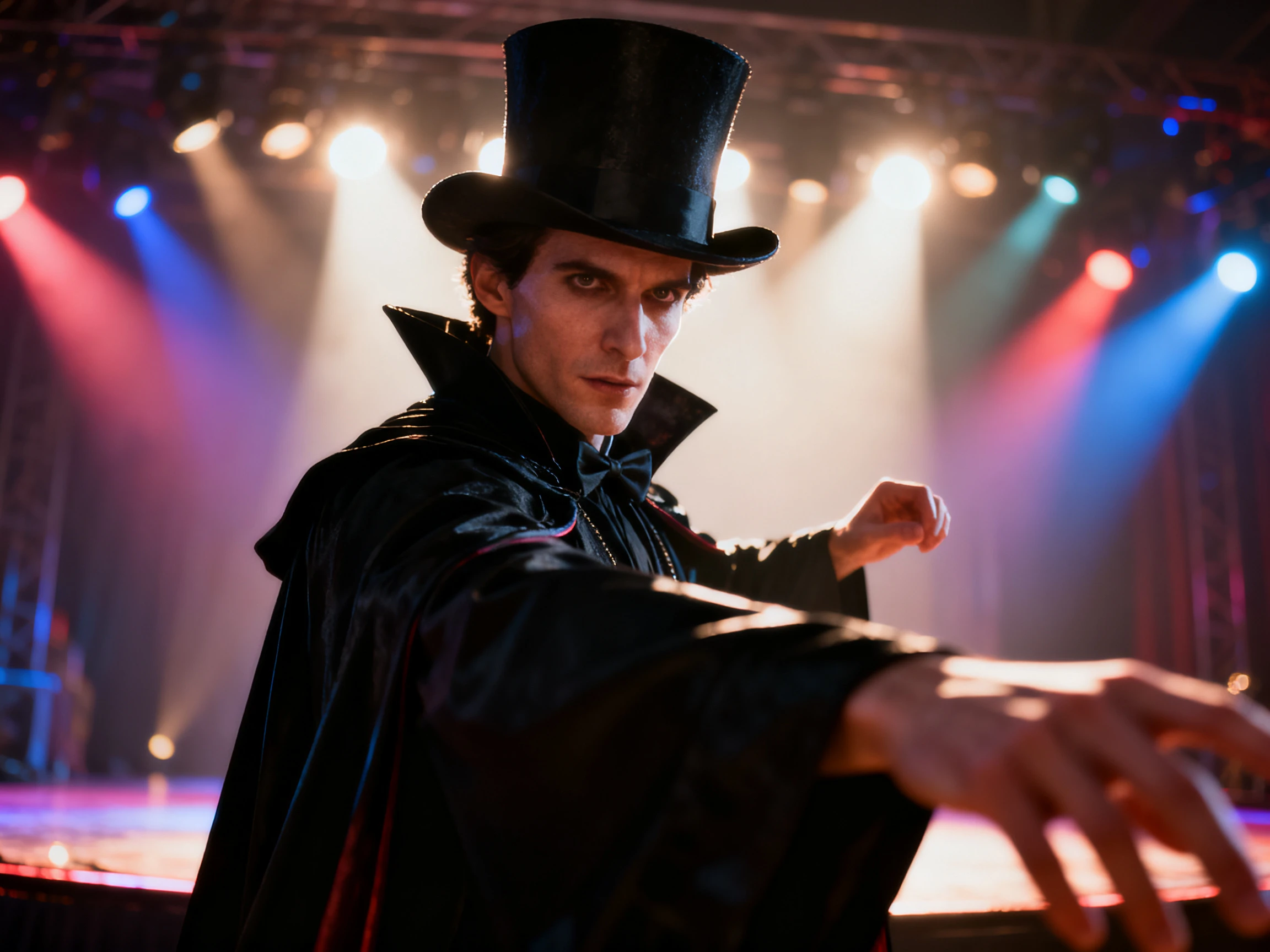


Put free lip sync AI to work in 4 steps. Load the face, supply the speech, let Magiclight AI match the mouth to it, then check the result before export.
Provide the complete story script, of up to 12,000-characters, for the video generation. Mention all video generation settings, including the voiceover options.
With the scenes confirmed, continue to choose the character of your choice from the AI options or the existing libraries.
Continue to manage each frame across the Nano Storyboard. Run the generation and let Magiclight AI match the character’s mouth movements to the sounds.
Check the finished lip sync, make any available adjustments, and export the video in 720p or 1080p when the result is ready.
Narrator
I use long narration, so short demos tell me very little. Magiclight AI kept the character’s mouth matched to the voice even as my story moved through more scenes.
Product Manager
We already had the final voiceover and did not want to record it again. I brought our audio into Magiclight AI and used it for the presenter’s lip sync.
Journalist
Magiclight AI fits our weekly update format because we can reuse the same presenter. We change the dialogue for each story without starting with a new character.
Museum Curator
Our museum guide is an illustrated character, not a real presenter. The artwork still worked for a talking scene when I used it with Magiclight AI.
More than photographs. Magiclight AI works on illustrations, cartoon faces, and stylized artwork as well as real portraits, so long as the face is visible in the image.
Yes. The free lip sync AI option gives you credits after signing up, with no card required, so you can test a Magiclight AI scene before upgrading.
Yes, and it is one of three routes. Magiclight AI takes an uploaded file, a recording made in the browser, or a voice it generates, and times the mouth to whichever you choose.
Holding sync across a long project is the harder problem, and it is what Magiclight AI is built for. If a single scene does slip, that scene can be regenerated on its own.
It runs in a browser tab with nothing to install. Magiclight AI also has Android and iOS apps that open the same project, so work begun on a laptop carries over to a phone.
Commercial rights, mainly. Free credits are for creating and reviewing, so publishing, monetizing, or licensing anything you make means moving to a paid Magiclight AI tier.



One clip on its own proves nothing. Give Magiclight AI a face and an audio track, then watch whether the mouth is still right 40 minutes later.