Top Features of Magiclight AI Wuxia Video Generator
Give your Wuxia story a setting and a reason for the fight. MagicLight AI turns your description into an animated video that follows the characters through each scene.

Describe your Wuxia story and the hero you want to follow. MagicLight AI turns your idea into an animated martial arts video with sword duels and narration. No drawing skills needed.
Create a Wuxia Video For Free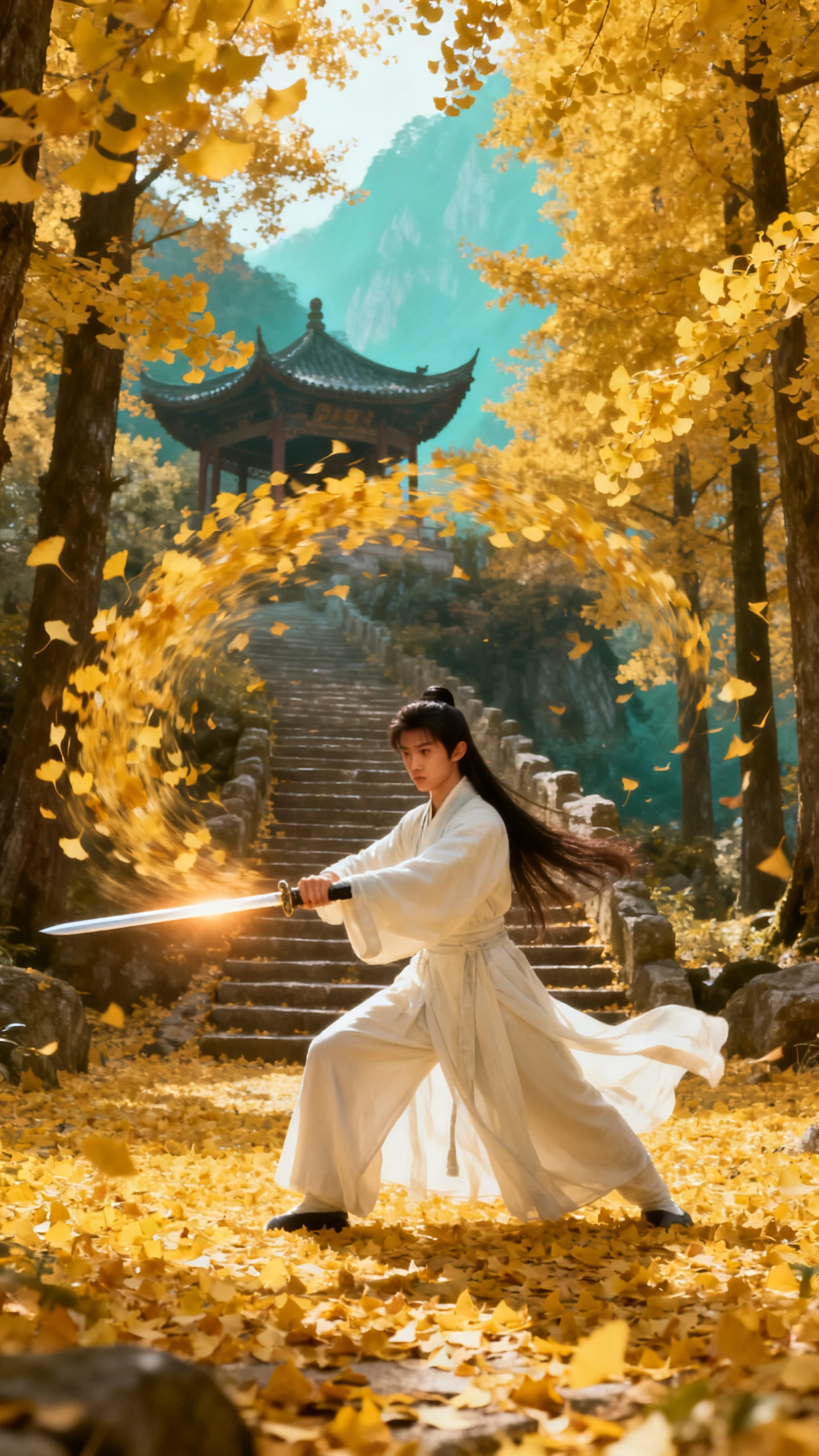
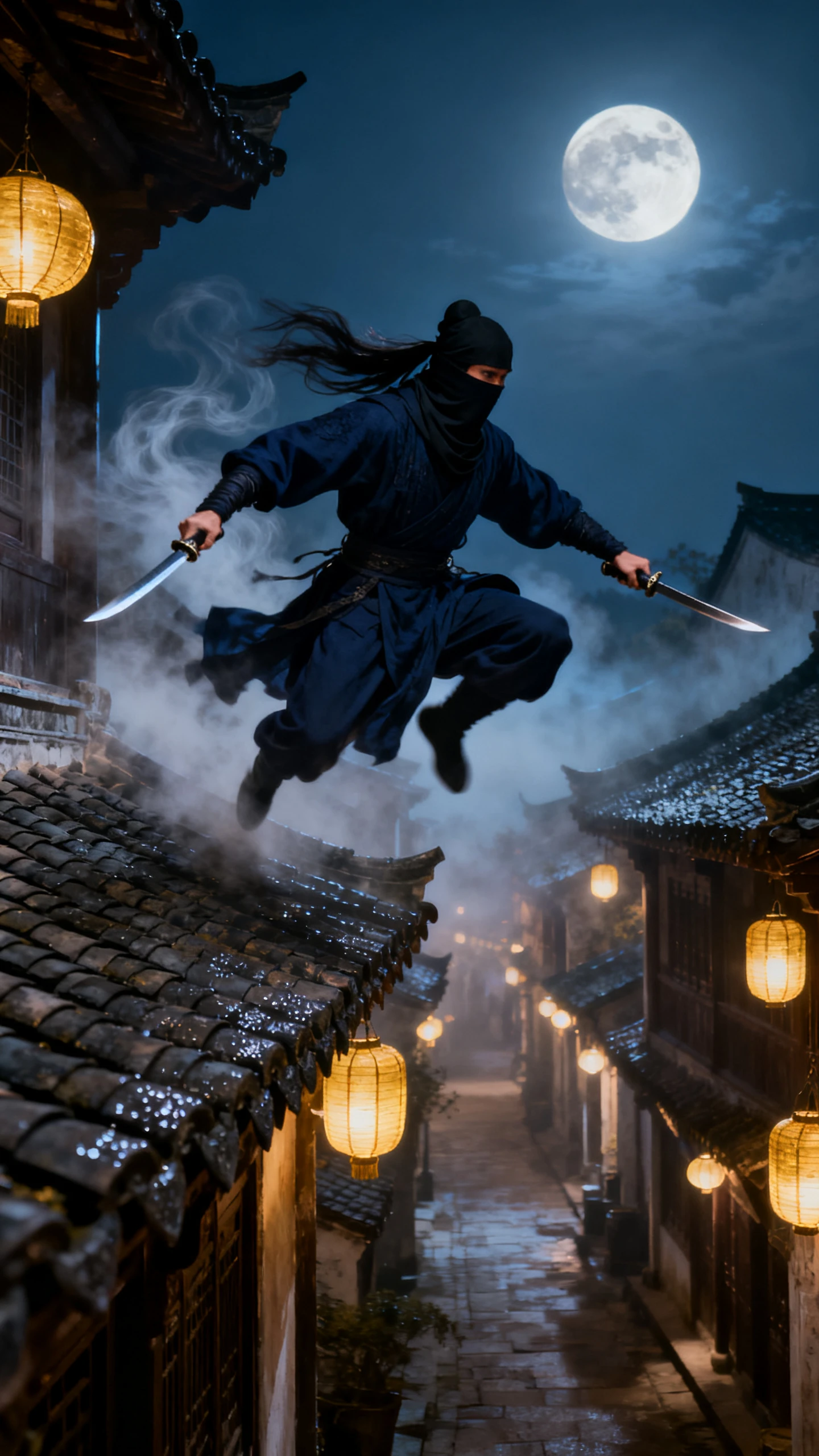
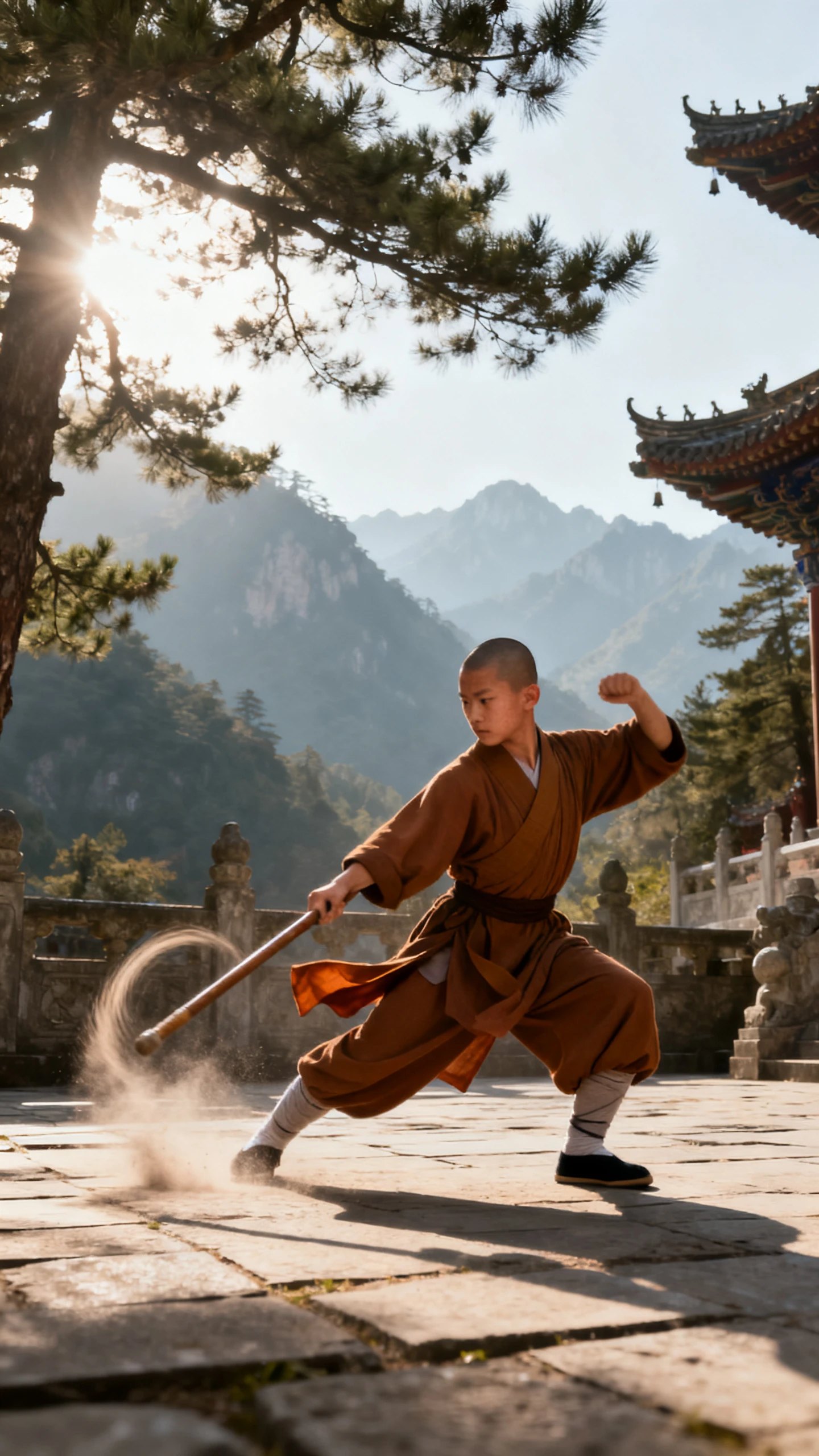
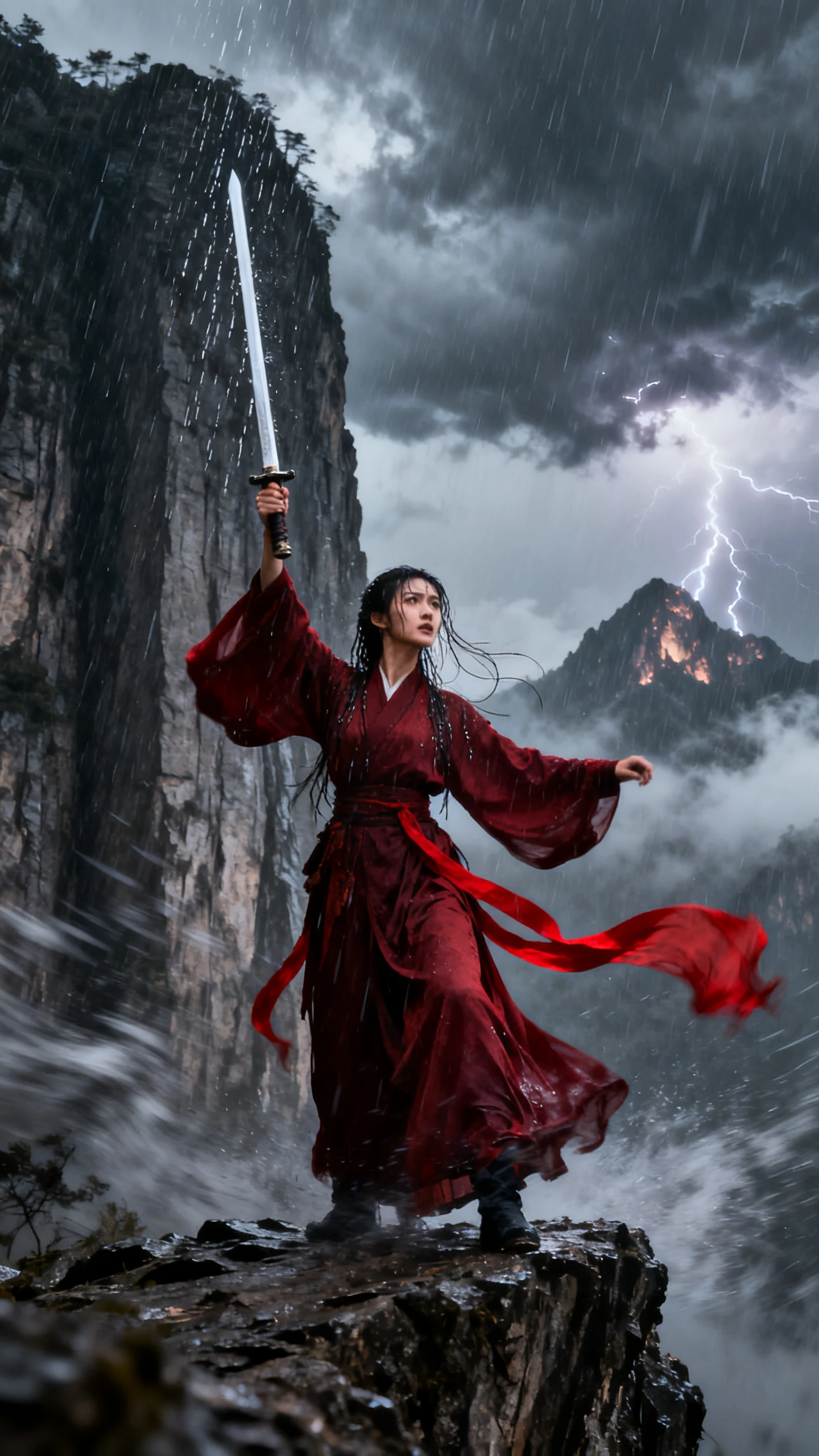
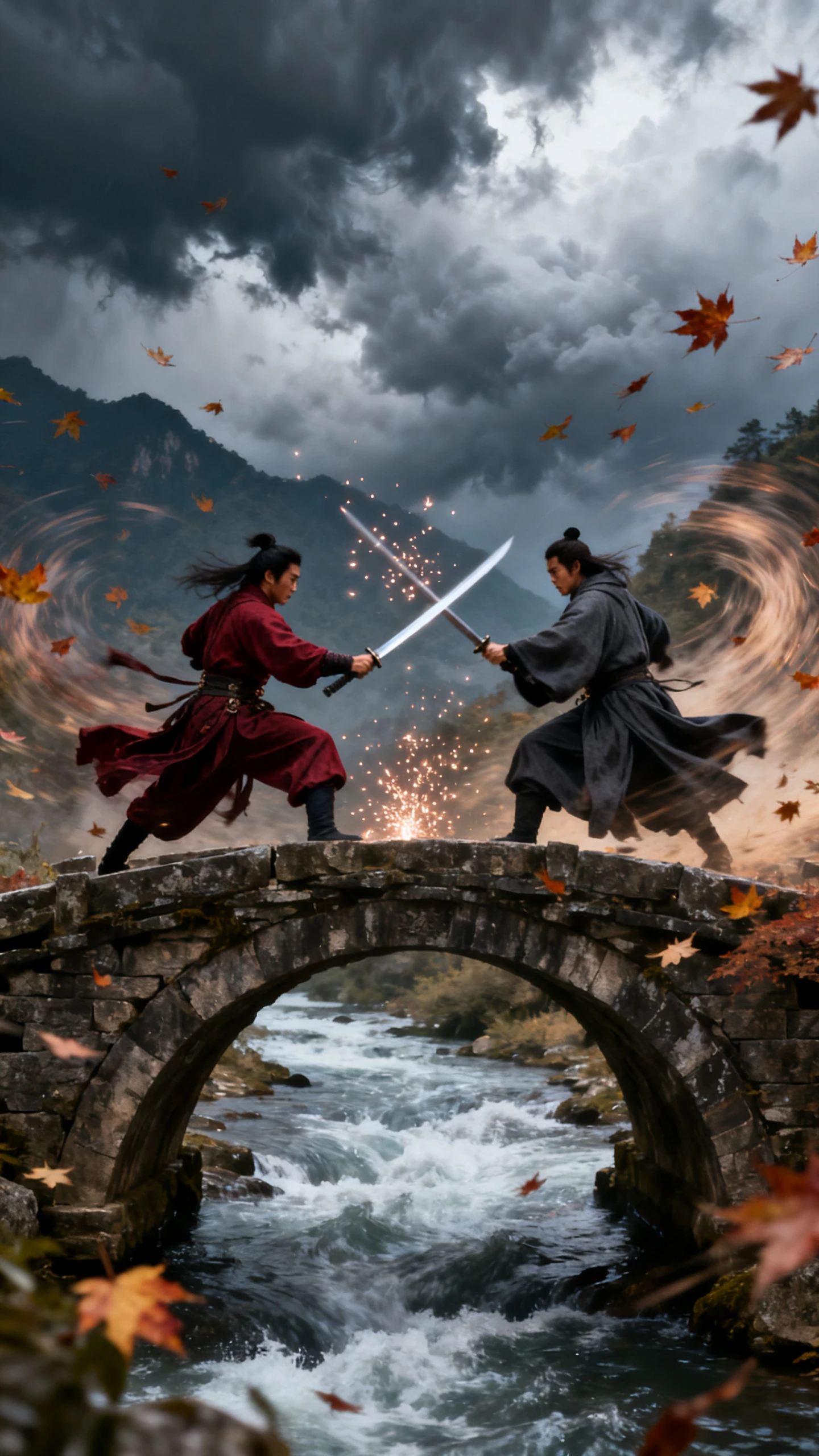
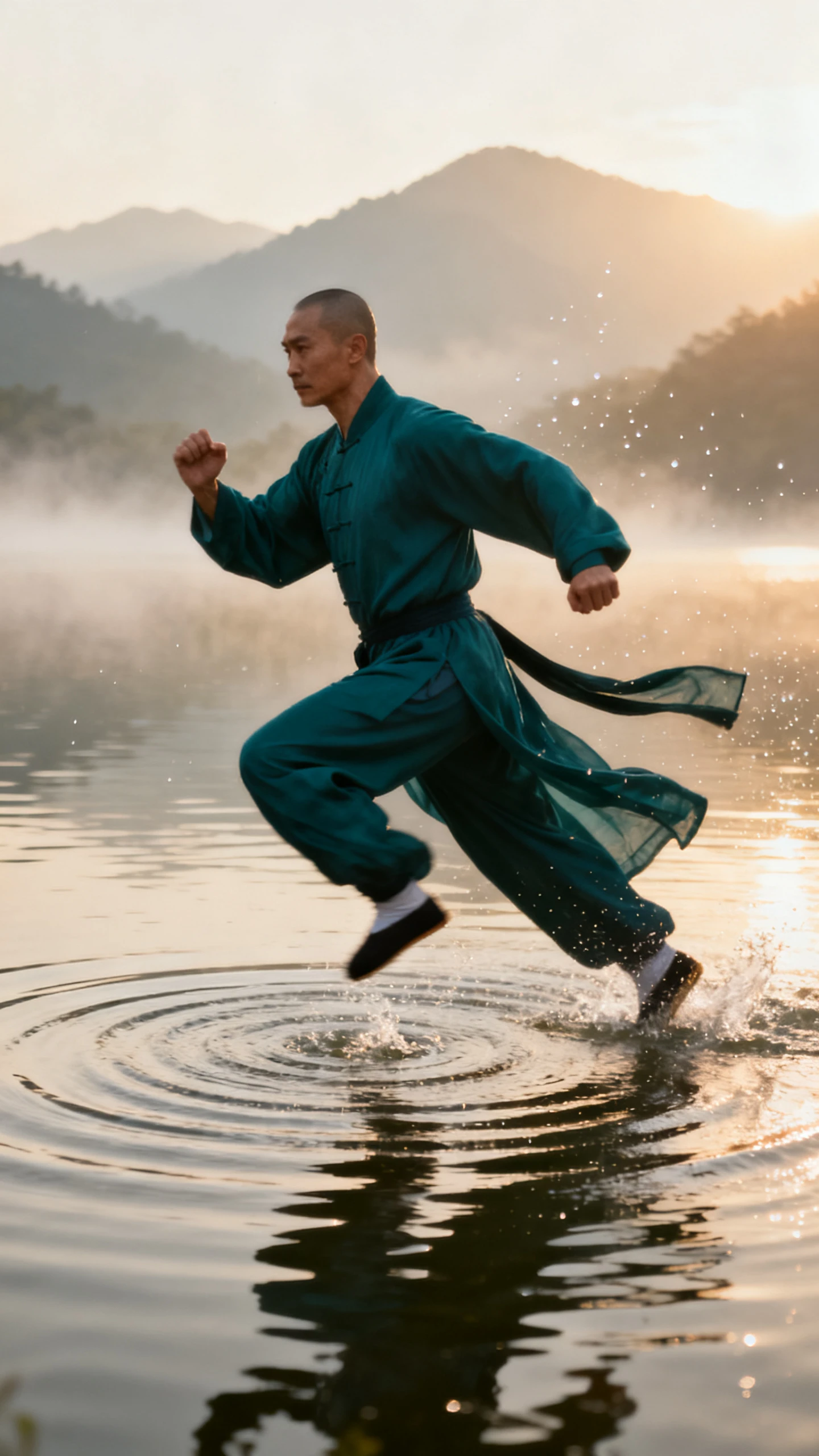
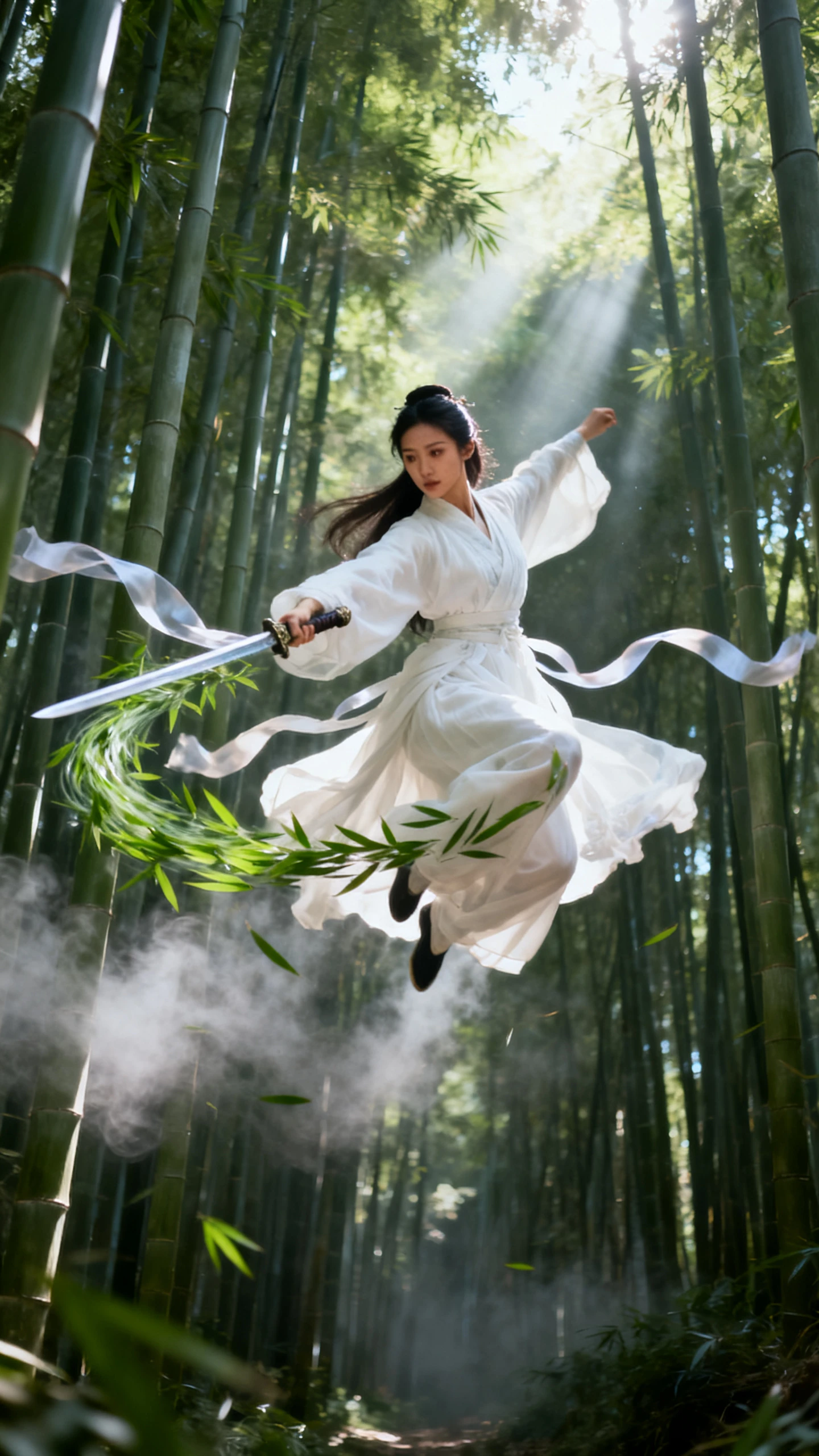
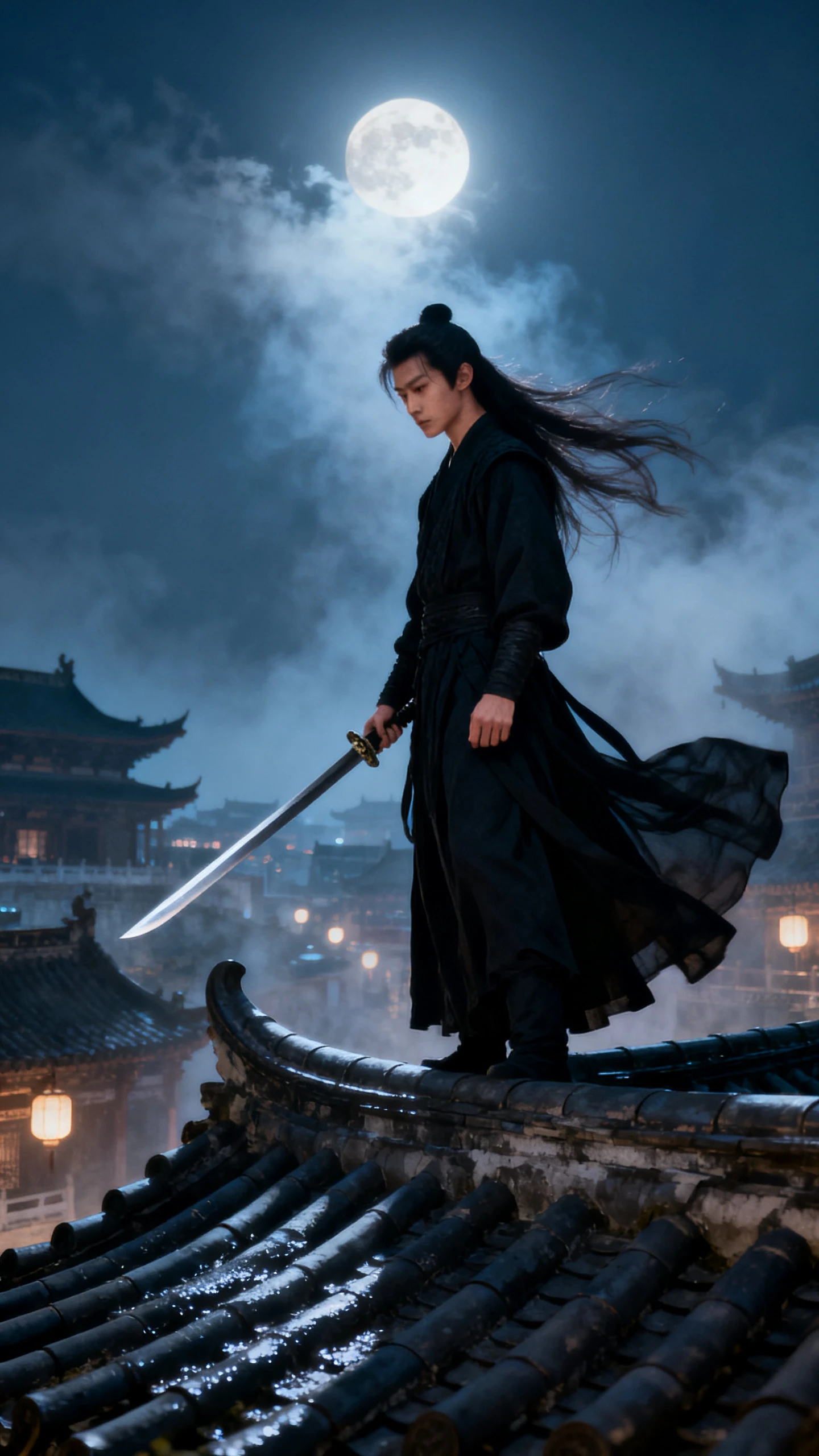
Give your Wuxia story a setting and a reason for the fight. MagicLight AI turns your description into an animated video that follows the characters through each scene.

Describe the hero's robe and sword in Magiclight AI. Add details about scars and fighting stance within 1000 characters to give each hero and sect master a distinct look for later fights.
Start with one line about a martial arts story. MagicLight Agent can also work from a full chapter and mark the fight scenes. Try 14 story models for a darker or faster version.
Use the 50+ poses in Nano Storyboard to plan each sword exchange. Adjust the camera angle for a leap onto a roof and show two blades meeting in the rain.
Include a feast before the betrayal and a duel near the end. Magiclight AI accepts 12,000 characters of script for a video lasting up to 50 minutes.


Generate your Wuxia video in 4 simple steps with the Magiclight AI Wuxia video generator. Add your martial arts story and check the fight scenes before saving the final video.
Paste your Wuxia chapter within the 12,000 character limit. MagicLight Agent identifies the video type and writes the script. You can also try 14 story models to find a suitable version.
Magiclight AI offers 50+ visual styles to try with your Wuxia story. Select a style for your martial arts scenes and describe each new character in 1000 characters. You can also use saved heroes from the library.
Go through the fight scenes in Nano Storyboard and check how the characters move. Use the 50 poses and camera angle controls to show each sword strike before starting the animation.
Add music and subtitles to your Wuxia scenes and generate the finished video for downloading to your device.
Wuxia follows human martial artists who rely on sword skills and codes of honor. Xianxia adds immortals and magical powers. Magiclight AI can create both styles based on the story you provide.
Yes. Magiclight AI accepts 12000 characters of script in one project. Check that you have permission to use the translated story before creating your video.
Keep each sword exchange in a separate scene and show the characters from clear camera angles. Magiclight AI lets you review the fight in Nano Storyboard and adjust the poses before animation.
Choose 16:9 for a full Wuxia chapter on YouTube. A vertical 9:16 video suits short sword fights on TikTok and YouTube Shorts. Set your video size in Magiclight AI before creating the scenes.
Keep the sword fights focused on movement rather than graphic injuries. You can describe flashing blades and dramatic falls in your script. Check the scenes in Magiclight AI before approving the animation.
Yes. Magiclight AI lets you save characters in its library and use them again in new stories. This helps your Wuxia hero keep a familiar appearance across different episodes.



Pick one hero, one sword, and one reason to fight. Magiclight AI creates a wuxia story from that idea, with duels you planned yourself.