Describe The Person in 500 Characters
In Magiclight AI, write up to 500 characters about age, hair, clothes, expression, pose, and setting. These details give the image model a clearer picture of the person you want to create.
Create Now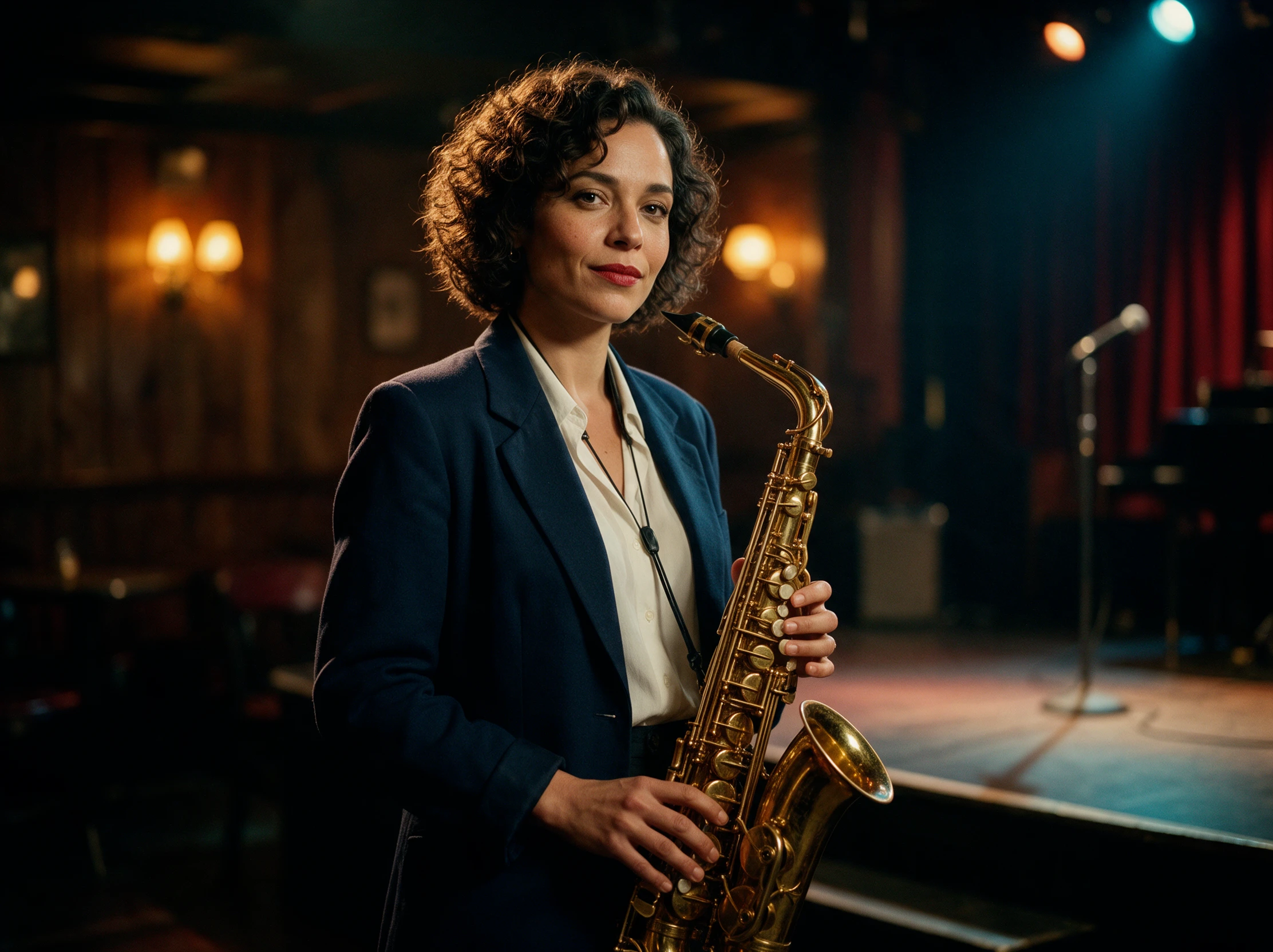

Picture the person first, then show Magiclight AI what you mean. Create a new face from your description or guide the result with reference images, with no design skills required.
Create AI Person for Free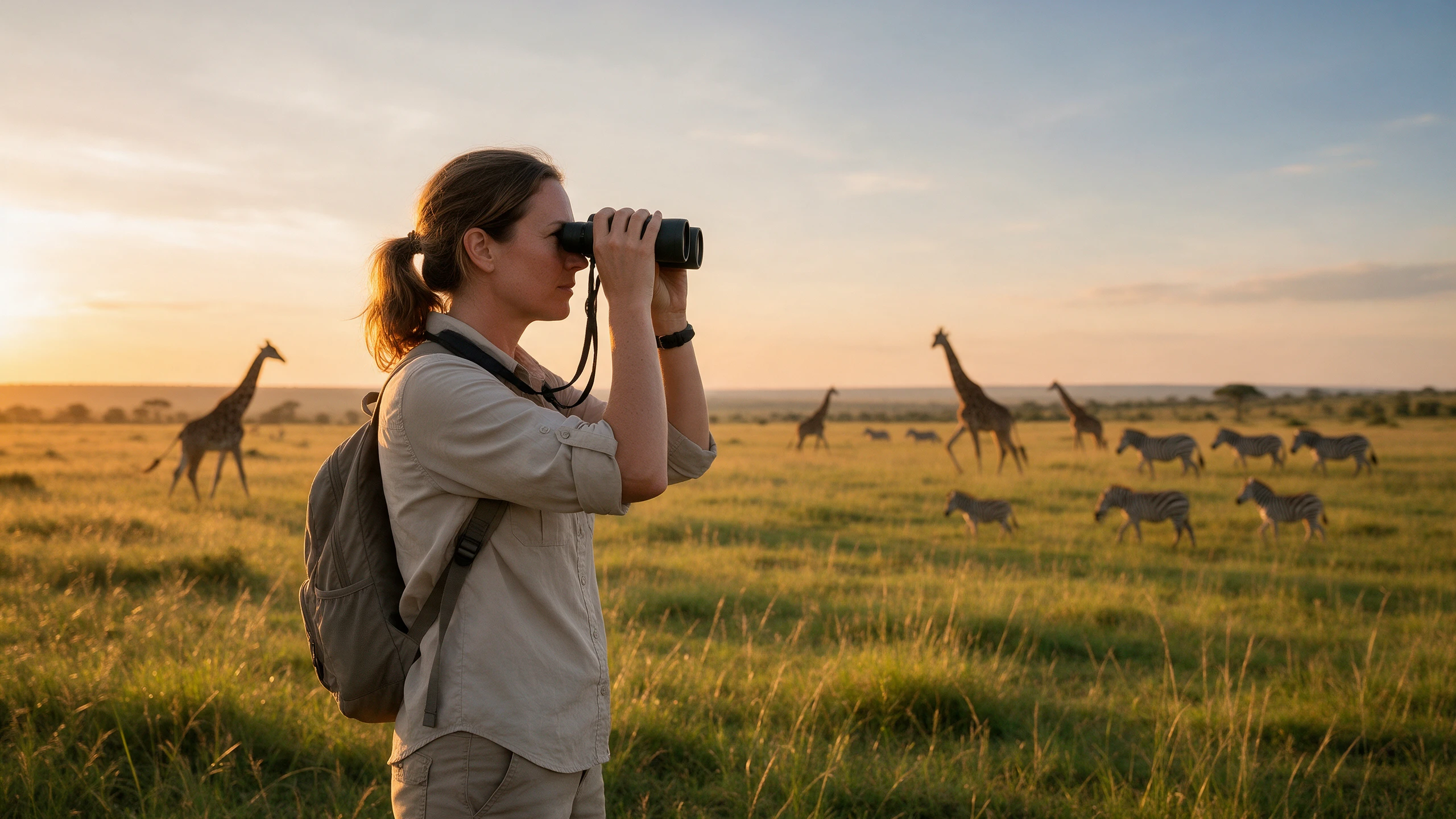










Give an imagined person enough detail to feel specific. With the AI person generator, Magiclight AI helps define who appears in the image and how the final portrait is composed.
In Magiclight AI, write up to 500 characters about age, hair, clothes, expression, pose, and setting. These details give the image model a clearer picture of the person you want to create.
Create NowExplore 5 image models for different takes on the same person. Seedream 5.0 Pro, GPT Image 2, and Nano Banana 2 are among the options available for image creation in Magiclight AI.
Explore Image Models
Show the outfit, pose, or setting instead of explaining it all. Upload up to 10 JPG, JPEG, PNG, or WEBP references to Magiclight AI, with each image supporting files up to 20MB.
Add References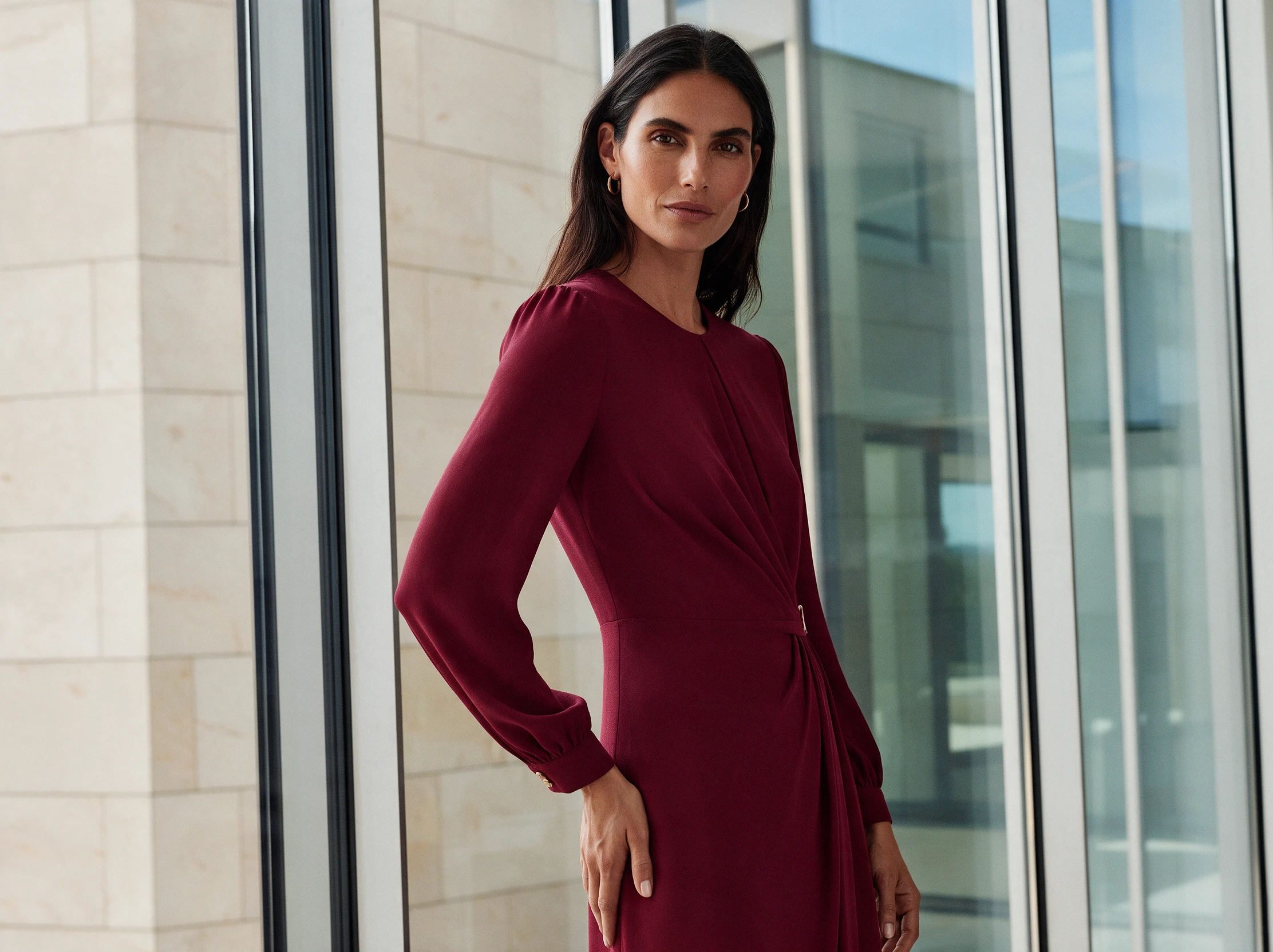
Set the frame around where your person will appear. Magiclight AI offers 9:16, 16:9, 1:1, and 4:3 ratios, giving you options for vertical, wide, square, and balanced images.
Create Your Image


Go from an imagined person to a finished image in 4 steps. The AI person generator lets you describe the look, add visual references, select a model, and create your result.
Write a prompt of up to 500 characters in Magiclight AI. Add the person's age, hairstyle, clothes, expression, pose, setting, and lighting to give the image model clear direction.
Add up to 10 reference images to guide details that are easier to show. Magiclight AI accepts JPG, JPEG, PNG, and WEBP files up to 20MB for outfits, poses, and other visual cues.
Select from 5 image models, including GPT Image 2, Nano Banana 2, and Seedream 5.0 Pro. Then choose 9:16, 16:9, 1:1, or 4:3 based on the frame you need.
Create multiple outputs to compare versions of your person. Check the face, hands, outfit, and framing, then adjust your Magiclight AI prompt or references and generate it again.
Marketing Specialist
For campaign concepts, I often need a specific type of person that is hard to find in stock libraries. With Magiclight AI, I can describe the look and create it myself.
UX Designer
Magiclight AI helps me create people around the personas I am presenting. I can give each profile its own age, style, and expression instead of searching through stock photos.
Author
I usually have a clear picture of my characters while writing. Turning those details into images with Magiclight AI helps me see their faces, clothes, and expressions more clearly.
Corporate Trainer
Our training slides need fictional people for different workplace situations. I use Magiclight AI to create characters that fit each scenario instead of reusing the same generic images.
No. Magiclight AI creates the person from your prompt and visual directions. The AI person generator is designed to create an image rather than photograph an actual person.
Only with their clear OK, and never to fool anyone. Magiclight AI accepts photos as references, but you are responsible for whose face you upload and how the picture is used.
Vague words like “beautiful” or “handsome” pull every face toward one look. A number for the age, a job, a hairstyle, and a setting push Magiclight AI toward one specific person.
Hands and teeth are hard for image models to get right. Zoom in before you download, and if something is off, run the prompt again in Magiclight AI or switch to another model.
Yes. Magiclight AI supports up to 10 reference images in JPG, JPEG, PNG, or WEBP format, with files up to 20MB each, so you can provide visual guidance for the result.
Yes, on a paid plan, which covers commercial use in Magiclight AI. Present them as models, though, not as real customers, and never pair them with reviews they did not write.



Describe the person you have in mind. The AI person generator turns your idea into an original image with Magiclight AI.