One Flaw That Gives the Story Its Conflict
Tell MagicLight Agent what your character wants and what keeps getting in the way. It uses that conflict for the script, so the scenes have a clear reason to move forward.
Create Now

Create a story around any character, from a shy robot to a fearless detective. Magiclight AI turns your character ideas into videos with scenes and storytelling. No drawing or editing skills needed.
Create a Character Story for Free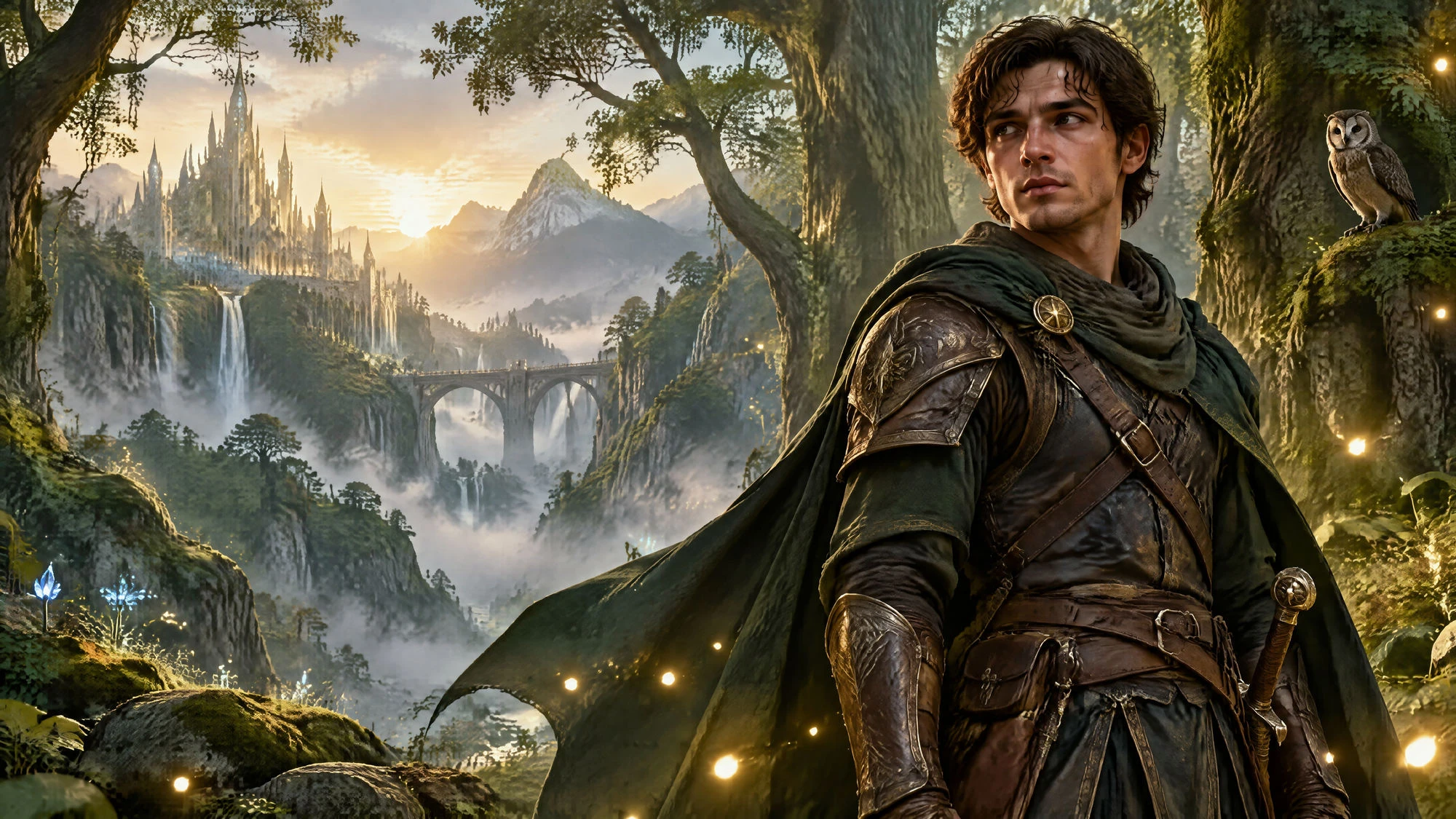










Start with the flaw that keeps your character from getting what they want. The character story generator uses that conflict for the plot, and keeps the same lead ready for later.
Tell MagicLight Agent what your character wants and what keeps getting in the way. It uses that conflict for the script, so the scenes have a clear reason to move forward.
Create NowSave a character in Magiclight AI and bring the same face, colors, and overall look into another project. The next story can give that familiar lead a completely different problem.
Create Characters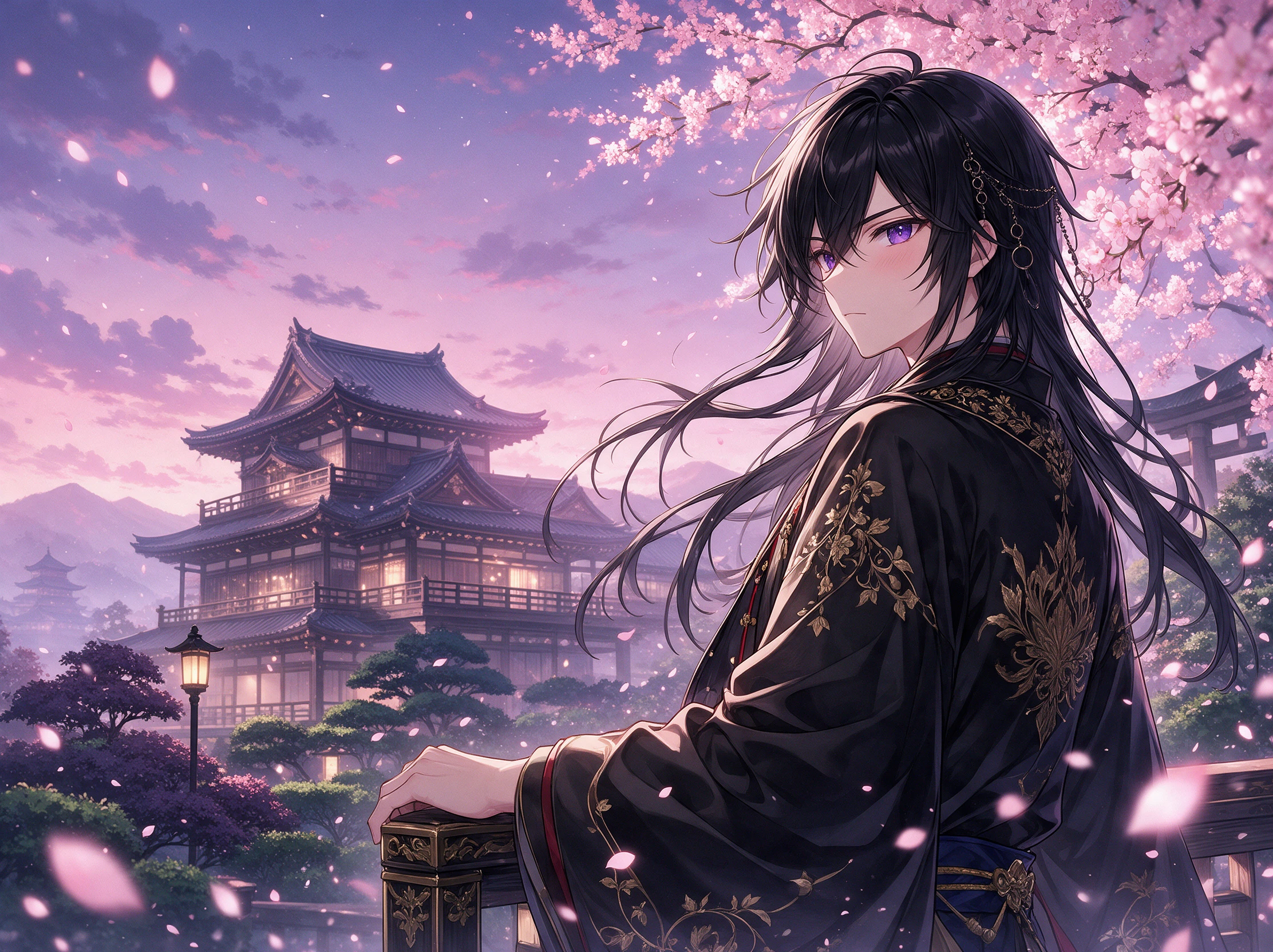
Put your saved character into one of 200+ story templates when the next idea needs a different direction. A shy robot can leave the concert behind and enter a ghost story.
Explore Story Ideas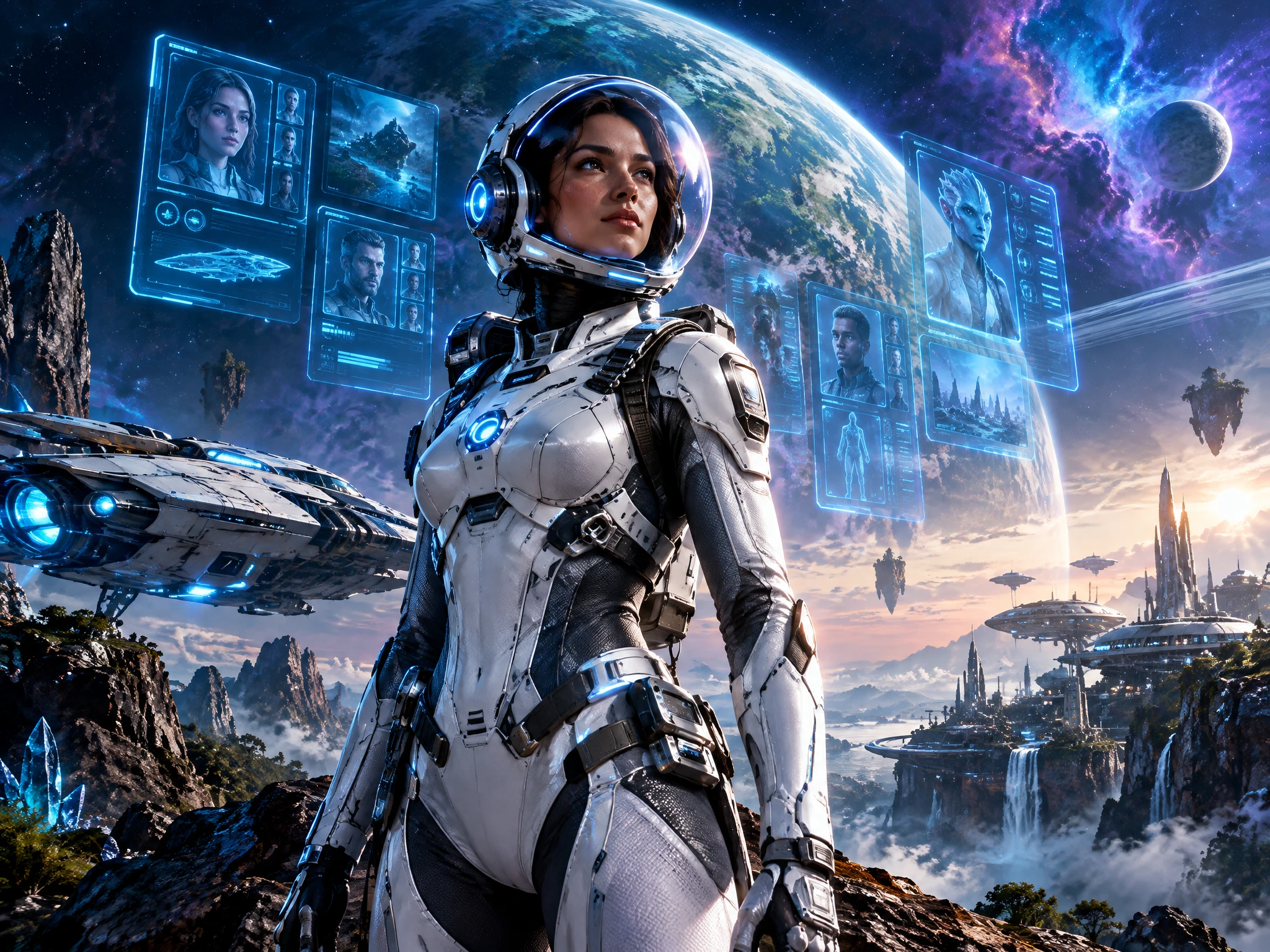
Characters sit beside visual styles, voice emotions, and polish skills in the Magiclight AI Asset Store. Eligible original characters can also be published for other creators to use.
Start Creating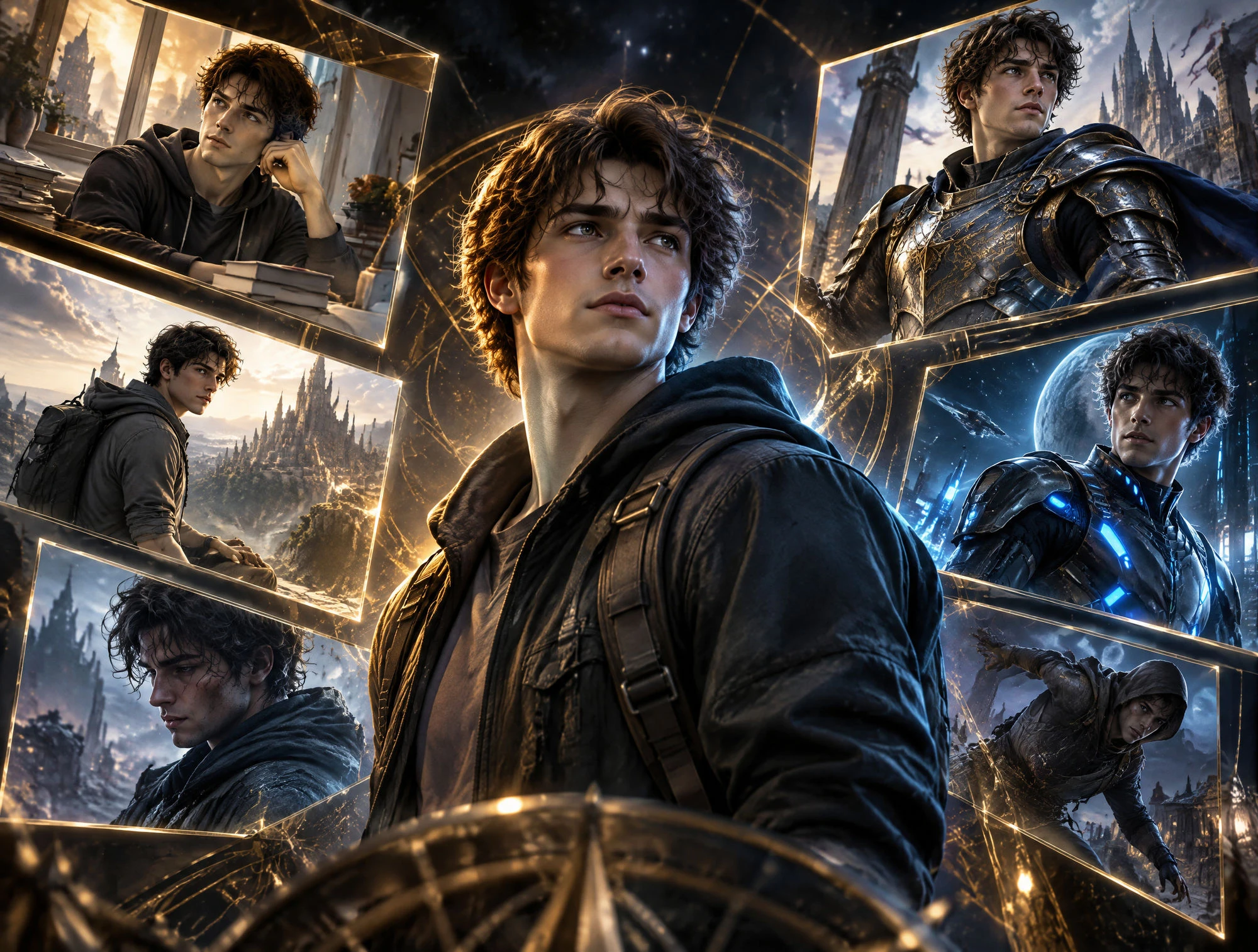


Give your character a problem before deciding what happens next. Follow 4 clear steps in the character story generator to move from a MagicLight Agent script to a final video.
Enter a flaw and a goal in Story to Video. Pick from 14 story models, then review MagicLight Agent's synopsis, scenes, and shots before moving to the Cast tab to assign the hero.
Go to the Cast tab and check the detected characters. Select a saved lead or create one with a 1,000-character prompt, then choose a visual style for a new video in Magiclight AI.
Select a frame in Nano Storyboard. Adjust its expression, pose, or camera angle using 50+ pose options, check the scene's voiceover, then choose Animate to generate scene motion.
Choose from 37 voices, add a track, and select one of 16 subtitle settings. Preview the completed Magiclight AI story video, pick a cover, then export the finished file to share.
Parent
Magiclight AI turned my daughter's character idea into a story she wanted to replay. Seeing her little hero keep the same look from one scene to another made it feel like hers.
Webcomic Artist
I wanted to test my comic lead before spending days drawing pages. With Magiclight AI, I could see the character inside a full story and spot which parts of the idea needed work.
Original Character Artist
My character already had a clear personality, so I didn't want a random story around them. I used the flaw as my starting point, then let Magiclight AI take the idea into scenes.
Writing Teacher
My students understood character flaws much faster once they could see one affect the story. We now use short examples from Magiclight AI to discuss why each character acts that way.
Yes. Describe the drawing in Magiclight AI with up to 1,000 characters, noting details like red boots or a bent ear. Then select a visual style before you begin that story video.
Start with the flaw you want tested. MagicLight Agent uses that conflict to shape the script, so you can check how the character reacts and change scenes before making the video.
Yes. Save the character in your library after its look is ready. For a new project, select it again in Magiclight AI and place the same familiar main lead into a different story.
A character-first plot gives each event a reason to matter. The character story generator uses the flaw as the conflict, while Magiclight AI turns the idea into scenes to review.
Other creators can use an eligible character you list in the Asset Store. Magiclight AI lets you publish original characters you have the rights to share for reuse in new videos.
Yes. Open the scene in Nano Storyboard and choose from 50 poses to change the reaction. After editing the scene, continue the character's next story video inside Magiclight AI.



Look at the character you keep drawing and name what they always get wrong. That flaw is where the character story generator in Magiclight AI starts the next story.