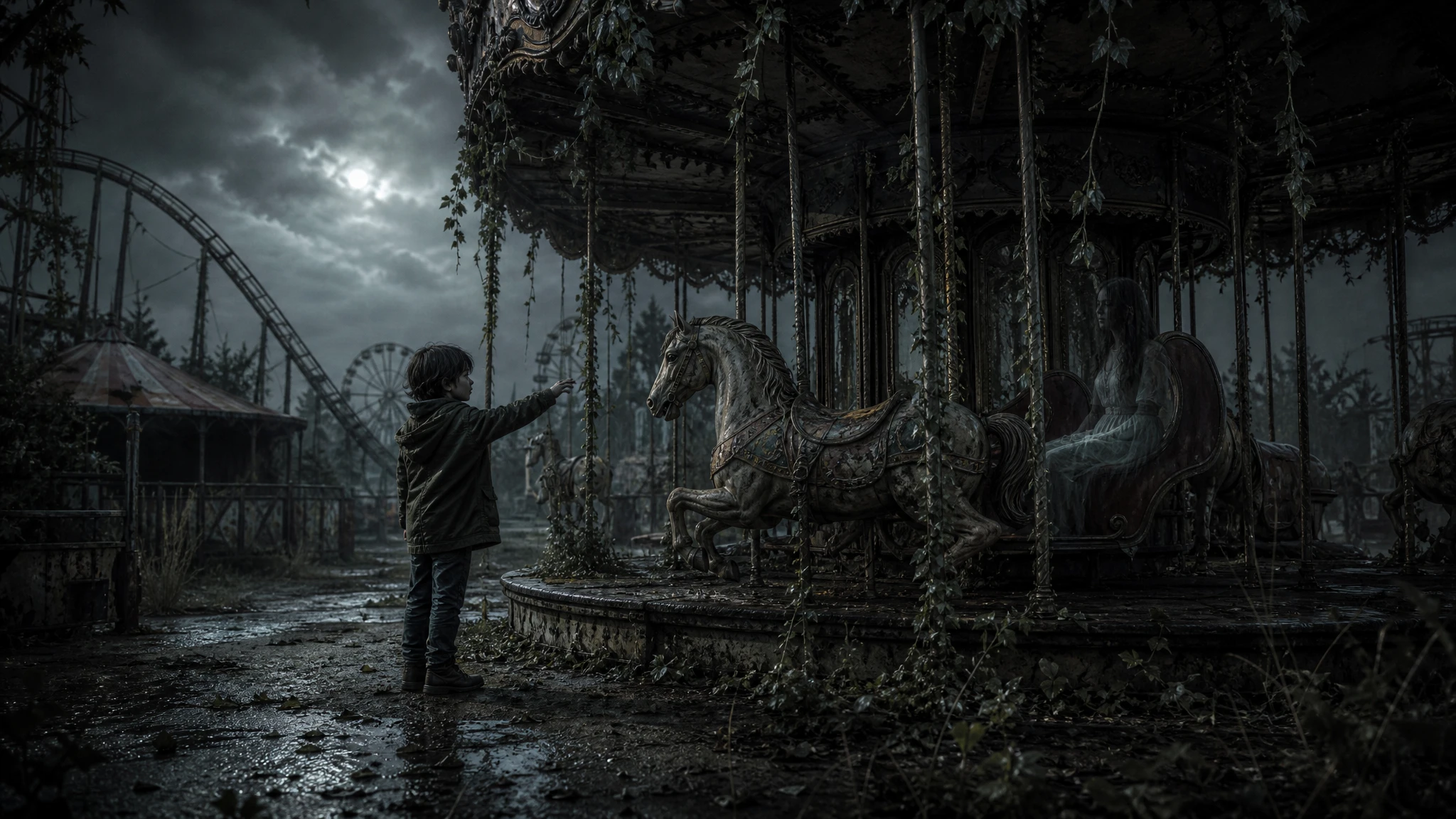
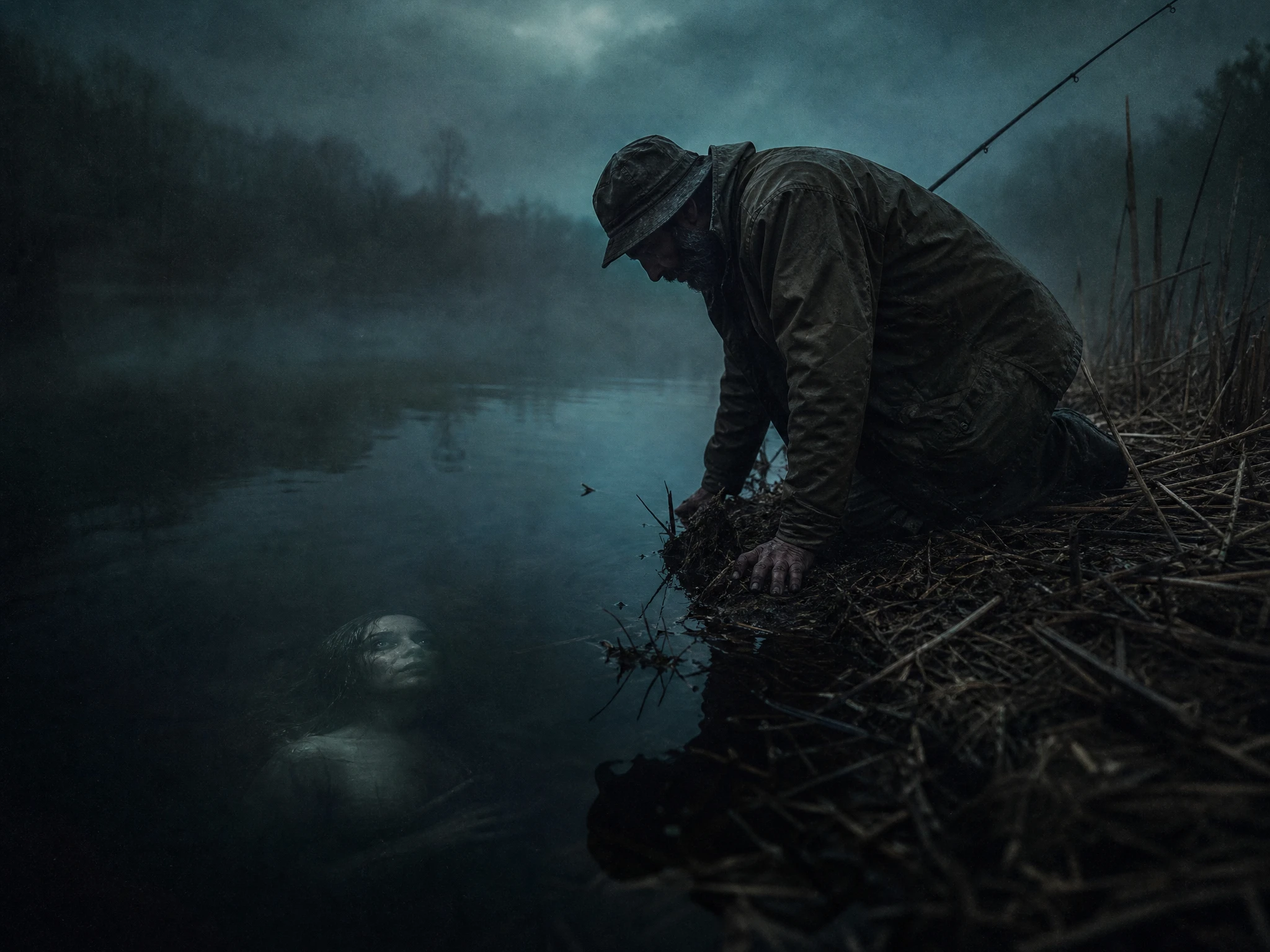
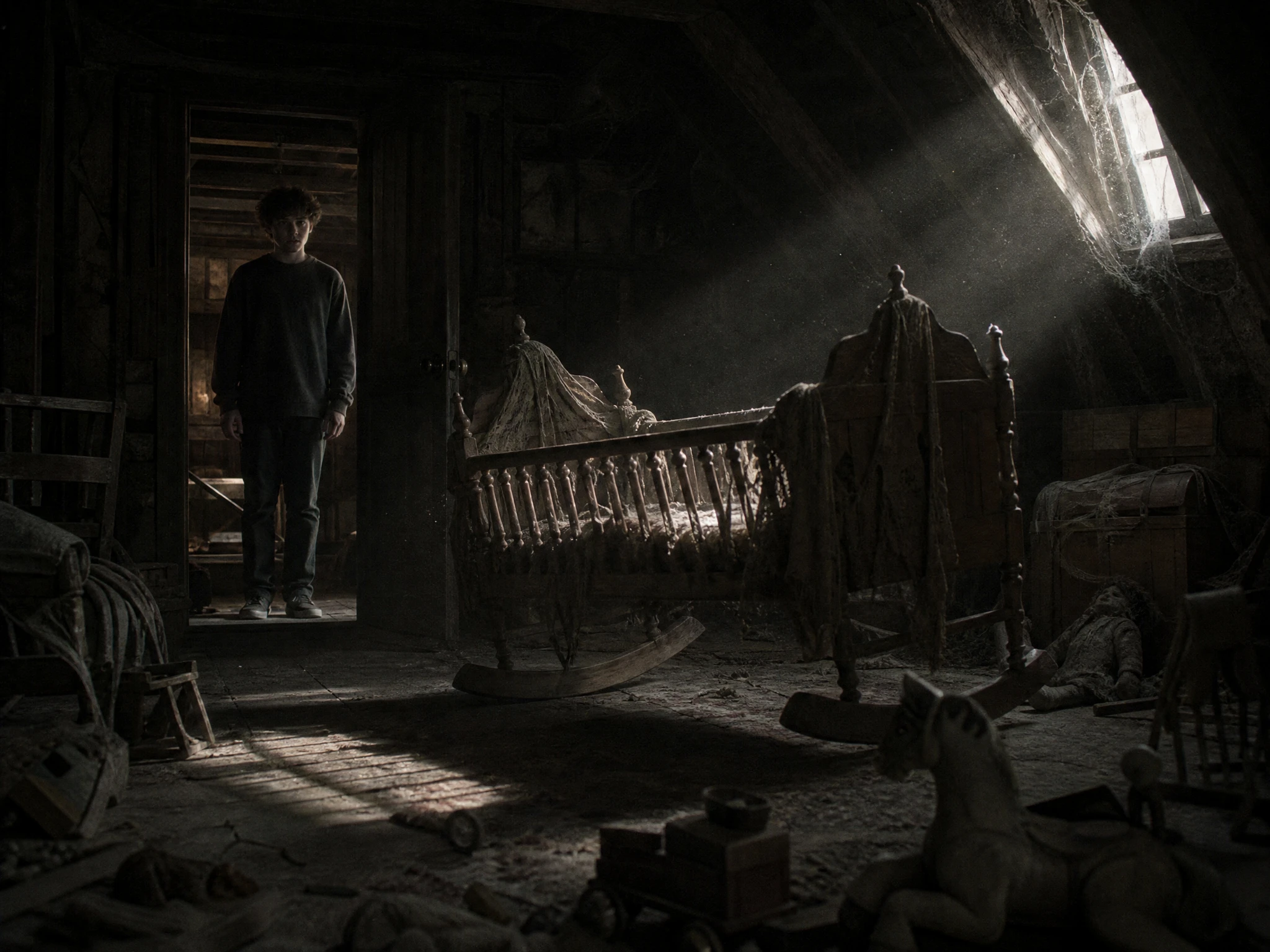
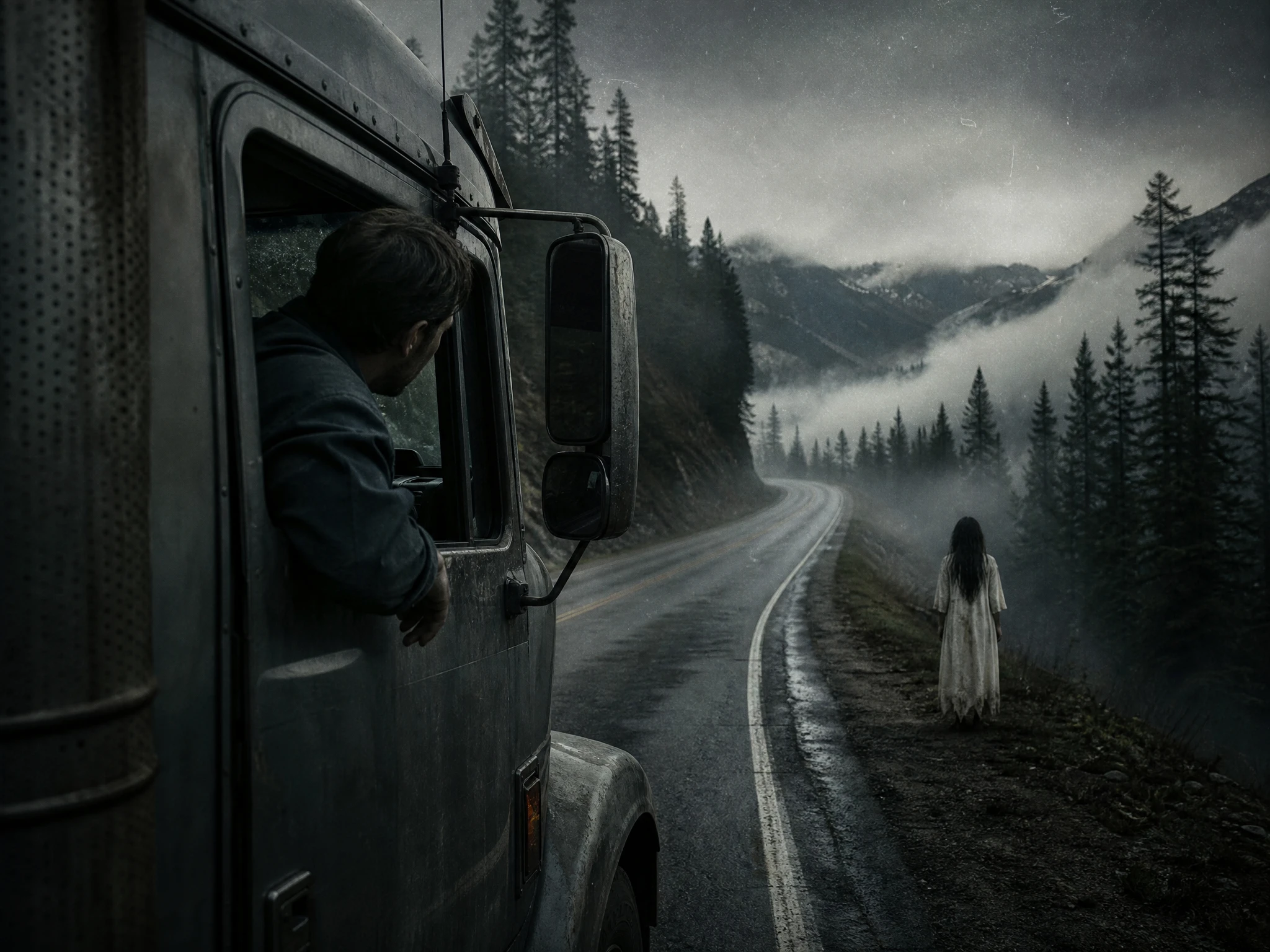
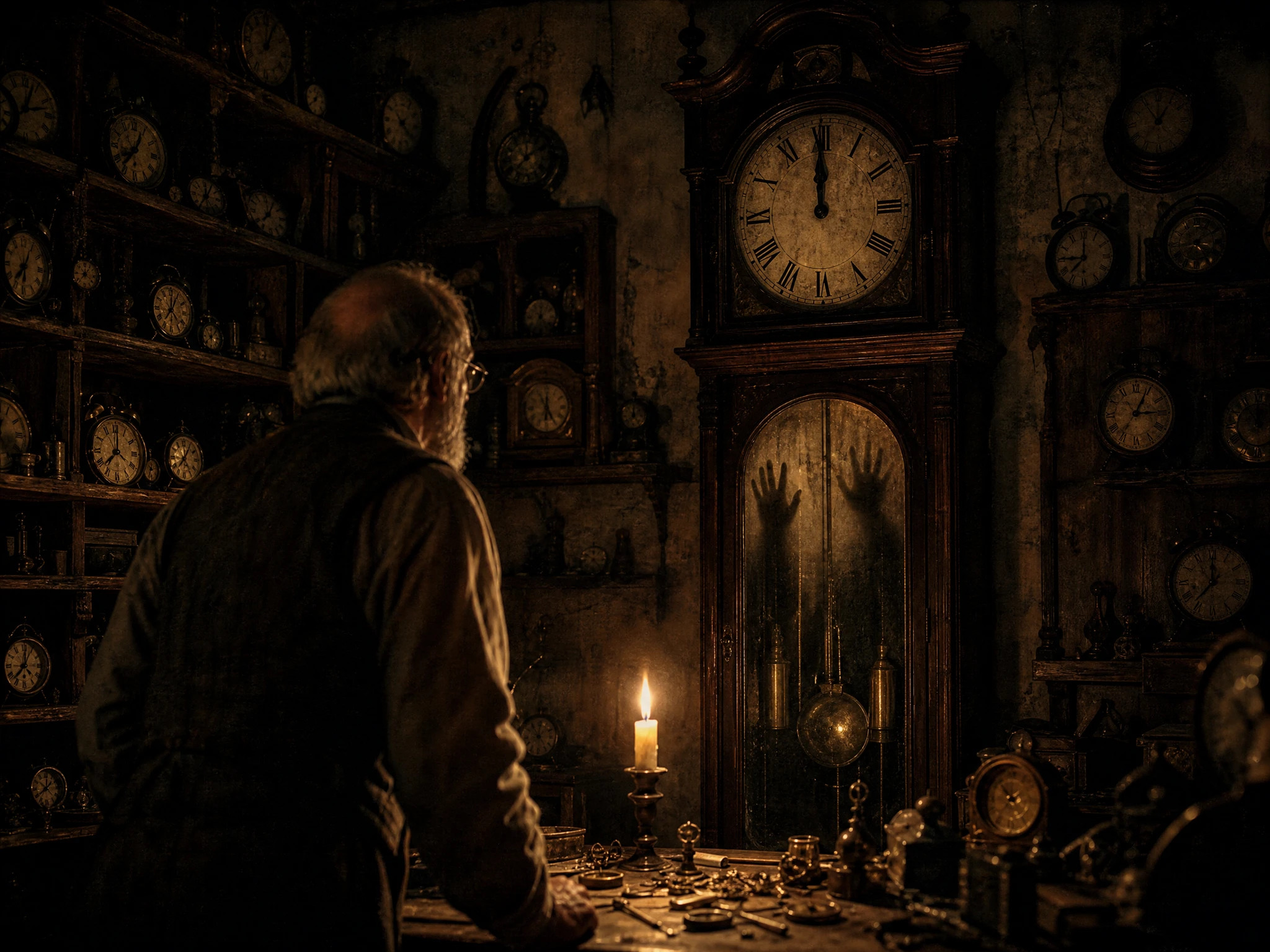
Turn ordinary places into eerie stories with Magiclight AI. Add a familiar setting and a strange twist to create creepy story videos full of suspense. No editing skills needed.
Top Features of the Magiclight AI Creepy Story Generator
Small details do more work when viewers have time to notice them. With Magiclight AI, the creepy story generator controls the story, scenes, voices, and uneasy moments with care.
Take the Story Down a Different Path
Try any of 14 story models when the first version feels too easy to guess. A different model can change what happens next, hold back the answer longer, or take the ending somewhere less expected.
Nano Storyboard has 50+ poses to work with. Keep a figure oddly still in the corner, shift its expression between scenes, or pull the camera back so viewers have to spot what changed for themselves.
Some creepy scenes need grain and shadow while others work better looking normal. Magiclight AI has 52 visual styles, so you can test different looks until the setting carries the right kind of unease.
Describe the recurring figure in up to 1,000 characters, including details people should recognize later. Save it to the Magiclight AI Asset Store, then bring the same character into another story.
Who Can Use the Magiclight AI Creepy Story Generator
Some stories belong in headphones after midnight, others work better in a short vertical series. This creepy story generator allows you to make a familiar place feel slightly wrong.
Here are some of the use cases for Magiclight AI Creepy Story Generator:
For Narration Channels
Join several creepy stories in one video lasting up to 50 minutes.
Pick from 37 voices to find a narrator who never sounds too alarmed.
Keep one visual style across stories that belong in the same episode.
For TikTok Story Series
Break one strange encounter into short parts that reveal more each time.
Frame every episode in 9:16 so the story fits a vertical screen.
Save the recurring figure and bring them back without redesigning them
For Horror Game Lore
Give MagicLight Agent up to 12,000 characters of your game's hidden lore.
Try 16 animation models to find a look that belongs in your game world.
Describe an unsettling character with up to 1,000 characters of detail.
For Short Fiction Writers
Paste an existing story and see how its quietest moments work as scenes.
Test another direction with any of the 14 available story models.
Use 16 subtitle settings when the narration also needs readable dialogue.
How to Make a Creepy Story With Magiclight AI
An ordinary place can feel unsettling when one detail seems wrong. Follow 4 steps with the creepy story generator to take that small idea from a prompt to a finished story video.
1.
Step 1. Add Your Creepy Idea
Describe an ordinary location and slip in one detail that does not belong. MagicLight Agent can work with up to 12,000 characters as it develops that small disturbance into a story.
2.
Step 2. Decide What the Viewer Notices
Choose from 16 animation models, then describe important characters in up to 1,000 characters each. Keep the unusual figure simple enough that viewers may miss it at first.
3.
Step 3. Refine the Storyboard
Arrange the key scenes in Nano Storyboard with 50+ poses to work from. Hold a figure still, change a reaction, or widen the shot so something strange remains just behind the action.
4.
Step 4. Give the Story Its Final Sound
Pick a narrator from 37 voices and add music that does not overpower the scene. After checking the last reveal, Magiclight AI lets you export the finished video from 720p to 1080p.
What Users Say About Magiclight AI's Creepy Story Generator
Jordan Lee
YouTube Creator
I wanted the stories to feel uncomfortable without relying on loud scares. Magiclight AI gave me more room to hold on ordinary scenes until one small background detail started feeling wrong.
Maya Chen
Content Creator
My short series needed the same strange figure to keep appearing without explaining who it was. With Magiclight AI, I could bring that character back while changing the scene around them.
Evan Brooks
Game Developer
I had pages of lore that never made it into the game itself. Magiclight AI helped me turn one of those background stories into something players could actually watch.
Nora Patel
Fiction Writer
I usually know when a story feels creepy on the page, but not on screen. Seeing the scenes in Magiclight AI helped me notice where I was revealing the strange part too early.
What is a creepypasta, and can Magiclight AI make one?
A creepypasta is an unsettling story made for online sharing, often written as though the events really happened. You can give Magiclight AI that direction when describing your idea.
What settings work well for a creepy story?
Try somewhere ordinary like a hallway, office, train, motel, or empty shop. Add one thing that does not fit, and let the Magiclight AI creepy story generator make that detail harder to ignore.
Can the story be written in first person?
Yes. Ask for first-person narration when entering the idea. Magiclight AI can shape the script around “I,” while one of its 37 voices can carry that perspective into the video.
Does every creepy story need to explain what happened?
No. An unexplained sound, person, or final image can be the point. Tell Magiclight AI you want an open ending if the last strange detail should remain unanswered after the story ends.
Can I change the visual style of my creepy story?
Yes. You can explore 50+ visual styles in Magiclight AI. Try a different look when a dark hallway, empty room, or strange figure needs a different mood from the rest of your stories.
Can the same creepy character appear in a series?
Yes. Save the recurring character instead of describing them again for every episode. Their familiar appearance in Magiclight AI can become the detail viewers learn to watch for.
Create a Viral Creepy Story With Magiclight AI
Look around somewhere familiar and imagine one detail that should not be there. Give it to the creepy story generator, then let Magiclight AI follow that uneasy idea to the end.