14 Story Models for Different Romantic Turns
Try the same couple across 14 story models in Magiclight AI when the first plot feels too easy. Compare how their meeting, separation, and reunion change before settling on a version.
Create Now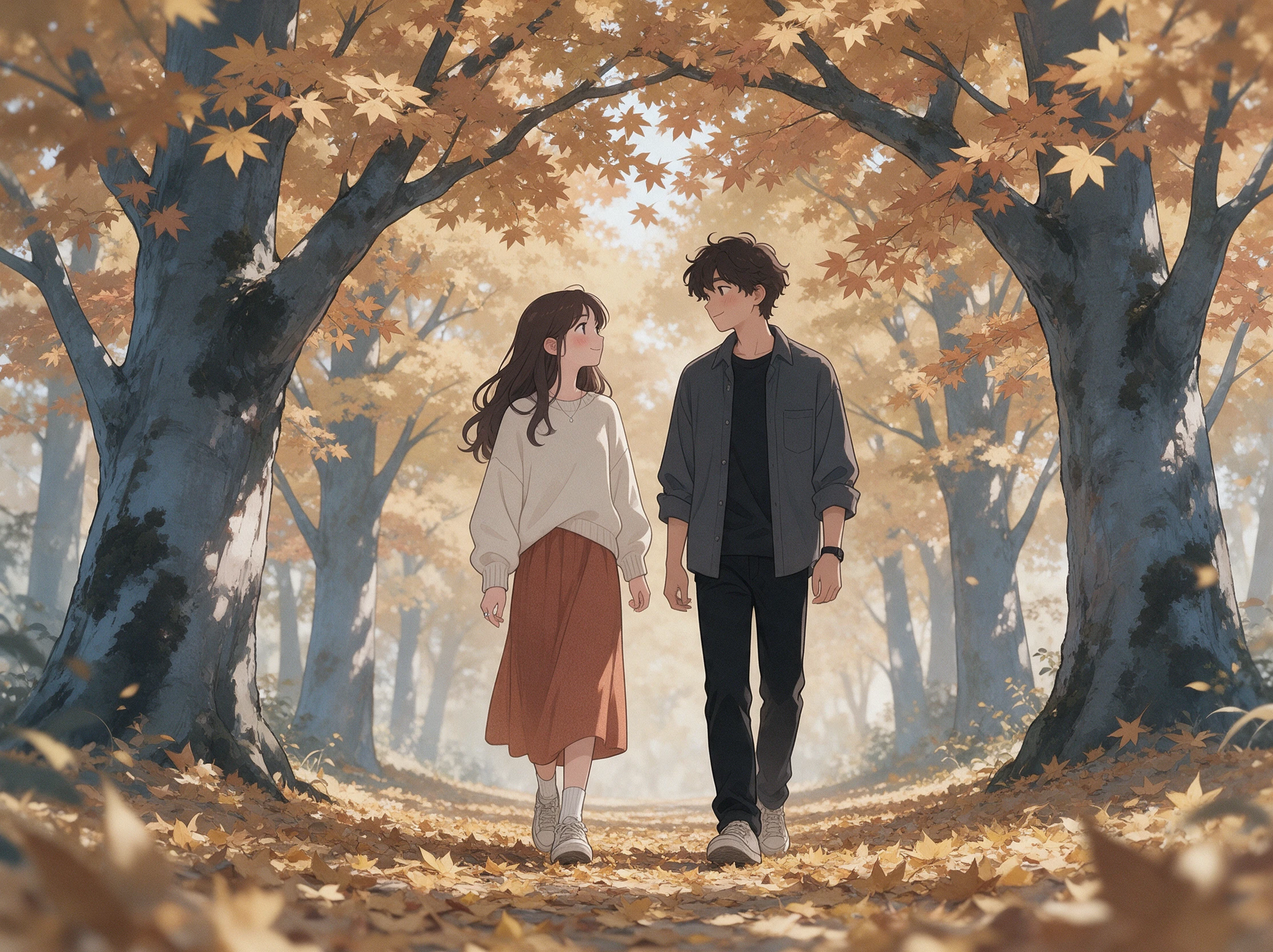

Turn your romance ideas into videos with Magiclight AI. Create love stories filled with heartfelt moments, unexpected twists, and happy endings. No editing skills needed.
Create a Romance Story for Free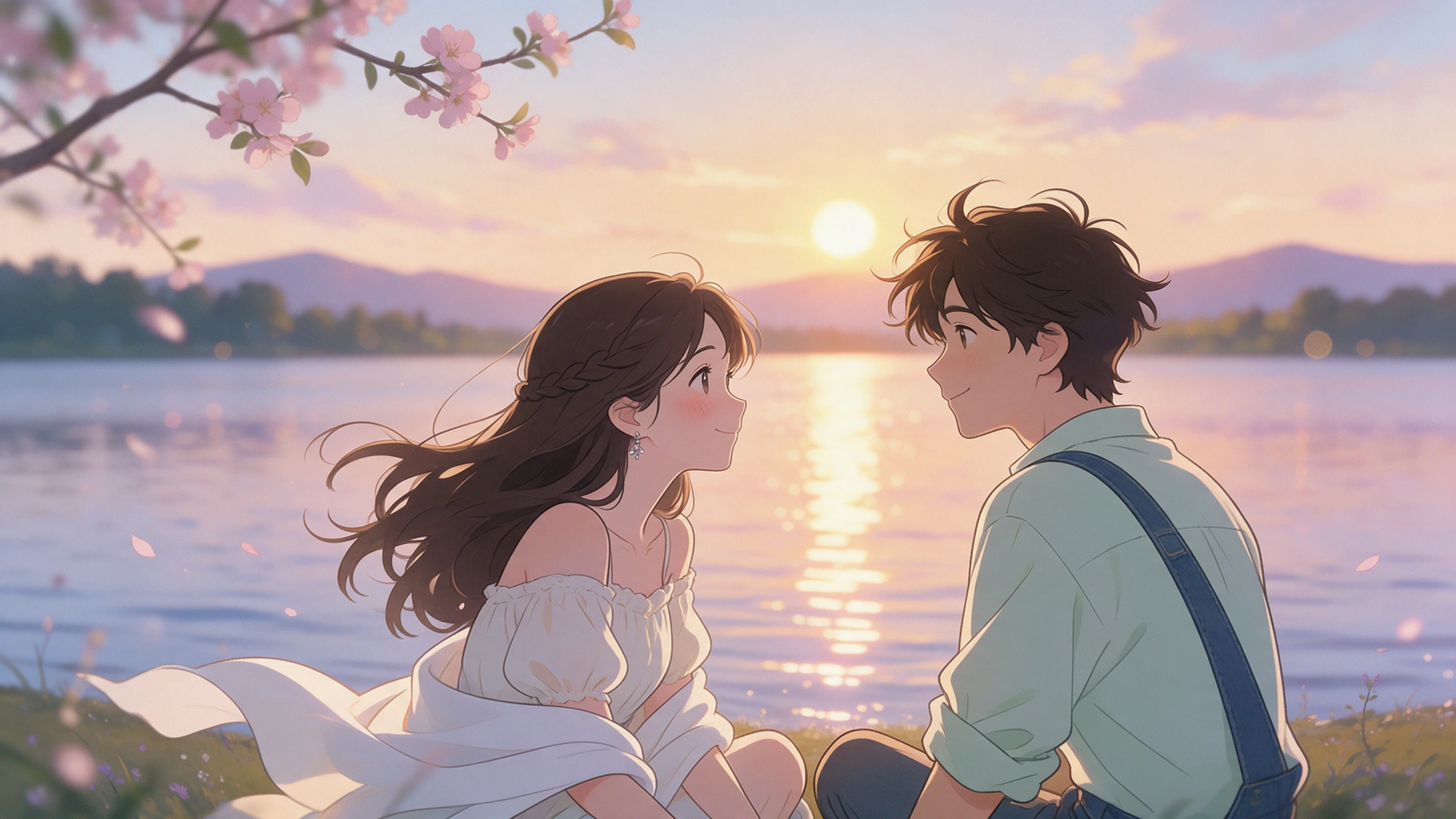










A glance across a room and a reunion at the door need different moods. With the romance story generator, you get tools for the script, spoken lines, soundtrack, and final cover.
Try the same couple across 14 story models in Magiclight AI when the first plot feels too easy. Compare how their meeting, separation, and reunion change before settling on a version.
Create NowMagiclight AI allows you to choose from 37 voices when a confession needs to sound different from the narrator. Give each romantic lead a voice that fits how you imagine them speaking.
Create Characters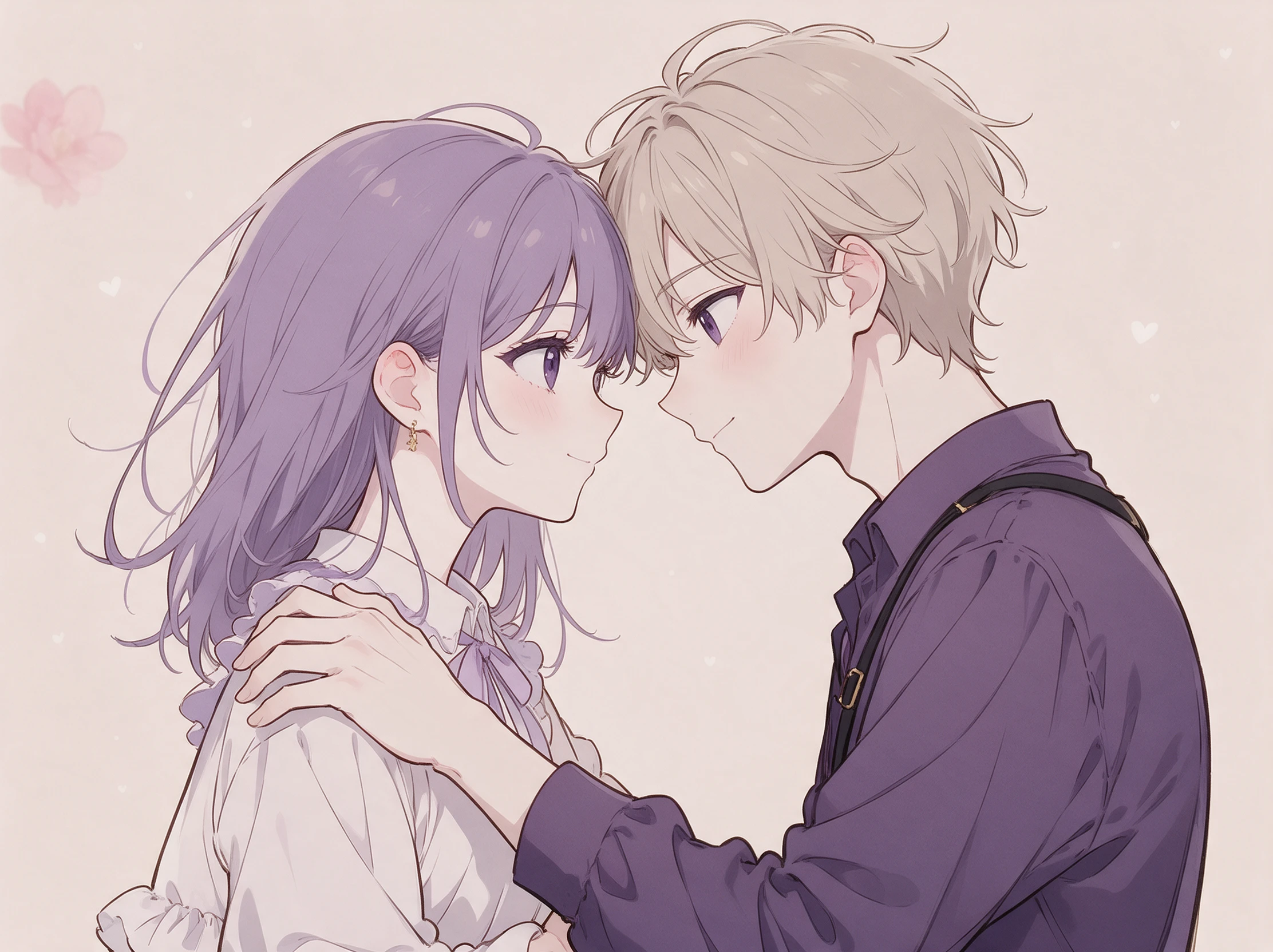
Pick from 40 tracks to set the feeling beneath a first date, missed chance, or reunion. A quieter score can sit behind an intimate moment without taking over the scene.
Generate a Video
Give the video a title and choose from 21 cover templates before sharing it. Pair the cover with one of 16 title styles when the romance needs its own finished identity.
Start Creating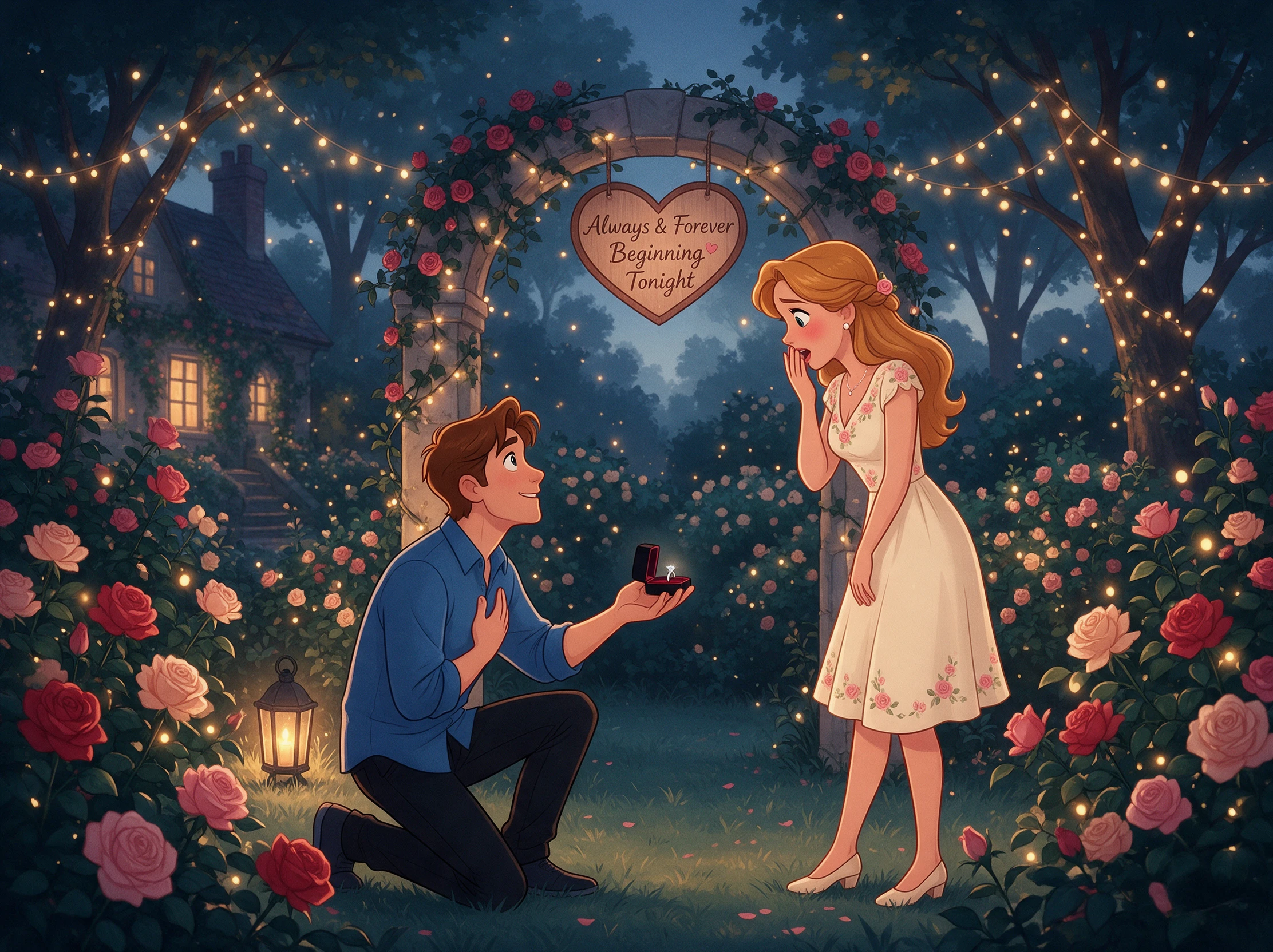


Start with the couple, then decide what keeps them apart and where they end up. This romance story generator takes those choices through 4 Magiclight AI story-to-video stages.
Write up to 12,000 characters for the couple, their conflict, setting, and ending. Select from 14 story models, then use MagicLight Agent to turn those details into a script.
Read the MagicLight Agent script and find the breakup, confession, and reunion. Generate the visual scenes by selecting the right visual model, followed by the characters.
Choose from 50 poses in Nano Storyboard to change how each lead stands or reacts. Set their expressions and camera angle for close moments such as a first kiss, dance, or reunion.
Select from 37 voices, 40 music tracks, and 16 subtitle settings in Magiclight AI. Add one of 21 cover templates, check the finished romance, then export it in your chosen ratio.
Romance Novelist
I had the couple and ending but kept changing everything in between. Magiclight AI let me watch the relationship play out, and I quickly spotted where the reunion felt rushed.
Proposal Customer
Our story started with one very bad first date, so I wanted that detail in the video. I put our real moments into Magiclight AI and saved the final scene for my proposal night.
Book Club Host
I wanted a short romance our group could watch before discussing the ending. With Magiclight AI, I turned the idea into a video that gave everyone the same story to talk about.
Historical Romance Writer
Ballroom scenes are much easier for me to judge when I can see where both leads stand. I use Nano Storyboard in Magiclight AI to check those moments before returning to my draft.
Romance usually promises an optimistic emotional ending. Tell Magiclight AI whether the couple stays together for good or simply chooses each other for now before generating scenes.
Magiclight AI can make story videos up to 50 minutes long, giving a slow-burn romance more room for the first meeting, conflict, time apart, and the couple's final reunion.
Yes. Give the romance story generator the moments you want included, from your first meeting to the proposal. Magiclight AI can then turn that personal timeline into a story video.
Yes. Add the period, place, social setting, and leads to your prompt. For a Regency story, Magiclight AI can use those details when generating the script and visual scenes.
Yes. Choose from 11 supported languages when the story needs another voice. Magiclight AI can narrate the romance in the selected language before you generate the final video.
Yes. Magiclight AI offers 37 voices, giving you options for narration and characters. Pick voices that suit the two leads, then preview how they sound before generating the video.



Picture the last scene, the 2 of them finally on the same side. Magiclight AI's romance story generator writes and animates every scene that comes before it.