Center the Story With MagicLight Agent
Name what scares your audience, from darkness and deep water to being followed. MagicLight Agent carries that fear through the scenes, keeping the story focused as the danger gets closer.
Create Now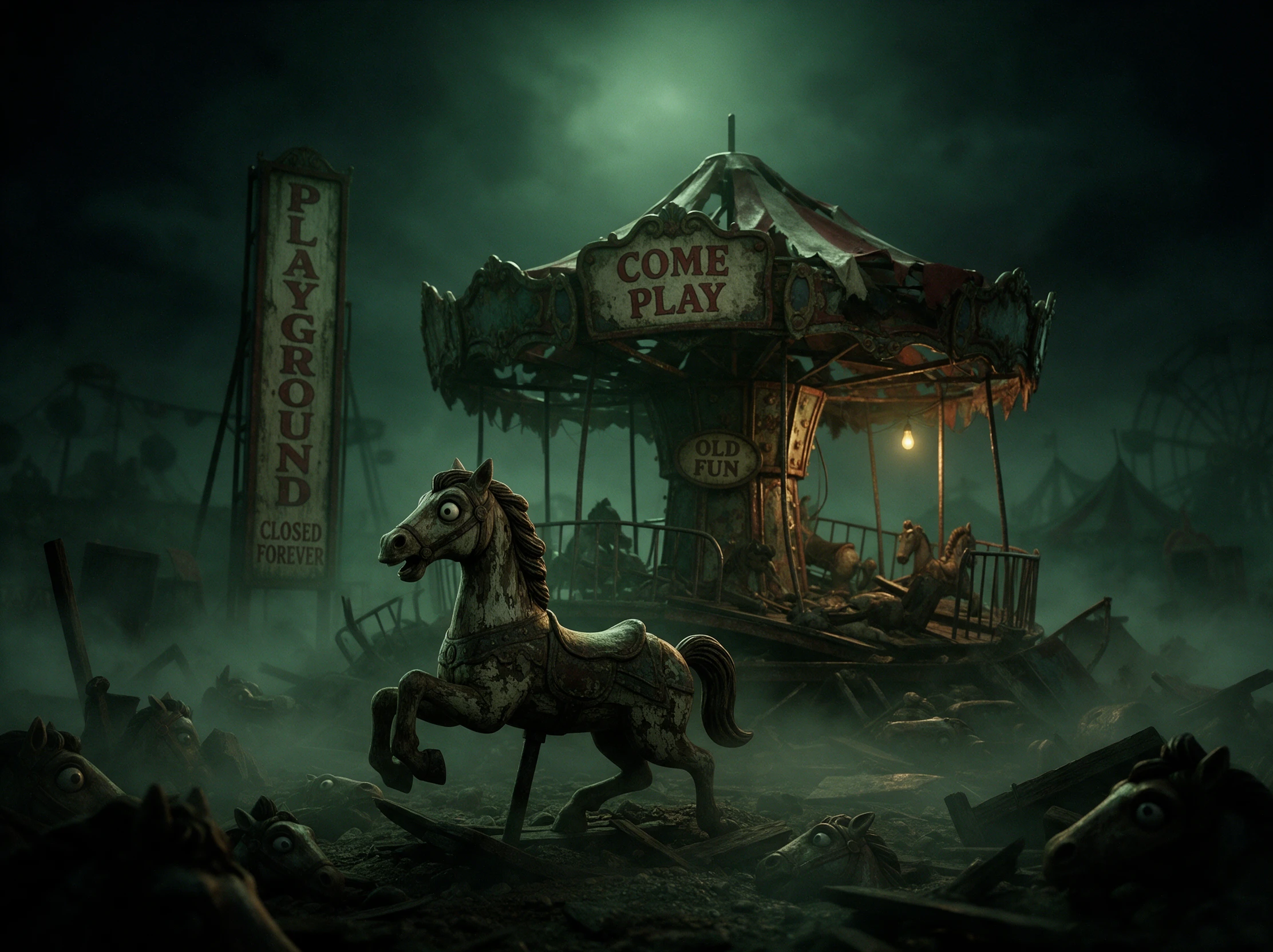

Turn real fears into scary story videos with Magiclight AI. From footsteps in the dark to strange movements underwater, create chilling tales without any editing skills.
Create a Scary Story for Free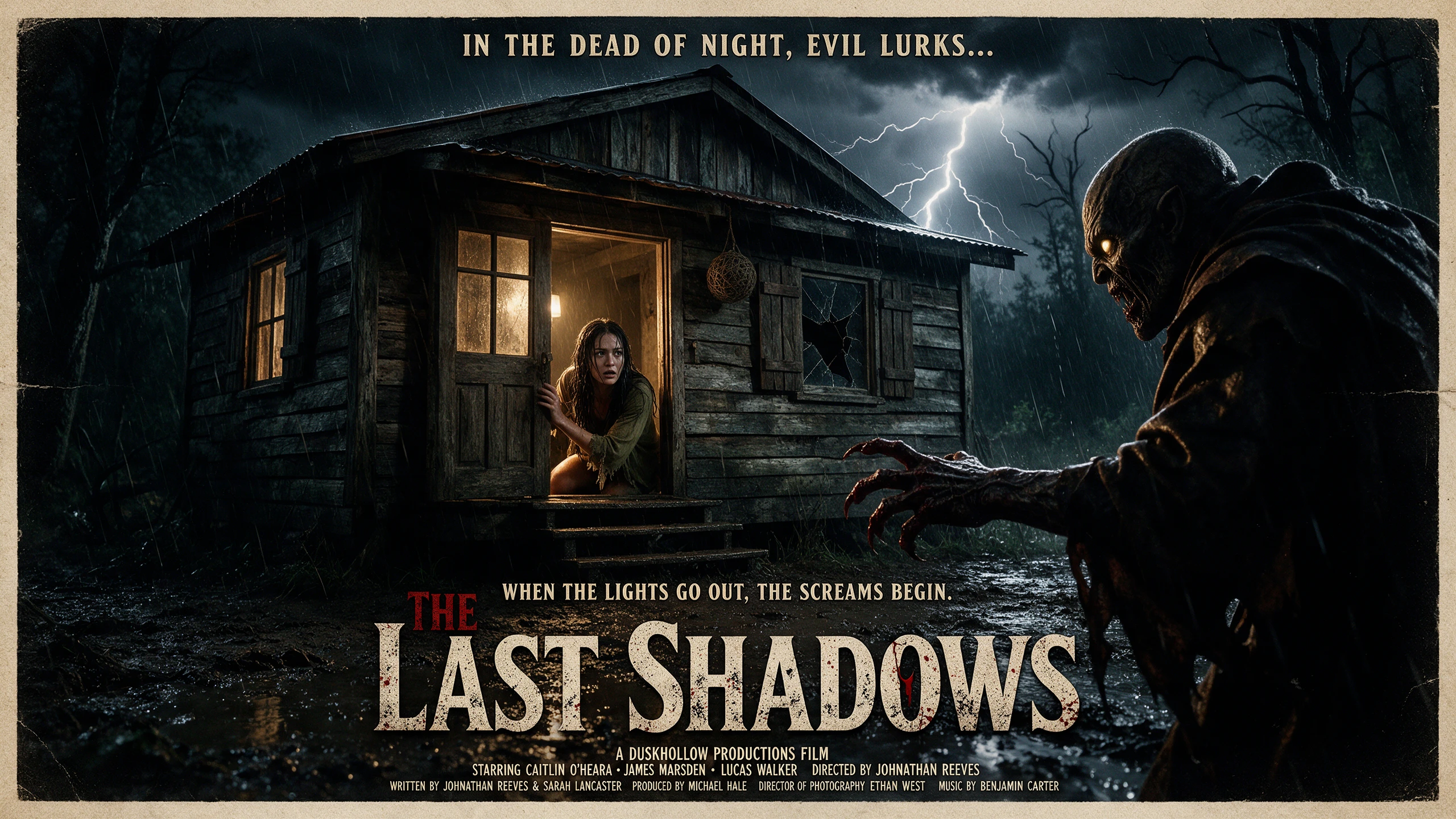










Real fear can start with one small detail and become more unsettling as the story moves forward. The scary story generator lets you shape pace, reactions, mood, and final reveal.
Name what scares your audience, from darkness and deep water to being followed. MagicLight Agent carries that fear through the scenes, keeping the story focused as the danger gets closer.
Create NowA threat can creep closer for several scenes or arrive without warning. Try any of 14 story models to see which route gives your idea the tension and final payoff you want.
Create Characters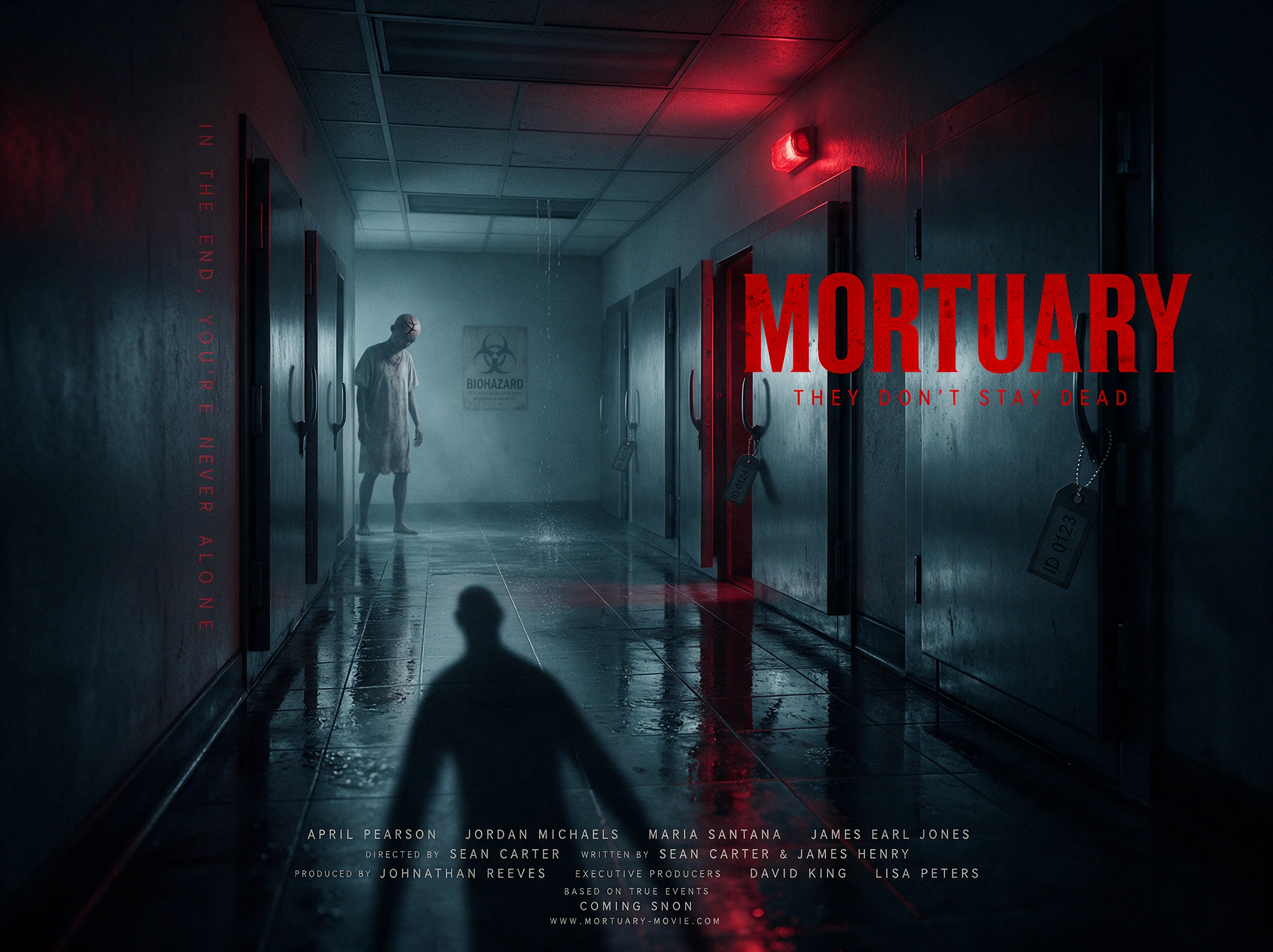
A frozen stare or sudden turn can make the audience expect something before it appears. Nano Storyboard offers 50+ poses for controlling reactions around clues, threats, and reveals.
Generate a Video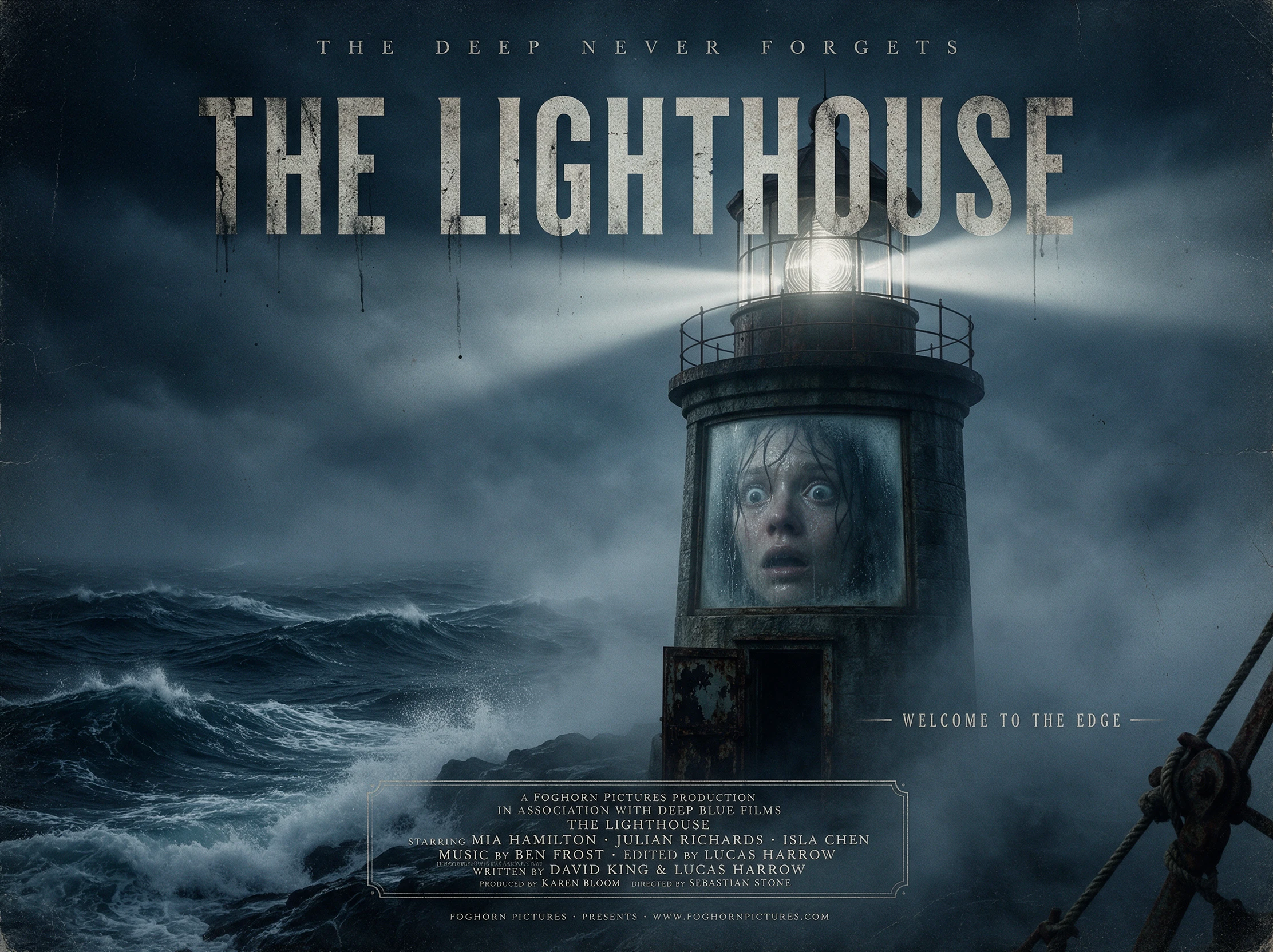
A calm warning and a nervous confession create very different reactions. Choose from 37 voices to give your scary story a delivery that matches its character and atmosphere.
Start Creating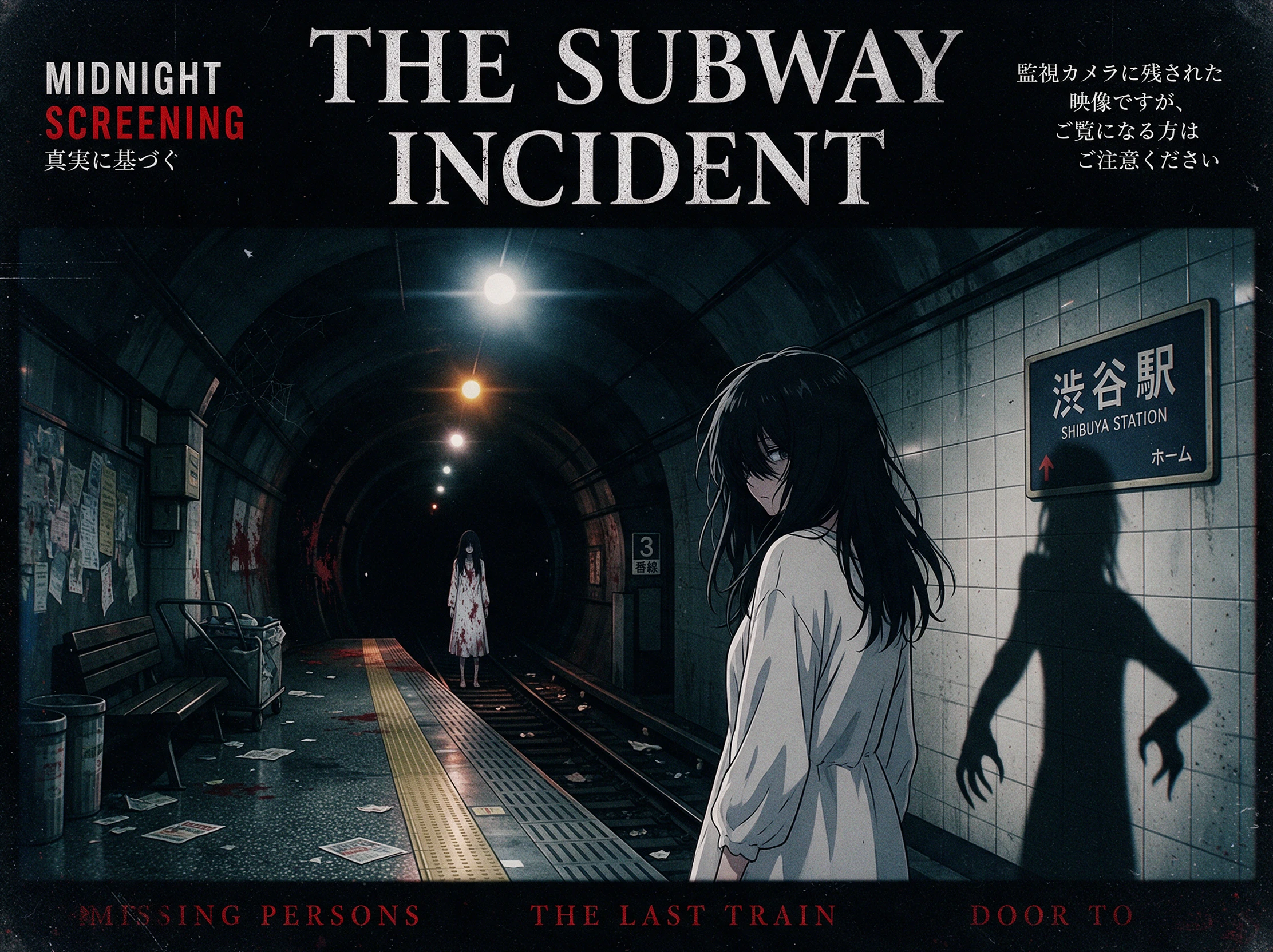


Walk through 4 steps to turn one fear into a scary story video. Describe the fear, choose the look and cast, plan the big scare, and add a narrator in the scary story generator.
Describe the fear, setting, and first sign that something is wrong. With up to 12,000 characters available, you can include clues, false alarms, key events, and the final reveal.
Select any of the visual model out of the 52 options available. Give your main character or threat up to 1,000 characters of detail if you are to create it yourself.
Edit each important moment in Nano Storyboard and decide when the danger gets closer. Use 50+ poses to change reactions, movements, and the character's response.
Choose from the 40 music tracks to set the tension. Once every scene feels right, export the finished Magiclight AI scary story video in a resolution from 720p to 1080p.
YouTuber
I like scary stories where viewers know something is wrong long before they see it. Magiclight AI helps me hold the threat back and give the final reveal much more impact.
Streamer
Footsteps, shadows, and little clues are more interesting to me than showing the monster right away. I can take that kind of idea into Magiclight AI and let the tension grow.
Horror Writer
I usually start with one ordinary situation and ask what could make it frightening. Seeing those moments become scenes in Magiclight AI gives me another way to test how the fear develops.
Camp Counselor
The campers love guessing what is making the noise or hiding outside. I kept my story creepy without anything graphic, and Magiclight AI helped me save the answer until the end.
Start with familiar fears such as darkness, isolation, deep water, or being followed. Give Magiclight AI one clear fear and use it as the central threat behind the story.
Keep the moments before the scare restrained, then change the reaction or action when the threat appears. In Magiclight AI, Nano Storyboard gives you 50+ poses to shape that moment.
Both can work. Slow suspense gives the fear more time to grow, while a sudden scare changes the mood instantly. Try the 14 story models in Magiclight AI to explore different approaches.
Yes, depending on the content. Graphic violence or disturbing imagery may lead to restrictions, so review your Magiclight AI story and YouTube's current guidelines before publishing.
Only use another person's likeness when you have their permission. When creating characters in Magiclight AI, avoid using someone's face in a harmful, humiliating, or misleading way.
Yes. The Scary Story Generator can take the same fear in different directions. With 14 story models available, Magiclight AI lets you try another storyline without changing the core fear.



Share the one fear that always gets you. The scary story generator writes the rest in Magiclight AI, and the finished video may be too much to watch alone.