16 Animation Models for More Dynamic Motion
Avoid stiff‑looking scenes by choosing from 16 animation models. Magiclight AI adds movement and energy to the storyboard instead of relying on simple pose changes.
Create a Spicy Video For Free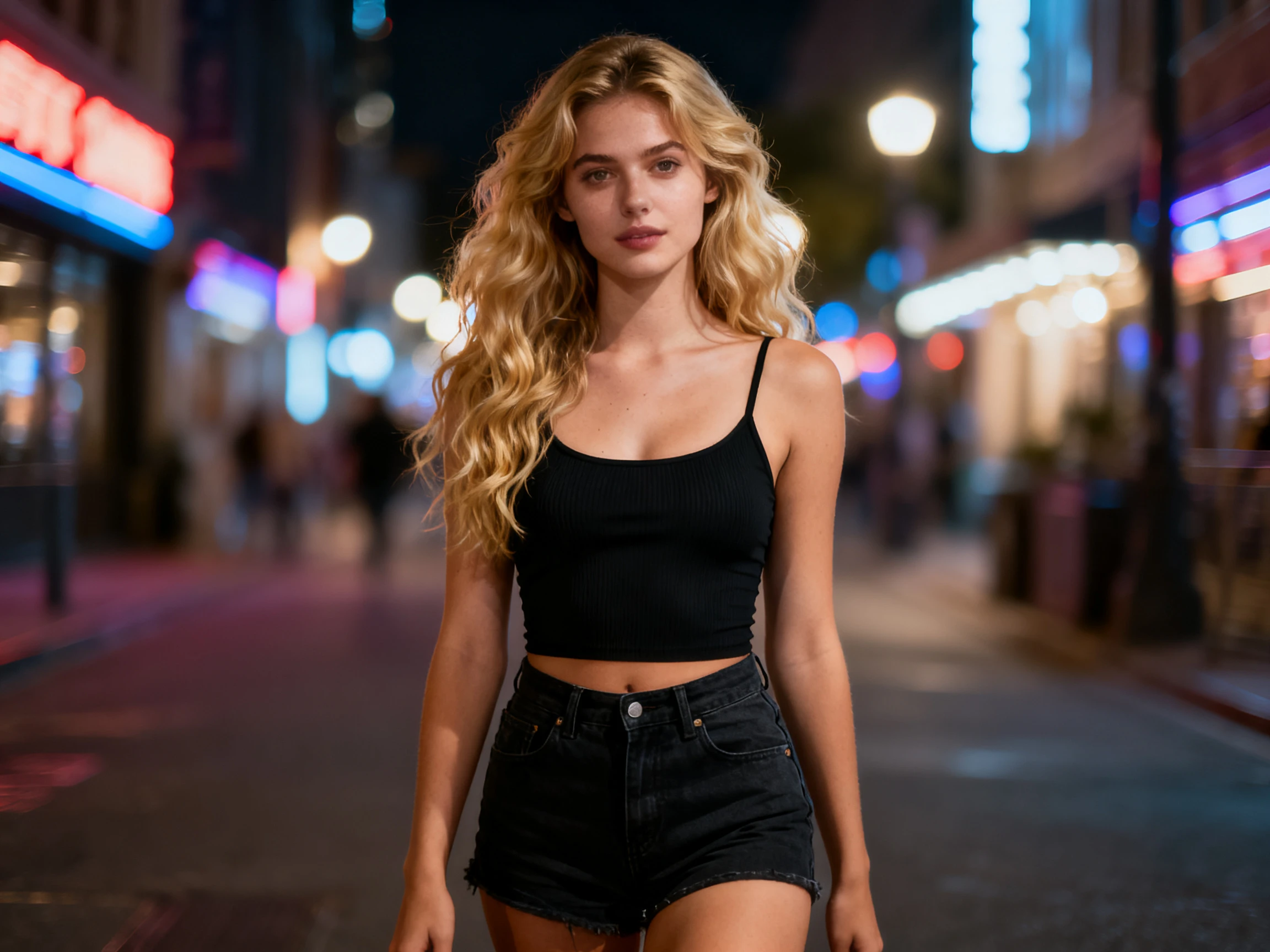

Create bold, eye‑catching videos with vibrant visuals, dynamic pacing, and engaging voices. Magiclight AI brings your ideas to life without any design experience.
Create a Spicy Video For Free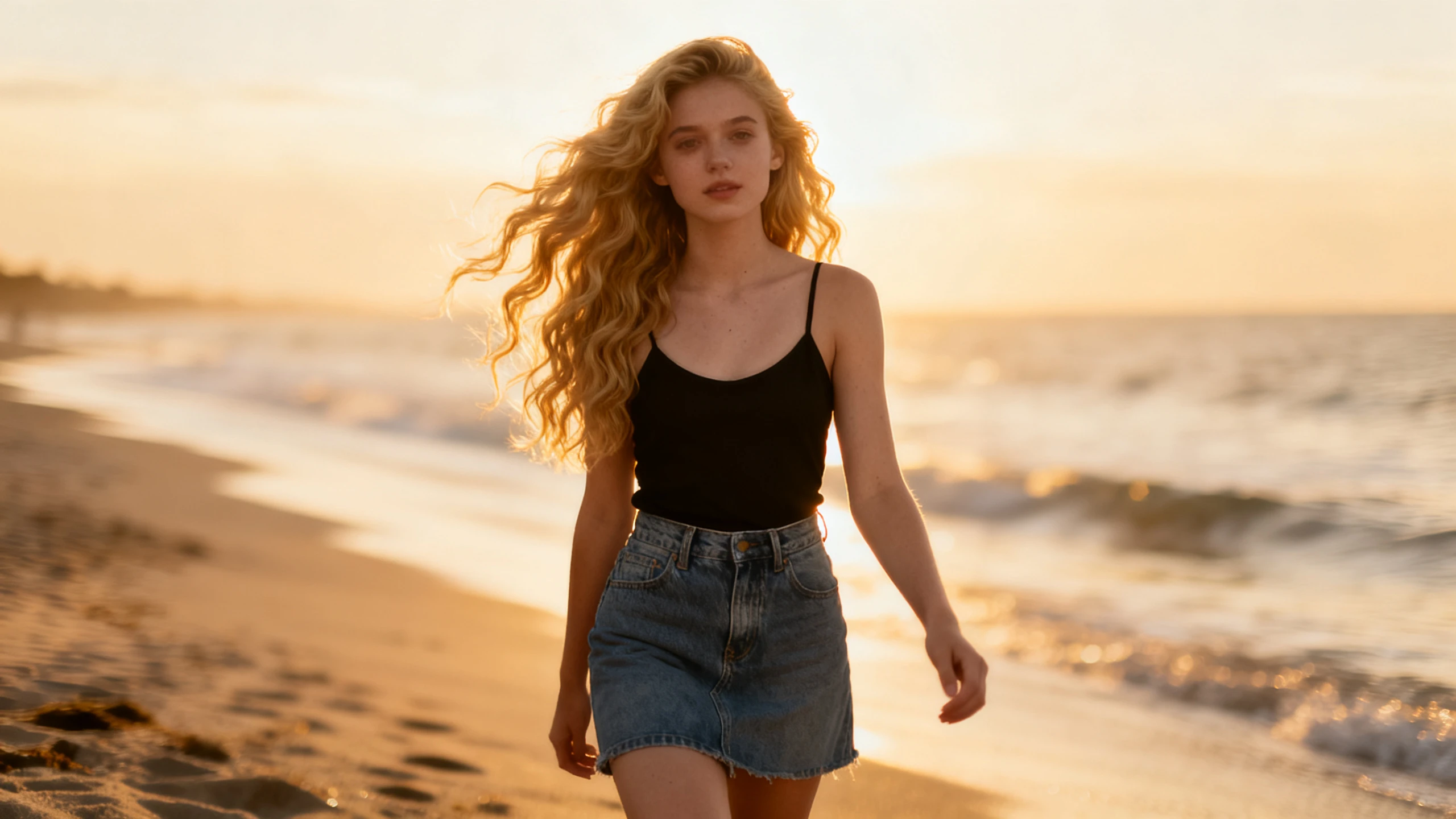









Give your script more energy with the Magiclight AI spicy video generator for free. Choose the style, set the pace, and select a voice that matches the mood.
Avoid stiff‑looking scenes by choosing from 16 animation models. Magiclight AI adds movement and energy to the storyboard instead of relying on simple pose changes.
Create a Spicy Video For FreeA single image can carry a whole clip if it moves well. Give Magiclight AI a photo or a piece of artwork and 1500 characters of direction, and it animates the frame through one of 20 video models.
Create a Spicy Video For Free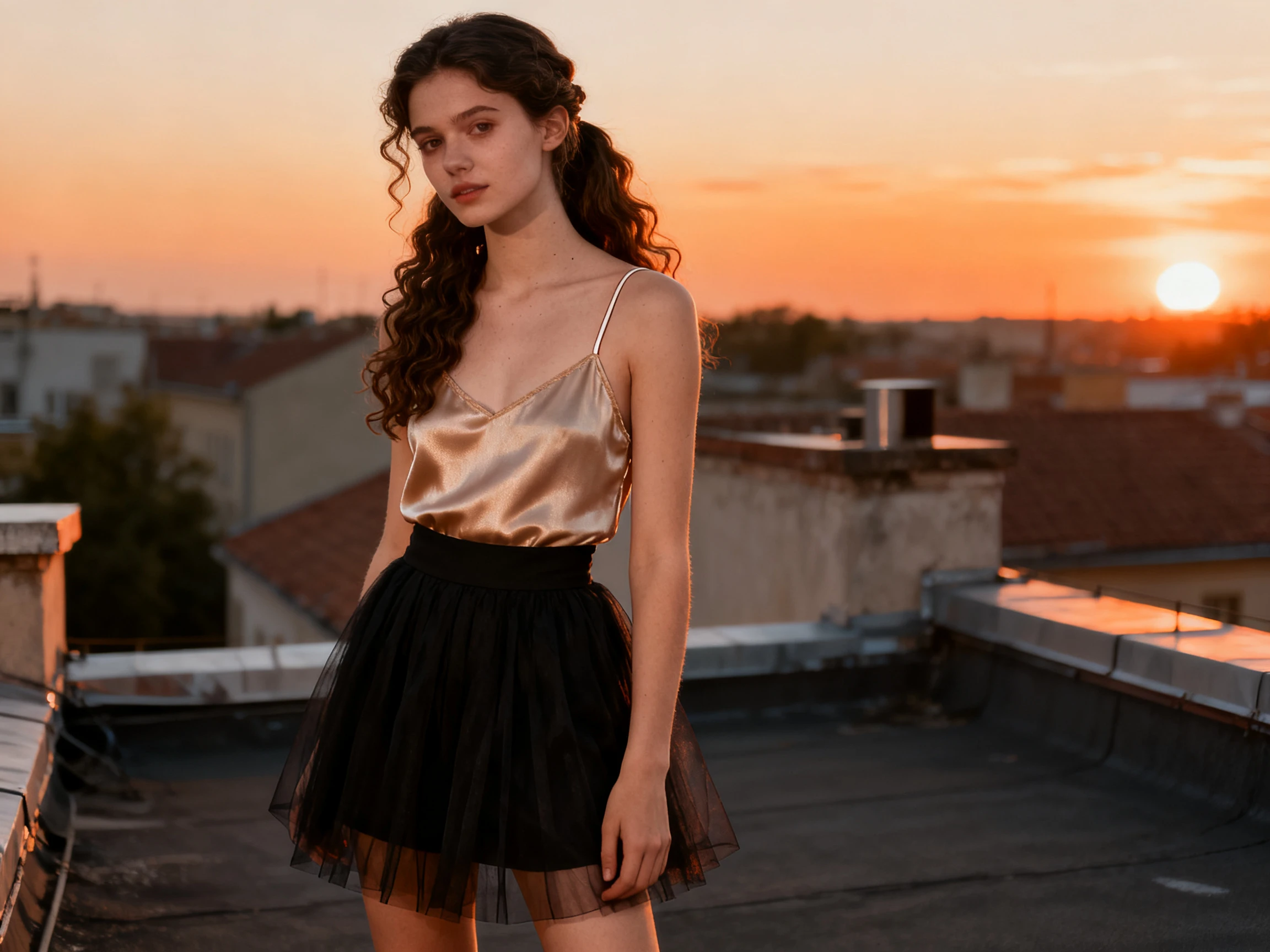
A neutral narrator will flatten anything you put under it. Pick a voice with some edge from the 37 available, filtered by age, accent, and tone, or clone a voice you already use.
Create a Spicy Video For Free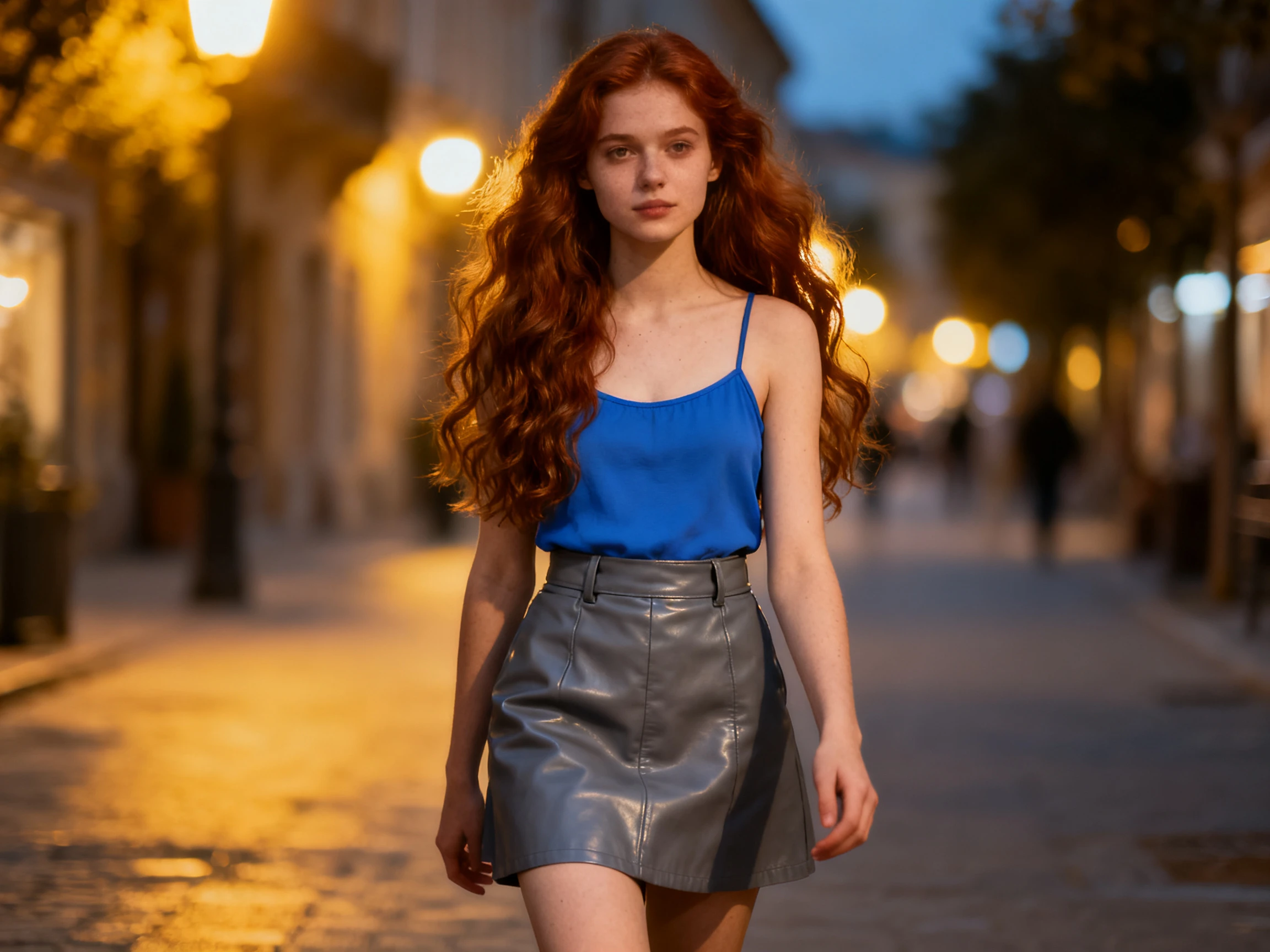
Most of the work is wasted if nobody clicks. Magiclight AI builds the cover from 21 templates and 16 title styles, so the thumbnail carries the same energy as the video behind it.
Create a Spicy Video For Free


Get started with the spicy AI video generator in 4 steps. Write your script, select the style, adjust the shots in the storyboard, and generate your video.
Enter your idea or script, with up to 12,000 characters available. Add the subject, mood, and direction you want, along with the visual styles and voices.
Confirm the generated scenes for the spicy video, followed by the character for it. You can choose from the AI‑generated options or go with an existing option.
Open Nano Storyboard to change character poses, expressions, and camera angles before generation. Use these controls to add movement and personality to each scene.
Finish with one of 21 cover templates and add subtitles if needed. Then export the completed video in 720p or 1080p.
DJ
My clips have to move with the track or they feel off. I use Magiclight AI to adjust each shot so the visuals follow the pace of the music.
Event Promoter
Magiclight AI helps when all I have is poster art and no event footage. I can turn that single image into a short promo clip before the event.
Fitness Coach
A flat narrator kills a workout clip faster than anything else does. I went through the voices in Magiclight AI until I found one with some push.
Motion Designer
The thumbnail decides whether people stop to watch. I finish the video first, then use the cover templates in Magiclight AI to give it a matching look.
No. Magiclight AI makes animated video for general audiences, so spicy here means bold color, fast pacing, and a voice with energy. Anything adult or suggestive sits outside what the platform produces.
Yes. Artwork, a product shot, or a poster all work as a starting frame, and Magiclight AI adds the motion from there rather than asking for footage you do not have.
Yes. The AI spicy video generator free plan includes credits when you sign up, with no card required. Use them in Magiclight AI to test a short clip and its style.
It comes down to contrast, pacing, and voice. You can control all three in Magiclight AI, so two videos made from the same script can still feel completely different.
That depends partly on the source image. Magiclight AI can add motion and visual energy to a still image, but starting with a clear subject usually gives the video more to work with.
Look for control over pacing, varied visual styles, and options for presenting the finished video. Those features are available together when you create with Magiclight AI.



Write it once and turn everything up. Inside Magiclight AI, the free spicy AI video generator sets the style, sharpens the motion, and makes the cover to match.