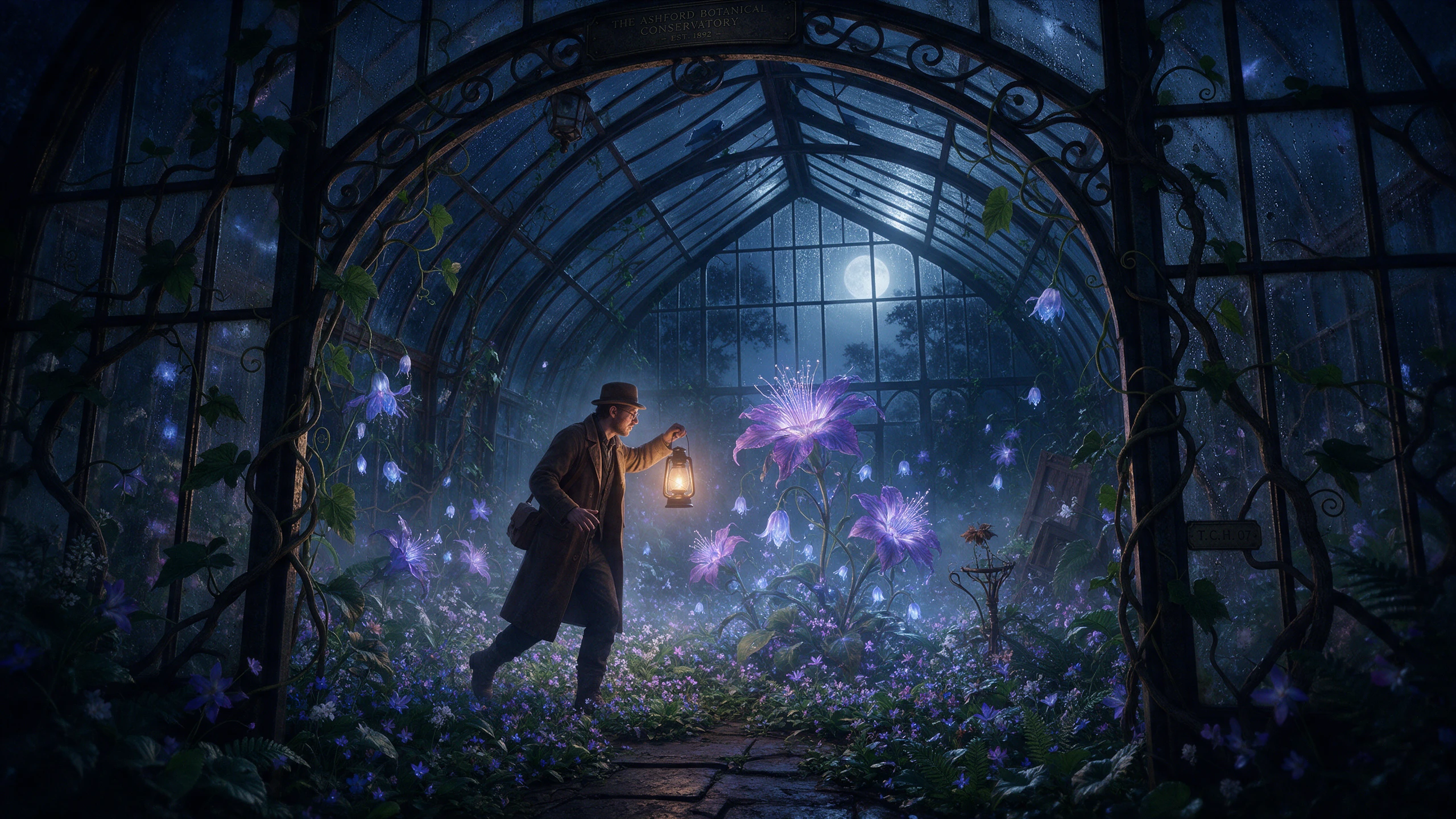
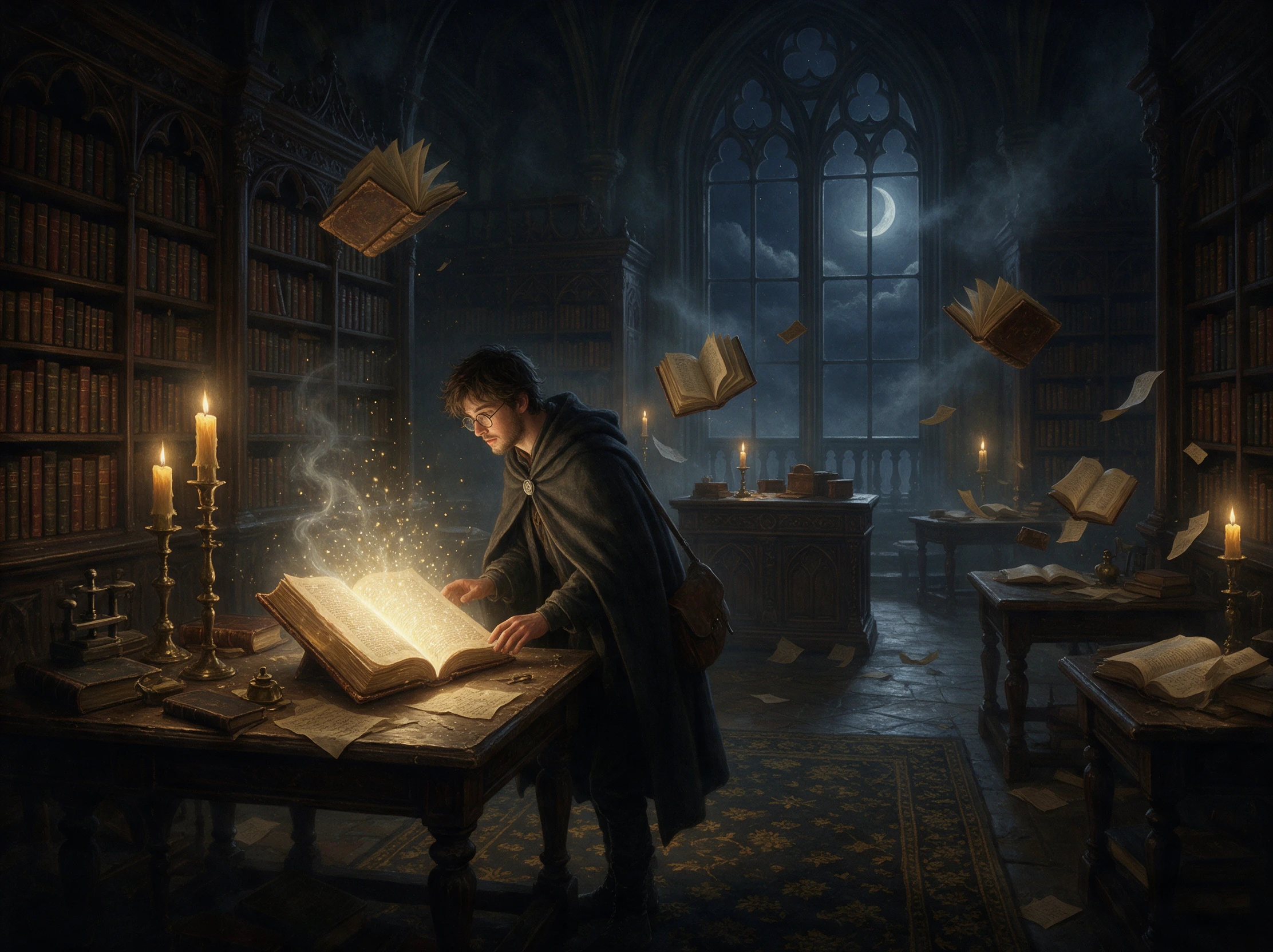
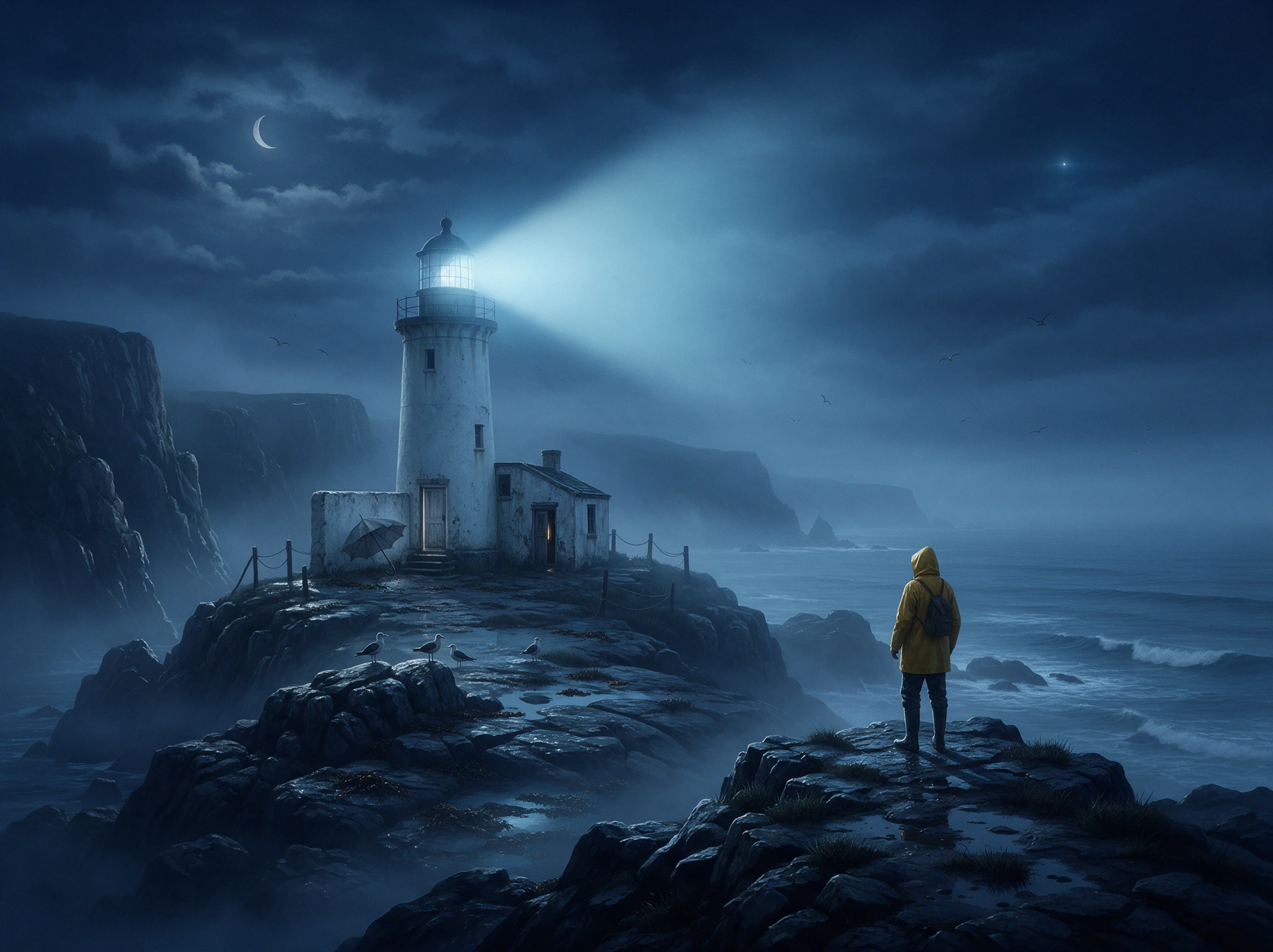
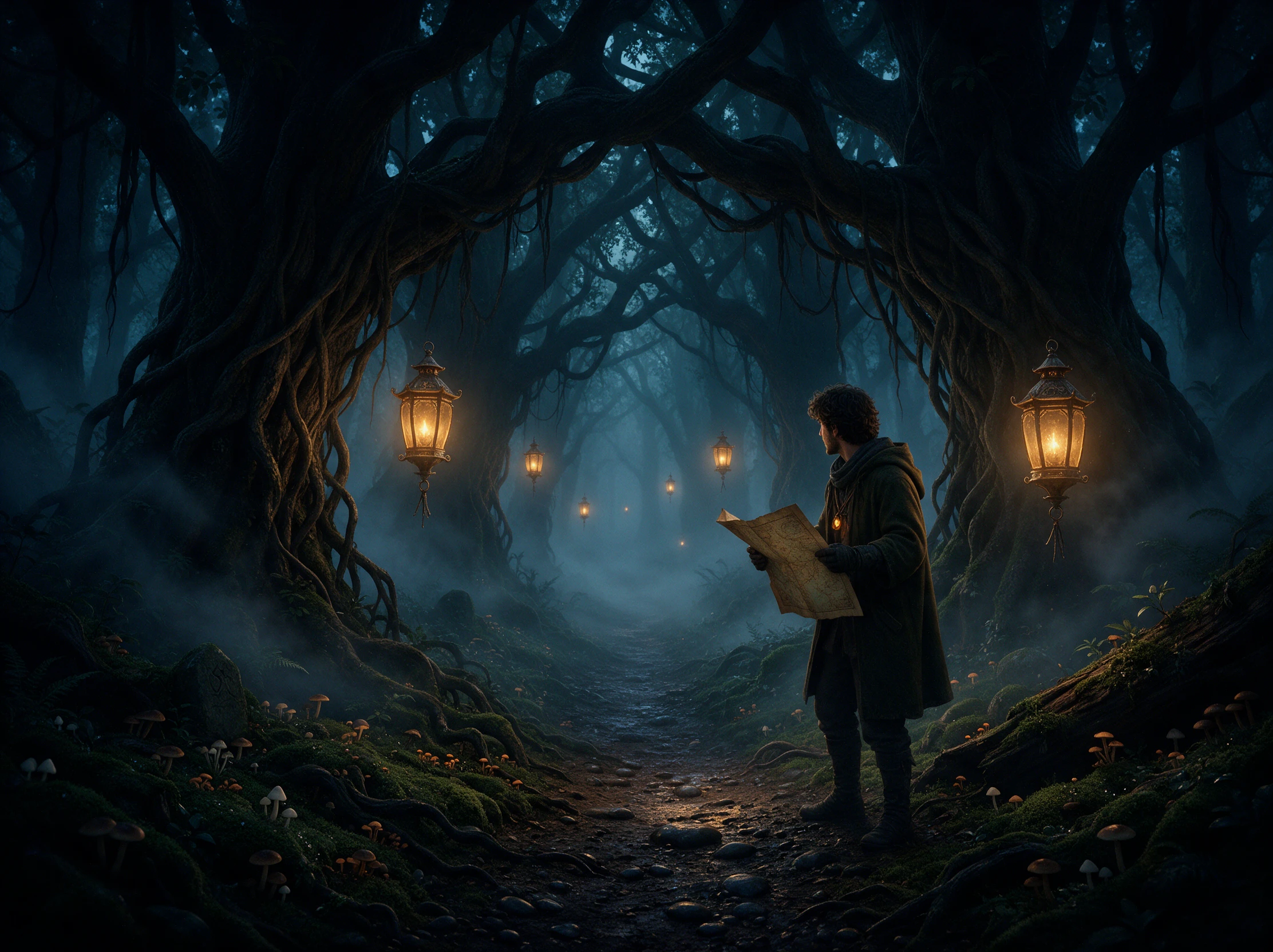
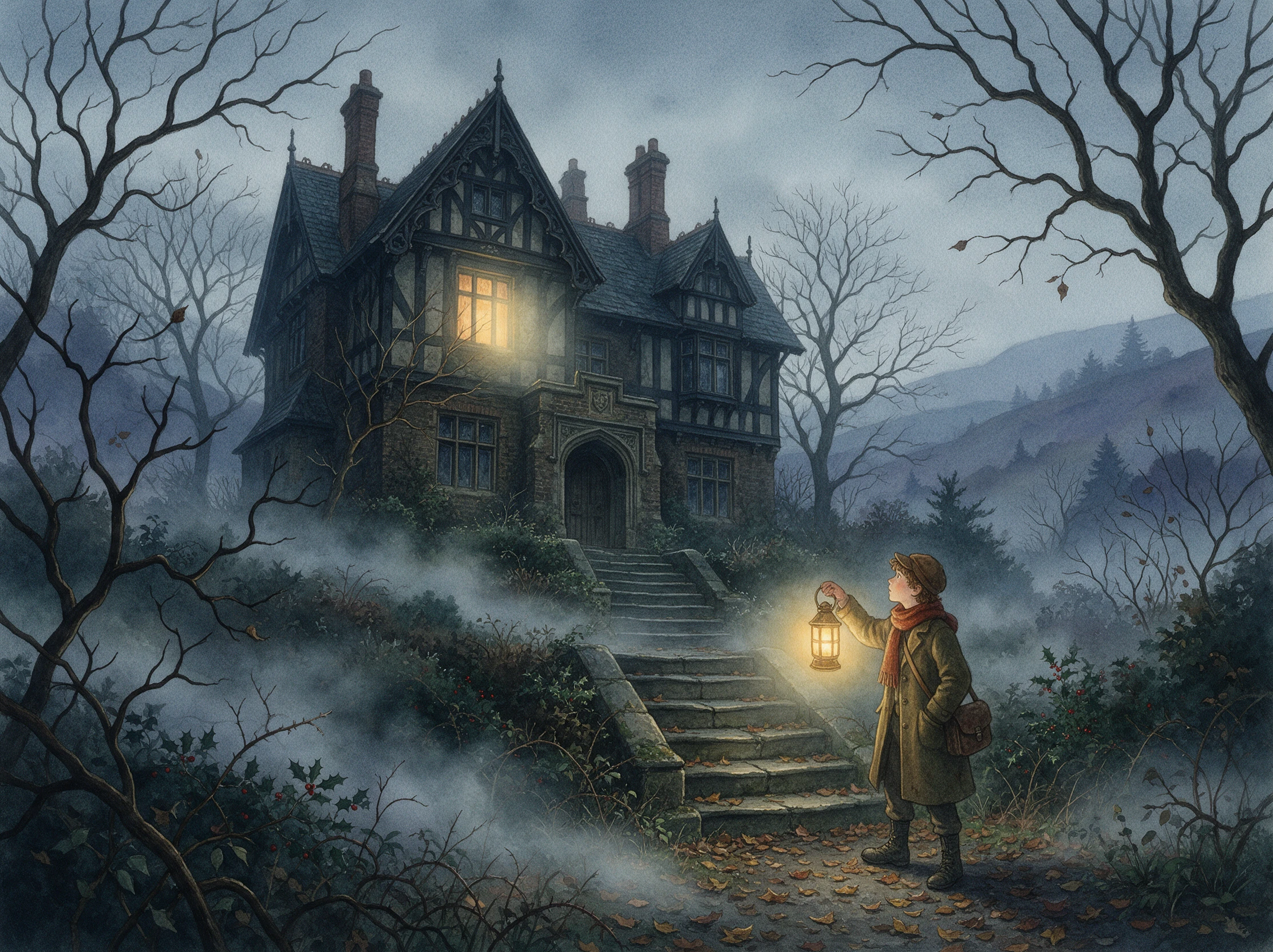
Create spooky story videos with AI from your own ideas. Magiclight AI turns your prompts into eerie stories with characters, scenes, and narration. No editing skills required.
Top Features of the Magiclight AI Spooky Story Generator
Match the fright to your audience, whether it is a first-grade class or a group of teens. This spooky story generator makes the story, look, and music fit.
Room for the Whole Spooky Setup
Use up to 12,000 characters to describe the setting, strange event, clues, and final reveal. There is plenty of space to explain what should feel unusual before the real secret comes out.
A haunted carnival should not look like a foggy graveyard. Explore 52 visual styles in Magiclight AI to find a look that matches the particular chill behind your story.
The soundtrack can make an empty hallway feel completely different. Choose among 40 music tracks to give a mysterious clue, approaching danger, or final reveal the mood it needs.
Give each Halloween episode its own opening image without starting the design from scratch. Choose from 21 cover templates and add a title that hints at the mystery waiting inside.
Who Can Use the Magiclight AI Spooky Story Generator
Not every spooky tale belongs around the same campfire. The spooky story generator can bring a little mystery to Halloween at home, seasonal events, classrooms, or online videos.
Not every spooky tale belongs around the same campfire. The spooky story generator can bring a little mystery to Halloween at home, seasonal events, classrooms, or online videos.
For Families on Halloween
Create a strange neighborhood mystery everyone can watch together.
Choose from 37 voices for a ghost, narrator, witch, or mysterious stranger.
Save a recurring Halloween character and bring it back next October.
For Teachers
Start a creative-writing activity with an unfinished spooky story.
Use 16:9 when showing the finished tale on a classroom screen.
Choose one of 11 supported languages when it suits the class or activity.
For Halloween Party Hosts
Turn the party location into the setting for its own fictional legend.
Try 16 animation models to give strange scenes the motion you want.
Add one of 40 music tracks while guests watch the mystery unfold.
For Content Creators
Use 9:16 for a vertical Halloween story or 16:9 for a wider episode.
Pick from 21 cover templates to give an October series a recognizable opener.
Export the finished story video from 720p to 1080p when it is ready to post.
How to Create a Spooky Story With Magiclight AI
Make a spooky Halloween story video in 4 steps. Type your idea, choose the look, check each scene, and add music and a cover in the spooky story generator.
1.
Step 1. Type Your Halloween Idea
Begin with a haunted place, strange event, or eerie mystery. Use up to 12,000 characters to describe the plot, clues, characters, and final reveal before the story takes shape.
2.
Step 2. Set the Style and Main Character
Choose the visual mood, then describe your ghost, witch, monster, or other lead with up to 1,000 characters. Add enough detail to keep their appearance recognizable across scenes.
3.
Step 3. Edit the Big Reveal Scene
Edit each moment in Nano Storyboard before the final animation. Choose from 50+ poses to adjust reactions and actions, especially where a clue appears or the spooky secret is revealed.
4.
Step 4. Add Subtitles and Export
Pick from 16 subtitle styles that keep text clear against darker scenes. Once the spooky video is ready, export it from Magiclight AI in a resolution from 720p to 1080p.
What Users Say About Magiclight AI's Spooky Story Generator
Marcus Reed
Teacher
I wanted something seasonal before our October writing activity, not a story that would scare the class. The mystery I made with Magiclight AI gave everyone ideas to write about.
Emily Carter
Party Host
Our Halloween party needed something guests would actually stop and watch. I made a short haunted-house legend, added eerie music, and let Magiclight AI handle the final video.
Jordan Blake
Content Creator
I make Halloween posts throughout October, so repeating the same idea gets old fast. Different spooky characters and visual moods in Magiclight AI help each video feel fresh.
Laura Bennett
Parent
Magiclight AI gave us a Halloween story that felt spooky without going too far. My kids loved guessing what was behind the strange noises, especially when the reveal finally came.
Not quite. A spooky story gives a small chill and usually ends on a smile, while a scary story aims to frighten. Tell Magiclight AI “spooky, not scary” in your prompt for the lighter kind.
Can I make a new story for every night of October?
You can. Save your host character and pick one cover template, then make a short story each night in Magiclight AI. Every episode gets a new idea while the look stays the same.
Is The Legend of Sleepy Hollow okay to retell?
Yes. Washington Irving's 1820 tale is in the public domain, so retell it in Magiclight AI with your own twist. Characters in newer books and movies still belong to their owners.
Which visual style works best for a spooky story?
Picture Book suits young kids, while Ghost Horror and Suspense suit older viewers. In Magiclight AI, try 2 looks on the same story and keep the one your audience likes best.
Can I add my own spooky character to the story?
Yes. Describe your ghost, witch, or creature with up to 1,000 characters. The spooky story generator in Magiclight AI can use that character throughout the story.
Is the spooky story generator free to try?
It is free to start. Sign up for Magiclight AI without a credit card and use the starter credits on your first spooky story. A paid plan is needed once your videos earn money.
Create a Spooky Story Video With Magiclight AI
Tell the spooky story generator your idea and the age of your viewers. Magiclight AI matches the story to them and creates the video for you.