








Hero background

Vampire Story Generator

Create a vampire romance, a dark castle mystery, or a blood-soaked battle between rival vampire clans. Magiclight turns your ideas into AI story videos, with no filming or editing skills needed.

Create a Vampire Story for Free
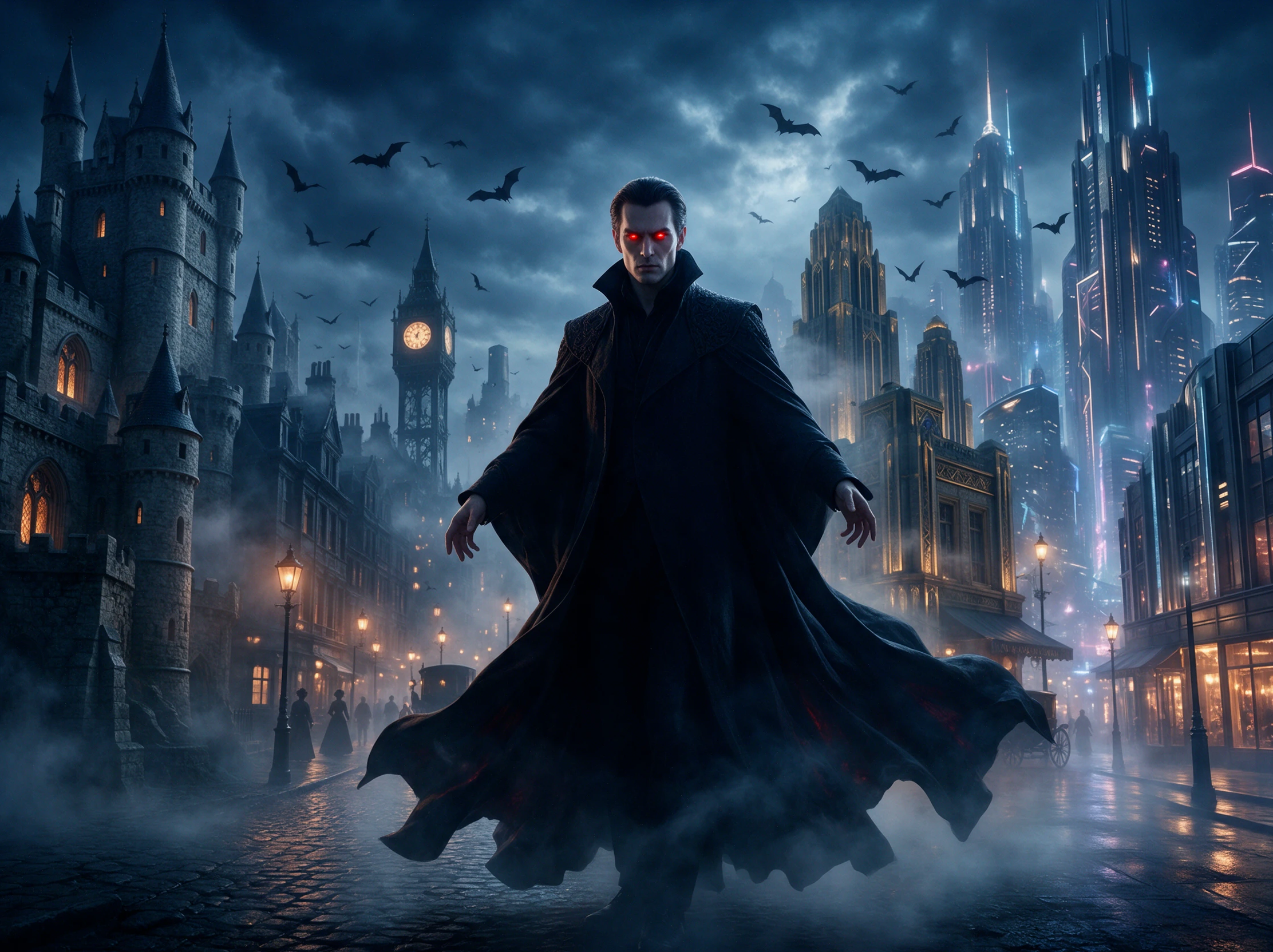
AI vampire story video showing an immortal vampire across different centuries
Nano Banana
Google VEO 3
Sora 2
Gemini
Hailuo
Kling
Midjourney
Qwen
Seedance
Wan
Nano Banana
Google VEO 3
Sora 2
Gemini
Hailuo
Kling
Midjourney
Qwen
Seedance
Wan
Nano Banana
Google VEO 3
Sora 2
Gemini
Hailuo
Kling
Midjourney
Qwen
Seedance
Wan

Top Features of theMagiclight AI Vampire Story Generator

Explain the vampire's life one century at a time. Through every era, the vampire story generator keeps the same face while the clothes, cities, and people change.

14 Story Modelsfor Centuries of Possibilities

Send your vampire down a different path through history. Magiclight AI offers 14 story models for exploring lost love, old rivalries, secret identities, and lives that cross generations.

Create a Vampire Story
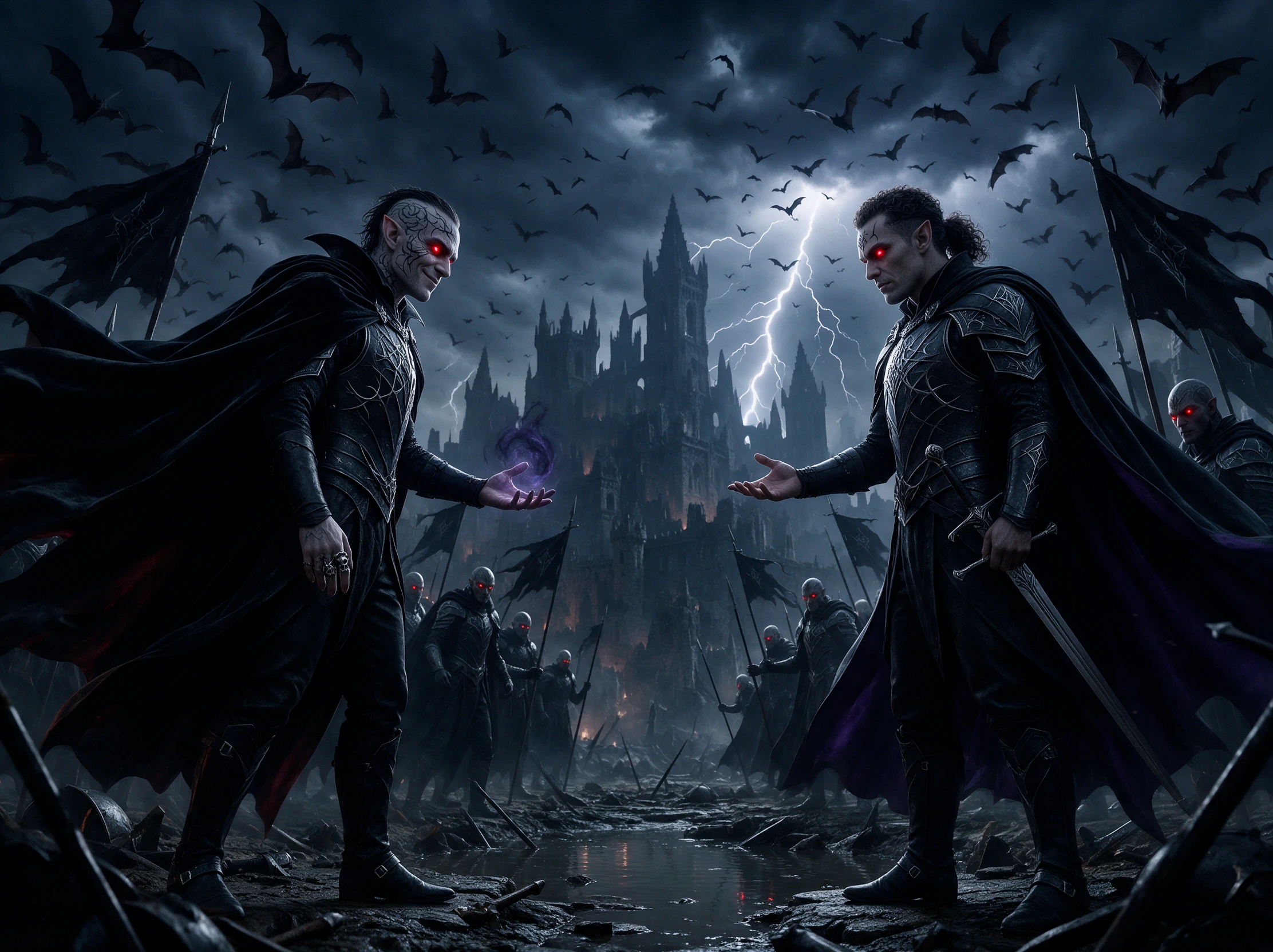
Vampire story ideas and different historical story directions

Keep Your VampireCharacter Recognizable

Give your vampire up to 1,000 characters of detail, from facial features and hair to a signature ring or scar. Save the character so they can return when the timeline moves forward.

Create Your Vampire
A consistent AI vampire character appearing across different eras

Give the Vampire Story a 50-Minute Screen Time

Centuries leave room for betrayals, disappearances, reunions, and new identities. Magiclight AI can run up to 50 minutes, so a longer vampire tale does not have to end after a few scenes.

Generate a Vampire Video
Connected scenes from a long-form vampire saga

Let an Immortal StoryCross Borders

A vampire might begin in one country and spend the next century somewhere else. With 11 supported languages, Magiclight AI can tell the saga for audiences beyond a single region.

Start Creating
Vampire story video created for audiences in different languages
Who Can Use the Magiclight AI Vampire Story Generator
From paranormal romance and classic horror to serial fiction and game nights, the vampire story generator gives different creators a way to bring their vampire stories to life.
Paranormal romance creators developing vampire love stories across centuries
For Paranormal Romance
Try 14 story models to take vampire romances through many different eras.
Use 37 voices to give your vampire and lover distinct romantic dialogues.
Create videos up to 50 minutes for a romance that spans across centuries.
Classic horror fans creating Gothic vampire stories
For Classic Horror Fans
Explore 50+ visual styles for Gothic castles and shadowy period settings.
Use 50 Nano Storyboard poses for duels, bites, and tense confrontations.
Choose 40 music tracks to give classic vampire scenes a darker atmosphere.
Serial writers adapting vampire fiction chapters into videos
For Serial Writers
Paste up to 12,000 characters when turning a serial chapter into a video.
Create in 9:16 format to share vampire episodes with your mobile readers.
Use 21 cover templates to give every vampire episode a recognizable look.
Game masters introducing vampire clans and their lore with AI video
For Game Nights
Pick from 37 voices to give each vampire in your game a distinct sound.
Try 16 animation models to bring vampire clan lore to life before a game.
Export from 720p to 1080p for vampire lore shown on your selected screen.

How to Use the Magiclight AI Vampire Story Generator

Turn one immortal life into a saga in 4 steps. Give the year it was turned, dress it for each era, check the scenes, and pick its voice in the vampire story generator.

1.

Step 1. Set the Complete Vampire Script

Start with up to 12,000 characters to describe when your vampire was turned, the city, key relationships, and the events that carry their immortal story into the present day.

2.

Step 2. Define Visuals and Create Characters

Select a visual model and describe your vampire in up to 1,000 characters, covering their face, hair, scars, clothing, and signature details. Save the character to bring them into later stories again now.

3.

Step 3. Edit Each Era in Nano Storyboard

Review each era and adjust how your vampire acts in Nano Storyboard. Choose from 50+ poses for meetings, confrontations, transformations, reunions, and key scenes onscreen.

4.

Step 4. Add the Voice, Music, and Export

Select from 37 voices and 40 music tracks to match your vampire's era and mood. When the saga is ready, export the finished Magiclight AI video from 720p to 1080p.

What Users Say AboutMagiclight AI's Vampire Story Generator

Elena Marlowe

Romance Author

My vampire romance moves between different decades, and Magiclight AI helps me turn those time jumps into scenes while keeping the same immortal at the center of the story.

James Holloway

Book Club Host

We wanted to imagine where a classic vampire might end up centuries later. Our group used Magiclight AI to turn that idea into a video we could watch before the discussion.

Sophie Carter

Wattpad Writer

I write my vampire story as a continuing series, so each chapter needs to feel connected. With Magiclight AI, I can bring the same vampire back for another era and episode.

Marcus Reed

Game Master

Before our sessions, I use Magiclight AI to introduce old vampire clans and the events behind their rivalries. It gives players the history without another long explanation from me.

FAQs on Vampire Story Generator

Do vampires in my story have to follow classic rules?

No. Keep sunlight and invitations, or drop them for your own rules. Write the rules into your Magiclight AI prompt, and the story sticks to them in every era.

Is Dracula free to use in my story?

Bram Stoker's 1897 novel is no longer under copyright, and Magiclight AI can retell it your way. Newer film versions are still owned by their studios, so skip their looks.

Can my vampire story be romantic instead of scary?

Yes. Say you want a paranormal romance, and Magiclight AI keeps the focus on the vampire and the human rather than on fear. You can still keep a few dark scenes.

Is there a way to keep a vampire story safe for teens?

Yes. Ask for no blood on screen and keep bites off camera. Magiclight AI shows the script first, and anything too dark can come out before you generate.

Can the same vampire appear across different centuries?

Yes. Create and save your vampire in Magiclight AI, then reuse the character as the timeline moves forward. The vampire story generator can follow that immortal through different eras and stories.

Can I split my vampire saga into episodes?

Yes. Make one video per century with the same saved vampire in Magiclight AI, and post them in order. Viewers start with the 1720 episode and end with today.

Create Your Vampire Videos With Magiclight AI

Choose when and where your vampire's story begins. The vampire story generator in Magiclight AI turns that idea into a story that moves through the centuries to today.