Discover the Canva AI Video Generator Features
With the Canva video generator, the clip becomes part of the wider design, not a separate file. Add it to your layout, adjust the look, and size it for each channel.

Creating a branded clip does not require video editing experience. Start with a prompt, then shape the result with captions, sound, brand colors, and the format your platform needs.
Try Canva AI For Free
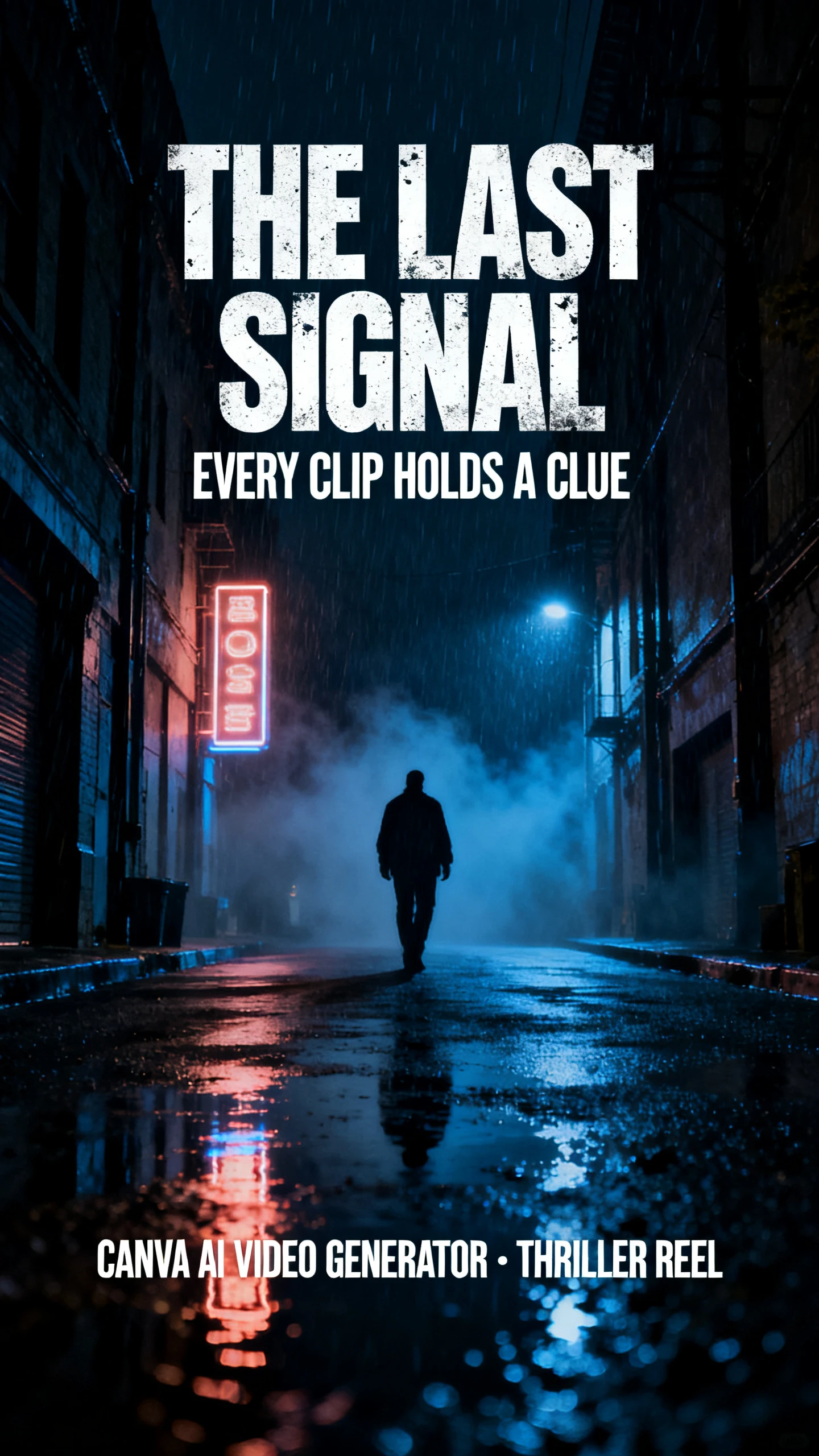
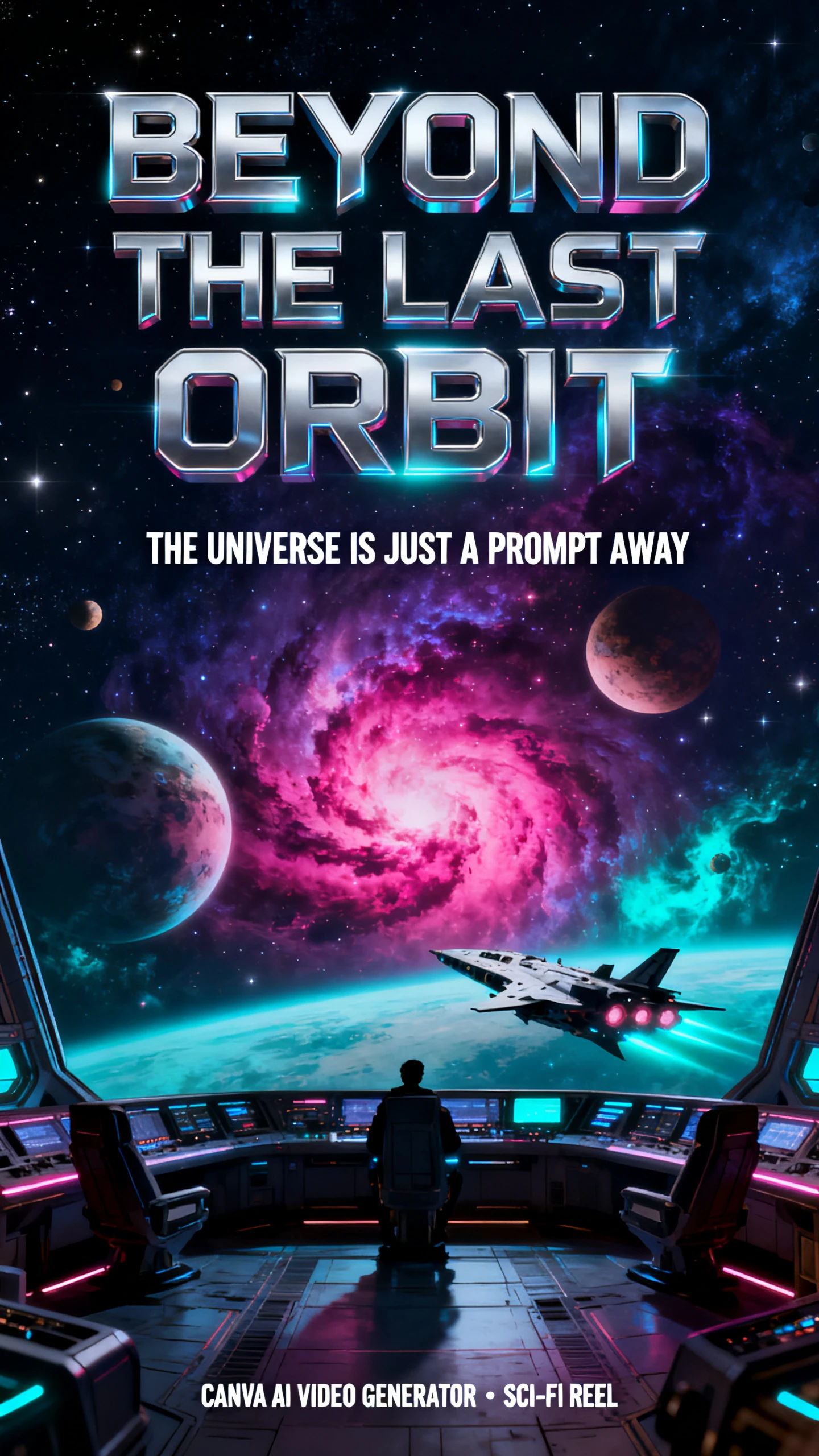
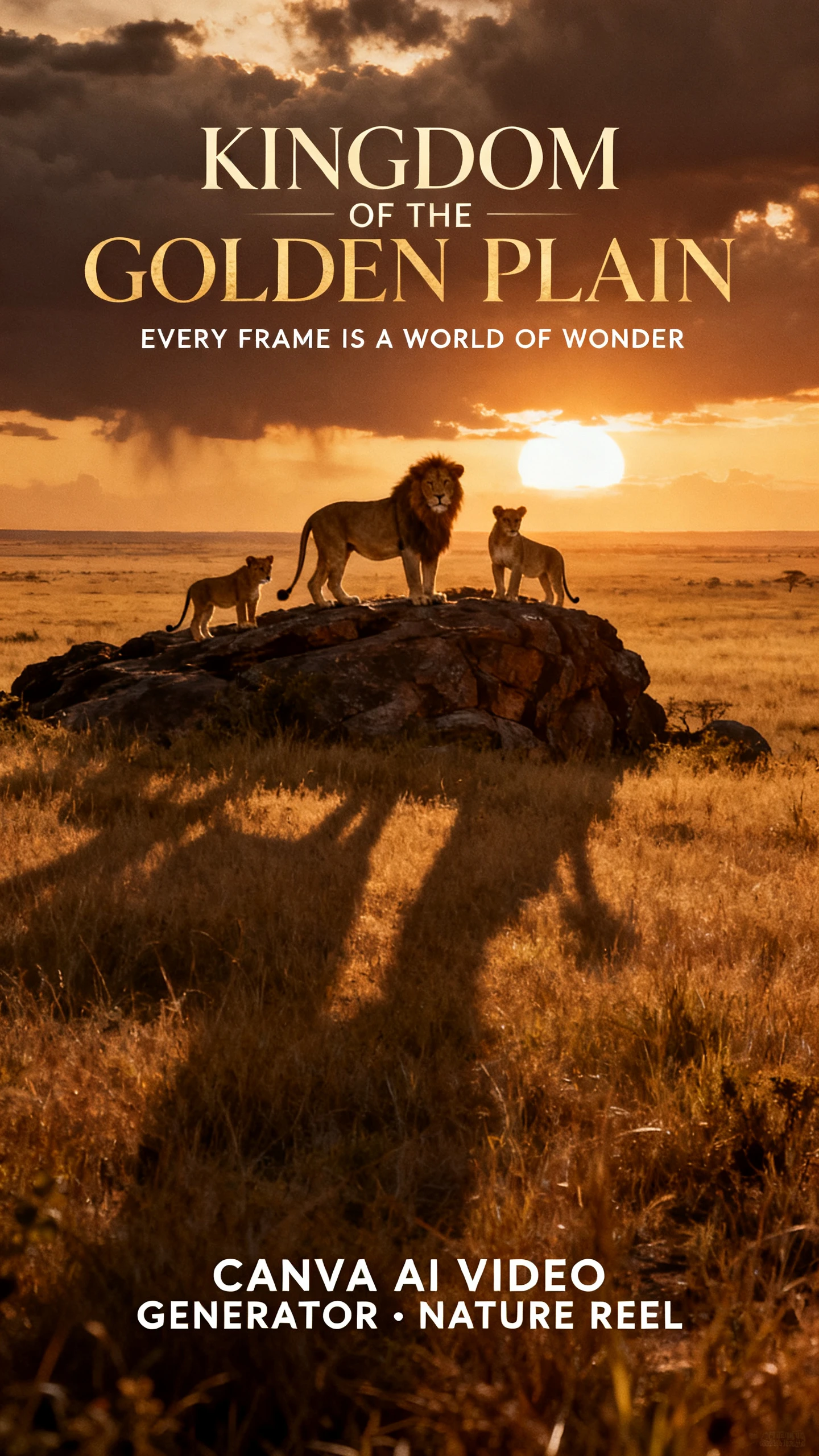
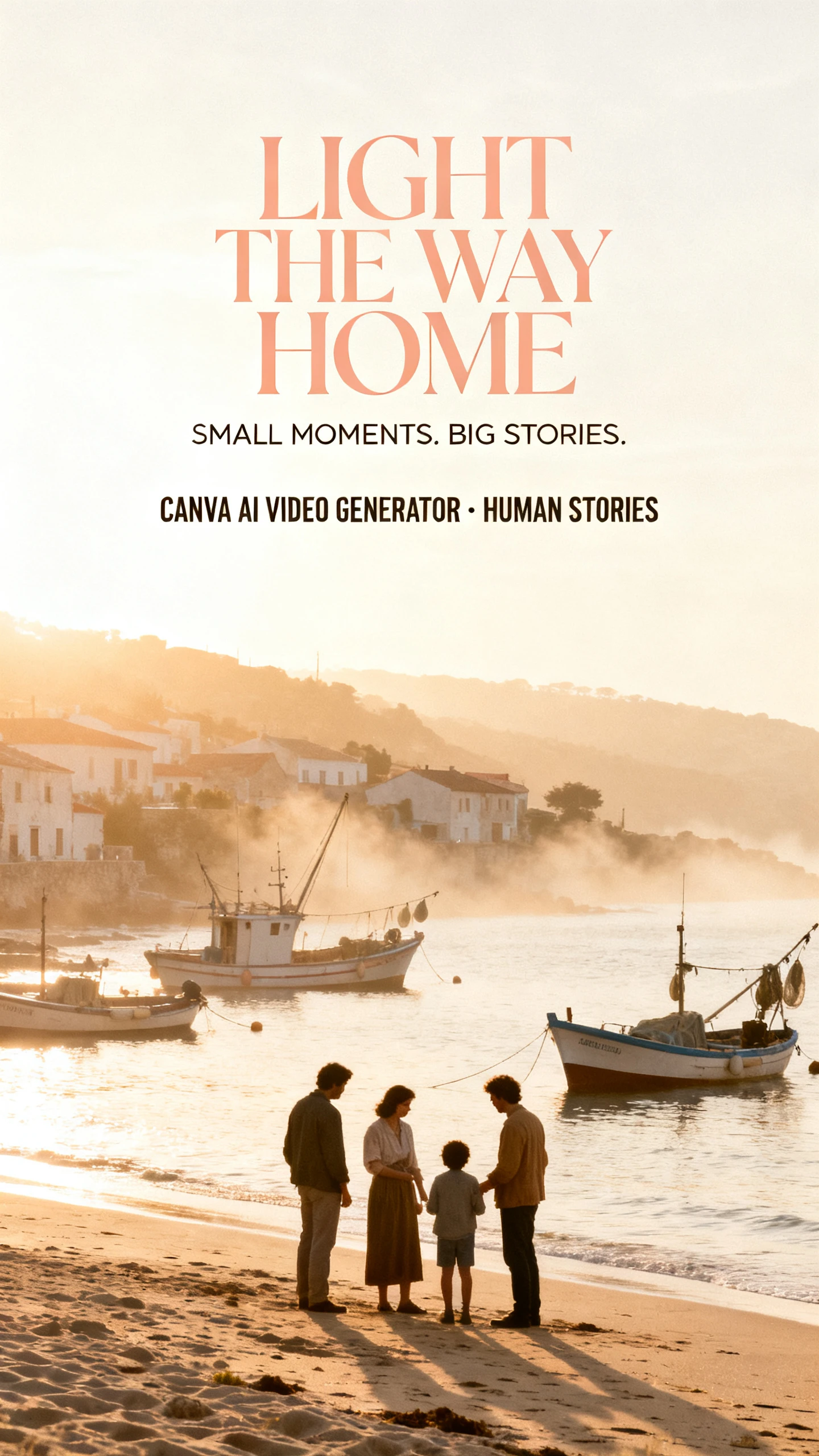
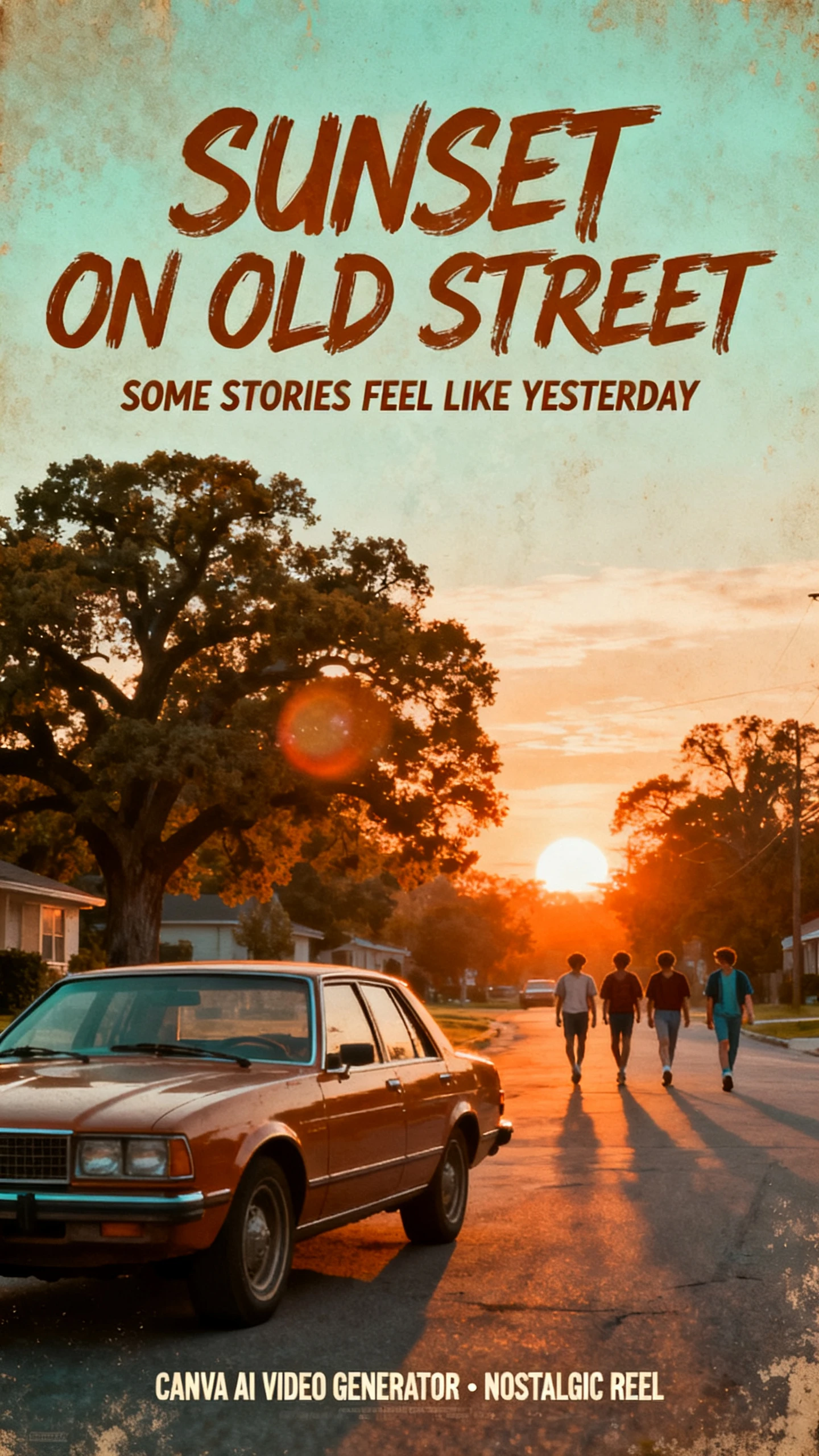
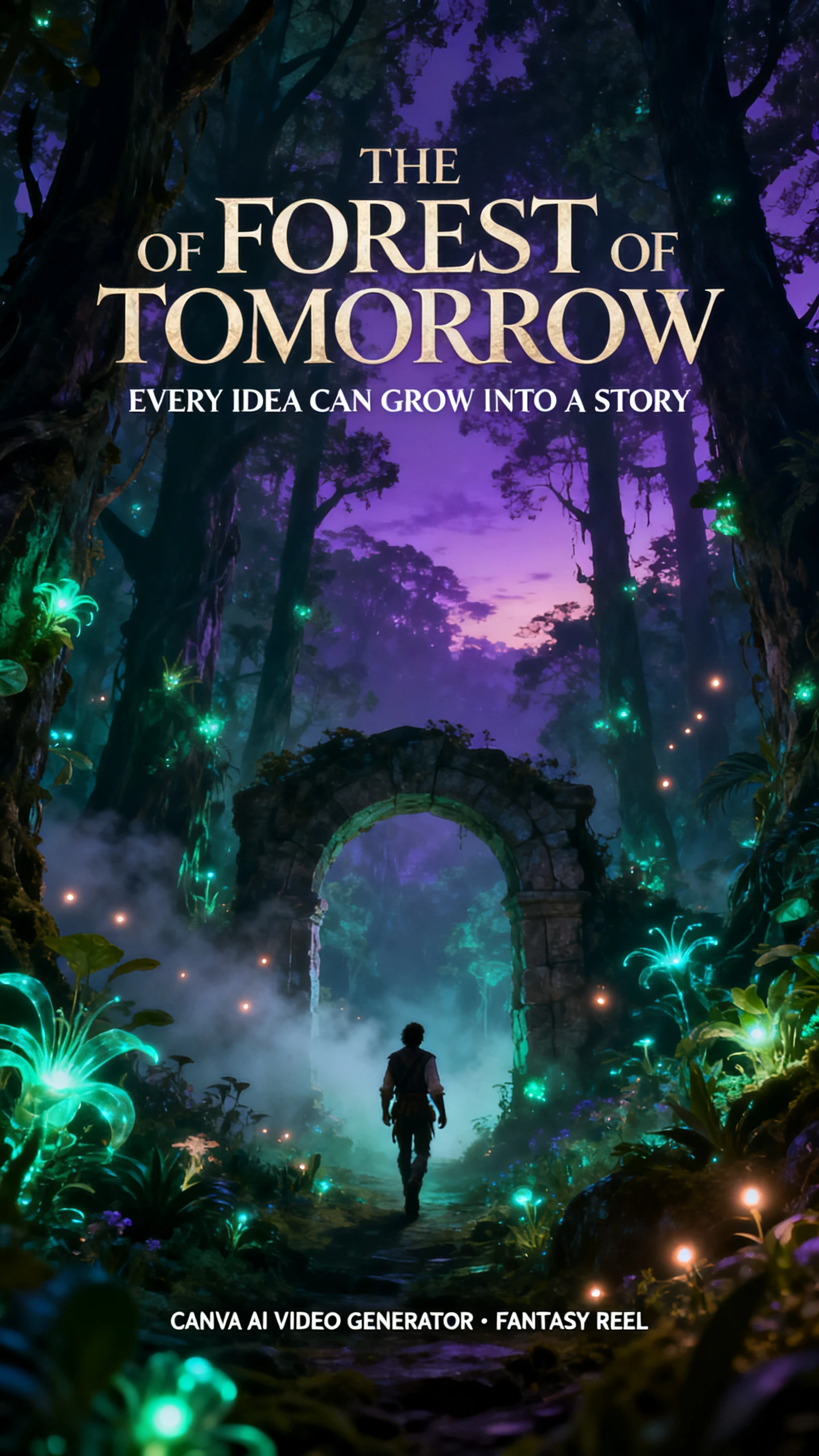
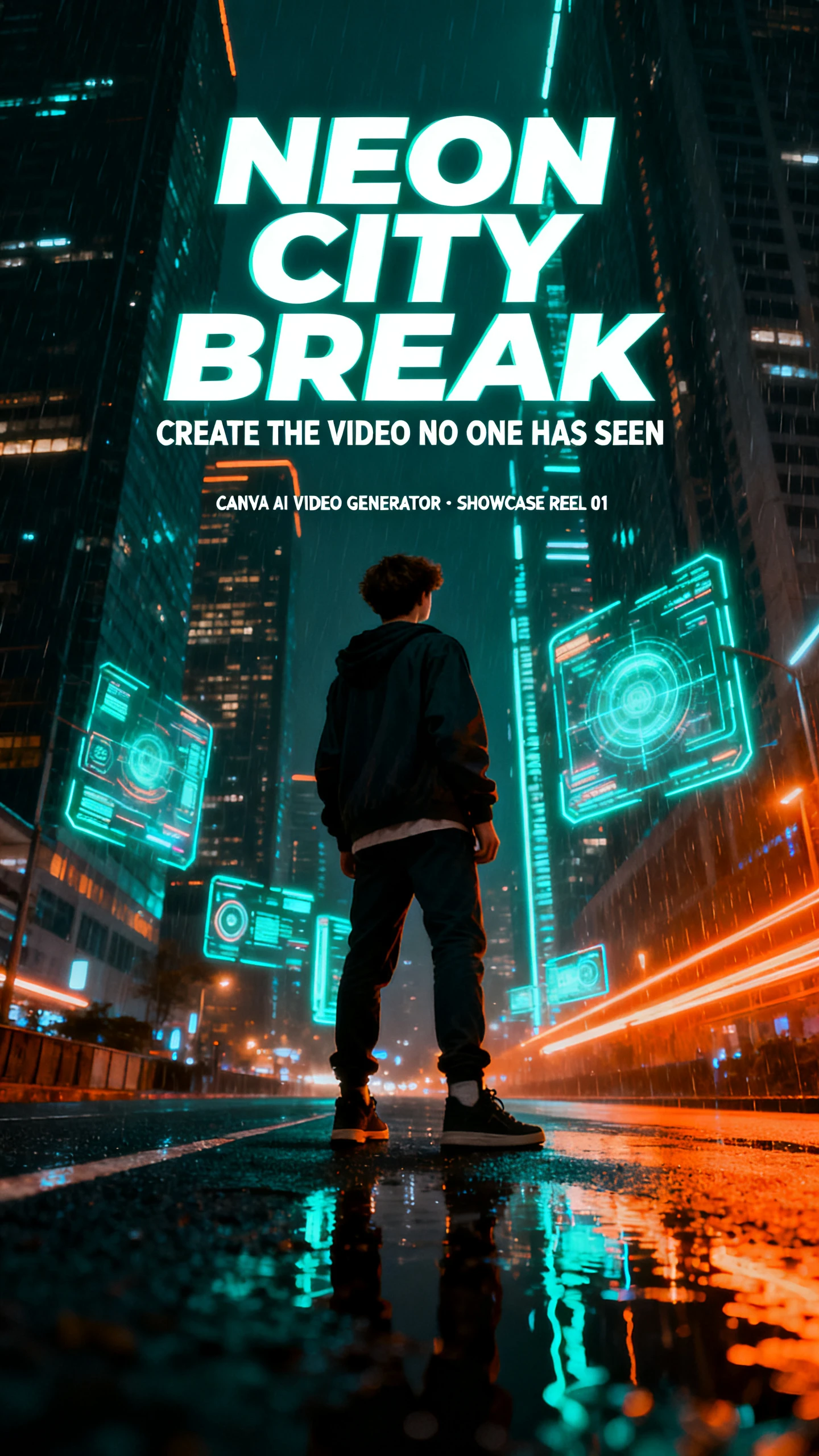
With the Canva video generator, the clip becomes part of the wider design, not a separate file. Add it to your layout, adjust the look, and size it for each channel.

Canva’s AI video generator uses Google Veo 3 to turn each prompt into one 16:9 video clip. Clips with audio last 8 seconds and can include spoken dialogue, background sounds, sound effects, and music. This gives you a short finished scene with both video and audio.
Each clip opens in Canva’s Video Editor with the timeline, templates, stickers, and graphics in one place. You can trim it, add filters or animations, remove the background, and reuse the clip in posts, presentations, or other campaign designs.
Use Brand Kit to add your colors, fonts, and logo around the clip. You can also add captions in one click, then change their colors, style, or animation to match your design. Beat Sync on Pro then matches the cuts to the rhythm of your music. That keeps AI footage looking like part of your campaign, not a stock insert.
Magic Resize on Pro changes the aspect ratio for each platform, so one edit becomes vertical, square, and wide versions. Canva then publishes directly to Facebook, Instagram, X, TikTok, Pinterest, LinkedIn, and Tumblr. Content Planner schedules those posts in advance, so one calendar can publish a full week of content.
For teams already using Canva, the Canva video AI generator adds video without changing the workflow. Brand colors, templates, graphics, and exports can all stay tied to the same campaign.
Video generation is included within Canva’s existing AI allowance, so there is no separate video subscription. Premium and Ultra tools share the same monthly allowance, which resets on your billing date. Pro and Business users can top it up with an AI Pass if needed.
Try Canva AI For Free
The Pro version includes more than 141 million premium photos, videos, graphics, and audio. B-roll and music from that library can fill the moments an 8-second AI clip cannot cover on its own. The generated shot then becomes the hook of a longer, fully branded edit rather than a lone clip.
Try Canva AI For Free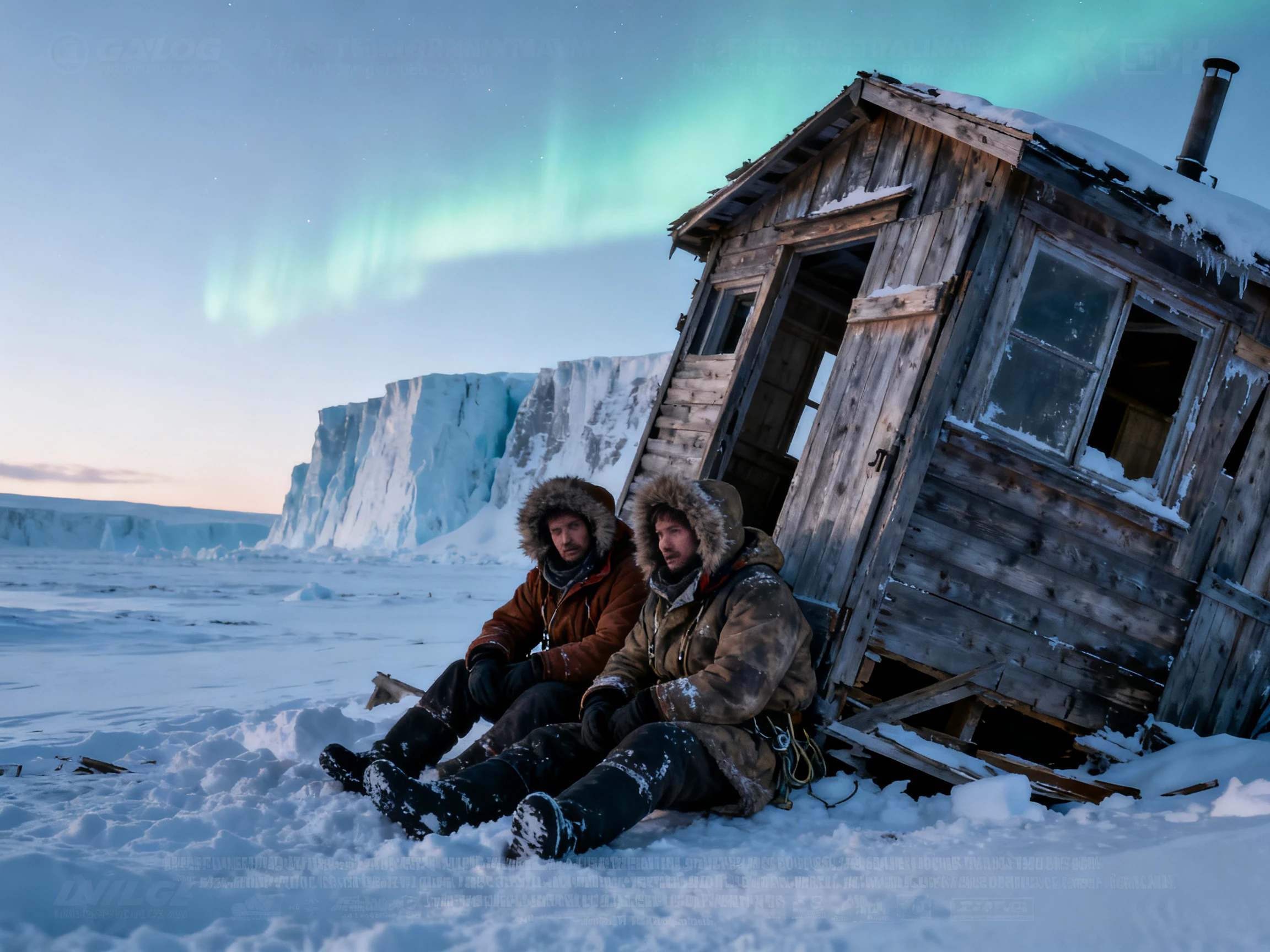
Canva lets you use designs made with Canva AI in personal and commercial projects, as long as you follow its AI Product Terms. The video tool also blocks inappropriate prompts and moderates the clips it generates. That gives brand teams a safer default for client work and public campaigns.
Try Canva AI For Free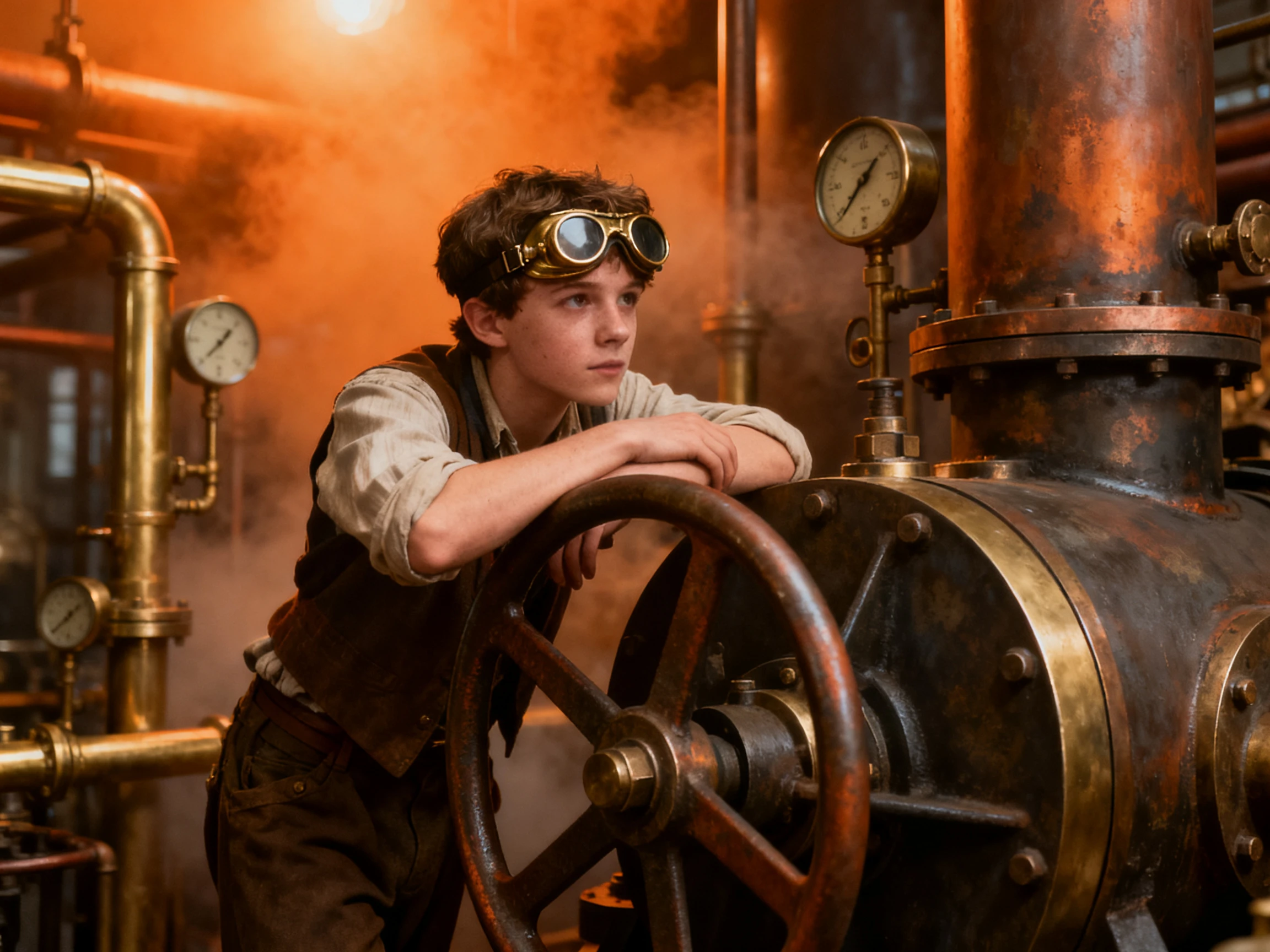
Start every tool with the same brief to keep the test fair. Compare Canva’s AI video generator on video inputs, editing features, design flexibility, and asset library access.
| Platform | AI Clip Source | Design Tools | Asset Library | Best For |
|---|---|---|---|---|
| Canva | Veo 3, basic prompt | Templates, brand kit, Magic Resize | 141M+ premium assets | Small business marketers |
| Magiclight AI | Script-driven story scenes + 14 story models | Nano Storyboard, 20+ visual styles | 37 voices and 40 music tracks | Long-form storytellers |
| Freepik | 30+ video models | Clip Editor, Spaces, 4K upscaler | 250M+ stock assets | Designers and marketers |
| InVideo | Veo 3.1, Kling, Wan and more | Plain-language edits on a timeline | Premium stock, capped by plan | Marketing teams |
| Medeo | Veo 3.1, Seedance and more | Chat edits plus a visual track | Millions of stock images and videos | Social creators |
The process stays simple from idea to post. Canva AI video generation creates the clip, then you can add branding, resize it for each platform, and schedule the finished version.
Open Canva AI from the Canva homepage and select Video clip. Describe what you want to see, how it should move, and any sound to include. You can also add a reference image.
Accept any suggested prompt enhancements, then generate. The clip can take up to 2 minutes, and Ultra quality adds 8 seconds of audio. Prompts work in English only.
Select Canva Editor to place the clip on the multi-layered timeline. Trim it, then add captions, brand kit colors and fonts, music, or a full template around it.
Use Magic Resize to create vertical and square versions for each channel. Publish directly to Instagram, TikTok, LinkedIn, and more, or schedule the posts in Content Planner.

Social Media Manager
Canva let us turn one prompt into a Veo 3 clip, drop it into the campaign layout, and keep the same brand colors, fonts, and captions across every version.

Brand Designer
We placed the Canva AI clip inside an existing branded template, added our logo and type styles, and it felt like part of the campaign instead of a separate asset.

Content Strategist
Canva made it simple to resize one video for vertical, square, and wide formats, then schedule each version for the right social channel from the same project.

Marketing Lead
Since Canva AI video sits inside our existing Pro workflow, the team could create clips, add stock assets, edit the layout, and publish without adding another tool.
No, the Canva AI video generator is an Ultra AI tool, so it needs a Pro, Teams, Business, Enterprise, or Nonprofit plan. Free accounts get other AI tools, but no Ultra access.
Canva AI video generation is an Ultra tool that shares a monthly pool with Premium tools. If clips are all you make, Pro, Teams, and Nonprofit plans allow up to 20, and Business or Enterprise up to 40.
Not directly. Canva says you can't change the audio in clips generated with sound. You can still trim the clip, then add text or music over it in the video editor.
Google’s Veo 3 powers the video generator, creating 16:9 clips with synchronized dialogue, sound effects, and music. Inside Canva AI, you will find it listed as a Video clip.
Yes, Canva can turn a photo or selfie into a talking presenter, or you can choose an AI avatar. It can read scripts in over 40 languages, with more avatar options available through apps like D-ID.
No, the Canva video AI generator is included in Canva AI on the homepage. After creating a clip, you can open it in the Canva editor and use it in designs or social posts.



Describe the clip your design is missing and drop it straight into the layout. Canva then resizes it for every channel and posts it whenever you are ready.