What the Hedra AI Video Generator Offers
Perform the line rather than mouthing it, and the difference shows immediately. See what Hedra AI free video generator can do with one image.

Turn any face and voice into an expressive talking video with the Hedra AI Video Generator. Get natural expressions and head movement with no editing skills required.
Try Hedra AI For Free
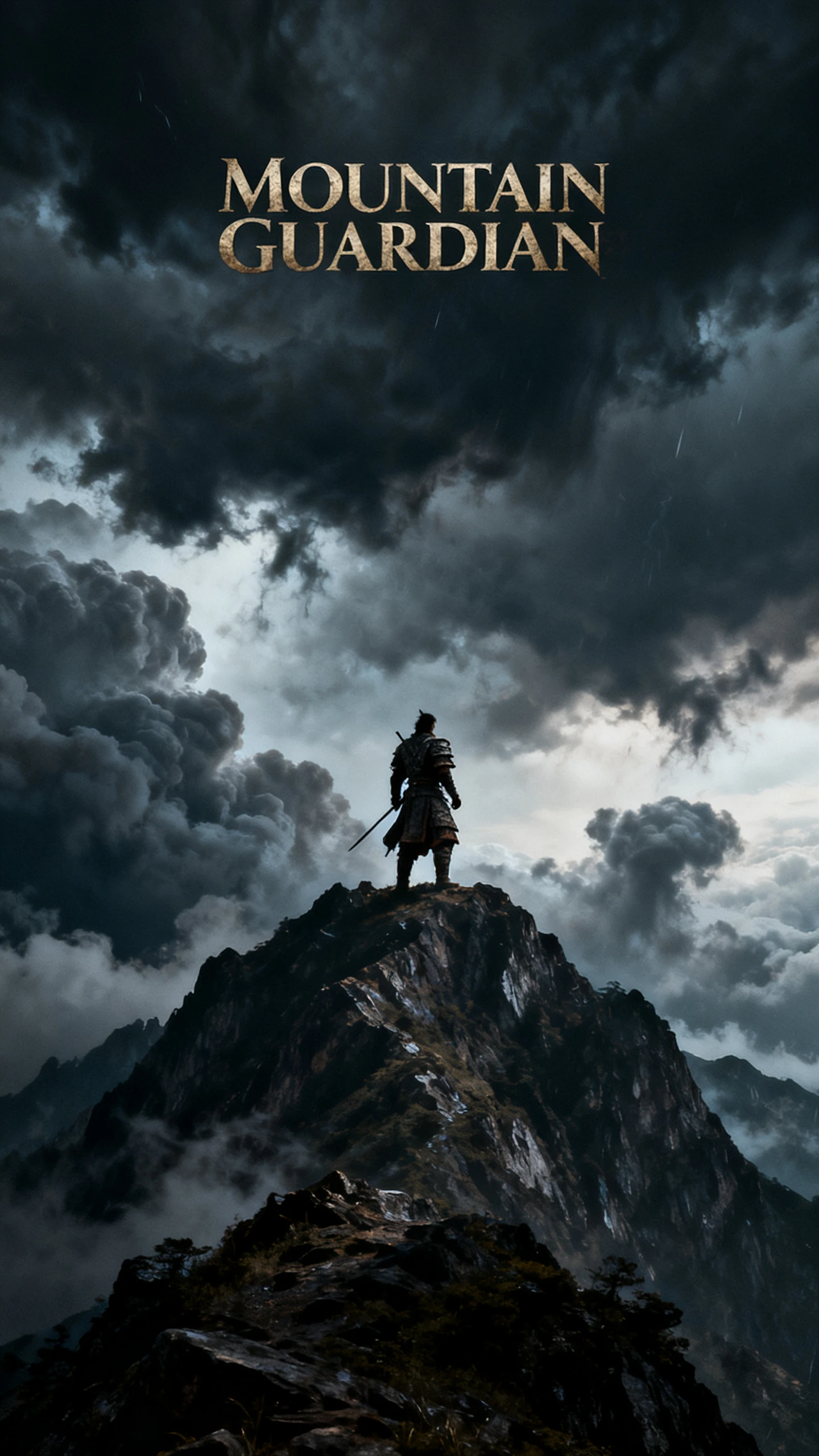

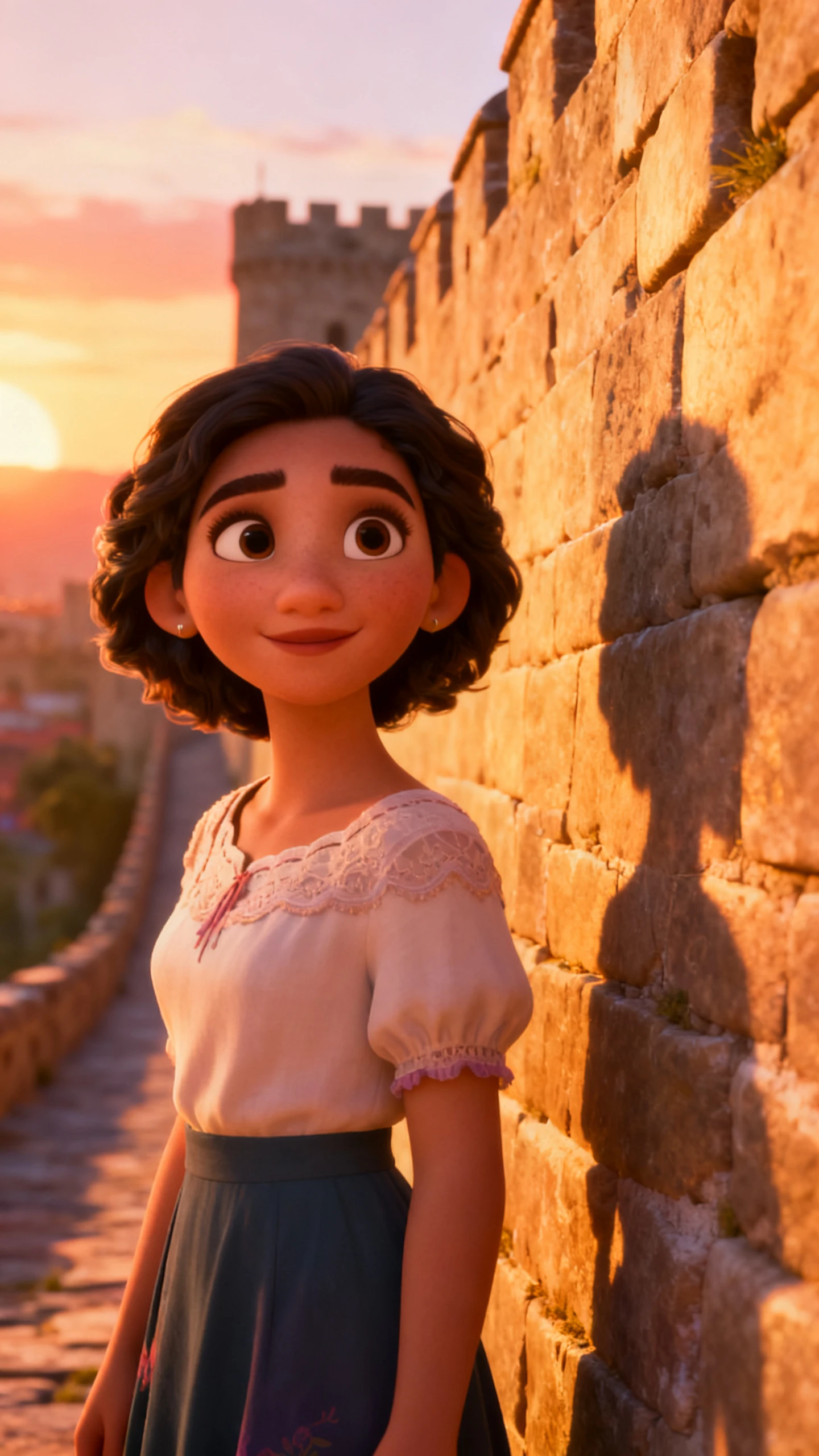
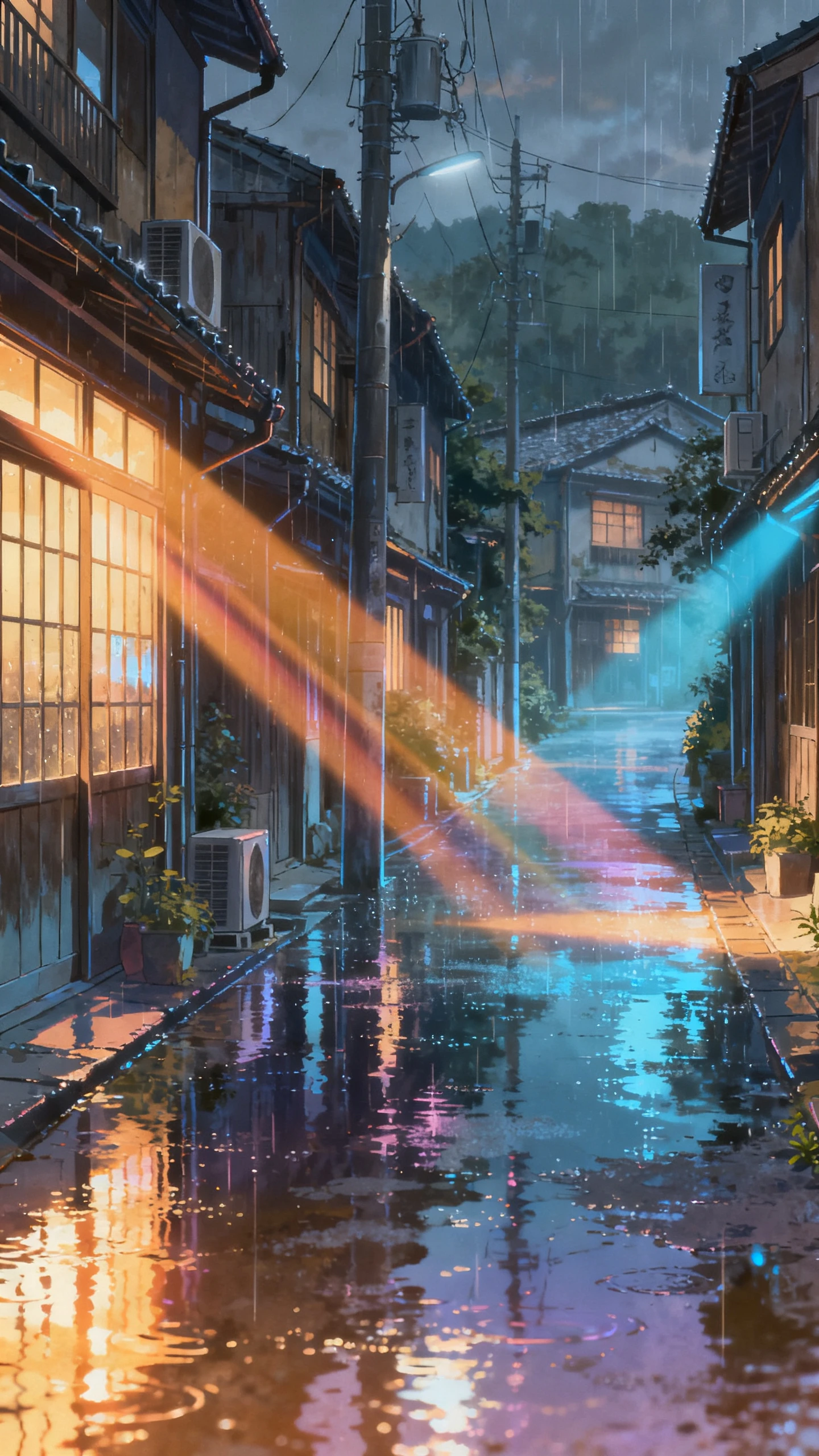

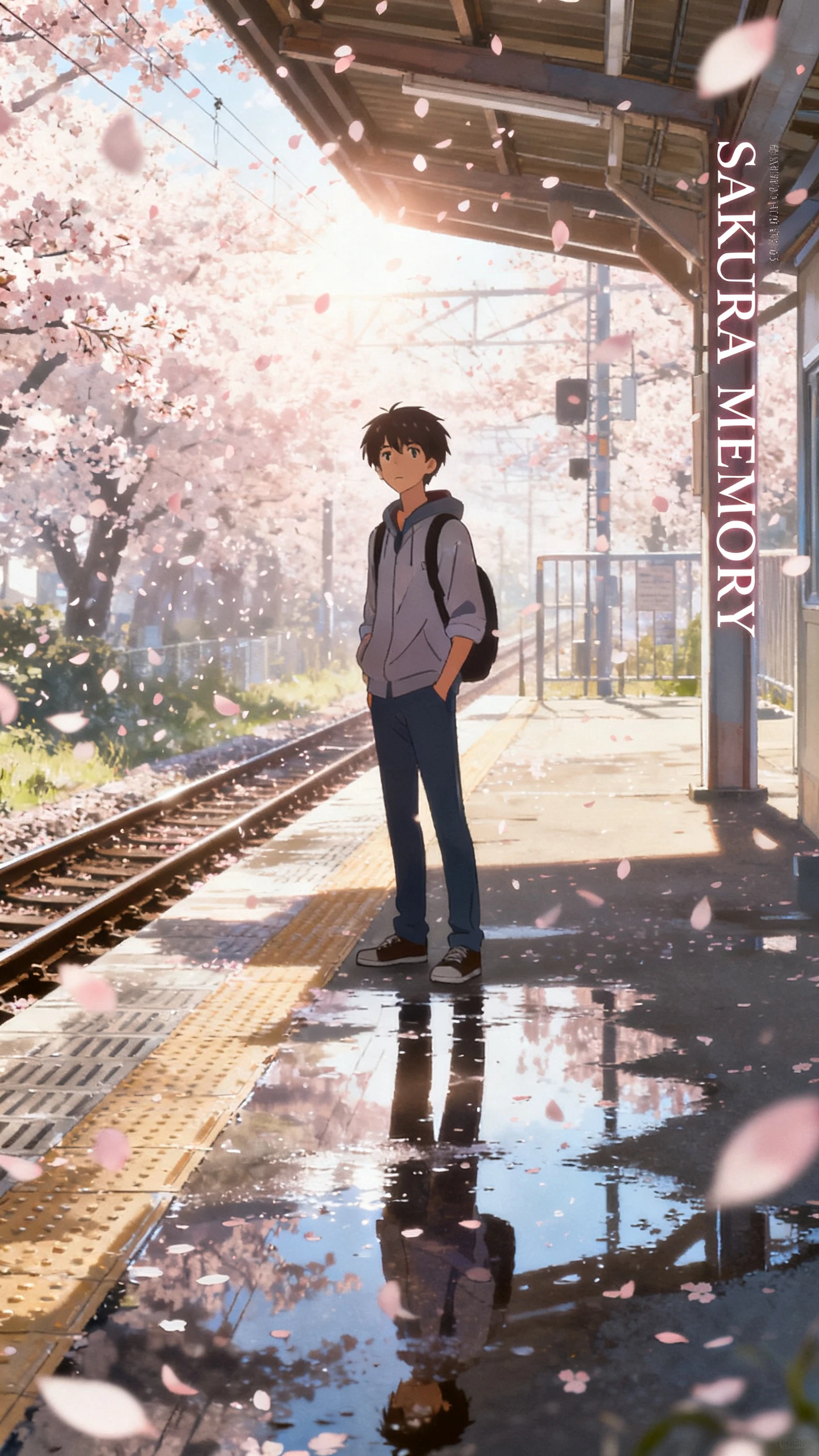
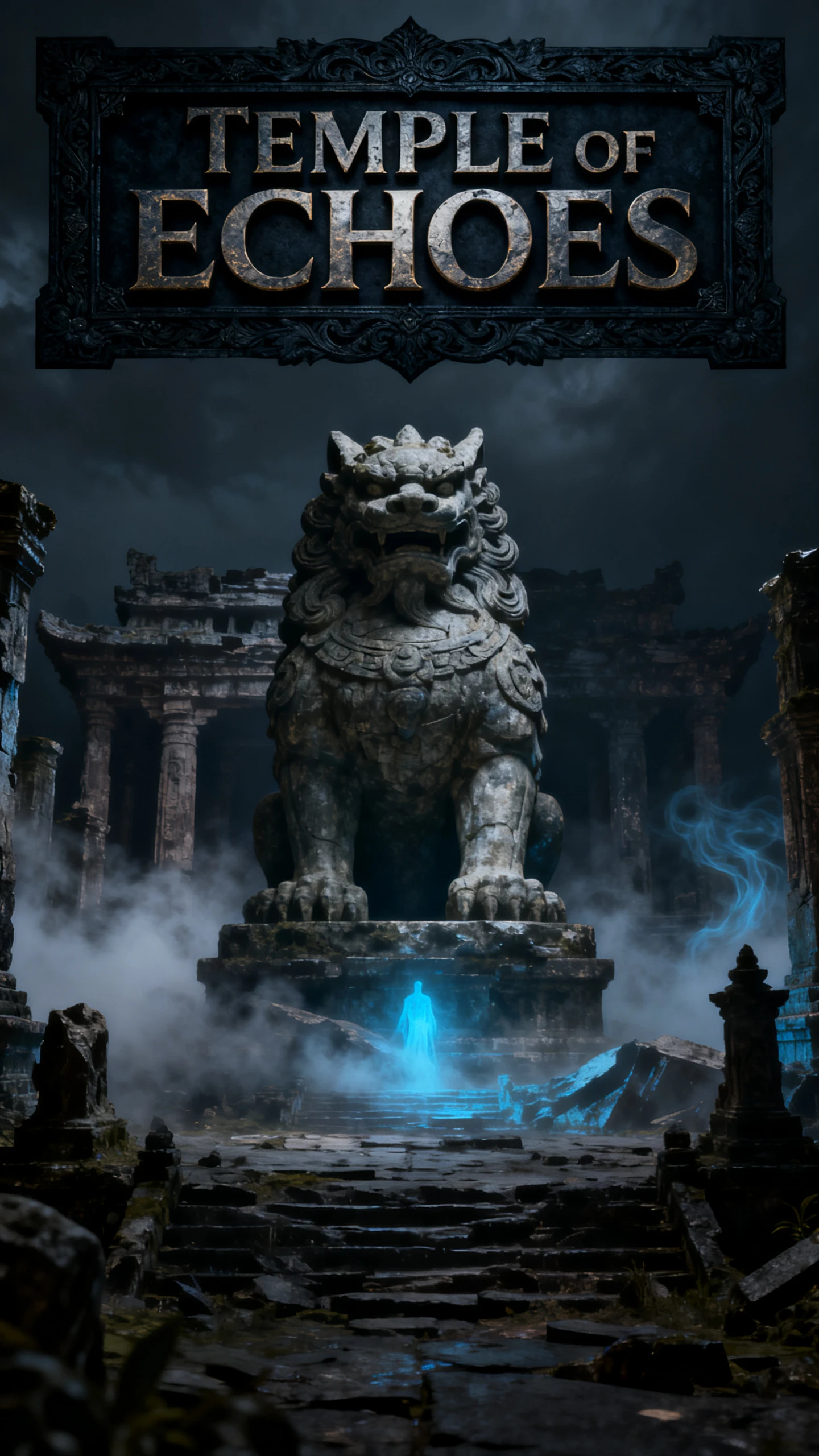
Perform the line rather than mouthing it, and the difference shows immediately. See what Hedra AI free video generator can do with one image.
Use Hedra’s Character-3 to process image, text, and audio in one generation flow. By reading all 3 inputs together, the model can keep the character, spoken content, and overall performance more closely aligned from start to finish.
Go beyond matching mouth movement to speech. Hedra Character-3 can add facial expression and head motion to the performance, giving talking characters more visual behavior than a basic lip-sync workflow.
Upload a portrait, illustrated character, or branded face and turn it into a talking video. This gives creators more freedom to use custom characters instead of depending on a fixed presenter library.
Bring characters into real-time experiences instead of limiting them to rendered clips. Live avatar support from Hedra enables responsive use cases such as interactive assistants, conversational characters, and digital presenters that react during a session.
Unlock more with Hedra AI video generation through longer videos, multilingual reach, and guided workflows that give creators more ways to produce content.
Choose from Hedra’s own character models and supported third-party video models in one platform. This gives creators more flexibility to match the right model to each scene, style, or project without switching between separate tools.
Try Hedra AI For Free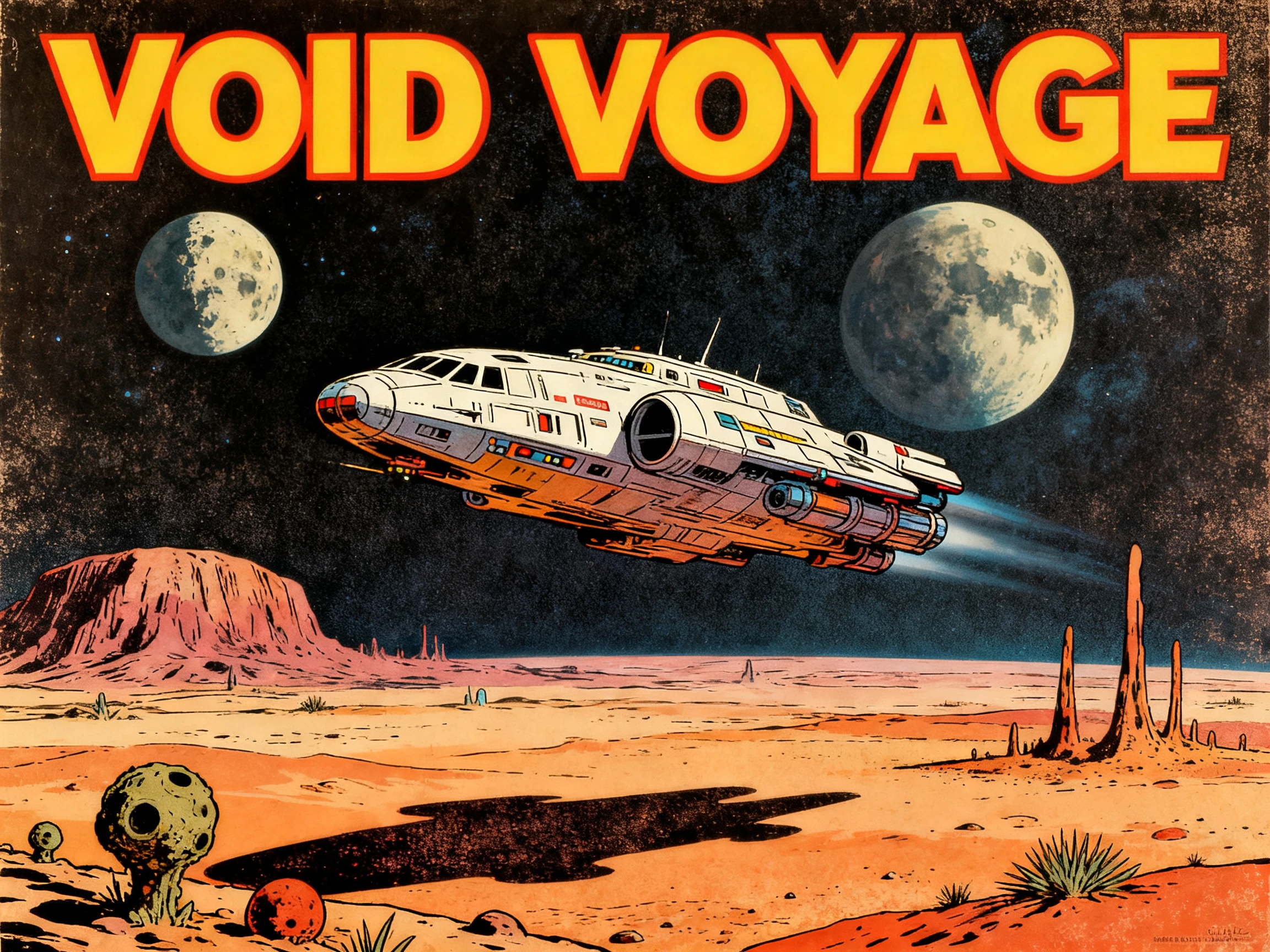
Handle character creation, video generation, voice, and other creative steps inside one broader workflow. This reduces tool-hopping and makes it easier to move from an idea to a finished asset without managing several separate platforms.
Try Hedra AI For Free
Benefit from a platform that keeps adding new creation workflows and model access. As Hedra expands with tools such as Elements, Omnia, and Agent, creators get more ways to plan, generate, and refine content from the same ecosystem.
Try Hedra AI For Free
Deliver the same portrait to each platform and let the trade-offs surface fast. Review these options against Hedra AI video generation and what each one was built to do:
| Platform | Character Source | Strength | Languages | Users |
|---|---|---|---|---|
| Hedra | Any image you upload | Expressive performance | 15+ for lip sync | Creators and marketers |
| Magiclight AI | Reusable saved characters | Long-form story video, up to 50 minutes | 11 languages | Storytellers and long-form creators |
| Synthesia | 240+ stock avatars | Enterprise maintenance | 160+ languages | Training teams |
| Mango AI | A portrait photo | Speed and simplicity | Multiple | Social creators |
Allow 4 steps between an image and a finished performance. Recast a mascot or your own face through the AI video generator Hedra built.
Upload a portrait, paste an image, or generate one inside Hedra. For avatar video, Hedra recommends a clear image so facial motion and lip sync have a strong starting point.
Load an audio file, record your voice, type a script, clone a voice, or choose from Hedra’s AI voices. For talking avatars, the audio drives the length and spoken performance.
Pick the video model, then add a prompt to guide expressions, gestures, mood, or motion. Set options such as aspect ratio and resolution before you generate.
Generate the video, preview the result, and adjust the voice, look, pacing, or prompt if needed. Once it matches your goal, export or download the finished clip.

Brand Content Creator
Our mascot only ever existed as a flat illustration. Hedra gave it a voice and an actual face, and it now fronts every product announcement we publish.

Course Video Creator
Students switched off during my old avatar lessons because nothing on screen moved. The expressions in Hedra hold attention in a way flat lip sync never did.

Social Video Creator
Most clips take 2 or 3 attempts before one feels right. Generation in Hedra is fast enough that three takes still beats waiting on one render elsewhere.

Agency Video Producer
We tested 6 avatar tools with the same portrait and script. The facial reactions felt more connected to the meaning of the words in Hedra.
The Hedra AI video generator turns a still image and audio into a talking character video. Character-3 supports lip sync, facial motion, subtle head movement, and micro-expressions for speech-driven performances
It means Character-3 processes image, text, and audio together within one model. Hedra describes it as an omni-modal system, so the character’s visual performance can respond to the combined context rather than audio alone.
Yes, with a free plan that needs no credit card. Output carries a watermark and the credit allowance is modest, so check the live account for current limits before planning any real production around it.
Yes. Hedra states that real portraits, illustrations, cartoons, and brand mascots can all be used as starting images for talking videos, so you are not limited to stock presenters.
Hedra supports multilingual lip sync rather than a fixed 15-language limit. Language coverage depends on the voice or audio you use, so the platform can handle a wider range of spoken content across different markets.
The main limits are plan restrictions and workflow complexity. Free outputs may be watermarked and non-commercial, while advanced production can still require extra work for editing, music, captions, or multi-clip assembly.



Upload a portrait, add a short line, and generate your first character video with Hedra. Review the result, refine the voice or prompt, and try another take if needed.