Explore the LTX Studio AI Video Generator Features
A film idea often needs more than a script to explain how it should look. LTX Studio AI video generator brings visual development, sequencing, and presentation tools into the same workspace.

Start with a script, not an editing experience. LTX Studio breaks your story into scenes and shots, manages recurring characters, prepares a pitch deck, and generates the footage with sound.
Try LTX Studio For Free


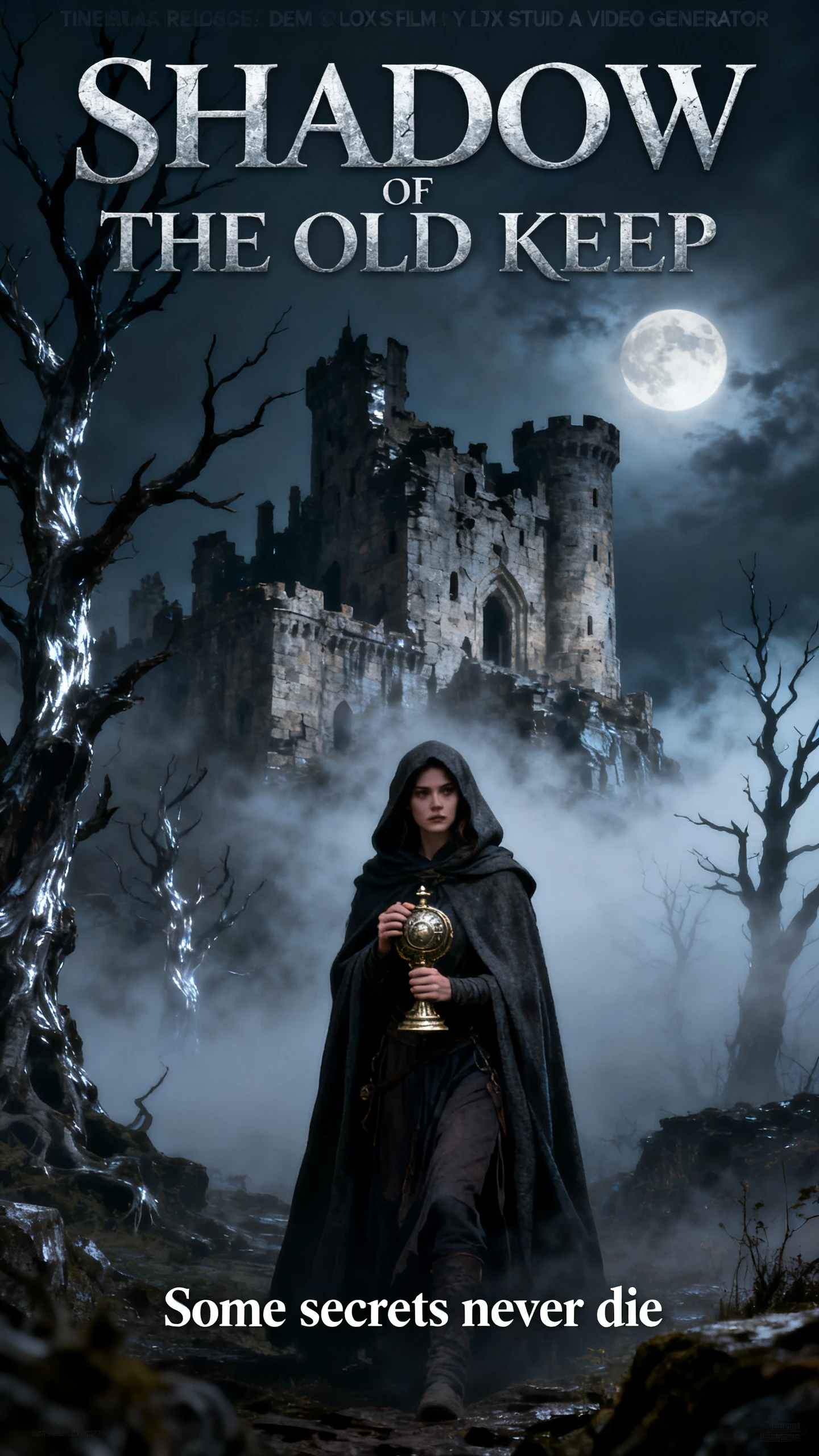

A film idea often needs more than a script to explain how it should look. LTX Studio AI video generator brings visual development, sequencing, and presentation tools into the same workspace.

Upload a script, whether it is a detailed narrative or a short promo text, and LTX Studio organizes it into scenes and shots. Characters, objects, and locations are pulled out automatically as reusable Elements. Review the shot breakdown, adjust camera angles and visual direction, then generate.
Elements hold your characters, objects, locations, and other creative assets for the whole project, in one shared library. Tag them in any shot, and the same face, prop, or set carries through every scene without manual tracking. Upload a brand reference image, and its look can apply across the entire project.
LTX-2.5 is the native model from Lightricks. It generates 4K video at up to 50 frames per second, with synchronized stereo audio in the same pass. Clips run up to 20 seconds per generation, depending on resolution. Standard and Pro plans add models such as Kling, Seedance, and Veo 3.1 for shots that need a different look.
Retake lets you select any 2 to 16-second segment of a video and regenerate only that moment. The footage around it stays untouched, so one bad beat never costs you a strong take. Camera presets add dolly, crane, pan, tilt, and handheld moves, and Audio-to-Video shapes motion around a voiceover or song.
Getting an idea approved is easier when people can see how it might play on screen. LTX Studio AI video generator offers advantages that fit agency and filmmaking workflows.
With a subscription plan, a project turns into a pitch deck covering the synopsis, color schemes, and character profiles. Download it as a refined PDF, or export every generated asset as a ZIP for client reviews. Stakeholders see the actual look of the film before the budget is approved.
Try LTX Studio For Free
LTX Studio keeps individual shots editable inside the same project timeline. Creators can adjust scenes, regenerate problem moments, and rearrange approved shots without rebuilding the storyboard from scratch. That makes revisions easier when pacing, visual direction, or client feedback changes during production.
Try LTX Studio For Free
LTX Studio’s Flows connect prompts, images, video, audio, and upscaling into a reusable pipeline. Run the full sequence at once, batch several prompts or references, and change one step without rerunning unchanged nodes. It is available across all plans, making repeated campaign variations easier to manage without reconstructing the process each time.
Try LTX Studio For Free
Create the same scene in each tool before you decide. The LTX Studio AI video generator is compared on planning output, consistency, and model access.
| Platform | Planning Output | Consistency Method | Model Access | Users |
|---|---|---|---|---|
| LTX Studio | Storyboards, animatics and PDF pitch decks | Elements for characters, objects and locations | LTX-2.5 plus Veo 3.1, Kling and Seedance | Agencies and film teams |
| Magiclight AI | Nano Storyboard with scene-level edits | Saved 1,000-character character profiles | 14 story models + 20 video engines | Long-form storytellers |
| Google Flow | Scene Planner for sequencing shots | Up to 3 reference images per shot | Veo 3.1 with native audio | Directors sequencing AI shots |
| FLORA | Node workflows and mood boards | Character Lock technique | 50+ models on one plan | Design-led creative teams |
| Kling | Custom multi-shot planning | Elements from 2 to 4 images or a video | Kling 3.0 family | Creators directing multi-shot clips |
Begin with the story you already have on the page. LTX Studio AI video generator takes it through 4 steps, covering visual planning, storyboard development, shot generation, and final presentation.
Open a free account at ltx.io/studio, start a project and upload your script as plain text. Pick an image model such as FLUX or Nano Banana and set the aspect ratio.
Check the scene and shot breakdown, then refine the Elements LTX Studio extracted for characters, objects, and locations. Adjust camera angles before generating.
Generate each shot with LTX-2.5 or another model, adding music and sound effects as you go. Use Retake on any 2 to 16-second segment that needs a second attempt.
Arrange the shots on the Timeline, then export an MP4 storyboard or, on Standard and above, a PDF pitch deck. Download the final video once every scene is approved.

Associate Creative Director
LTX Studio changed how I approach filmmaking by opening up more creative possibilities while making the overall production process much more streamlined.

Filmmaker
LTX Studio gave me a storyboard to work from, then let me refine individual scenes in Gen Space before sending the finished shots back into the project.

Content Producer
Elements helped me keep characters and locations more consistent across my short film by letting me save references and tag them directly inside prompts.

LTX Studio Reviewer
Reusable Elements made it easier to carry a character, product, location, or visual style across different shots instead of revamping every prompt from scratch.
Yes, with limits. The LTX Studio AI video generator’s free plan gives 800 one-time credits for personal use, with a watermark on exports. Paid plans add monthly credits.
No, LTX-2.5 is the open-source video model from Lightricks. LTX Studio is the company’s subscription web suite for producing videos with that model and others, such as Kling and Veo.
Yes, Script to Video accepts scripts in multiple languages, although LTX Studio says the results come out in English. The upload itself takes a plain text file.
Yes. Audio-to-Video takes dialogue, music, a podcast, or a voiceover and shapes the timing, pacing, and motion around it. Dialogue scenes get automatic lip sync.
Commercial use starts on the Standard plan at $35 a month, which also removes the watermark. The Free and Lite plans include only a personal-use license.
Yes, LTX Desktop is a free local app for the open-source model, and the weights are on GitHub and Hugging Face. Organizations earning over $10 million a year need an enterprise license.



Upload the script you want to pitch and let the LTX Studio AI video generator lay out every scene. Share the storyboard, confirm, and then generate the final shots in the same project.