Hero background

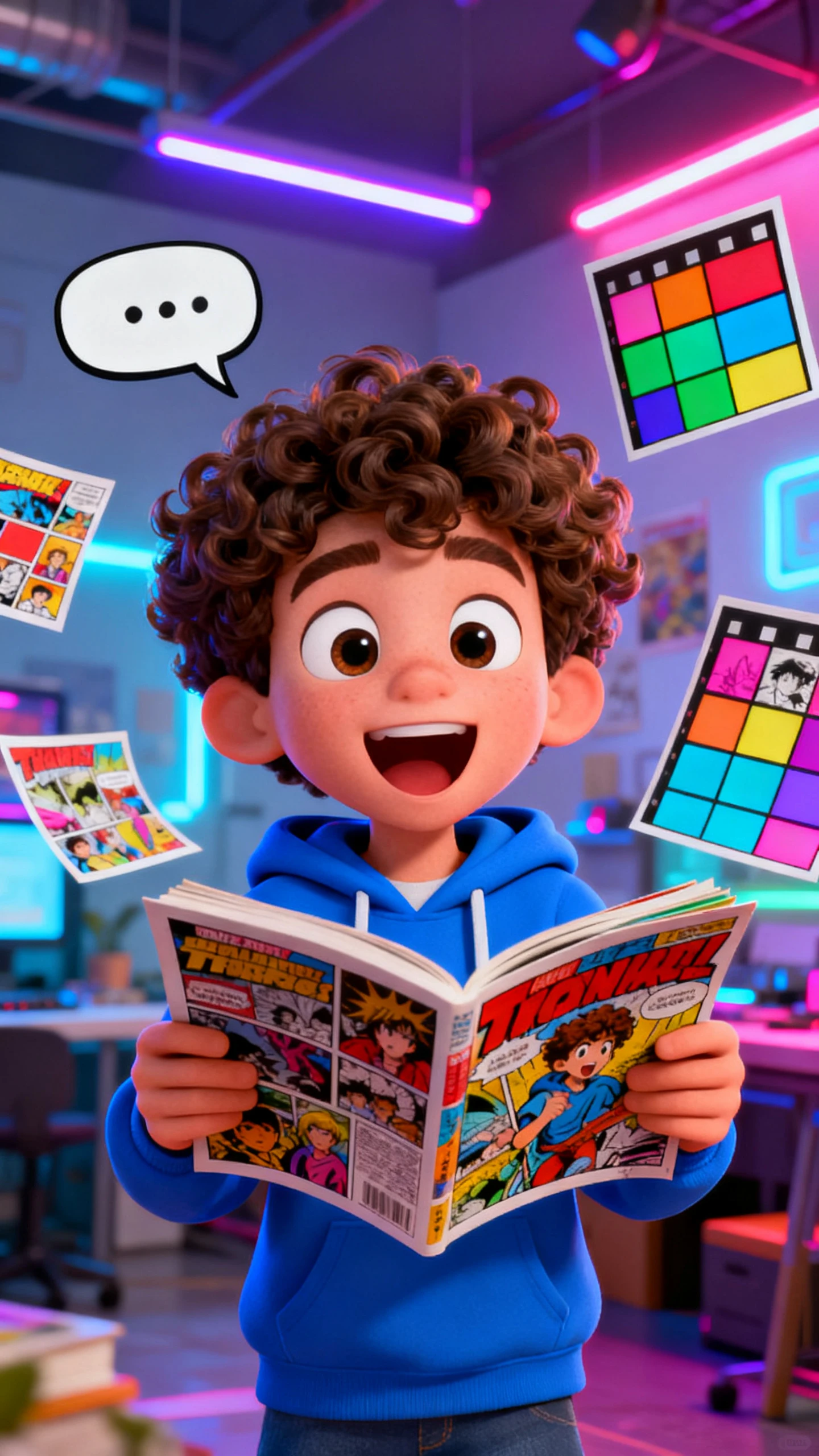
AI Comic Generator for Animated Comics

With Magiclight AI's comic generator, you can turn scripts into manga-style videos for social posts. Get easy text-to-comic creation with voices and captions.

Try AI Comic Generator For Free
ai comics generator
comic ai generator
free ai comic generator
ai comic generator from text
ai comic generator from text free
ai comic generator from text
AI Comic Generator 7
best ai comic generator
ai comics generator
comic ai generator
free ai comic generator
ai comic generator from text
ai comic generator from text free
ai comic generator from text
AI Comic Generator 7
best ai comic generator

Explore What Drives Magiclight AI's Comic Generator

From prompt analysis to layout decisions, comic creation is easy and fast with Magiclight AI's comics generator. Every comic sequence is sharpened for maximum impact in minutes.

Explore the video generator
3D decoration

Precise Visual Style Control

Switch between realistic, cartoon, anime, or Pixar looks. Magiclight AI lets you choose from 20+ styles and refine color and tone for each scene.

Consistent Characters in Every Clip

With Magiclight AI, keep your heroes and worlds on‑model across scenes. It tracks style cues, so characters feel continuous in the long run.

Faster Comic Chapter Creation

You can produce longer storylines without losing pacing or clarity. In Magiclight AI, it maps scenes perfectly for storytelling up to 50 minutes.

Integrated Text and Visuals

Choose from 16 subtitle styles to capture what the characters think or say. Captions are fitted naturally on-screen, so viewers can follow along.

Who Gets More Work Done with Magiclight AI's Comics Generator
Many professionals use Magiclight AI's comic generator from text to create fast animated comics with little effort. It keeps their audiences watching and boosts engagement.
For Kids' Content Creators
Reuse styles and characters that kids love without starting over.
Convert short scripts into comics with no editing skills needed.
Turn kids’ stories into dynamic comic videos in minutes, not days.
For Social Media Creators
Create motion comics in different styles without hiring an editor.
Test different styles for intros and outros in seconds, not days.
Automate panel layouts to skip manual editing and revisions.
For Marketing Teams
For Marketing Teams
Transform campaign ideas into comic-style ad videos in less time.
Prototype visual storyboards in minutes instead of long design cycles.
Test product demos quickly and switch between different art styles.
For Classroom Teachers
Convert hard concepts into comic videos with superhero voiceovers.
Reuse comic templates each term to cut design time and costs.
Visualize complex processes in the form of animated comics quickly.
Why Magiclight AI's
Comic Generator Free is a Popular Choice
Creators and professionals prefer Magiclight AI as the best AI comic generator. This is mainly because of its smart templates, consistent characters, and effortless exports.
Many Templates for Every Story Format
Magiclight AI lets users pick from seven prebuilt story patterns to frame their comic‑style videos. It offers tailored presets for kids, faith, vlogs, and commentary content.
Save and Reuse Your Favorite Characters Across Projects
Unlike other tools, Magiclight AI saves detailed profiles so you can drop them into new comics anytime. Creators can store refined character designs and avoid starting over.
Automated Storytelling That Expands a Simple Dialogue
Start with a single line of dialogue and watch how the story grows automatically. Magiclight AI builds complete narratives using its storytelling engine from just one idea.
Bring Comic Scenes to Life with Dynamic Animation
Get cinematic motion on story elements like waves and wind with ease when using Magiclight AI. It simulates real-world movements to prevent stiff or fake‑looking comic scenes.
HD Output and Flexible Formats for Comic Videos
Deliver crisp comic videos in 720p or 1080p for any social media channel with Magiclight AI. The tool lets you fine‑tune aspect ratios, so content fits each platform perfectly.
Audio and Cover Presets That Complete Every Story
With Magiclight AI, you can pair scenes with 40 curated background music options and 21 bold cover art designs instantly. The audio and templates give videos a pro‑level finish.

Make Motion Comics With Magiclight AI's Comic Generator

Designing animated comics with smooth camera moves is easy and simple. Users can turn scripts into share‑ready videos with the free AI comic generator in Magiclight AI.

1.

Begin with Plain Text

Type a dialogue, story, script, or idea into the prompt box. A single line, such as “a hero wearing a black cape saves the kitten in the tree,” is enough to get started.

2.

Refine the Characters

Customize each voiceover for your characters by adjusting the age, gender, and accent. This makes sure each character feels real and unique.

3.

Polish Every Scene

Adjust camera angles, lighting, expressions, outfit colors, etc., for scenes. Revise and go through each shot so everything feels just the way you want.

4.

Final Touches and Export

Add subtitles for dialogue following or background music to increase scene tension. Review the video and export it to either your device or another platform.

FAQs on the AI Comic Generator

What is the AI comic generator in Magiclight AI?

The Magiclight AI comics generator turns your ideas into comic motion clips with minimal effort. You describe the scenes, choose styles, and export ready‑to‑share stories.

Do I need drawing skills to use the AI comic generator?

No. You focus on the story, and the tool automatically designs and arranges visuals for you. Magiclight AI handles artwork, panels, and motion based on your text prompts.

What output formats does the AI comic generator support?

Users can export HD comic videos optimized for major platforms using Magiclight AI. During export, select aspect ratios and resolutions that match your preferred social feeds.

Can I add my own scripts and dialogues to comics?

Inside Magiclight AI, you simply paste your script or a few dialogue lines. The tool then builds scenes, positions the dialogues, and times motion around your words.

Is the AI comic generator suitable for educators and marketers?

Absolutely. To save time, boost engagement, and reduce production costs, educators, coaches, and brands can create their visual stories with Magiclight AI.

How does the AI comic generator handle text prompts?

You describe characters, scenes, and mood, and the tool interprets the instructions to build visuals. Magiclight AI's comic generator from text turns prompts into full comics.


Create Your Next Animated Comic Today

Turn ideas into dynamic comic videos with unique voiceovers and customized characters using Magiclight AI.