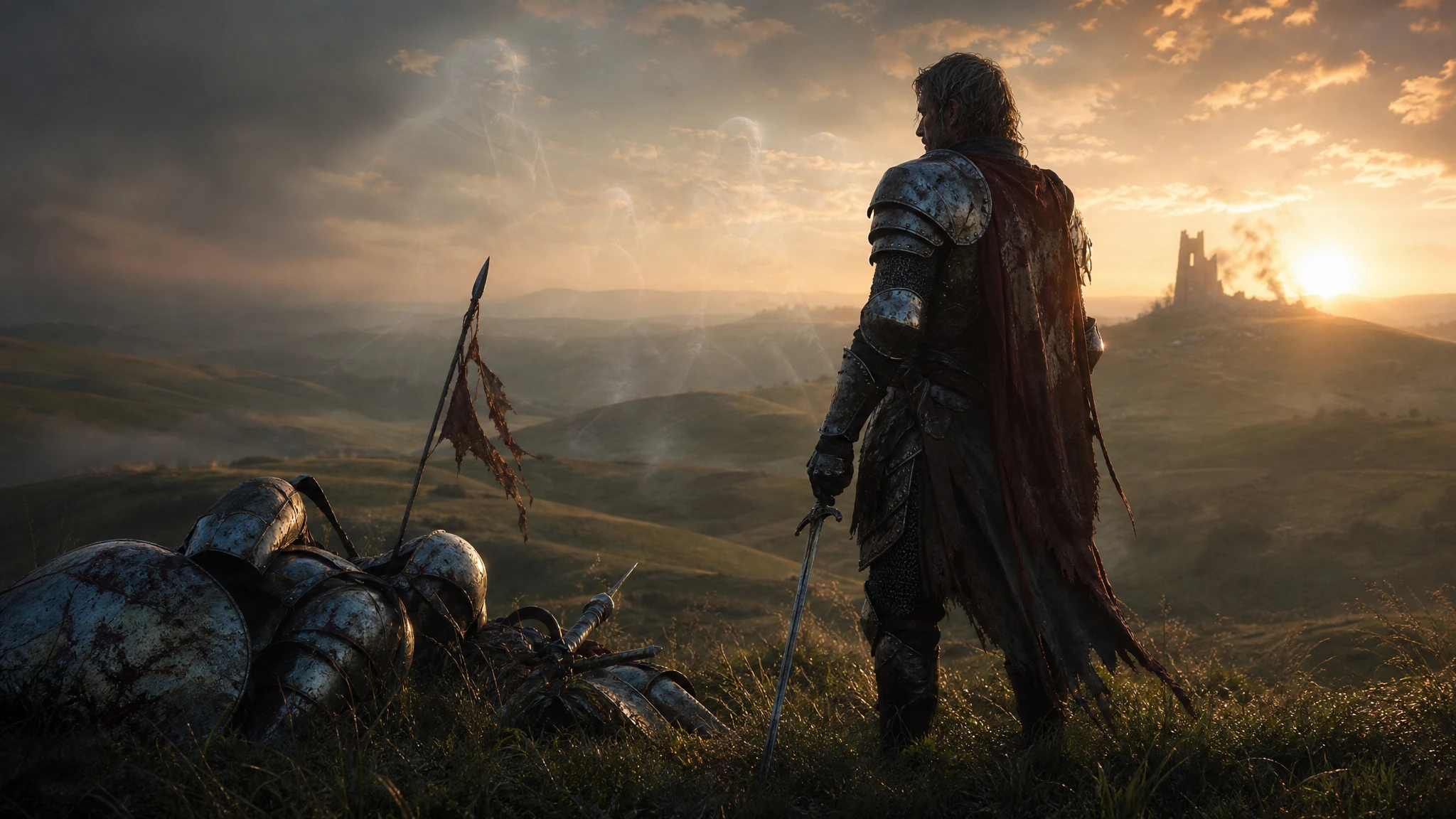
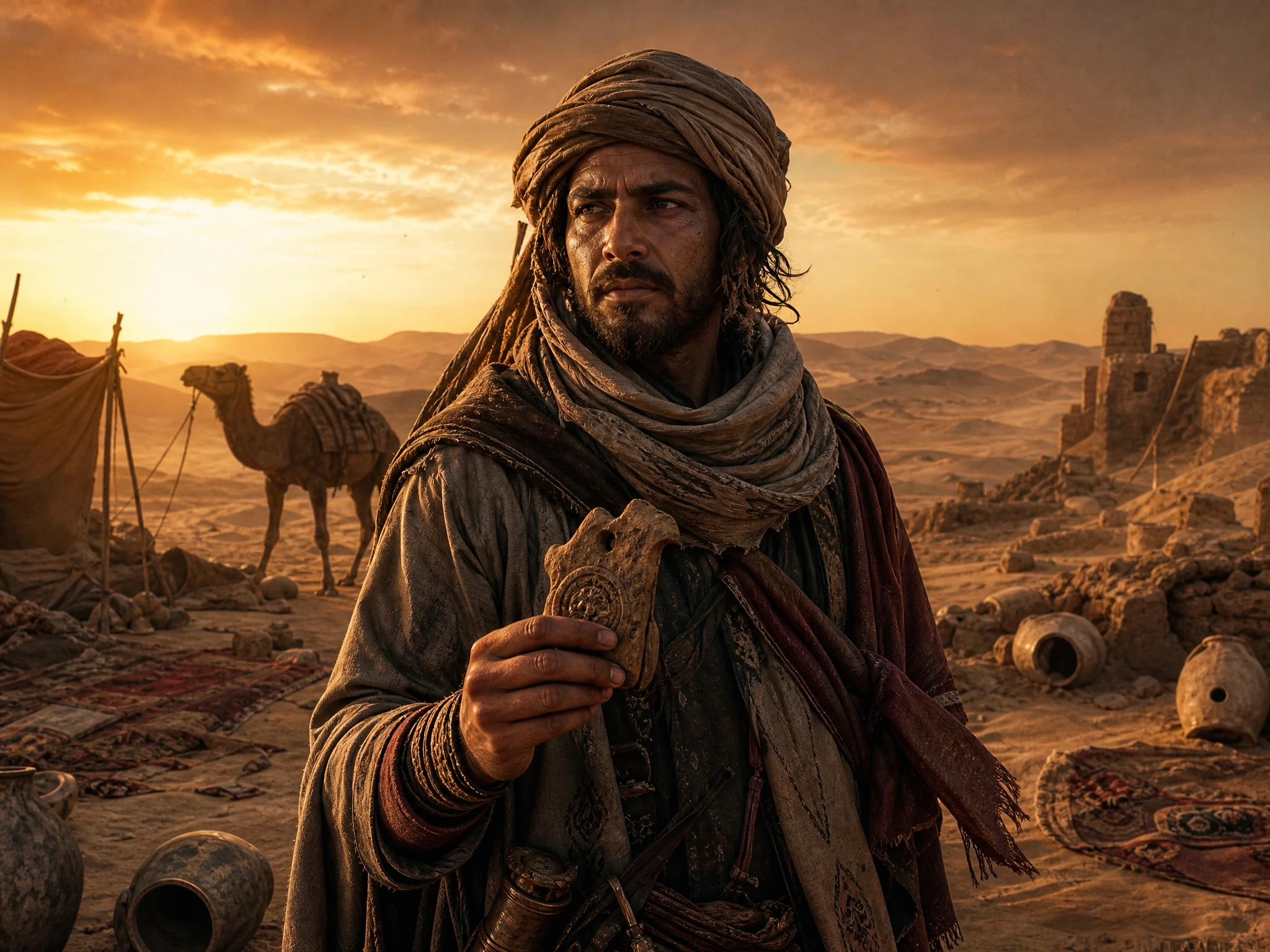
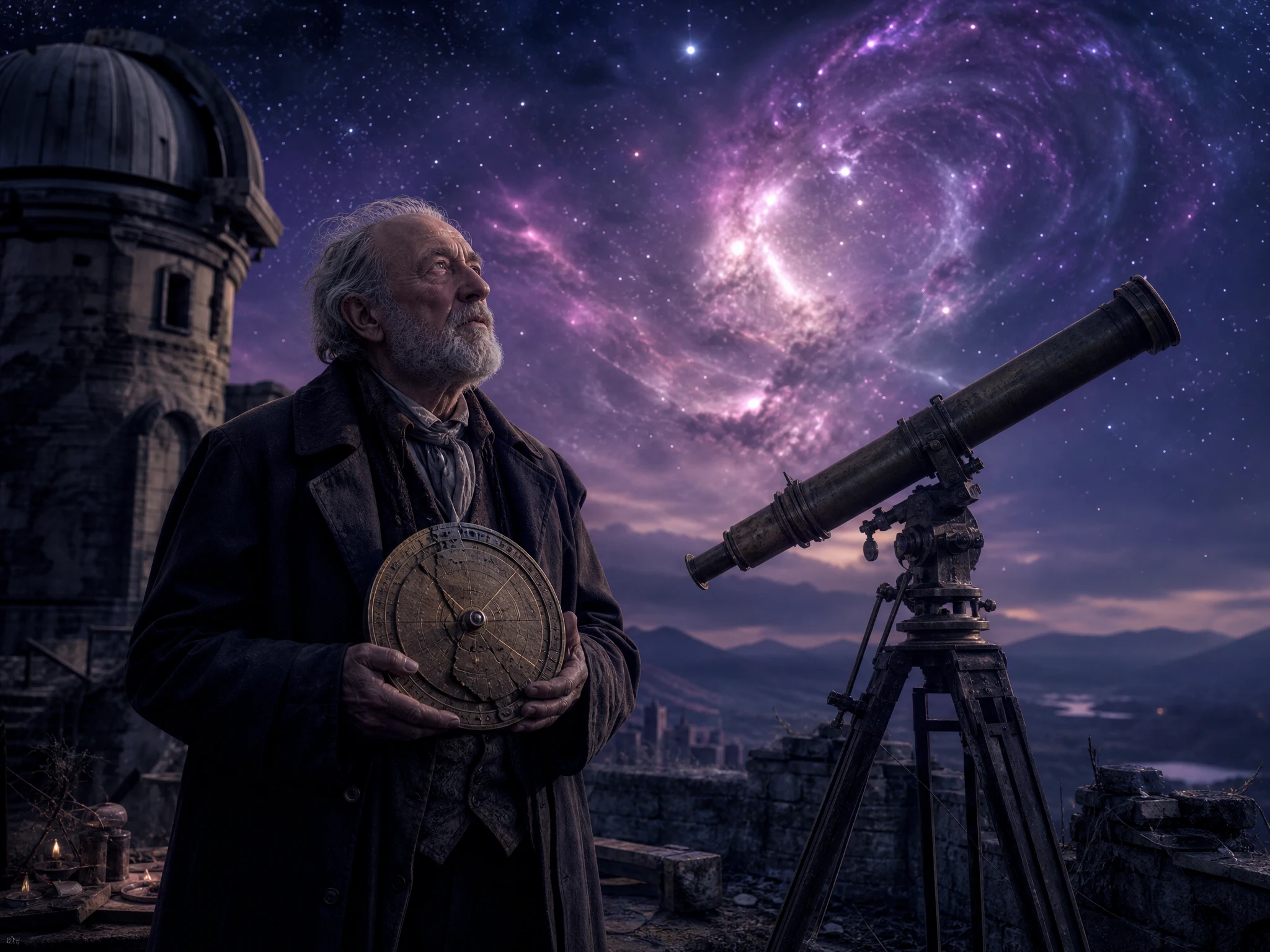
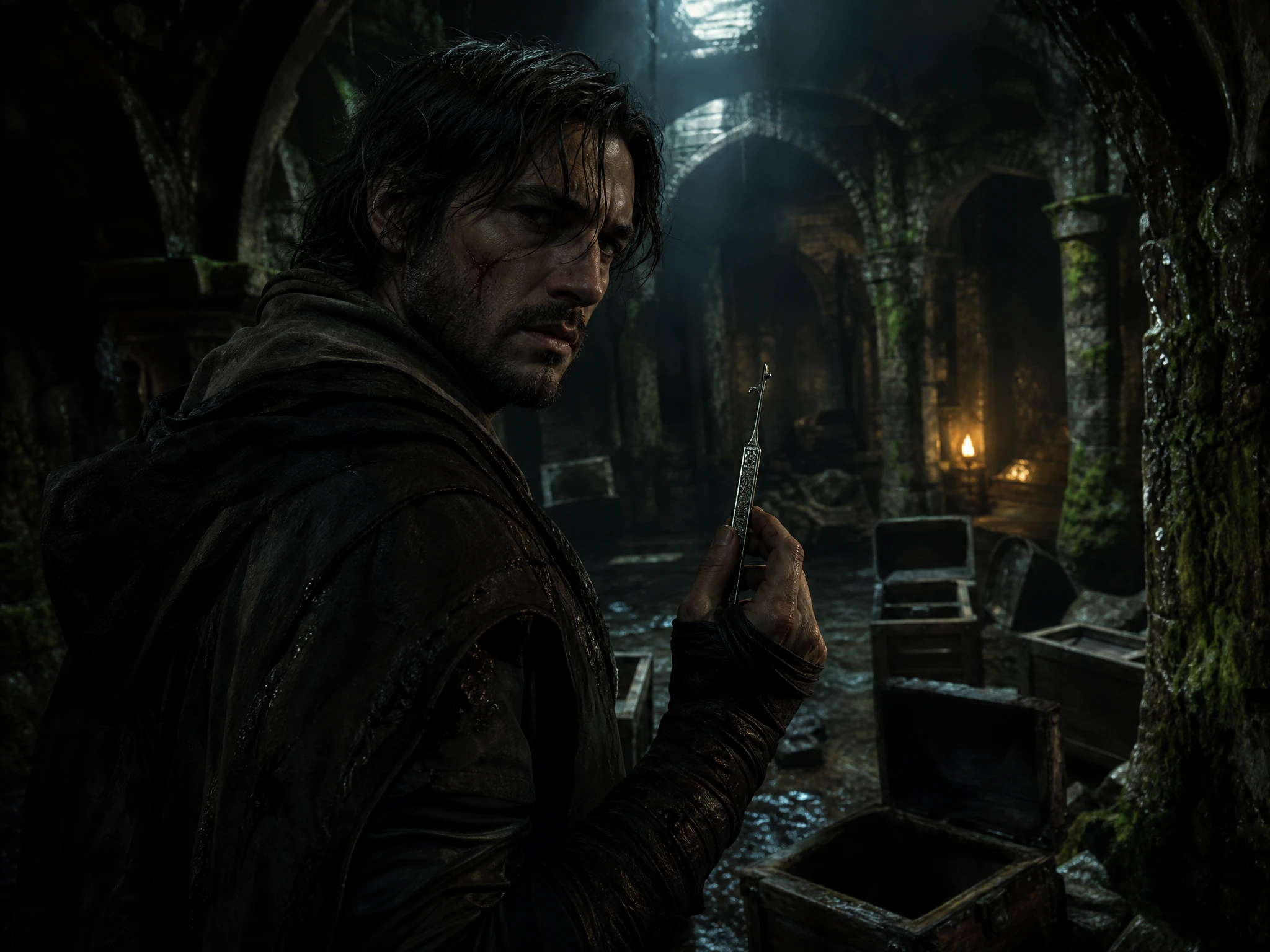
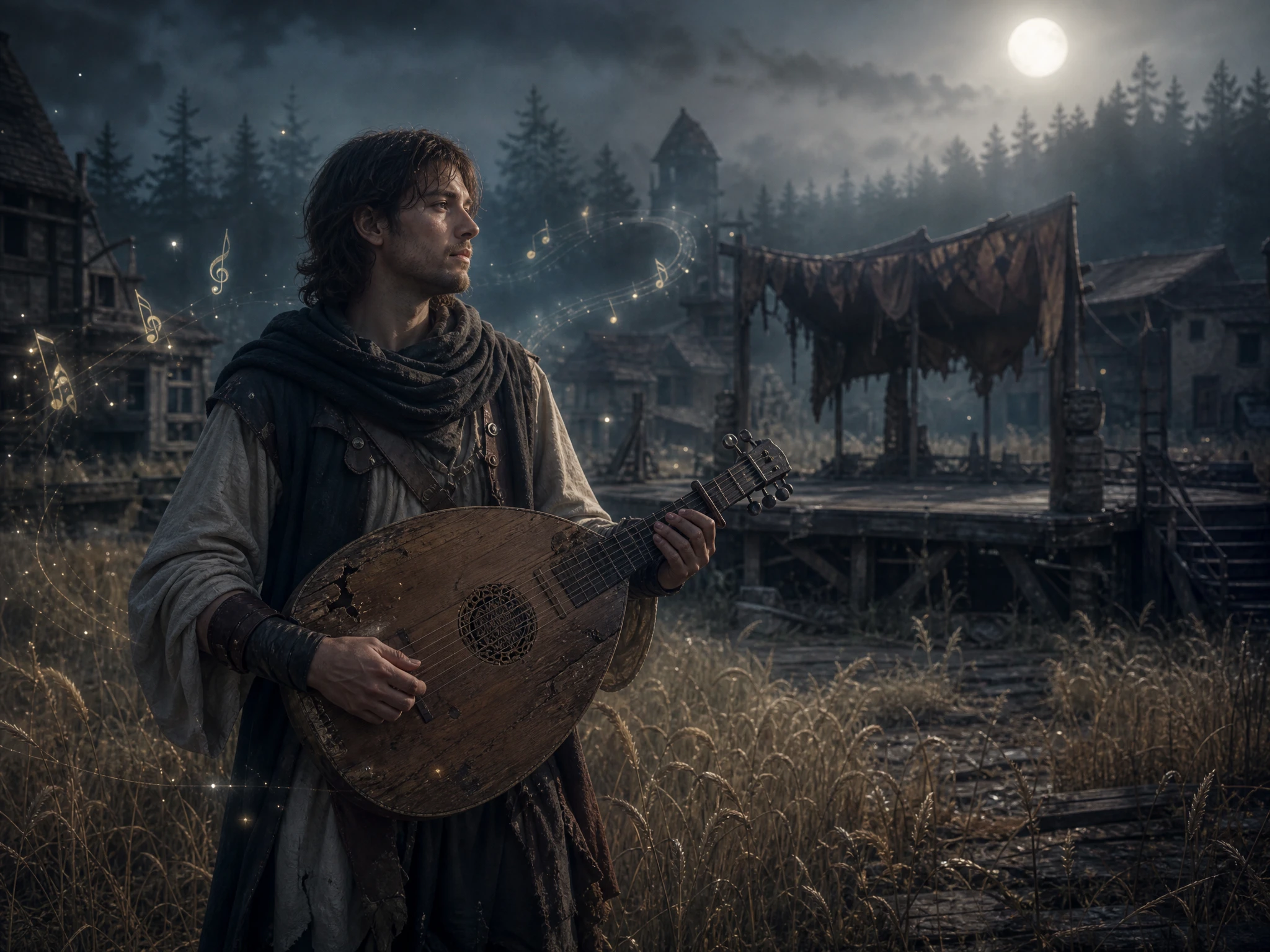
Give your character a past worth telling. Magiclight AI turns their origins, key memories, and defining moments into a narrated story video. No writing or editing skills required.
Top Features of theMagiclight AI Backstory Generator
Look beyond who your character is today and explore what shaped them. Inside the backstory generator, you can develop their appearance, memories, mood, and personal history.
Describe The Main Character in 1,000 Characters
Give your character a recognizable look before exploring their history. Describe their age, clothes, scars, hair, or other details in a profile of up to 1,000 characters.
Begin with the details you already have, such as a job, memory, relationship, or secret. MagicLight Agent turns those clues into a backstory script you can review and change.
A joyful homecoming should not sound like an old regret. Choose from 40 music tracks to give childhood scenes, losses, discoveries, and other memories the right feeling.
Give the finished backstory its own opening. Pick from 21 cover templates, add your character's name, and choose from 16 title styles to introduce the story.
A character's past can serve a different purpose in every story. The backstory generator helps writers, roleplayers, gamers, and creators shape histories that fit each idea.
Here are some of the use cases for Magiclight AI Backstory Generator:
For Novel Writers
Explore 14 story models when the lead's earlier life can take several paths.
Stretch a brief childhood memory or old secret further with AI Expand.
Fit longer histories into Magiclight AI with up to 12,000 characters of input.
For Roleplay Videos
Turn a few personal clues into a fuller history with MagicLight Agent.
Introduce your roleplay persona with one of 21 character cover templates.
Give their spoken memories a fitting sound from 37 available voices.
For Game Heroes
Describe armor, scars, clothes, and other details in up to 1,000 characters.
Upload reference images when your custom hero already has a defined look.
Bring moments from their earlier life to motion with 16 animation models.
For Brand Mascots
Give your mascot an origin audiences can follow in any of 11 languages.
Match funny, warm, or adventurous beginnings with one of 40 music tracks.
Present the mascot's name and origin using any of 16 available title styles.
How to Use the Magiclight AI Backstory Generator
Trace your character's story back to where it all began. In 4 easy steps, the backstory generator takes you from a few personal details to a finished story video.
1.
Step 1. Start With What You Know
Enter memories, relationships, places, or secrets you already know. MagicLight Agent turns those clues into a backstory script, with up to 12,000 characters for your story ideas.
2.
Step 2. Give the Character a Look
Describe their face, clothes, age, scars, and other details in up to 1,000 characters. Magiclight AI also lets you upload reference images when you have a clear look in mind now.
3.
Step 3. Revisit a Defining Memory
Open a defining memory in Nano Storyboard and choose from 50+ poses to shape it. Show a goodbye, discovery, reunion, argument, or another event that shaped their whole past well.
4.
Step 4. Finish the Story Video
Choose from 37 voices and 40 music tracks, then add one of 21 cover templates. Generate the backstory in Magiclight AI and export your finished story video from 720p to 1080p HD.
What Users Say About Magiclight AI's Backstory Generator
Emily Carter
Fiction Writer
I knew exactly who my main character was in the present, but her earlier years were vague. Magiclight AI helped me turn a few old memories into a past I could actually work with.
Jordan Lee
Roleplay Creator
My character had plenty of personality but almost no history. I started with one old friendship, and Magiclight AI helped me turn that small detail into a much fuller origin.
Marcus Hill
Gaming Creator
I had already made my hero in a game, but I wanted to imagine who he was before the adventure. With Magiclight AI, I could give those earlier years their own story.
Rachel Adams
Brand Designer
Our mascot already had a look and personality, but no real beginning. We used Magiclight AI to create an origin that explained where the character came from and what shaped it.
Four things cover most characters: where they grew up, who raised them, one event that changed them, and one secret. Magiclight AI writes any of the four you leave out.
Is a name enough to get a backstory?
A name can get you started, but adding a job, fear, memory, or relationship gives Magiclight AI more direction. The backstory generator supports story input of up to 12,000 characters.
How much backstory should go into my story?
Less than you think. Readers need only the parts that explain what a character does now, so keep the full Magiclight AI version as notes and reveal it in small pieces.
Does a good backstory need a tragedy?
No. A happy childhood can explain a character just as well, like a hero who is brave because she always felt safe. Request a warm past in Magiclight AI if a dark one feels forced.
Can I change the backstory after it is written?
Yes. Change any sentence of the Magiclight AI script before you generate, or ask for a new version of one part, like a different hometown, and keep the rest as it is.
Can I turn my character's backstory into a video?
Yes. Magiclight AI can bring the history into a story video with 16 animation models, 37 voices, 40 music tracks, and export resolutions ranging from 720p to 1080p.
Create Character Backstory Videos With Magiclight AI
Go beyond your character's present. Use the backstory generator with Magiclight AI to uncover their earlier years and turn that history into a video.