What MagicLight AI Uncensored Video Generator Offers
Begin with a concept, end with a complete AI video. MagicLight AI’s uncensored video generator creates unfiltered videos with scenes and styles ready to post.

Turn your ideas into complete AI videos with flexible storytelling, visual styles, voices, and creative control. You don’t need any prior experience for it.
Create AI Videos For Free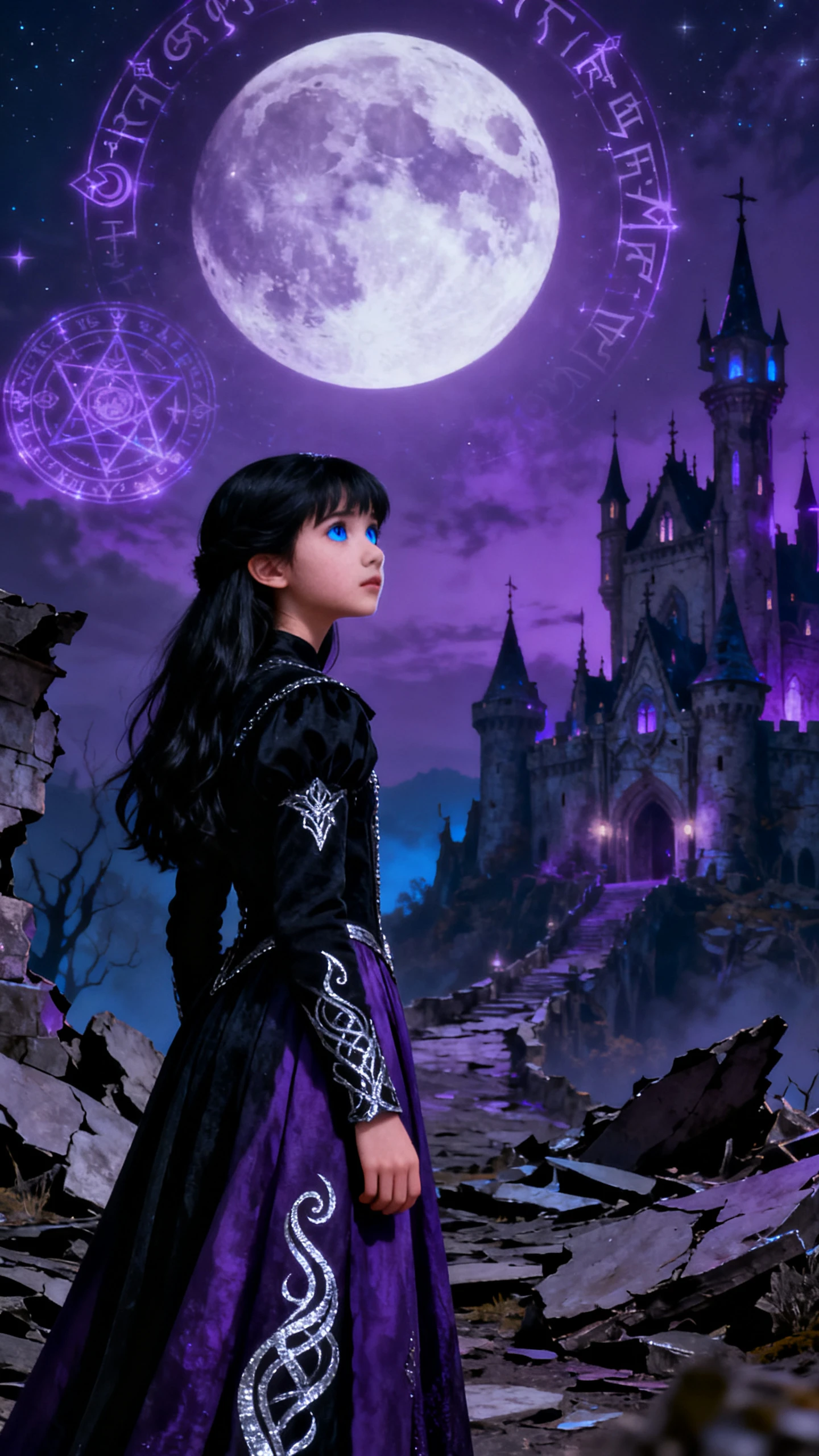
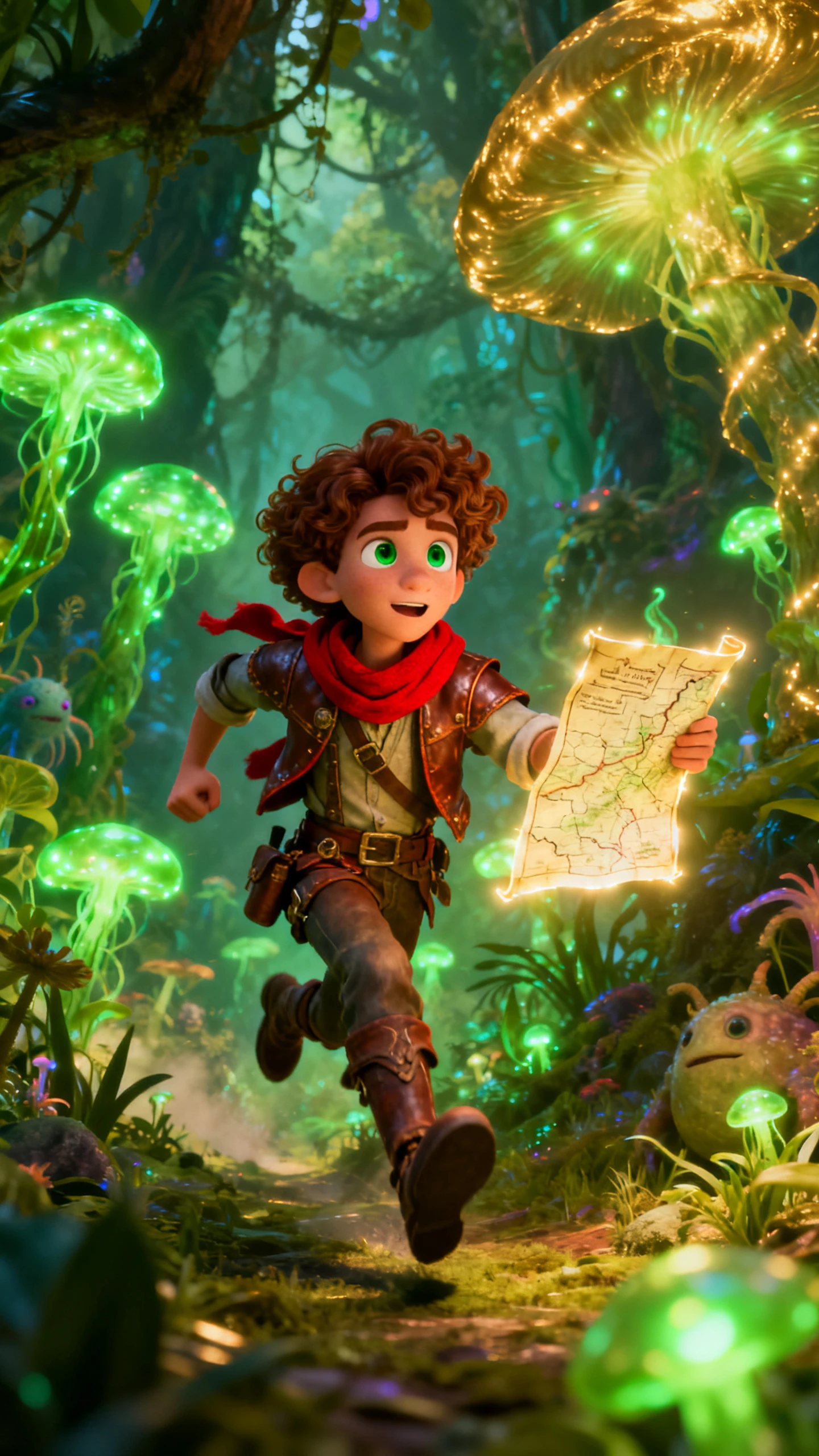
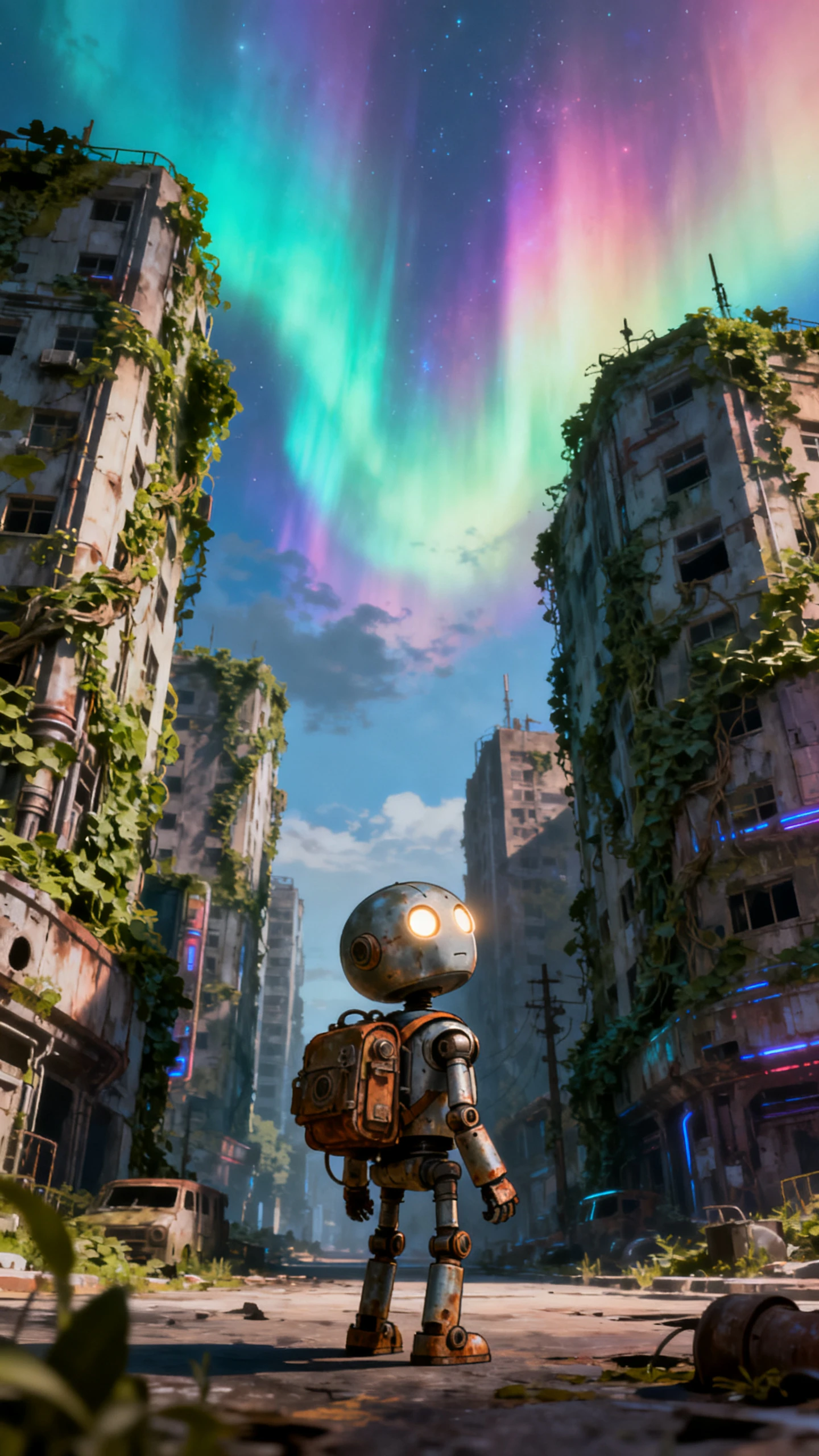
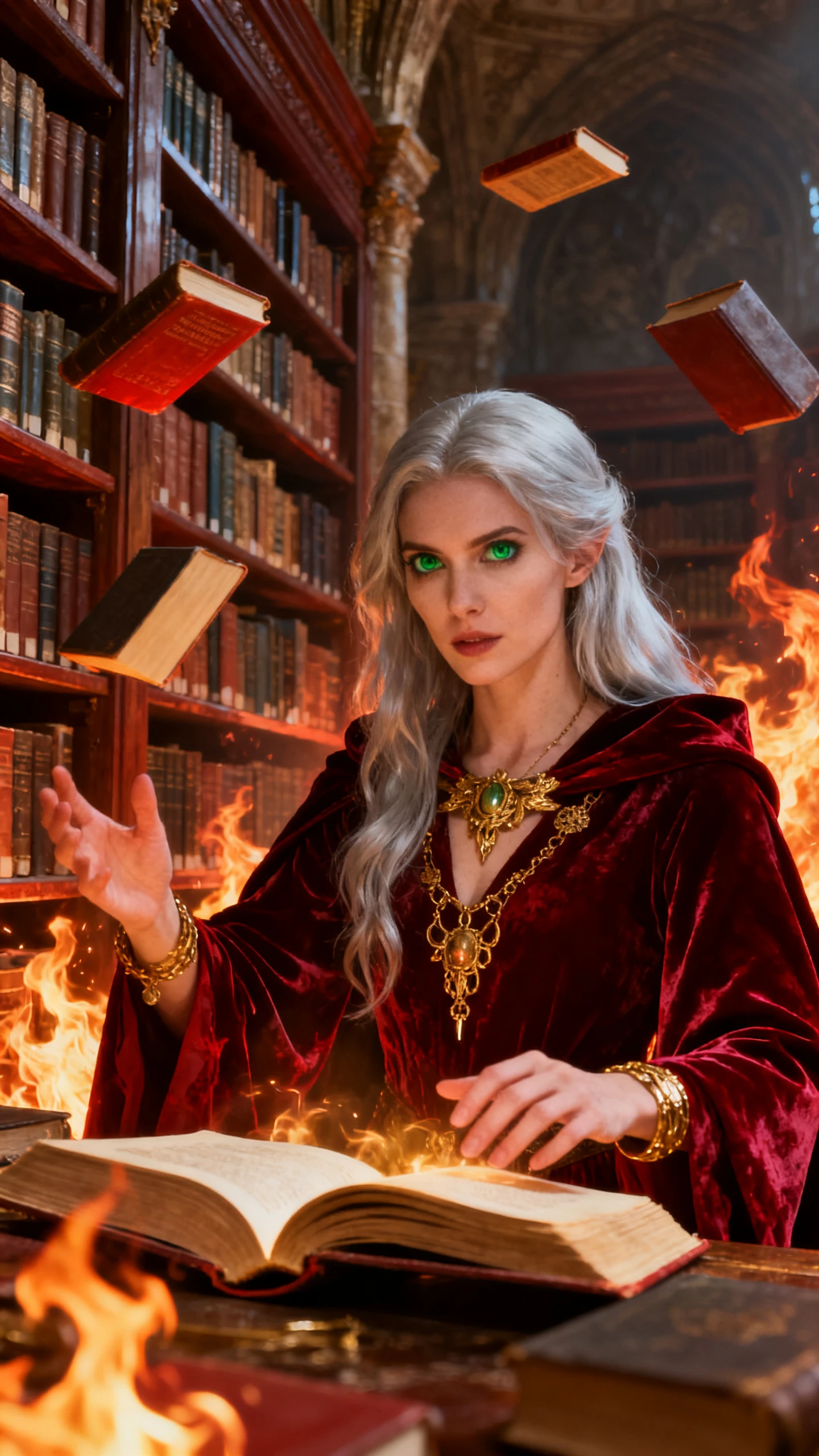
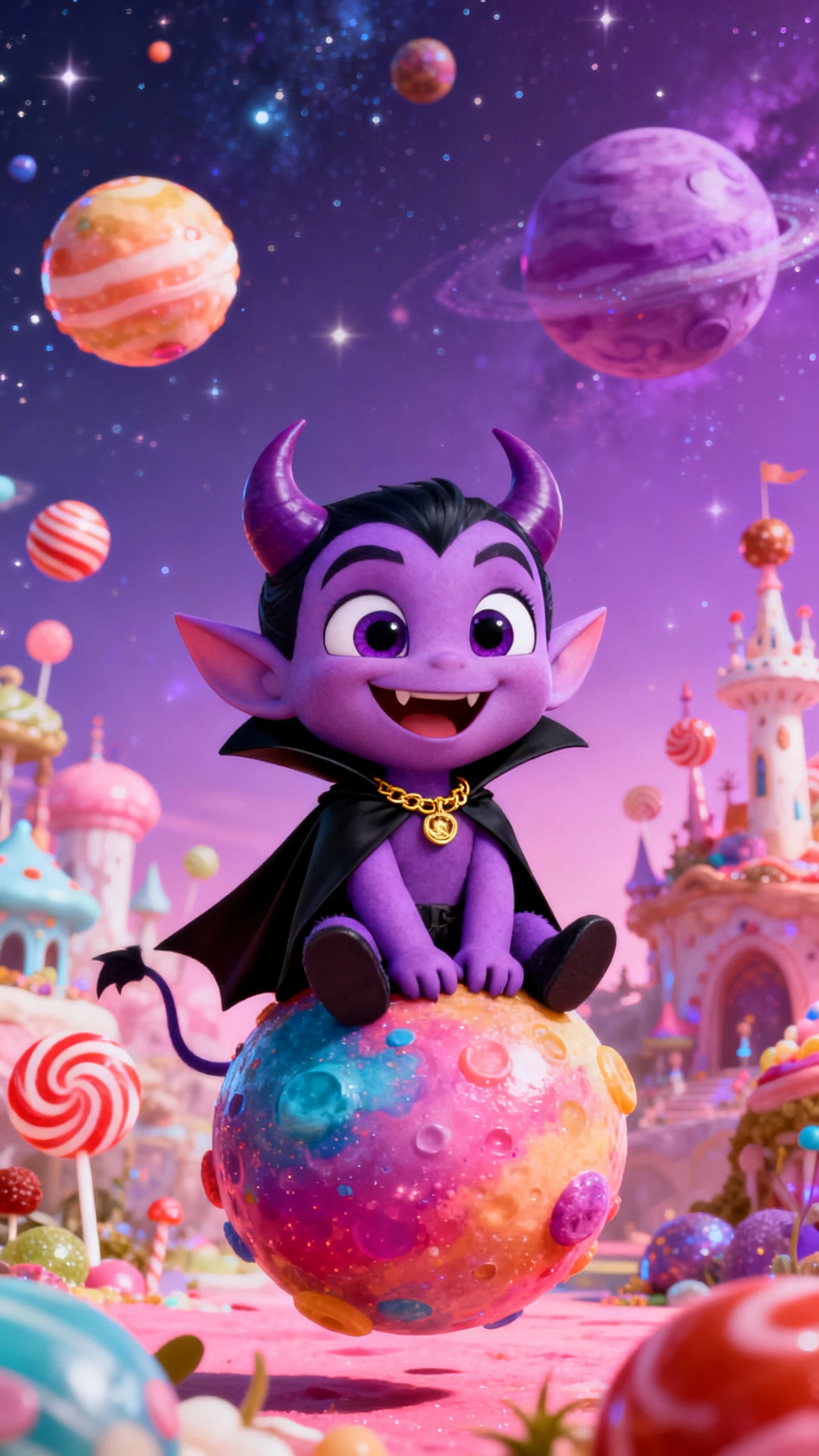
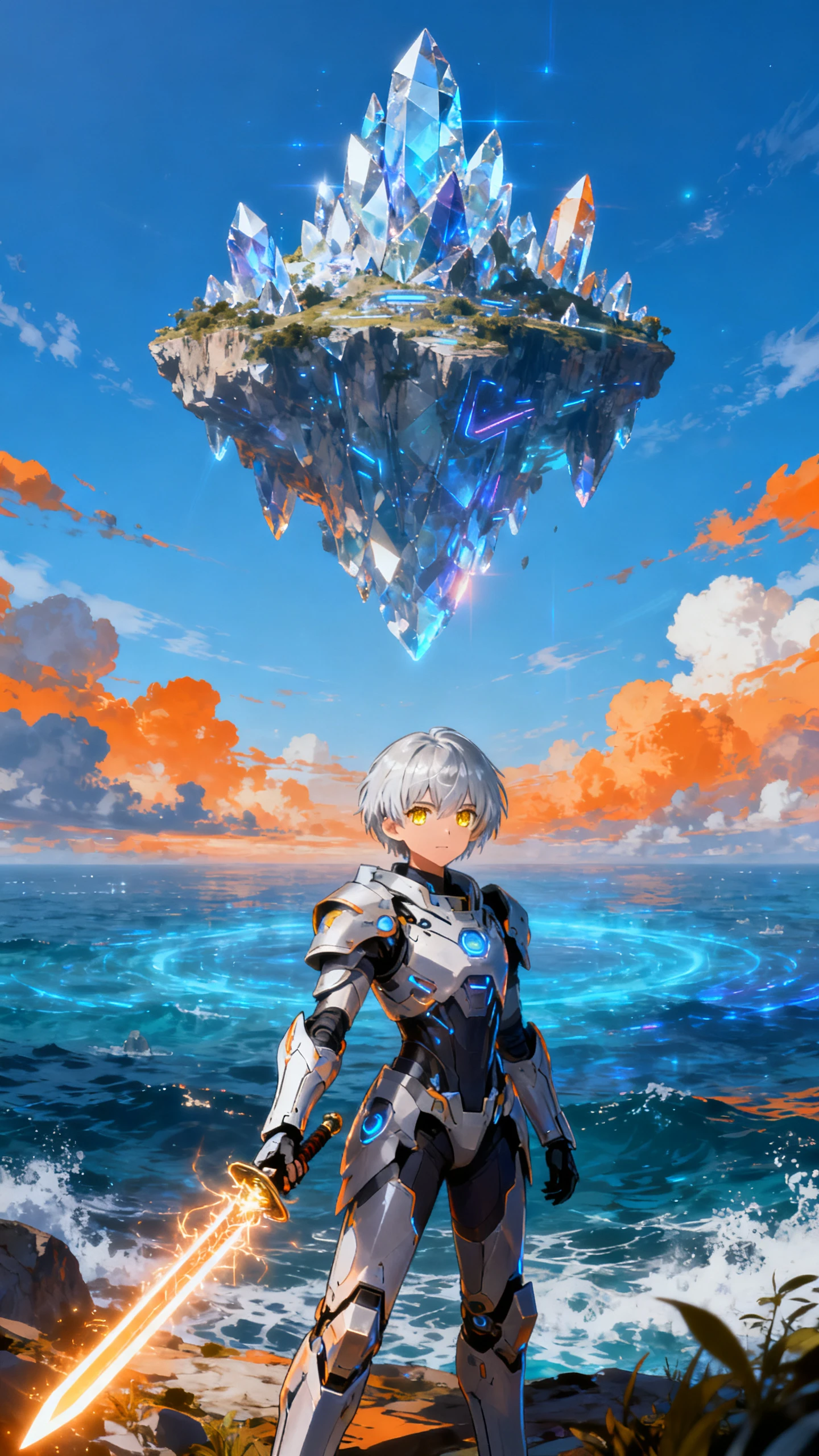
Begin with a concept, end with a complete AI video. MagicLight AI’s uncensored video generator creates unfiltered videos with scenes and styles ready to post.

MagicLight AI creates imaginary characters. Describe character appearance, personality, and visual details to create unique AI-generated characters.
Upload a story script, and MagicLight AI shapes your story with different video models like Seedance 2.0, Kling 3.0, and more.
Easily create AI videos from images with Magiclight AI. Use a 1500-character prompt to determine the video style.
Export videos in different formats, including 16:9 and 9:16, for platforms such as X, and other social channels.


The MagicLight AI’s story-to-video tool guides you through 4 simple steps, from an idea to a fully completed AI video.
Begin by copying a sentence or pasting a complete script or story idea. Use the subject, action, mood, and settings you are thinking of generating.
Choose a style that is appropriate for your bold story. Select one of 37 narrators or create your own voice to maintain consistency throughout the video.
Go to the storyboard before generating the video. Modify the character positions, camera angles, and facial expressions so that each scene remains true to your original idea.
Check the final clip for anything missing, then download it in HD (720p or 1080p). Ready for YouTube, TikTok, or anywhere else while keeping your original creative direction.
MagicLight AI's uncensored video generator allows creators more flexibility in storytelling, visual styles, and creative direction.
MagicLight AI provides a broader selection of themes beyond the typical conflict and darker ones, which are often restricted by other tools.
Yes. MagicLight AI’s uncensored video generator offers multiple uncensored videos from the same concept and stitches them together into a single video if necessary.
You can create a short clip or an entire episode using Magiclight AI's uncensored story-to-video feature, which supports videos up to 50 minutes long.
Pick from 20+ styles, including realistic, cartoon, or animated looks in the MagicLight AI. Switch between them freely, with no style restrictions based on the mood of your story.
Yes. In MagicLight AI, you can edit, add, or remove pacing or re-create visuals before final export. You can edit your generated video from the My Project option.



Bring your bold ideas to life with more creative flexibility.